• Export beautiful email templates straight to Outlook Web.

    No more copy-pasting code or uploading files. Postcards connects straight to Outlook Web for you.

    Try Postcards for Free
  • Postcards Email Builder

Postcards → Outlook Web: A new and more convenient integration.

Design, customize, and send email templates faster than ever. Ready to go to Outlook Web in only a few clicks.

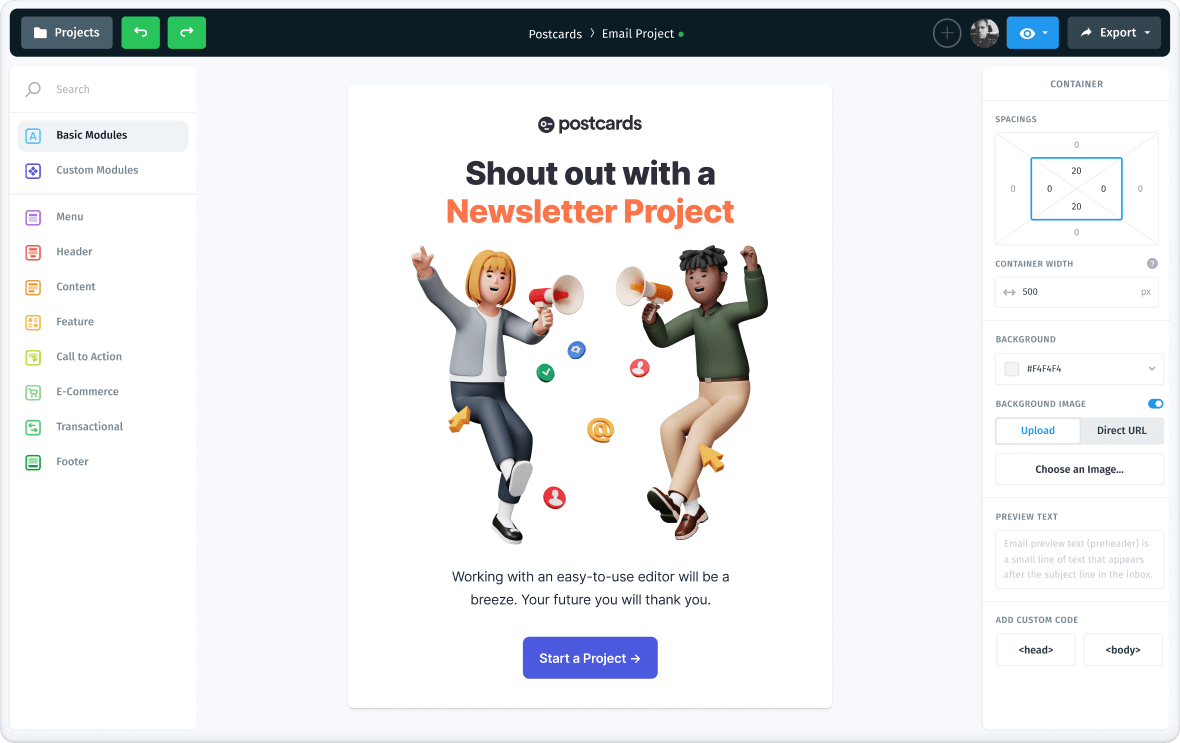
    • Drag & drop email template builder

      Stack your modules together in order to create the template structure you want.

    • Customize your content with ease

      Add your images, texts and links using the intuitive no-code email editor.

    • Customize the mobile version of your email template

      Effortlessly manage and customize the mobile version of your email templates.

    • Simple export to your email marketing platform

      One-click export the template to Mailchimp, HubSpot or as plain HTML file to upload anywhere.

  • 1
    Create in Postcards

    Choose a template and use our drag-and-drop builder to tailor it to your brand.

  • 2
    Export to Outlook Web

    Hit the Export button and connect your Outlook account. Do it once and you're set for unlimited exports.

  • 3
    Send from Outlook Web

    That's it! Your template is already waiting in Outlook Web. See its live preview instantly and make final edits before sending. Watch the tutorial.

All the tools to design and export seamlessly to Outlook Web.

Postcards brings together efficient design tools and one-click Outlook Web export so you can go from idea to ready-to-send emails without roadblocks.

  • Brand Presets
    Brand Presets

    Effortlessly apply preset to fonts, buttons, colors, links, texts and beyond.

  • Real-Time Team Collaboration
    Real-Time Collaboration

    Allows multiple users to work together on the same project seeing each other’s cursors.

  • Email Templates Gallery
    Email Templates Gallery

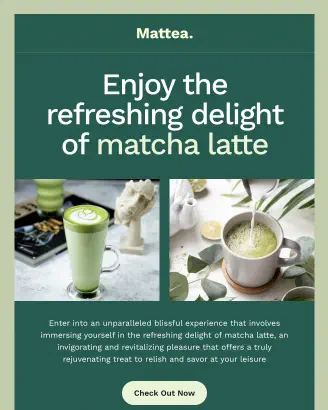
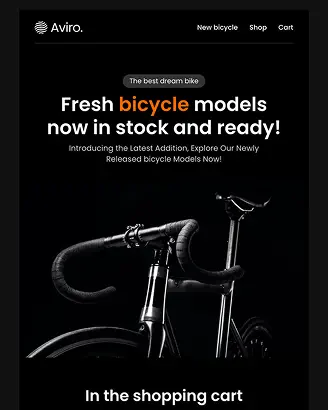
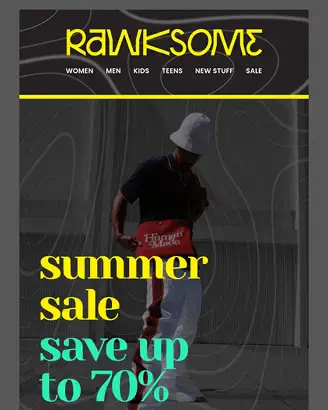
    A diverse collection of pre-designed email templates for every occasion.

  • Custom Fonts Support
    Custom Fonts Support

    Upload free or purchased fonts that align more closely with your brand's identity.

  • Layout View
    Layout View

    Easily move through modules and elements, rearrange them, hide, or add new ones.

  • Global CDN Access
    Global CDN Access

    Deliver images and fonts fast through our content delivery network across locations.

  • Multi-Select Edit
    Multi-Select Edit

    Select to quickly edit common parameters in multiple elements or modules.

  • Powerful Image Editor
    Powerful Image Editor

    Crop, resize, fine-tune, and apply creative filters directly in the new Image Library.

  • AI Assistant
    AI Assistant

    Upgrade your copywriting skills with ChatGPT’s powerful language models.

  • Version History
    Version History

    Securely access and restore previous files from anywhere with cloud backup.

  • Modular System
    Modular System

    Customize, arrange, and stack pre-made creative options for stunning designs.

  • Manage Content
    Manage Content

    Enhance modules with text, links, and images using hyper-intuitive visual editor.

  • Project Management
    Project Management

    Stay organized with accessible folders, backed up for your peace of mind.

  • Mobile Ready
    Mobile Ready

    Create fully responsive, retina-ready emails optimized for desktop and mobile viewing.

  • External Image Support
    External Image Support

    Use external images links to self-host and take the images under control.

  • Unlimited Exports
    Unlimited Exports

    Unlimited email templates for Pro users: Export as many as you or your customers need.

  • One-click Export
    One-click Export

    It’s just one magical click to export to your favorite email marketing tool.

  • Google Fonts
    Google Fonts

    Choose from ~1,600 Google Fonts to complement your design.

  • Direct Email Preview
    Direct Email Preview

    Send and verify templates directly through your or your teammate's email client.

  • Clean Code
    Clean Code

    We export the code that’s easy to understand and easy to change if you have to.

Gray Ball

20K+
companies use Postcards

Korey Beaver

Korey Beaver

Marketing Operations Manager

Hands down the most intuitive email builder I've ever used. Here are a few reasons why:

•  Drag-and-drop content modules are well designed and actually useful!
•  In my experience, emails always export mobile-friendly.
•  HTML is always clean and easy to modify after exporting.
•  Very clean and snappy interface.
•  Images hosted online with no manual management!
•  Simple project/folder hierarchy.

And many more.

Caitlin Davies

Caitlin Davies

Marketing and Client Relations Coordinator

I like that it is easy to use, and I don't need to know how to code. We send emails through Pardot, and I am easily able to export the HTML code and just paste it right into Pardot.

Murat Mutlu

Murat Mutlu

Co-Founder/CEO at Marvel

We were looking for something that gave our marketing team more control over email layouts without having to deal with the complicated module builder in Hubspot. Postcards is super simple to use and means we can quickly create different emails for different segments.

Jason Pittock

Jason Pittock

Senior Sales Consultant at Ergeon

What do I like best? The clean designs!
From top to bottom they are flawless. When you communicate internally or externally to an audience, the initial impression and impact is created in the first couple of seconds. Design is paramount. Using Postcards has allowed me to send amazing emails to my customers and create that wow impact every time you open them.

Cutting edge design, and user friendly are just a few attributes of this stunning email builder. Well done Designmodo!

Prashant Shah

Prashant Shah

Have quite a knack for Marketing

I have been using Postcards to create email templates for over a year, and it's among my favourite tools that I've recommended to several marketers since I discovered it.

Michael Tchong

Michael Tchong

Founder of Ubercool Innovation

Postcards works the way all digital tools should work, easily and intuitively. Creating well-designed emails with Postcards is a breeze, which is quite a feat in a world of email clients.

Tyler McIntyre

Tyler McIntyre

Founder at Novo Bank

Postcards email builder is awesome. It allows us to design emails in minutes and know they work on all devices. It used to take our designers weeks to get them responsive with back and forth from our different teams.

Simon Brint

Simon Brint

Marketing Manager at VoxSmart

Quite literally has revolutionised the way I do email. Saves me so much time not having to fiddle arounded with html for ages!

Giovanni Di Rossi

Giovanni Di Rossi

Designer, Marketing and Advertising

Postcards offers a wide range of options for customizing email templates, and their customer support team is readily available to assist with any issues that may arise. This level of support is uncommon in today's digital landscape, making Postcards a crucial tool for anyone who is serious about their email marketing strategy.

The drag and drop feature is user-friendly and easy to navigate. I also appreciate the ability to easily embed links into text and buttons, as opposed to other tools that require the use of HTML.

Francesco Cutolo

Francesco Cutolo

Design Systems Manager at Klarna

We currently use Postcard in our growth team and planning to spread it across all the organization. Templates never fail a check test on Litmus, really a great tool!

Lily Young

Lily Young

Marketing Director at Amigos de las Americas

We started using Postcards about a year ago, and since then, we've created some pretty dynamic email templates and print layouts! The interface is super easy to use and our emails got a much-needed refresh.

  • Send your next Outlook Web campaign in minutes.

    Stop wasting hours on clunky templates and manual uploads. With Postcards, your designs can now go straight into Outlook Web.

    Explore Outlook Email Templates
Hey there 👋 Friends from designmodo are here to help!