-
Export stunning email templates to HubSpot without coding.
The average designer spends 7.2 hours creating an email template. With Postcards, you can create beautiful, responsive designs 9x faster, converted to campaign-ready templates in HubSpot. Optimized for every device and OS. Not a line of code required.
Try Postcards for FreeOn any paid plan: generate it with AI Suite and export to HubSpot in one click.
-
-
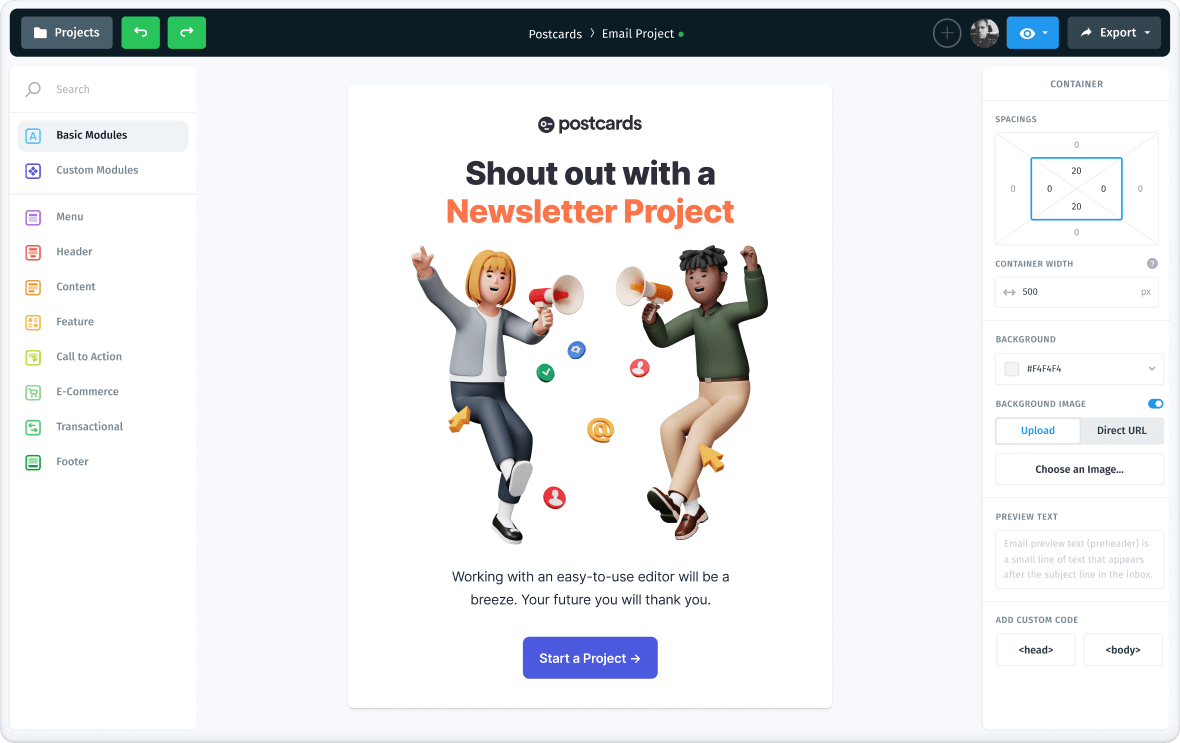
From Postcards to HubSpot in a few clicks.
Watch the Export menu at work: download the HTML ZIP, copy the code, or send the email straight to a connected platform.


Packed with features to make life simple.
Postcards’ feature-rich drag and drop email builder lets you create and customize email marketing templates with tomorrow’s biggest design trends. Trusted by thousands of startups and market leaders.
-
AI Creation
Generate production-ready email templates from a single plain-language prompt, built around your brand assets.
-
AI Editing & Transformation
Restyle, restructure, translate, and convert whole templates through one prompt.
-
AI Design Analysis
Run a full design audit flagging contrast, alignment, consistency, and copyright issues.
-
AI HTML Import
Bring your existing HTML emails into Postcards, uploaded or sent by email, and keep editing them right here. Available on paid plans.
-
AI Text Assistant
Shorten, expand, or rephrase any copy in the email to fit the space you have for it.
-
Switch Workspaces
Create as many Workspaces as you need, each with its own projects, members, and billing.
-

Email Client Preview
See how emails render in Gmail, Outlook, Apple Mail, and Yahoo across mobile and desktop. Available on paid plans.
-
Countdown Timers
A visible deadline for any sale or launch. Drop in a countdown, style it, and label it in any language.
-
AMP for Email
Add an accordion or image carousel readers use inside the inbox. Renders in Gmail, with an HTML fallback elsewhere.
-
Right-to-Left Languages
Type Arabic, Hebrew and other right-to-left text straight into the editor. The exported email keeps it reading right to left.
-
Unsplash & Pexels
Search free photos from Unsplash and Pexels in the image gallery and drop them straight into your email.
-

MCP / API
Let Claude, Cursor, or ChatGPT reach your projects over MCP, or pull finished HTML from your own code with the API.
-

Mobile Ready
Create fully responsive, retina-ready emails optimized for desktop and mobile viewing.
-
ESP Export
It’s just one magical click to export to your favorite email marketing tool.
-

Clean Code
We export the code that’s easy to understand and easy to change if you have to.
-

Powerful Image Editor
Crop, resize, fine-tune, and apply creative filters directly in the new Image Library.
-

Custom Fonts Support
Upload custom fonts or pick from 1,900+ Google Fonts for your brand's identity.
-

Direct Email Preview
Send and verify templates directly through your or your teammate's email client.
-
Share Preview Links
Send a private or public link to any project, so people can review it without an account.
-

Gmail Promotions Tab
Stand out in Gmail’s Promotions tab with rich images, deals, and discount codes right in the inbox.
-

Unlimited Exports
Unlimited exports for Pro users: Export as many templates as you or your customers need.
-

Real-Time Collaboration
Allows multiple users to work together on the same project seeing each other’s cursors.
-

Version History
Securely access and restore previous files from anywhere with cloud backup.
-

Global CDN Access
Your email’s images and fonts load fast everywhere, served by our global CDN.
-

External Image Support
Use external image links to self-host and keep your images under control.
-
Export to PDF, PNG & JPG
Save the finished design as a file when someone needs to sign it off outside email.


10K+
companies use Postcards

Korey Beaver
Marketing Operations Manager
Hands down the most intuitive email builder I've ever used. Here are a few reasons why:
• Drag-and-drop content modules are well designed and actually useful!
• In my experience, emails always export mobile-friendly.
• HTML is always clean and easy to modify after exporting.
• Very clean and snappy interface.
• Images hosted online with no manual management!
• Simple project/folder hierarchy.
And many more.

Caitlin Davies
Marketing and Client Relations Coordinator
I like that it is easy to use, and I don't need to know how to code. We send emails through Pardot, and I am easily able to export the HTML code and just paste it right into Pardot.

Murat Mutlu
Co-Founder/CEO at Marvel
We were looking for something that gave our marketing team more control over email layouts without having to deal with the complicated module builder in HubSpot. Postcards is super simple to use and means we can quickly create different emails for different segments.

Jason Pittock
Senior Sales Consultant at Ergeon
What do I like best? The clean designs!
From top to bottom they are flawless. When you communicate internally or externally to an audience, the initial impression and impact is created in the first couple of seconds. Design is paramount. Using Postcards has allowed me to send amazing emails to my customers and create that wow impact every time you open them.
Cutting edge design, and user friendly are just a few attributes of this stunning email builder. Well done Designmodo!

Prashant Shah
Have quite a knack for Marketing
I have been using Postcards to create email templates for over a year, and it's among my favourite tools that I've recommended to several marketers since I discovered it.

Michael Tchong
Founder of Ubercool Innovation
Postcards works the way all digital tools should work, easily and intuitively. Creating well-designed emails with Postcards is a breeze, which is quite a feat in a world of email clients.

Tyler McIntyre
Founder at Novo Bank
Postcards email builder is awesome. It allows us to design emails in minutes and know they work on all devices. It used to take our designers weeks to get them responsive with back and forth from our different teams.

Simon Brint
Marketing Manager at VoxSmart
Quite literally has revolutionised the way I do email. Saves me so much time not having to fiddle arounded with html for ages!

Giovanni Di Rossi
Designer, Marketing and Advertising
Postcards offers a wide range of options for customizing email templates, and their customer support team is readily available to assist with any issues that may arise. This level of support is uncommon in today's digital landscape, making Postcards a crucial tool for anyone who is serious about their email marketing strategy.
The drag and drop feature is user-friendly and easy to navigate. I also appreciate the ability to easily embed links into text and buttons, as opposed to other tools that require the use of HTML.

Francesco Cutolo
Design Systems Manager at Klarna
We currently use Postcard in our growth team and planning to spread it across all the organization. Templates never fail a check test on Litmus, really a great tool!

Lily Young
Marketing Director at Amigos de las Americas
We started using Postcards about a year ago, and since then, we've created some pretty dynamic email templates and print layouts! The interface is super easy to use and our emails got a much-needed refresh.
-


-
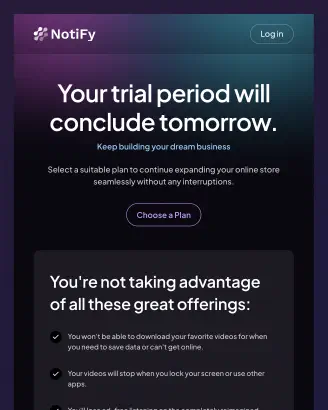
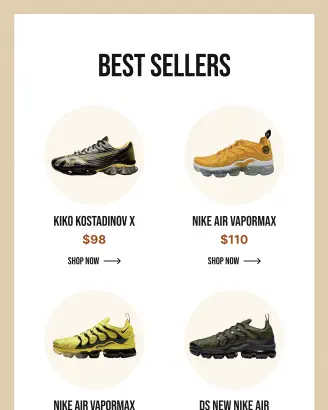
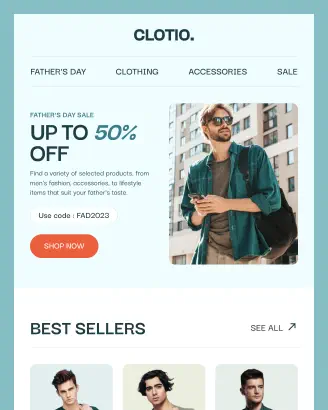
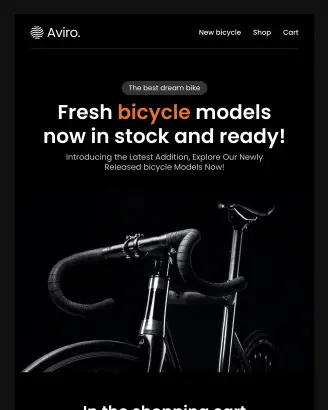
HubSpot Email Templates to spark your start.
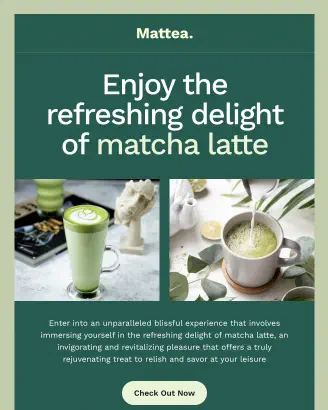
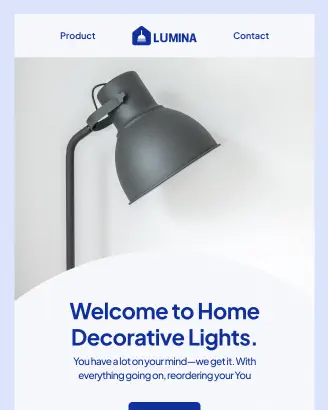
Get started faster with gorgeous, pre-designed templates, ready to export straight to your marketing tool.
HubSpot Email Templates