Best 13 AI Email Marketing Tools to Try in 2026
The best AI tools for email marketing to try in 2026 include:
- Postcards by Designmodo
- Designmodo’s free AI tools
- Unspam.email for deliverability and inbox placement
- Grammarly for AI-powered copywriting
- ActiveCampaign for predictive sending and automation
- Lavender AI for personalization and tone
- Kit for creator-focused email campaigns
- SmartWriter for personalized outreach
These tools use artificial intelligence to automate campaign creation, improve inbox placement, and tailor messages at scale.
In this article, we’ll explore what you can do using these tools.
Why Use AI Tools in Email Marketing?
As a small yet crucial direction of digital marketing, email marketing may greatly benefit from AI tools and machine learning. Businesses deal with many subscribers with varied preferences, needs, demographics, ages, and other factors and characteristics. Each entry should be analyzed to identify behavior patterns. AI is the best at handling such bulk data, making almost no mistakes and taking almost no time.
A subscriber database constantly replenishes as the company grows and expands. Without automation, it is almost impossible to support this scale.
Regular revisions and cleaning are obligatory to maintain a healthy list and increase delivery rates. Again, AI is the one that tackles this task quickly.
Email marketing strategy greatly benefits from automation and machine learning that do chores and suggest improvements for accessibility, deliverability, responsiveness, and content value in real time.
With Postcards Email Builder you can create and edit email templates online without any coding skills! Includes more than 100 components to help you create custom emails templates faster than ever before.
Free Email BuilderFree Email TemplatesFinally, AI platforms and software unify various marketing efforts under one roof, making email marketing a crucial part of the customer acquisition routine.
In real-world applications, AI does these tasks:
- Define email subject lines that perform better with individuals and specific groups of subscribers.
- Determine time slots when the recipient tends to open the email.
- Identify the optimal frequency for sending emails.
- Suggest what content, segments, or products to include in the email.
- Break subscribers into groups to create segmented lists and regroup them if necessary.
- Identify ways and behavior patterns in how recipients interact with emails to spot similarities and future trends.
- Define which products would appeal to a particular buyer and compile a list of recommendations.
- Personalize the newsletter’s content, design, and elements to engage subscribers better.
- Streamline workflow and overall processes.
- Sift through big data in real-time.
- Analyze big data according to specific criteria.
- Clean the list to remove inactive subscribers or update information for specific entries.
- Categorize email lists according to criteria or information gathered from other clients.
- Build a design with a modern responsive layout and interactive features.
- Develop content.
- Customize email retargeting strategy.
- Go through consumer needs to identify the ideal customer.
- Provide predictive insights.
- Minimize manual errors and do chores.
The list of tasks is pretty long; however, there is nothing marketers cannot do on their own except to handle the bulk of data in a short time efficiently.
Despite this range of rather simplistic use-case scenarios, AI software may drastically streamline the workflow and bring numerous benefits to the company. This leads us to the pros and cons of using AI tools in email marketing. Let’s consider both the benefits and shortcomings of this AI technology so you can make an informed decision about switching to an AI-powered routine.
Top 13 AI Tools for Email Marketers
Let’s now explore the AI tools you and your fellow email marketers can use every day.
1. Postcards by Designmodo
The best way to acquaintance AI tools is to start with Postcards. It is a highly regarded email marketing tool that has already streamlined workflow for over five years, earning great reviews and serving thousands of customers worldwide.
Initially, Postcards is an email template builder with a handy, intuitive, feature-rich drag-and-drop playground that comes with numerous perks, including:
- Productive environment for team collaboration
- Flexible project management
- Cloud hosting for images
- Quick export to several popular ESPs
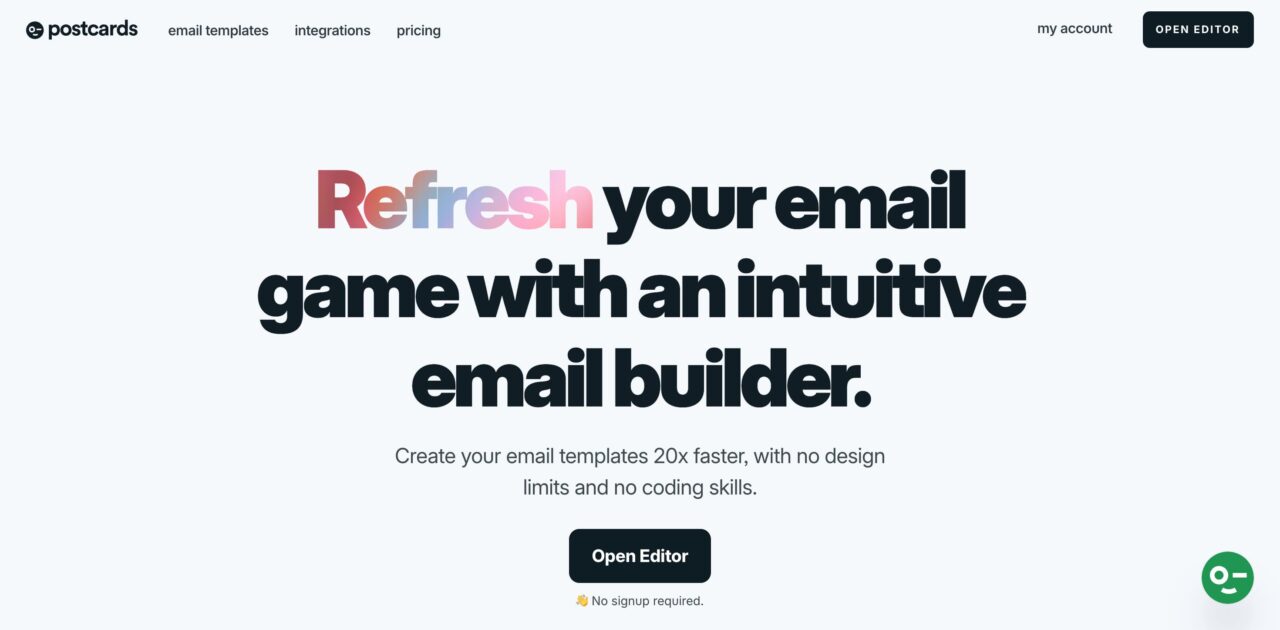
The team has included an AI-powered assistant that shortens the learning path and minimizes email marketers’ efforts with the software as much as possible. Just describe the newsletter you need for your campaign, and the assistant will create an HTML email template using its vast, regularly updated arsenal within seconds. You will get a modern, fully responsive newsletter tailored to your brand’s needs and preferences that requires just minor intervention.
With Pulsetic you’ll be instantly notified the moment your website, API, or server becomes unavailable. Monitor uptime from multiple global locations and respond to incidents before your users are affected.
Create beautiful status pages in minutes to keep customers informed during outages and build trust with transparent communication.
Start Monitoring for FreeThe AI assistant has dramatically improved the workflow in Postcards. It makes the most out of the builder within seconds, speeding up email campaigns and allowing companies to test strategies without losing precious time. The best part is that it does not require special technical or design skills or experience. The AI will do all the heavy lifting, guiding customers through the routine.
2. AI Email Subject Line Generator
47% of recipients open emails based only on the subject line. That’s why you need a lot of time to think of an opening that stands out.
But the Designmodo AI Subject Line Generator makes that easier. Instead of brainstorming from scratch, you describe what the email is about, who it’s for, the tone you want, and the preferred length of the subject line.
The AI then generates multiple subject line variations for you to choose from.
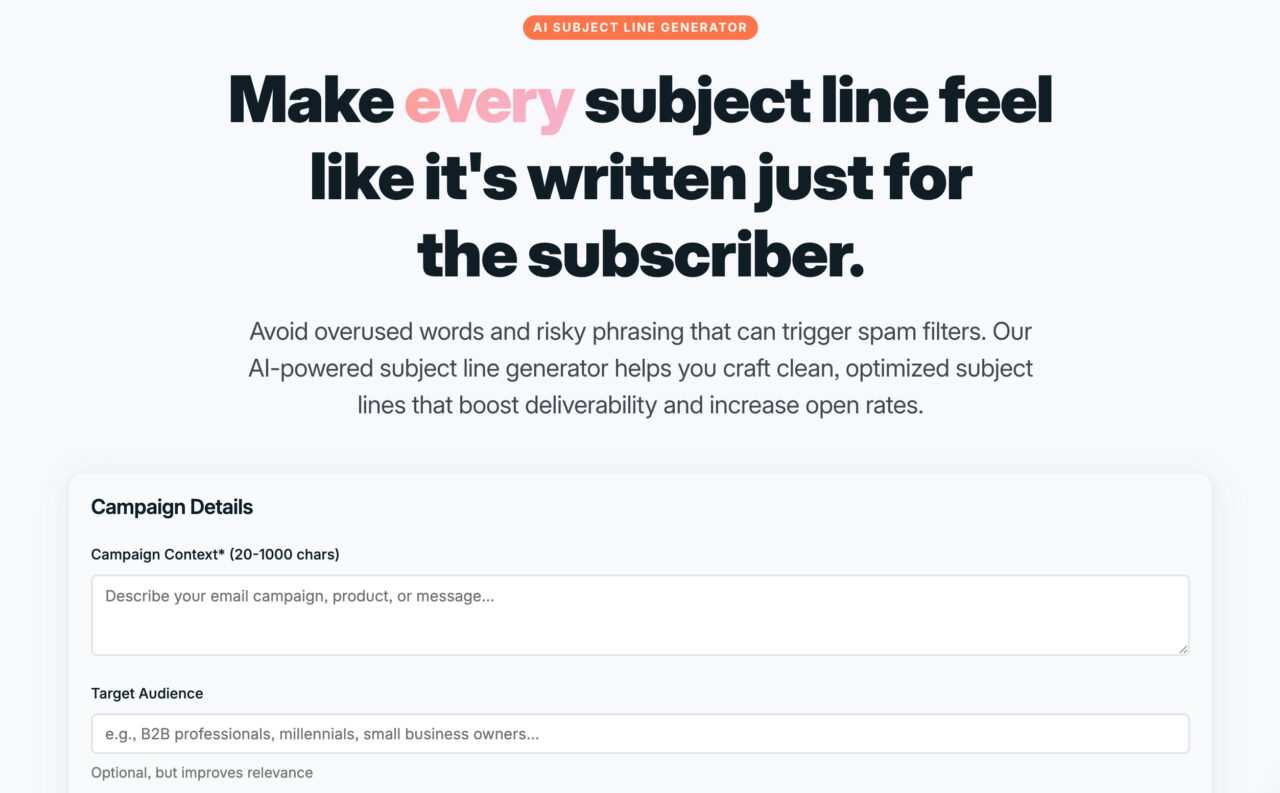
Now that you have the output, you can:
- Regenerate new options until you find a version that aligns with the campaign
- Select subject lines optimized for inbox preview length
- Avoid common spam-trigger words unless you intentionally include them
- Make sure the tone of the subject line matches the goal of the email
Once you’ve chosen a subject line, you can move forward knowing it’s been optimized before the email goes out.
3. AI Email Subject Line Tester
Writing a strong subject line is only part of the job. Before sending it to your entire list, check whether it’s actually clear, readable, and likely to perform well.
You can do this using the Designmodo AI Email Subject Line Tester:
- Paste the subject line into the tool
- Click Analyze
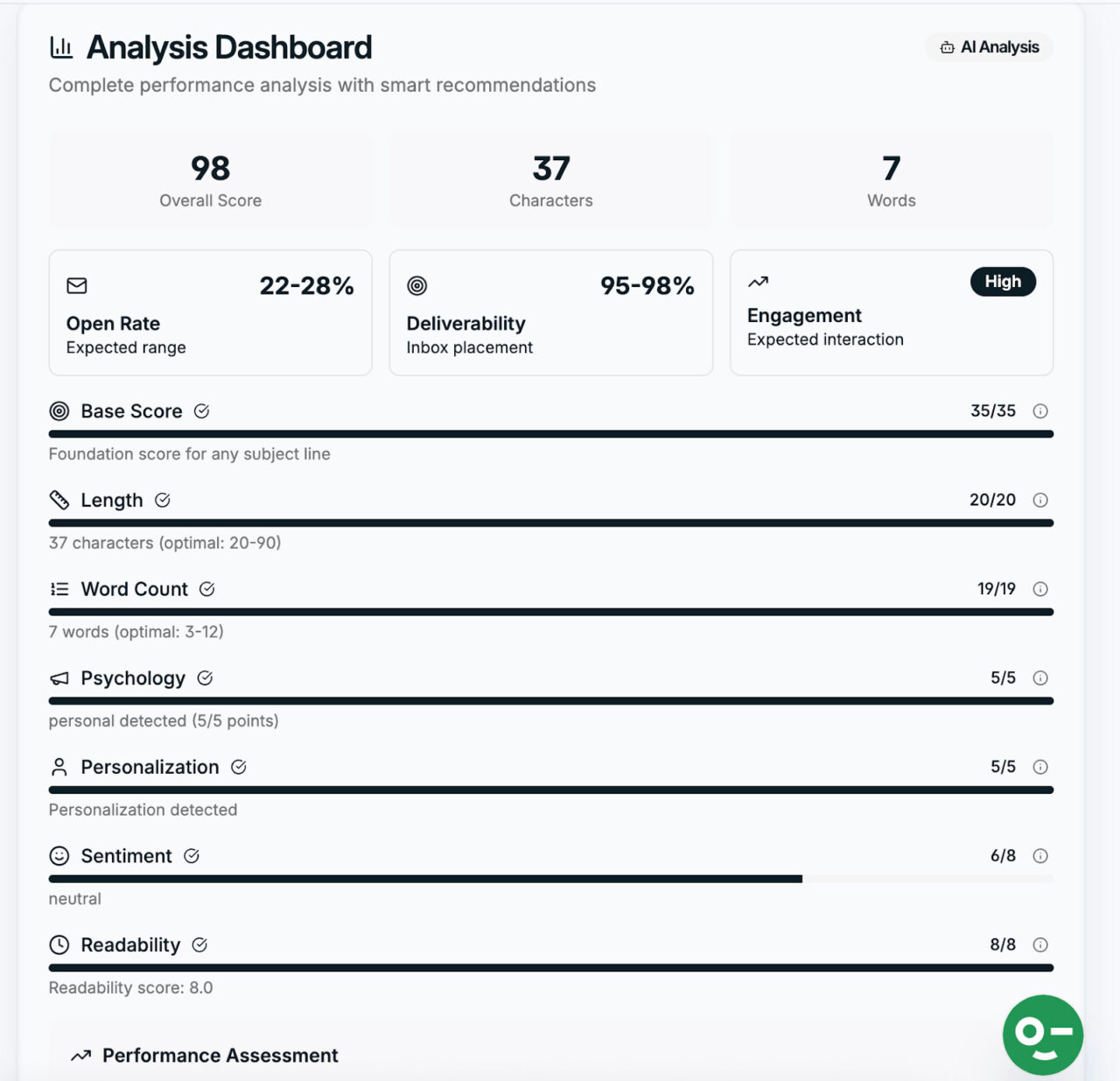
The tool reviews the wording and structure of your subject line and highlights potential issues that could affect performance. So instead of guessing, you have specific suggestions you can act on immediately.
Then, use these results to:
- Understand the expected open rate and engagement range
- Identify hard-to-read or overly complex words
- Review ready-made subject line ideas for common campaign types
4. AI Email Signature Generator
About 82% of digital marketers use email signatures to build brand awareness, and 48% use them to drive traffic. That makes the signature a small but consistent touchpoint in every email you send.
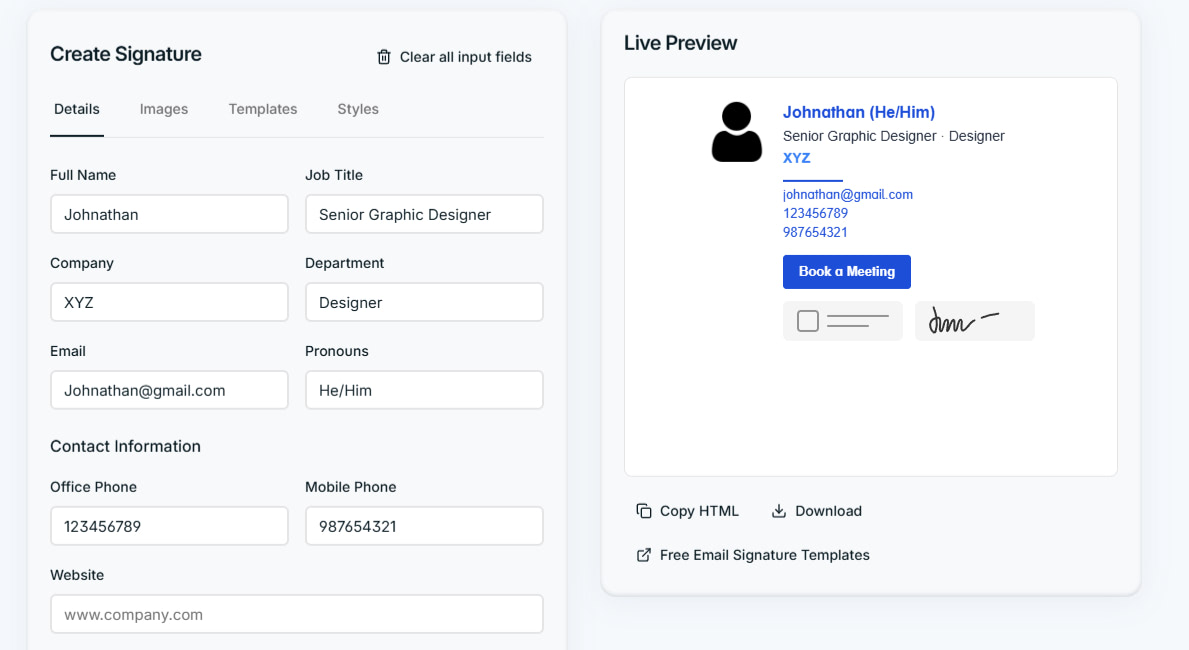
The Designmodo AI Email Signature Generator helps you create professional email signatures in minutes. Here’s how:
- Head to the AI email signature generator
- Enter your details, including name, role, contact details, and links
- Upload your image and the company logo (if any)
- Choose a template
- Select color presets to match your brand
- Copy the HTML or download it and apply it across Gmail, Outlook, Apple Mail, and other email clients
Note: Designmodo provides a library of responsive, ready-made email signature templates that you can customize using Postcards.
Once the signature is ready:
- Standardize signatures across teams so every email looks professional and on-brand
- Replace outdated or inconsistent signatures with the newly designed one
5. Unspam.email
Around 14% of emails don’t make it to the inbox, and many of those issues come from spam signals that could have been fixed before sending.
Unspam.email, an email deliverability platform, identifies and resolves those problems early. Its AI Assistant analyzes your email content and technical setup, then translates complex deliverability issues into clear actions you can take before launching a campaign.
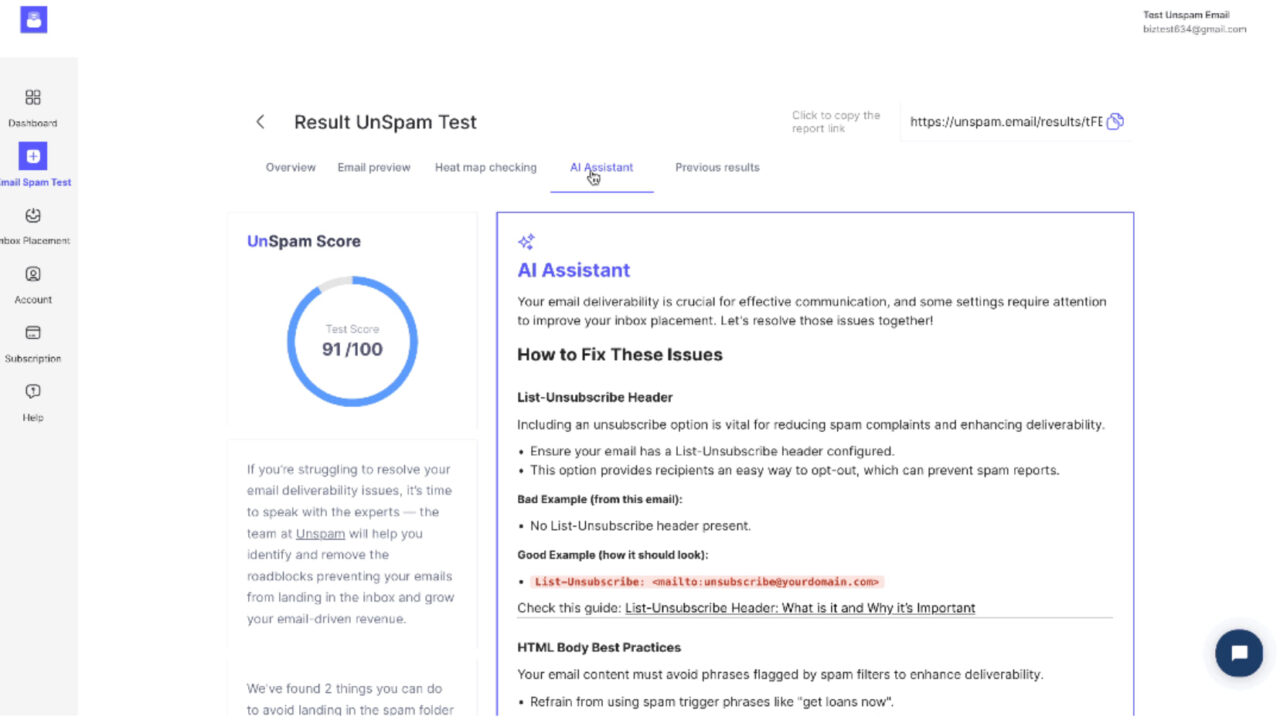
Here’s how to use it:
- Sign up (or sign in if you already have an account) for https://unspam.email/
- Run an email spam test and open its report
- Click the AI assistant tab
- Follow the instructions to fix any issues
Here’s what to do next:
- Fix spam-triggering elements in your subject line, copy, links, images, and HTML structure
- Correct authentication issues such as SPF, DKIM, and DMARC using clear, step-by-step instructions
- Adjust email formatting and content choices that increase the risk of inbox filtering
After applying the recommended fixes, rerun the spam test to confirm improvements before sending your campaign. This protects your sender reputation and reduces the risk of future emails being flagged as spam.
6. ActiveCampaign
Emails sent using predictive sending may achieve better open rates than fixed-time sends.
Why? Because fixed-time sends force everyone into one window, which may only work well for part of the list.
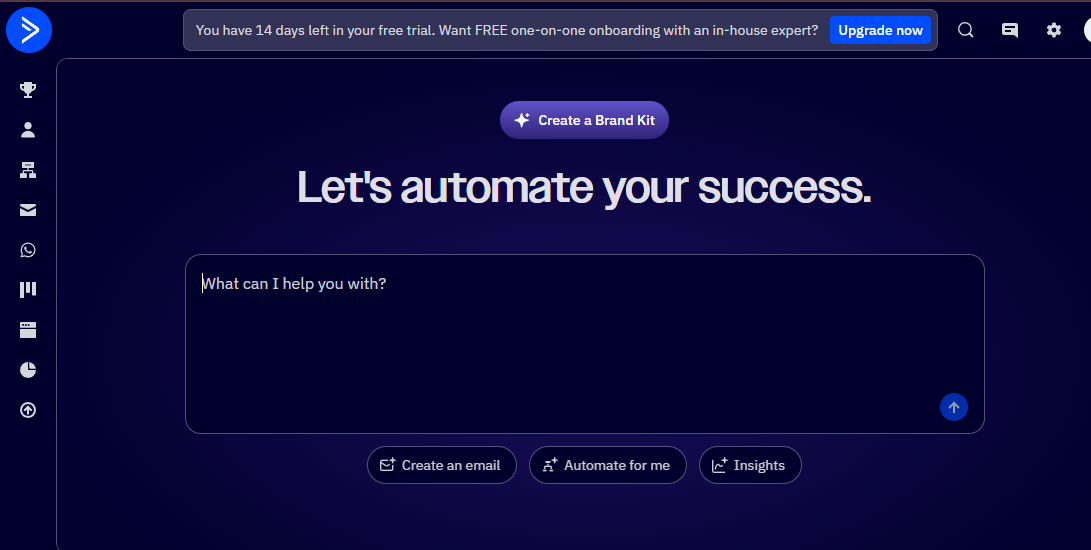
ActiveCampaign uses AI to improve when emails are sent and how campaigns adapt based on subscriber behavior. It focuses on timing, automation, and personalization at scale as these areas directly affect open rates and engagement.
Here’s how to use it:
- Create or open an email campaign inside ActiveCampaign
- Enable Predictive Sending instead of choosing a fixed send time
- Let the AI analyze each contact’s past behavior, including opens, clicks, and engagement history
- Set up automation paths that trigger different actions based on how subscribers interact with the email
Once set up, ActiveCampaign continuously optimizes timing and follow-up logic in the background. This reduces manual scheduling work while keeping campaigns relevant to each subscriber’s behavior.
7. Grammarly
Grammarly improves email writing by fixing grammar, clarity, and tone in real time. It works directly where emails are written, including Gmail, Outlook, and browser-based editors.
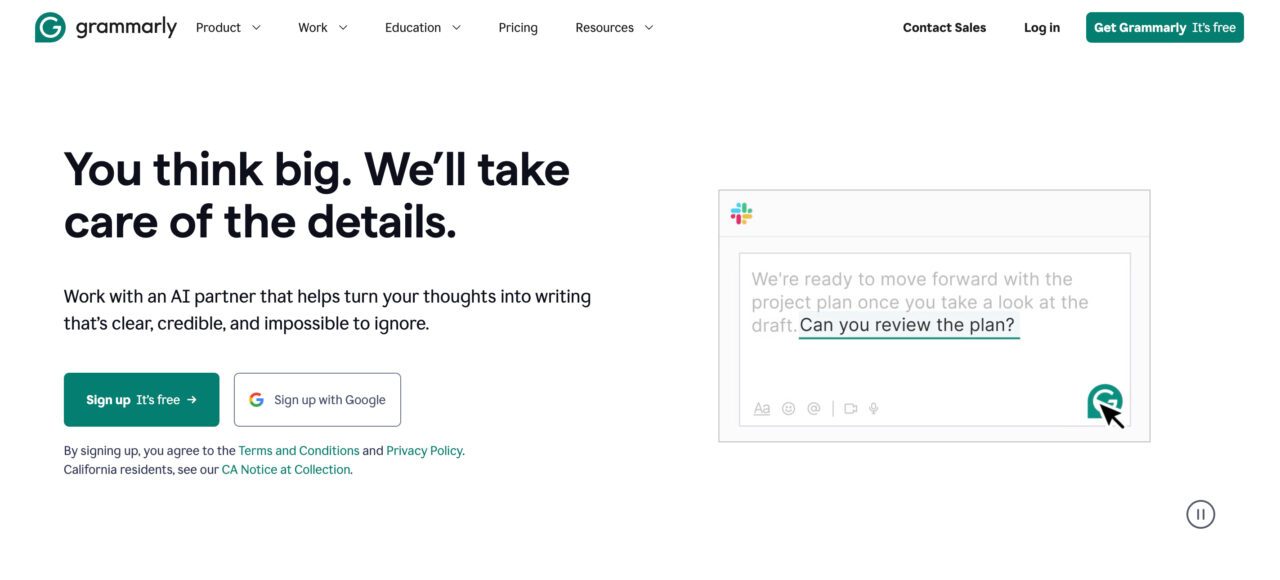
To use Grammarly for email marketing, install the browser extension and enable it in your email editor. As you write an email, Grammarly automatically reviews the text and highlights issues in grammar, clarity, tone, and wording.
Here’s how to use it:
- Write your email as you usually would in Gmail, Outlook, or your editor
- Review Grammarly’s inline suggestions
- Accept or reject suggestions based on the message and audience
- Use the tone indicator to check how the email sounds
- After applying the suggestions, you can send emails without any worries.
8. Lavender AI
Lavender AI improves email replies and response rates by making emails clearer and more personal. It works directly where emails are written, so you get real-time feedback as you type.
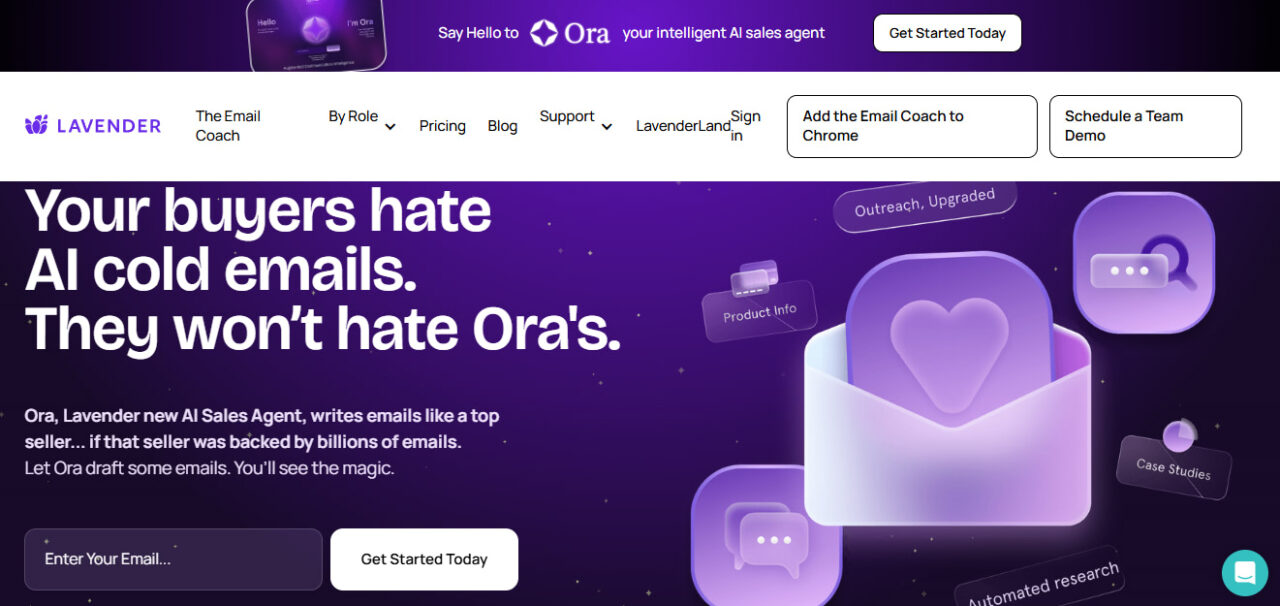
Instead of rewriting emails for you, it highlights specific lines that may sound too long, generic, pushy, or overly promotional.
Here’s how to use it:
- Open your email in your inbox or email editor, where Lavender is enabled
- Write your email as you normally would
- Review Lavender’s inline suggestions
- Check the provided engagement or reply score
- Edit flagged lines based on the feedback before sending
You may think it’s time-consuming at first. But over time, this will make it easier to write emails that feel personal without adding extra manual work. So that’s a win-win.
9. Customer.io
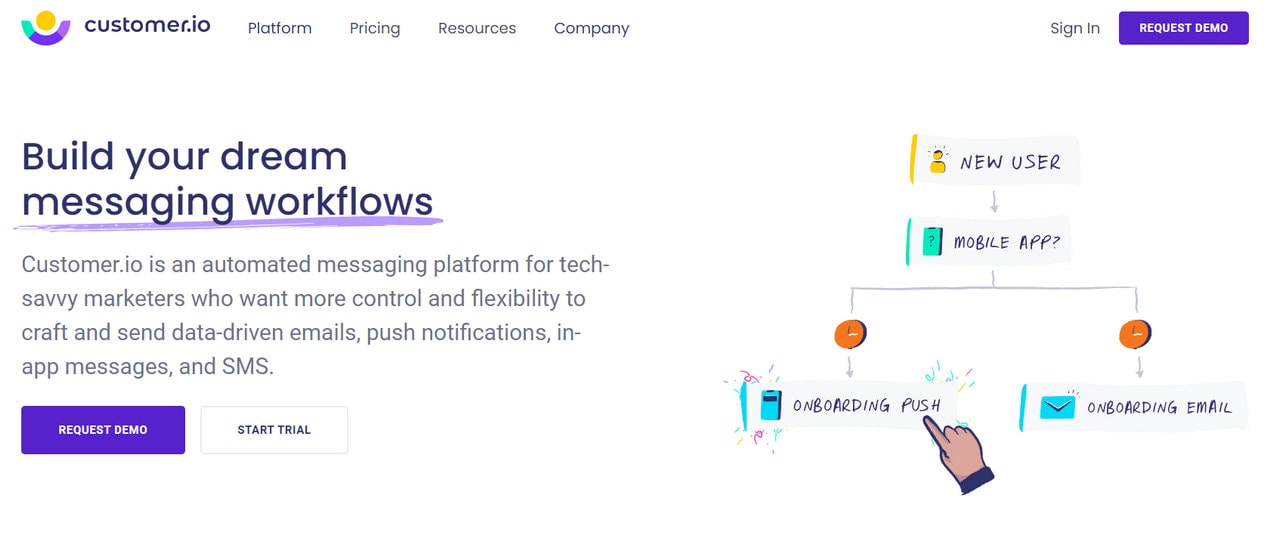
Customer.io is an email marketing automation platform that uses AI to forward email campaigns and strategies. It has two major products: one is for automated marketing messages, and the other is for collecting, analyzing, and directing data to other tools. Both leverage the power hidden in AI and machine learning to provide business owners with the best results and amplify the workflow of email marketers.
So, how exactly can it help?
- It creates API-triggered workflows.
- It designs high-performing newsletters and transactional messages.
- It offers time delays and time windows to ensure a message gets to the subscribers at a specific time range.
- It can wait until the recipient gets the required reaction to initiate another procedure.
- It integrates with popular platforms to get all the information necessary to create data-driven segments and target the right audience for each campaign.
- It automates even the most intricate workflows using its toolset of complex logic instruments.
The most significant advantage of this software is that it automates messaging systems across various channels, including push notifications, in-app messages, and traditional SMS, so that companies may control everything from one place.
10. SmartWriter
Personalization usually takes effort. You have to look up the recipient, understand what they do, and then write an email that doesn’t sound generic.
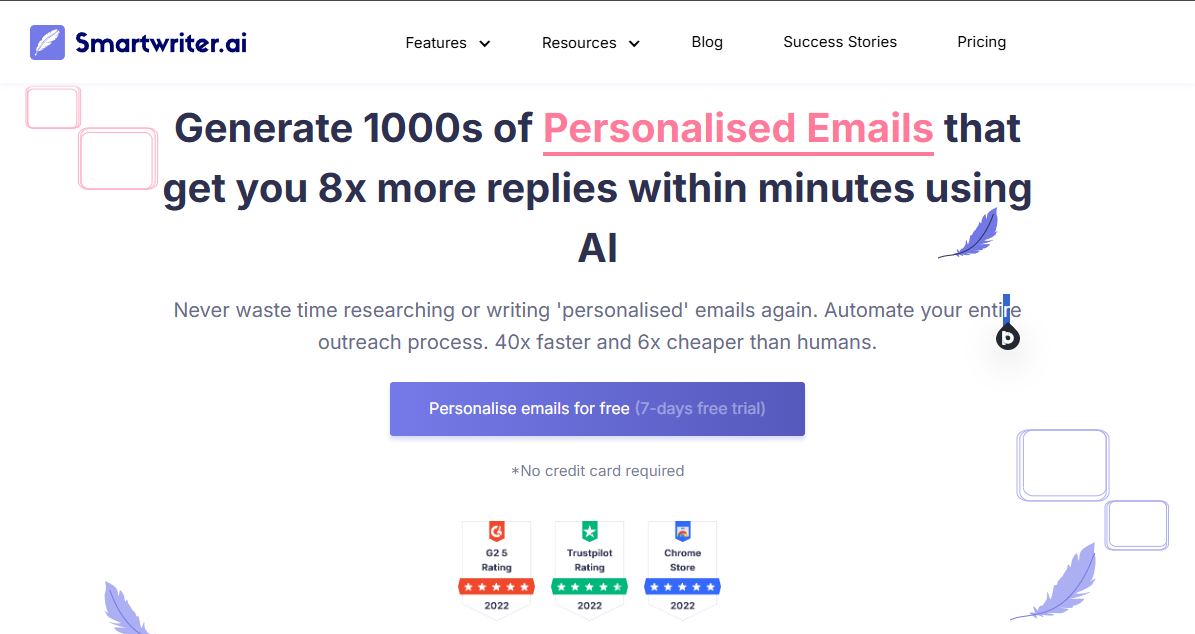
SmartWriter removes much of that manual work by using AI to pull in relevant public information automatically.
Here’s how to use it:
- Add a link to the person’s profile or website, or enter basic details about the company or recipient
- Let the AI analyze publicly available information related to that link
- Review the generated email draft that references specific details about the person or their work
- Edit the message as needed to match your tone before sending
Instead of sending vague emails, you can reference something specific about the recipient or their work, which helps the message feel more thoughtful and may increase the chances of getting a response.
11. Drift
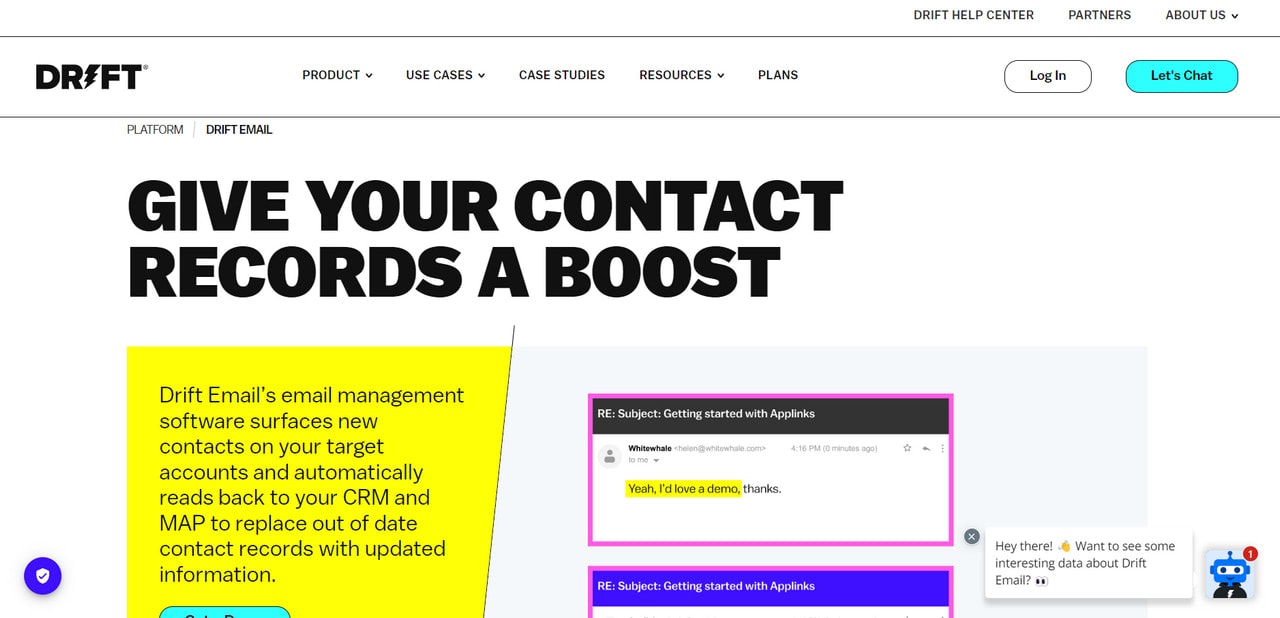
Drift is an AI marketing tool that can amplify the efficacy of email campaigns and strategies. The team behind the software has created a unified space for marketers to manage all campaign responses in one place.
In a nutshell, it goes through your email subscribers’ replies and finds out which ones were from a human and which were from an autoresponder. Based on this data, it creates a list of subscribers that should be routed to the right person in the company so they can follow up with them by sending appropriate newsletters. Alternatively, the system may generate replies on its own using the template defined by the company. This surfaces opportunities to reopen dialogues with potential customers, which may cause conversions and leads.
On top of that, during this search, the platform may clean the database by invalidating out-of-date contacts or updating and enriching records with new information.
All-In-One AI Solutions
If you feel like you can handle everything and seek complex solutions that cover tools to level up marketing efforts across the board, then you should consider all-in-one solutions where email direction is prioritized.
12. Hubspot
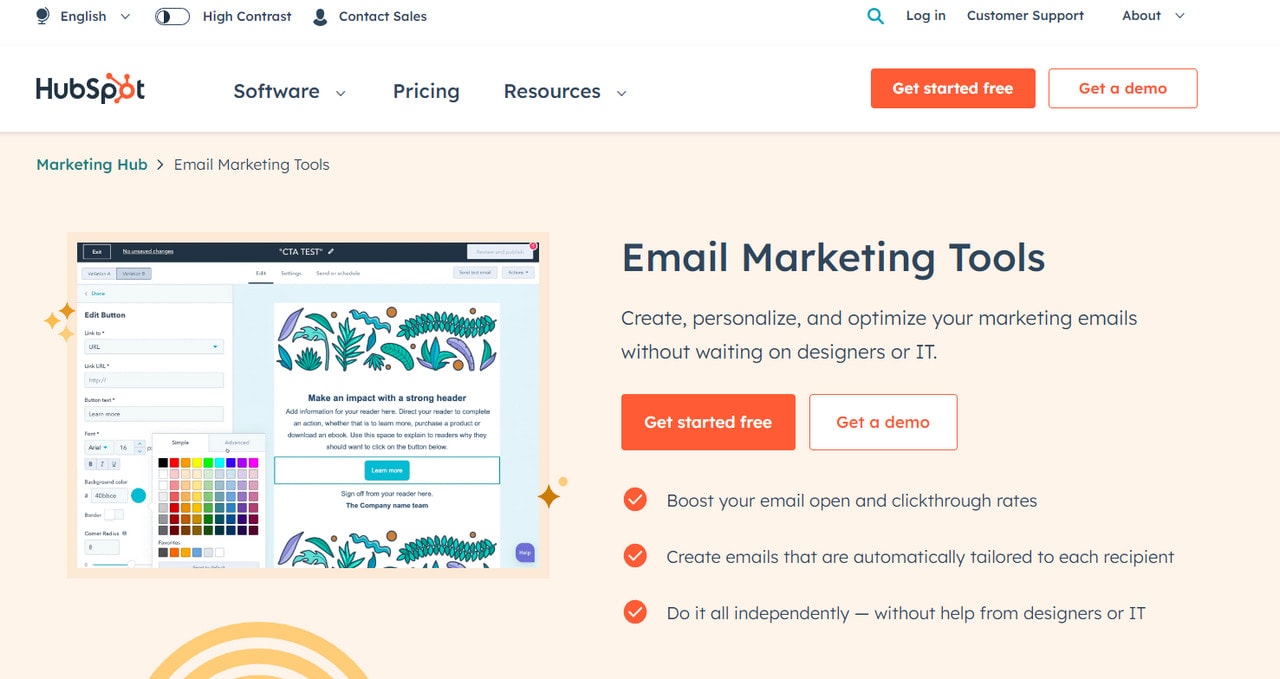
Regarding all-in-one solutions in the email marketing niche, HubSpot is the first thing that springs to mind. Being one of the most popular platforms, it is also one of the oldest and most time-proven.
Marketers all around the world use it to level up their email presence in prospects’ inboxes, bring back customers through well-thought-out follow-up strategies, and keep their list of subscribers clean and healthy. Its portfolio of tools is quite impressive. You can do a range of things, for instance:
- Design newsletters for all sorts of campaigns.
- Personalize copy and subject line for each individual by skillfully operating with such information as text, links, attachments, and product recommendations relevant to their current preferences and needs.
- Send emails from proven servers.
- Optimize campaigns using A/B tests and analytics.
- Improve overall brand performance.
The best part is that many of these tasks are done by AI to eliminate manual mistakes and speed up the process.
HubSpot is a professional software for the whole marketing department; therefore, it comes with various capabilities, including a Marketing Hub, CRM Hub, Sales Hub, Operations Hub, and Service Hub.
13. Mailchimp
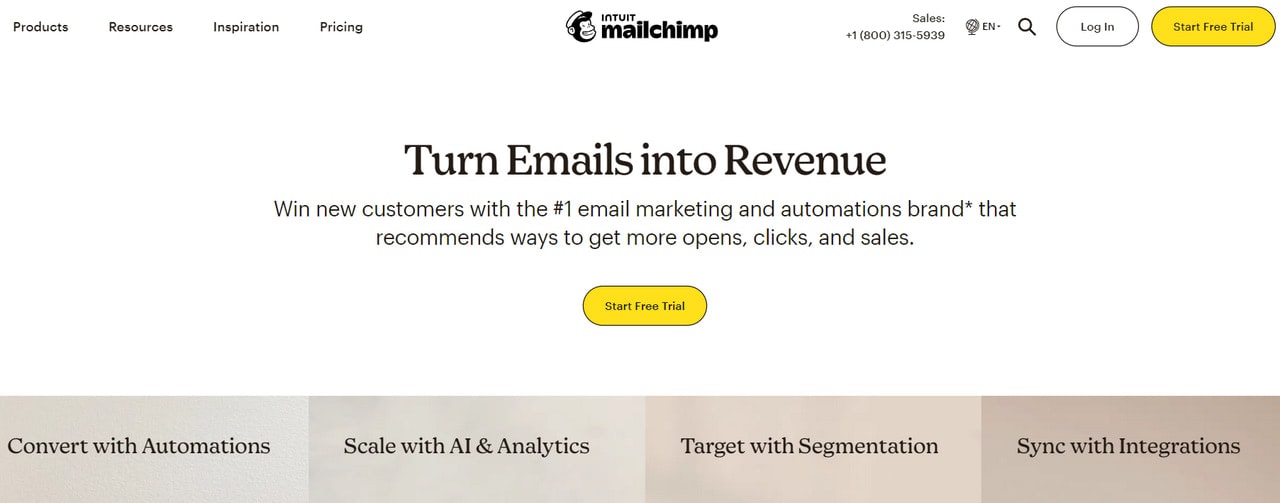
Mailchimp is another big name on our list that is synonymous with the email marketing niche. It is an increasingly popular and highly-regarded platform that focuses on emails. Being decades in here, it has all your company may need to set its foot in this direction.
Much like other platforms, Mailchimp has improved its core with AI. The latter enhances productivity and solves multiple issues quickly and efficiently, thereby surfacing new business growth opportunities.
Among its main features used in real-world applications are:
- Email design builder with hyper-personalized components.
- Content optimizer.
- Multivariate and A/B testing instruments.
- Predictive segmentation based on an individual’s likelihood.
- Automation of customer journey through a handy builder that leverages customers’ behavior patterns, triggers, and company criteria.
Integrating with over 300 third-party products like Canva, Google Analytics, Salesforce, Instagram, and others, it is a reliable and powerful partner in the marketing niche that sufficiently covers all your email marketing needs.
Start Small and Build from There
You don’t need to change everything at once. Start with the part of email marketing that takes you the most time. That could be writing emails, testing subject lines, fixing deliverability, or setting up signatures.
Next, choose one tool from this list and use it for a few days. See if it actually saves you time or makes emails easier to send.
If it works, keep using it. If not, try another tool.
FAQs
Can AI Do Email Marketing?
Yes. AI can write emails, generate subject lines, personalize content, test performance, improve deliverability, and automate send times and follow-ups.
What Is the Best AI Tool for Email?
The best AI tool for email marketing depends on what you need, but Designmodo stands out for everyday use because it combines email templates, subject line generation, testing, and signature creation in one workflow.
Can I Use ChatGPT for Emails?
Yes, you can use ChatGPT to draft email copy, rewrite messages, and brainstorm subject lines, but it does not handle deliverability, testing, automation, or inbox placement on its own.
Which AI Tool Is Totally Free?
Designmodo’s micro tools are totally free. You can use those AI tools for free, and the Postcards editor with the free-forever option.
Can I Use AI to Manage My Emails?
Yes. AI can manage emails by suggesting replies, improving clarity and tone, automating follow-ups, and optimizing when emails are sent, depending on the tool you use.





![Best Transactional Email Services: Email API and SMTP Providers Compared [2026]](https://designmodo.com/wp-content/uploads/2026/05/transactional-email-templates-3-404x263.jpg)