Professional Email Signature Templates
Browse professional email signature templates you can use in Outlook, Gmail, Apple Mail and any client that accepts HTML. Each signature is a responsive, tested layout — swap in your name, job title, phone number, social links and logo, then paste the HTML straight into your signature settings. Designs range from minimal single-line footers to richer layouts with a photo, banner and call-to-action button, so you can match whatever your team already uses.
-
Email SignaturesIndustryUsageSeasonBrand
- Create Your Email Template
- All Templates
- ActiveCampaign
- Amazon SES
- AWeber
- Braze
- Brevo
- Campaign Monitor
- Constant Contact
- GetResponse
- Gmail
- HubSpot
- iContact
- Intercom
- Kit
- Klaviyo
- Mailchimp
- Mailgun
- Mailjet
- MailUp
- Mailwizz
- Mandrill
- Marketo
- Mautic
- Moosend
- Ongage
- Ontraport
- Oracle Eloqua
- Outlook
- Pabbly
- Pepipost
- Postmark
- Salesforce Marketing
- SendGrid
- Sendloop
- SendPulse
- Sendy
- Shopify
- Zapier
- Zoho Campaigns
Where to Edit Email Signature Templates?
Postcards gives you all the tools you need to start building and customize your email signature template for free - from zero to the finished product in just a few minutes.
-
-
-
-
Start from a prompt
Describe the email you want and AI Suite builds the whole template in seconds: layout, copy, and clean HTML.
-
Your brand, built in
Import your logo, colors, and fonts straight from your website URL, so every template starts on-brand.
-
Translate, rewrite, restyle
Ask AI Suite to translate the whole template into any language, or rewrite and restyle any part of it.
-
Export clean code anywhere
Preview it in Gmail, Outlook, Apple Mail and Yahoo, then one-click export to your email platform or clean HTML.
-
-
Ready for action.
Postcards works with your email marketing platform. We’ve tested all our email templates! Export in one click and save hours on HTML coding.
Try It Now - It’s Free! -
-
-
No-Code Email Design and Development
Postcards is a fully no-code email template builder. All tools within the Postcards editor are visually intuitive and easy to use.
-
Drag & Drop Online Email Editor
We offer 100+ pre-made email modules and essential email components that you can drag and drop into your editor and modify.
-
Email Signature Templates
We offer built-in and pre-made responsive email signature templates, but if you want to customize how your email template appears on mobile devices, you can do this using our mobile controllers.
-
Speed-up Email Template Production
Our HTML email templates will accelerate your email design production by 9x. Postcards saves time, allowing you to focus on other email marketing tasks.
Why Creating an Email Signature is a Smart Move
Email still remains one of the easiest and most cost-effective ways to connect with current customers, prospects, and leads to nurture. A bold and well-crafted email signature template will elevate your messages for several key benefits:
Highlight Your Professionalism
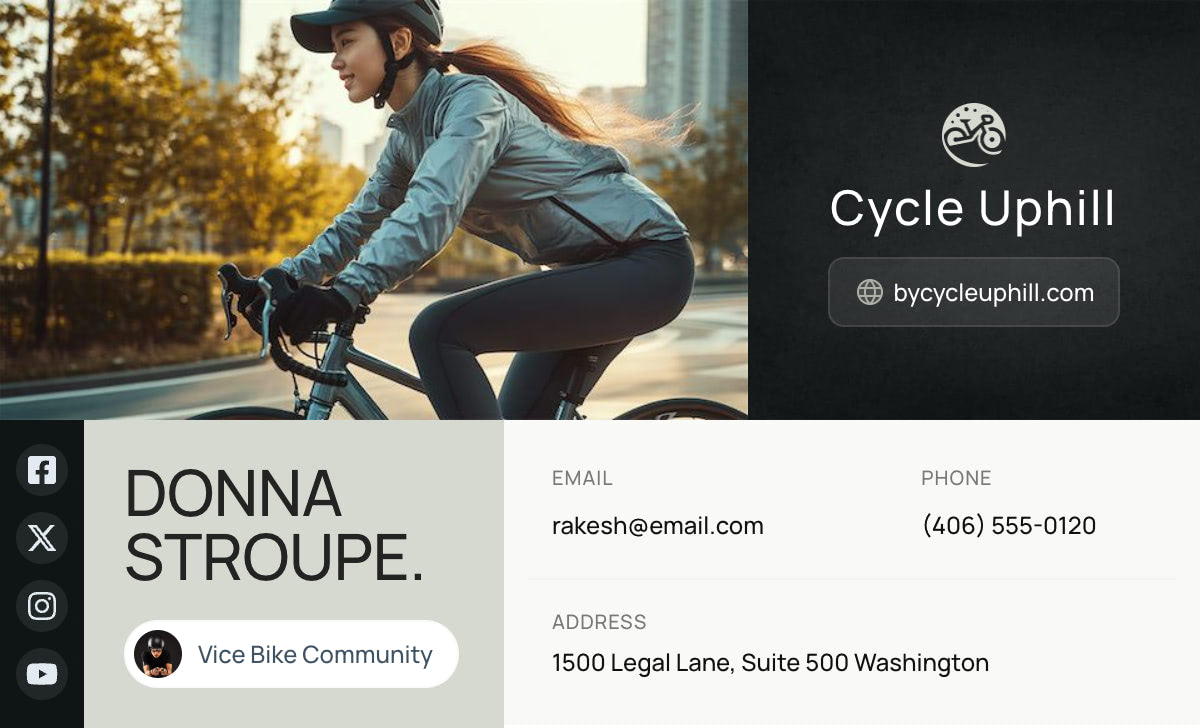
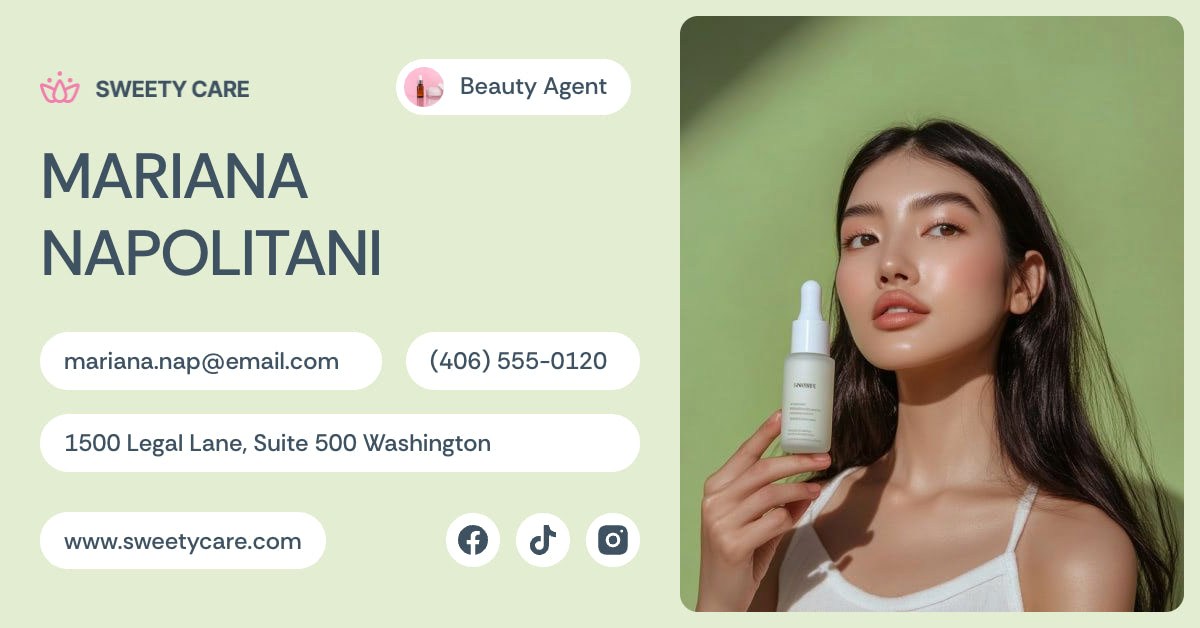
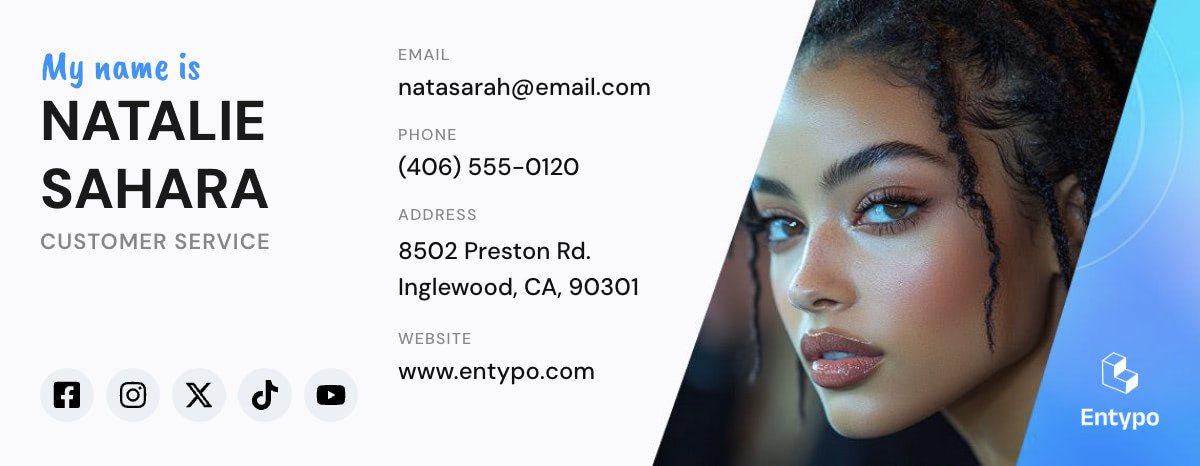
Adding signature fonts, branding colors, and even a stunning headshot can convey that you are professional and serious about making a good impression.
Give Your Branding a Boost
Having consistent branding elements in your emails can boost your brand awareness. Include your company logo to reinforce your brand identity and never worry that you forgot to sign off with all the necessary credentials.
Save Time
By automatically adding your email signature to your email platform settings, you can save time and ensure that your essential information is passed along with every message.
Added Marketing Opportunity
You can also use your email signature box to add a line for an upcoming promotion or a link to sign up for an upcoming event you’re promoting.
Stunning Visual Elements Make Your Message Memorable
Last but not least, having an email signature - especially as bold and eye-catching as those offered above, will create an added element of visual appeal that can make a big impact. Let’s face it, we’re all impressed when we see a clean and well-designed email signature box.
Why Email Signatures Are For Everyone
An email signature can be a smart business move whether you are a solopreneur or run a Fortune 500 company. That’s because from improving your branding to lead generation, email signatures pack a lot of benefits into a small space. Here are a few things to keep in mind when it comes to using and updating your email signature.
Refresh Your Look
According to Mailtrap, nearly 45% of people who regularly send work emails update their email signatures every six months or less. That means that keeping your signature fresh and up-to-date with brand awareness is a big benefit. Our templates make it easy to update and swap out your email signature seasonally or whenever you need a refresh.
What to Include in Your Email Signature
Most people go above and beyond the standard name and phone number.
- 76% of marketers include links to their social accounts, Instagram being the winner
- 32% add a call-to-action
- 29% add a disclaimer
Improve Your Credibility
A clean, professional email signature matters more than you may think. According to Campaign Monitor, the majority of those who use email signatures - 70% - believe that it has increased their credibility.
These are all compelling reasons to grab a few email templates and try them on for size. Add your photo, brand colors, and other elements to make it your own.
Be sure to send yourself a test email to see which one you prefer and consider how you can use email signatures to help boost your overall email marketing performance.
Email Signature Questions
-
How do I add an HTML email signature in Outlook?
Open the signature in your browser, select it all and copy, then paste into Outlook's signature editor - in desktop Outlook that is File, Options, Mail, Signatures; in Outlook on the web it is Settings, Mail, Compose and reply. Paste normally rather than as plain text, so formatting and links survive. The box accepts pasted rich content, not raw HTML, which is why copying from a rendered page works better than opening the file in an editor.
-
How do I add an email signature in Gmail?
Open the rendered signature in your browser, select and copy it, then go to Settings, See all settings, General, and scroll to the Signature section. Create a new signature, paste, and save changes at the bottom of the page - it is easy to miss, and nothing is stored until you do. If you send from multiple addresses in Gmail, you can set which signature applies to which address in the same panel.
-
What should a professional email signature include?
Your name, your role, your company and one reliable way to reach you. That is genuinely enough. Add a logo or a photo if it helps people recognise you, and a single link to your site or booking page. What to leave out matters more: long legal disclaimers, several phone numbers, a row of social icons nobody clicks and inspirational quotes all make a signature heavier without making it more useful. It appears on every message you send, so restraint compounds.
-
Why does my email signature break when someone replies?
Reply chains are the harshest test of a signature. Some clients strip background colours, collapse tables or reformat spacing when quoting an earlier message, and a signature built on a complex nested layout is where that shows first. Simpler signatures survive better. Avoid depending on background images, keep the structure shallow, and check that the signature still reads correctly as plain text, because that is what some recipients will see.
-
Can I use an image or logo in my email signature?
Yes, with two cautions. Images in signatures are often blocked by default or turned into attachments by some clients, so never put essential information - your name, your phone number - inside an image. Keep the file small, a few tens of kilobytes at most, since it travels with every message you send. Give logos a solid background rather than relying on transparency, because a transparent dark logo can disappear entirely when the recipient reads in dark mode.
-
What size should an email signature be?
Keep the signature under about 600 pixels wide so it does not force horizontal scrolling in a narrow reading pane, and keep the height modest - roughly 100 to 200 pixels is plenty. A logo around 150 pixels wide is usually sufficient. Signatures that are physically larger than the messages they accompany read as advertising, and they make long reply chains hard to follow.
Designmodo Inc. 169 Madison Ave, #79627, New York, NY 10016, United States
Copyright © 2010-2026