Free Email Marketing Templates & Campaign Designs
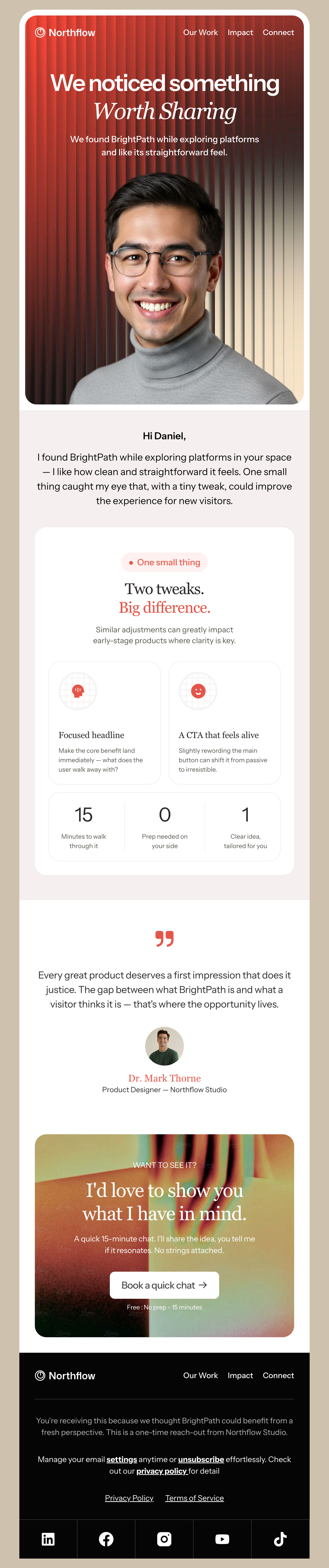
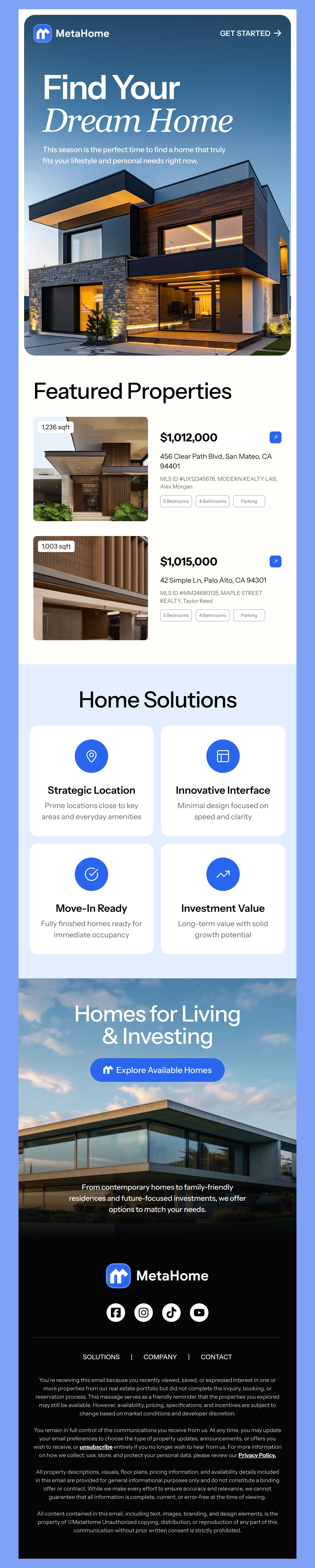
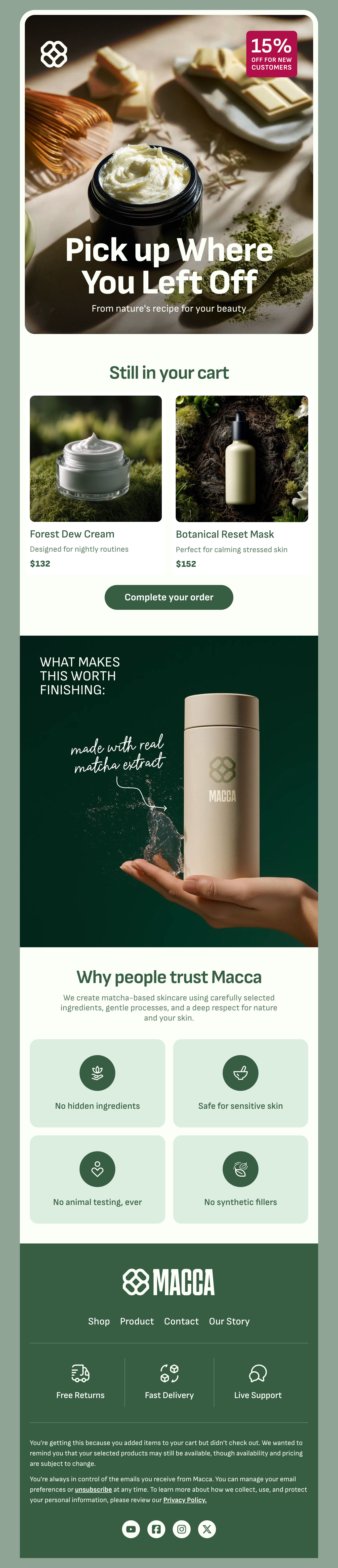
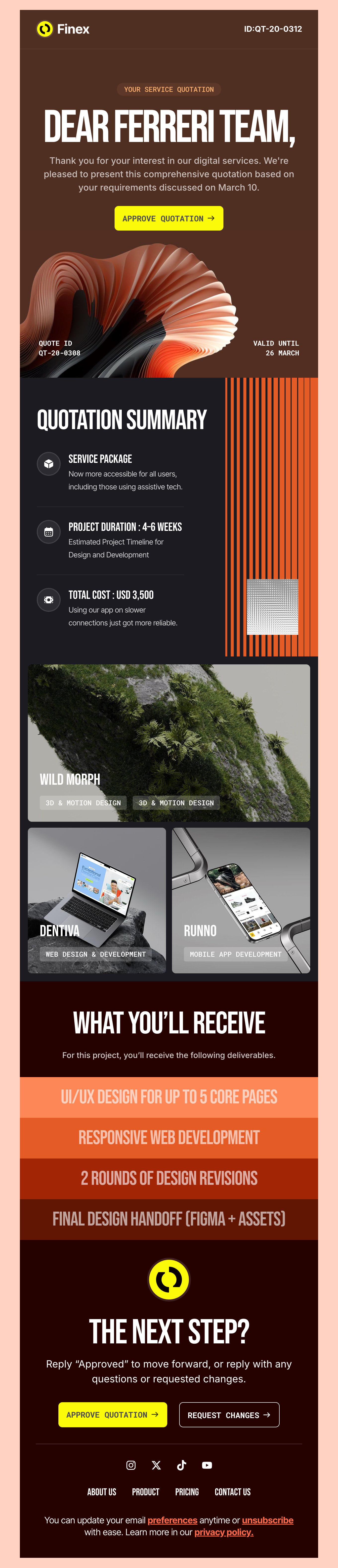
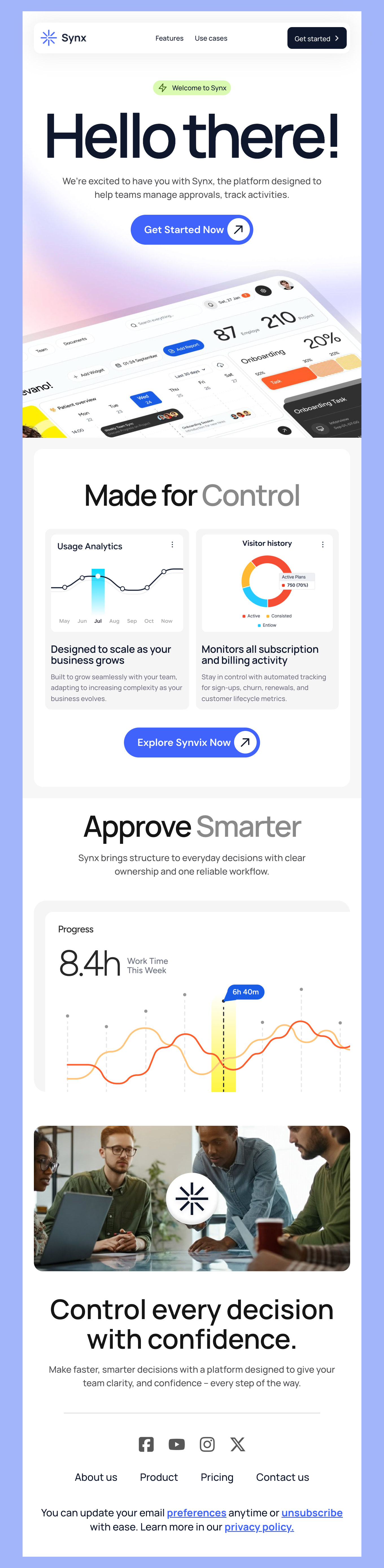
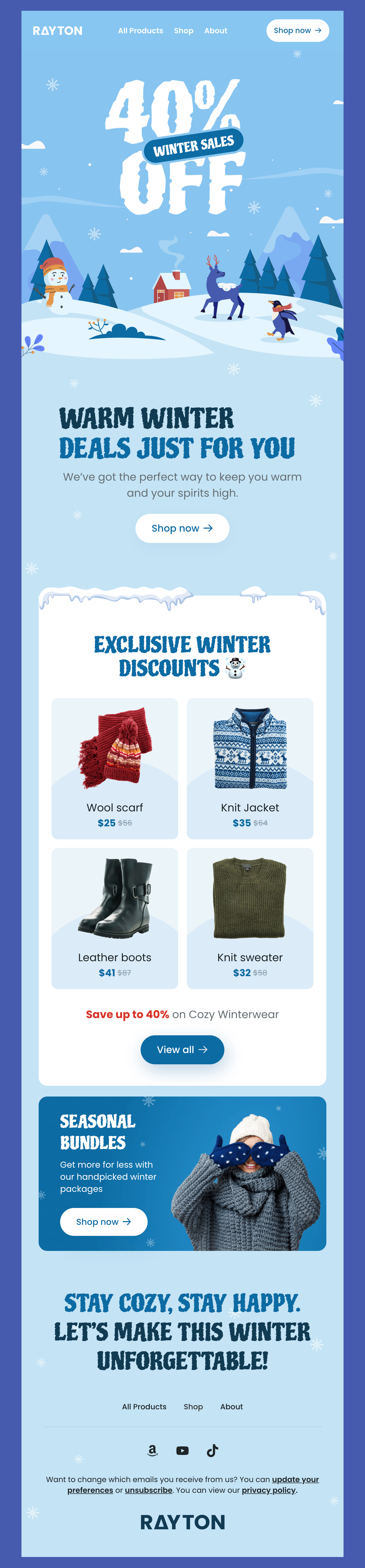
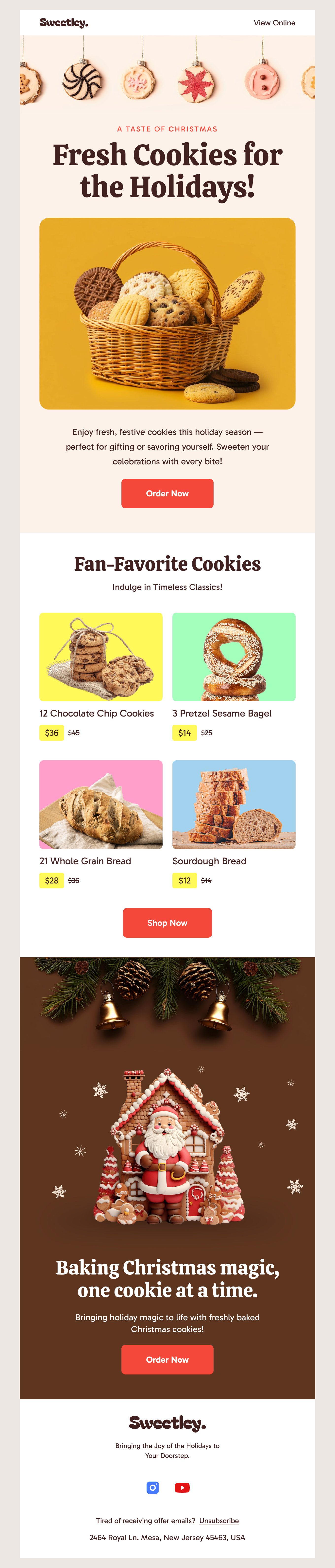
Create an email marketing campaign you can be proud to send with our surprisingly free email marketing templates. Our designs blend the power of color theory and smart design to draw your customers in and make it likely that they will engage with your email! When you find the design that feels right for your brand, you can customize your message right on our easy-to-use Postcards email builder. We made it easy to pick, design, and finish an eye-catching email in just minutes. Try it out!
-
MarketingIndustryUsageSeasonBrand
- Create Your Email Template
- All Templates
- ActiveCampaign
- Amazon SES
- AWeber
- Braze
- Brevo
- Campaign Monitor
- Constant Contact
- GetResponse
- Gmail
- HubSpot
- iContact
- Intercom
- Kit
- Klaviyo
- Mailchimp
- Mailgun
- Mailjet
- MailUp
- Mailwizz
- Mandrill
- Marketo
- Mautic
- Moosend
- Ongage
- Ontraport
- Oracle Eloqua
- Outlook
- Pabbly
- Pepipost
- Postmark
- Salesforce Marketing
- SendGrid
- Sendloop
- SendPulse
- Sendy
- Shopify
- Zapier
- Zoho Campaigns
Where to Edit Marketing Email Templates?
Postcards gives you all the tools you need to start building and customize your marketing email template for free - from zero to the finished product in just a few minutes.
-
-
-
-
Start from a prompt
Describe the email you want and AI Suite builds the whole template in seconds: layout, copy, and clean HTML.
-
Your brand, built in
Import your logo, colors, and fonts straight from your website URL, so every template starts on-brand.
-
Translate, rewrite, restyle
Ask AI Suite to translate the whole template into any language, or rewrite and restyle any part of it.
-
Export clean code anywhere
Preview it in Gmail, Outlook, Apple Mail and Yahoo, then one-click export to your email platform or clean HTML.
-
-
Ready for action.
Postcards works with your email marketing platform. We’ve tested all our email templates! Export in one click and save hours on HTML coding.
Try It Now - It’s Free! -
-
-
No-Code Email Design and Development
Postcards is a fully no-code email template builder. All tools within the Postcards editor are visually intuitive and easy to use.
-
Drag & Drop Online Email Editor
We offer 100+ pre-made email modules and essential email components that you can drag and drop into your editor and modify.
-
Marketing Responsive Email Templates
We offer built-in and pre-made marketing responsive email templates, but if you want to customize how your email template appears on mobile devices, you can do this using our mobile controllers.
-
Speed-up Email Template Production
Our HTML email templates will accelerate your email design production by 9x. Postcards saves time, allowing you to focus on other email marketing tasks.
FAQs: Marketing Email Templates
Below are some common questions we hear about email marketing.
How can I create an effective email marketing strategy with email templates?
Email marketing templates speed up campaign creation for a segmented list or event because they help you define your marketing goals and objectives quickly and efficiently.
For instance, those who have signed up for emails based on a new product release won’t receive the same type of email as a get-you-back email with a discount offer - and the design should be unique, too. Our designs help you reach your email marketing goals - whether it's boosting awareness, generating leads, or boosting website traffic.
How often should I send marketing emails?
Typically, sending an email once a week can be a good starting point to gauge your audience’s needs. By defining your goals, you can begin to segment your audience based on what they interact with most and what they purchase. The biggest rule of thumb when it comes to sending email marketing emails is this – always deliver value. If you do this, you can navigate the frequency to effectively hook your audience and keep them wanting more.
Are your email marketing templates responsive?
Yes! All of our email marketing templates are responsive and built to render consistently on desktop and mobile.
How can I see how my email design looks before I send it?
We recommend sending any new design that you create to yourself first, just to make sure it looks exactly how you envisioned. And when it comes to sending an error-free message, it’s also a good idea to wait a bit of time before giving your email a final edit as you are more likely to spot errors after taking a break.
Email Remains a Powerful Marketing Tool
Despite all of the new trends in social media with new platforms, email marketing remains one of the best ways to engage with and target your audience to get big results. Email ROI has always been impressive, but HubSpot reports that it still holds strong with an amazing ROI delivering $36 for every $1 that’s spent. Pretty impressive right?
While email marketing remains strong, it’s important to make your campaign as powerful as it can be. Before sending your email campaign, a good place to start is to think about your audience and what they may need.
That’s why segmenting your customers based on interest and need can give you powerful results. Defining your email audience and a specific goal is a good place to start. Even if you don’t have a pre-sifted and segmented audience, you can send emails with a few options for your customers to essentially segment themselves. You can do this by offering a few different products or a list of blogs covering different focus points.
Don’t forget to track results! When sales or traffic increases to a certain page, be sure to record results for future planning and iterations.
The great news is that you’ll find a beautifully designed library of email marketing templates to fit your email marketing goals. What’s stopping you? Try our Postcards editor and create your first email!
Designmodo Inc. 169 Madison Ave, #79627, New York, NY 10016, United States
Copyright © 2010-2026