Top 6 Email Platforms That Improve Inbox Placement
Ever stare at your email report, instantly checking opens and clicks? We’ve all done it. But none of that matters if your emails don’t actually reach the inbox.
Inbox placement, not just getting past the server, is what determines whether your message shows up where it should, not in spam or the promotions tab. And with nearly one in six marketing emails missing the inbox, it’s a problem worth fixing.
Poor inbox placement costs you revenue, erodes your sender reputation, and chips away at customer trust. The good news? You don’t always need third-party tools to turn things around. The right email marketing platform can give you the diagnostics and features to improve deliverability on its own.
In this guide, you’ll find the best email tools for that job, along with their pros (including deliverability-related), cons, and pricing. Let’s get right to it, starting with the factors that affect inbox placement.
What Impacts Inbox Placement?
Inbox placement is the result of several factors working together. By finding the root cause and making adjustments, you can build an email strategy that yields long-term results.
1. Email Authentication Protocols
Email authentication protocols are for inbox providers what ID cards are to authorities. Simply put, they verify your identity, confirming that you’re a legitimate sender and that your emails come from a trusted domain.
With Postcards Email Builder you can create and edit email templates online without any coding skills! Includes more than 100 components to help you create custom emails templates faster than ever before.
Free Email BuilderFree Email TemplatesEmail authentication protects users from spam and spoofing by flagging unauthenticated messages. Therefore, properly configuring authentication is essential for better inbox placement.
Each email authentication method plays its role in establishing trust and sender legitimacy. Here’s how:
- Sender Policy Framework (SPF) verifies that the sending server is authorized to deliver emails on behalf of a specific domain.
- DomainKeys Identified Mail (DKIM) lets domain owners add a signature to their emails, so ISPs can confirm the message actually came from that domain.
- Domain-based Message Authentication, Reporting, and Conformance (DMARC) builds on SPF and DKIM to set a policy for handling emails that fail authentication.
Most email marketing platforms enable users to configure SPF, DKIM, and DMARC. Some of the tools on our list also offer a DMARC checker so users can ensure everything works as it should (no signup required).
2. Email Verification
Verifying the email addresses in your list goes a long way in improving inbox placement. A reliable verification tool checks for invalid emails and sends a link that the recipient should click. This way, brands confirm in real time that there’s an actual person behind the email address.
Fewer non-existent email addresses mean fewer hard bounces and spam complaints. Verification also blocks malicious emails from entering your database, protecting your sender reputation and increasing your inbox placement rate.
This ensures your emails reach real subscribers who are more likely to engage. So, you allocate your resources where they make sense: an active and up-to-date list that drives revenue. Plus, positive engagement signals tell email providers that your emails are wanted.
3. List Hygiene
Even if you use double opt-in (and you should), invalid addresses may still enter your list. Some recipients will stop using the address they signed up with, while others simply disengage.
What happens if you keep emailing those inactive addresses? Email clients may see poor list hygiene and flag you as a potential spammer, sending more of your emails to spam.
With Startup App and Slides App you can build unlimited websites using the online website editor which includes ready-made designed and coded elements, templates and themes.
Try Startup App Try Slides AppOther ProductsList hygiene is a cornerstone of effective email marketing, keeping spam traps away while maximizing return-on-investment (ROI) by focusing on active subscribers.
So, make sure you set a list-cleaning schedule. Twice a year is a good start, though large lists may require more frequent cleaning.
Also, create a segment for disengaged subscribers and automate a re-engagement email sequence to warm up the relationship. If it doesn’t work, it’s better to remove them than risk spam complaints. For the same reason, handle unsubscribe requests with respect, allowing users to opt out without friction at any time.
4. IP Reputation
Your IP reputation is essential in determining where your emails end up. It develops over time, and inbox providers use it to evaluate your trustworthiness through sophisticated reputation systems that track indicators such as:
- Sending volume: Excessive sending volume or sudden spikes are spammy practices that email clients pick up on. So, keep your sending patterns consistent.
- Blacklisting: If your IP address gets on an email blacklist, it usually means an ISP flagged it for poor content or spammy behavior.
- Email engagement: Positive metrics like opens, clicks, and conversions show your content is relevant and valuable, boosting inbox placement.
- Spam complaints: Too many spam complaints are a red flag for ISPs, which may send every future email directly to spam.
To maintain a strong sender reputation, authenticate and test your emails, create quality content, and keep a consistent sending frequency. Also, a trustworthy email platform will do some of the heavy lifting, for example, by providing verified IP addresses and monitoring tools.
5. Content Relevance
Relevant email content stands behind every successful strategy as it’s what motivates subscribers to engage. So, when a brand delivers quality content that meets their needs, recipients are more likely to respond.
Vague subject lines, cluttered or unresponsive email design, generic messages, or lack of personalization have one thing in common: discouraging recipients from engaging with your content.
On the other hand, product suggestions, tailored content recommendations, or offers that match a subscriber’s history and preferences encourage opens and clicks.
So before sending any email, ask yourself: “How will this benefit my recipients?” If you do this every time, subscribers will notice, engagement will rise, and ISPs will get the signal that your emails are interesting.
6. Email Timing and Frequency
Building subscriber trust comes down to sending the right message, at the right time, and with the right frequency. What applies to email content applies here, too; your email sending time should match their habits, not your schedule.
For instance, if engagement peaks after working hours, say around 7 p.m., delivering a campaign at 9 a.m. won’t resonate. But when you adjust your timing to their patterns, it shows respect while increasing the chances of interaction.
What else do consumers value? Delivering on your promises, and that’s what a regular email schedule does. So, decide on your sending frequency and stick to it. When your recipients expect a weekly update every Thursday at 6 p.m., meet that expectation every time.
7. Spam Testing
Spam testing spots issues that could send your emails to spam before you hit “send.” It’s a proactive way to catch errors early before they turn into a deliverability problem.
This practice scans your email content against various spam filters, checking for issues like:
- Spam words in subject lines or body text
- Excessive all-caps words or exclamation marks
- Too long subject lines
- Image-heavy or unresponsive layouts
- Suspicious-looking links
- Unresponsive designs
Besides spam testing, some email platforms allow you to preview how your emails are rendered across devices and clients. This way, you ensure a flawless experience for every recipient.
Speaking of email platforms, let’s look at those that can help you improve your inbox placement rate.
6 Email Marketing Platforms that Help You Avoid the Spam Folder
Working with a reliable email platform takes some of the stress out of inbox placement. Here’s the list we’ve put together after careful research, with deliverability rates based on EmailToolTester’s tests.
See the Email Deliverability Report that shapes inboxes in 2026
1. Moosend – Best for SMBs, Startups, eCommerce, SaaS
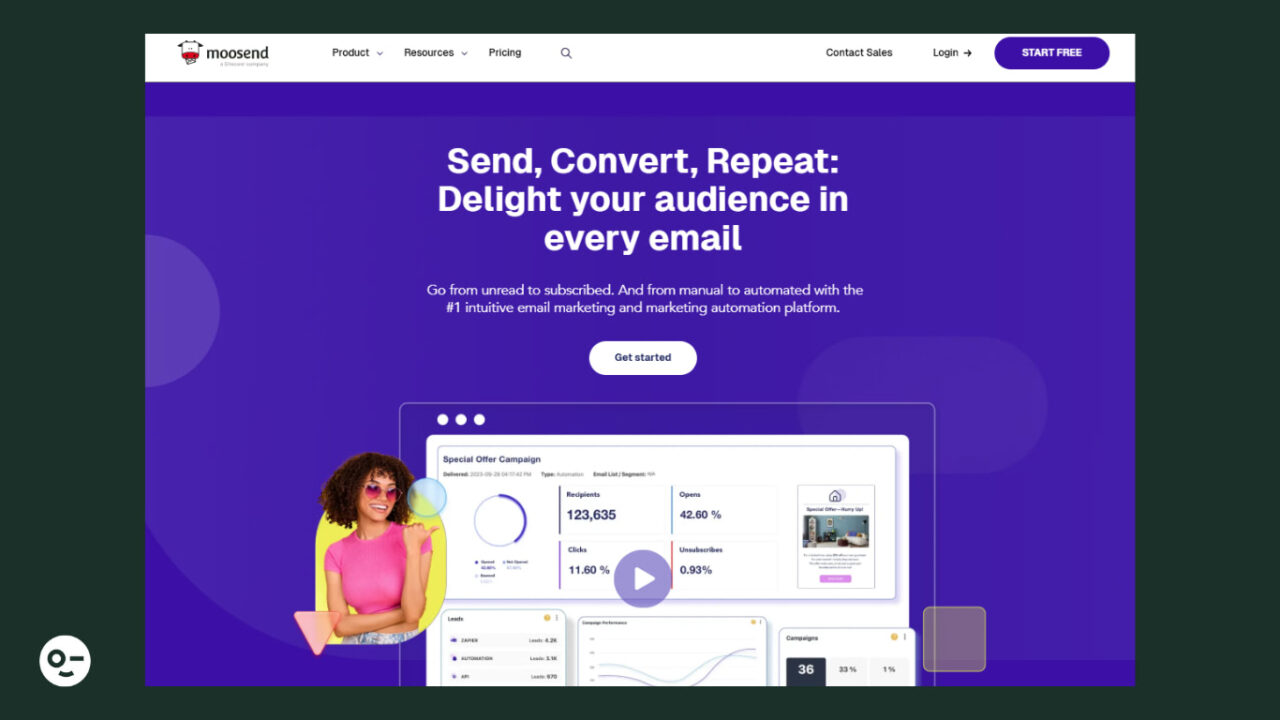
Deliverability rate: 90.1%
Pricing: Paid plans start at $9/month, 30-day free trial available
Moosend is an email marketing platform that’s popular with small businesses and startups since it combines advanced email features with flexible pricing.
Moosend offers a built-in email editor and three options to import HTML email campaigns from third-party platforms. For example, if you created one using Designmodo’s email templates, you can simply import it, and it’s ready to use, so you don’t start from scratch.
Apart from email creation, Moosend offers multiple lead generation options, powerful segmentation, and easy-to-implement automation.
Pros:
- User-friendly drag-and-drop email editor to tailor the layout in a few minutes
- GDPR-compliant list-building, offering double opt-in functionality
- Visual automation builder and a library of ready-to-use workflows (including transactional email functionality)
- Spam testing to ensure your email makes it through spam filters
- Records and guidance to set up authentication protocols, plus a free DMARC checker
- Robust and straightforward reporting to see how your emails perform
- Over 80 integrations with third-party tools, including email verification (e.g., Clearout and NeverBounce)
Cons:
- Limited customization options in signup form templates
- No SMS marketing
2. ActiveCampaign – Best for Experienced Marketers, Agencies, SaaS
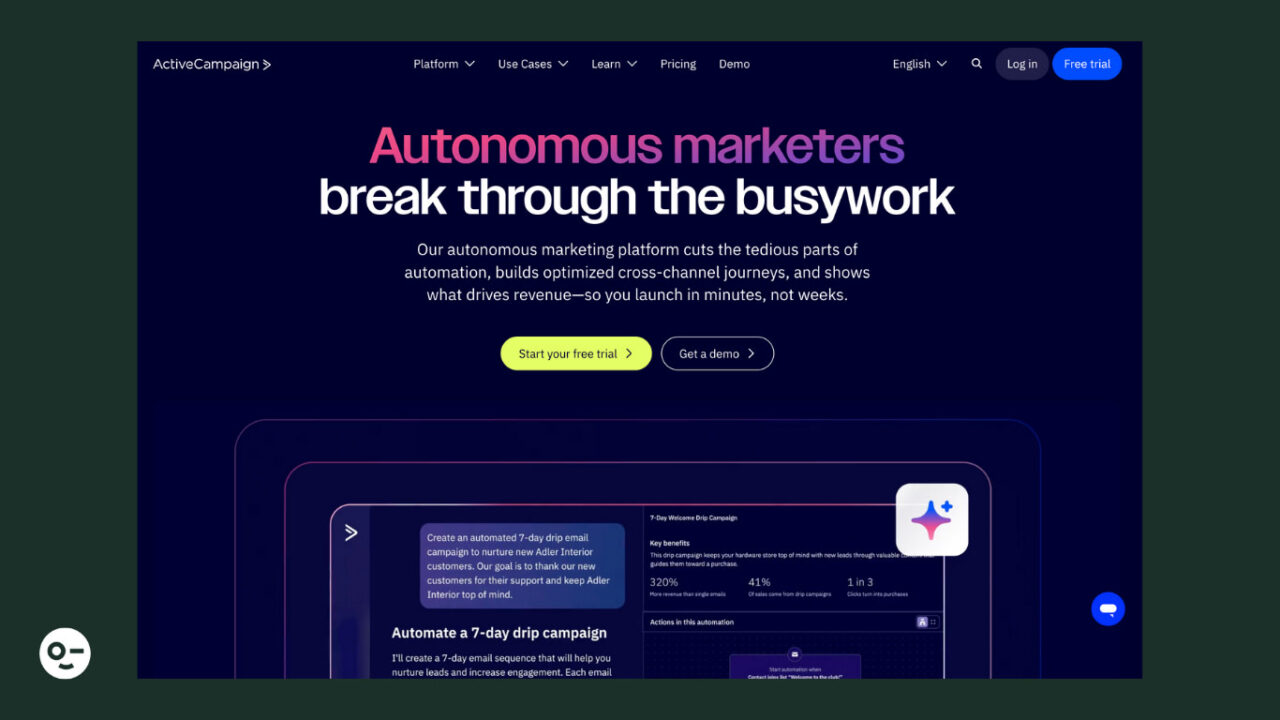
Deliverability rate: 94.2%
Pricing: Paid plans start at $19/month, 14-day free trial available
ActiveCampaign is an email solution that prioritizes automation. Although it’s an all-in-one tool with sophisticated features, it comes at a cost that doesn’t break the bank.
The user-friendly email editor allows you to build campaigns tailored to your recipients’ tastes using dynamic content and personalization tags.
Also, ActiveCampaign is equipped with a built-in CRM for smooth contact management, including a lead scoring system that segments your prospects based on their value.
Pros:
- Advanced automation capabilities with multi-step workflows combining email with SMS
- Email preview tool to ensure your campaign looks great across devices and email providers
- Automatic suppression management for subscribers who click on “spam”
- Predictive sending feature to send emails at the optimal time for increased engagement
- SPF, DKIM, and DMARC checkers to ensure proper authentication
Cons:
- Limited low-tier plan that lacks key features like conditional content
- Basic spam and design testing
3. Constant Contact – Best for SMBs, Nonprofits, Creators, Event Marketers
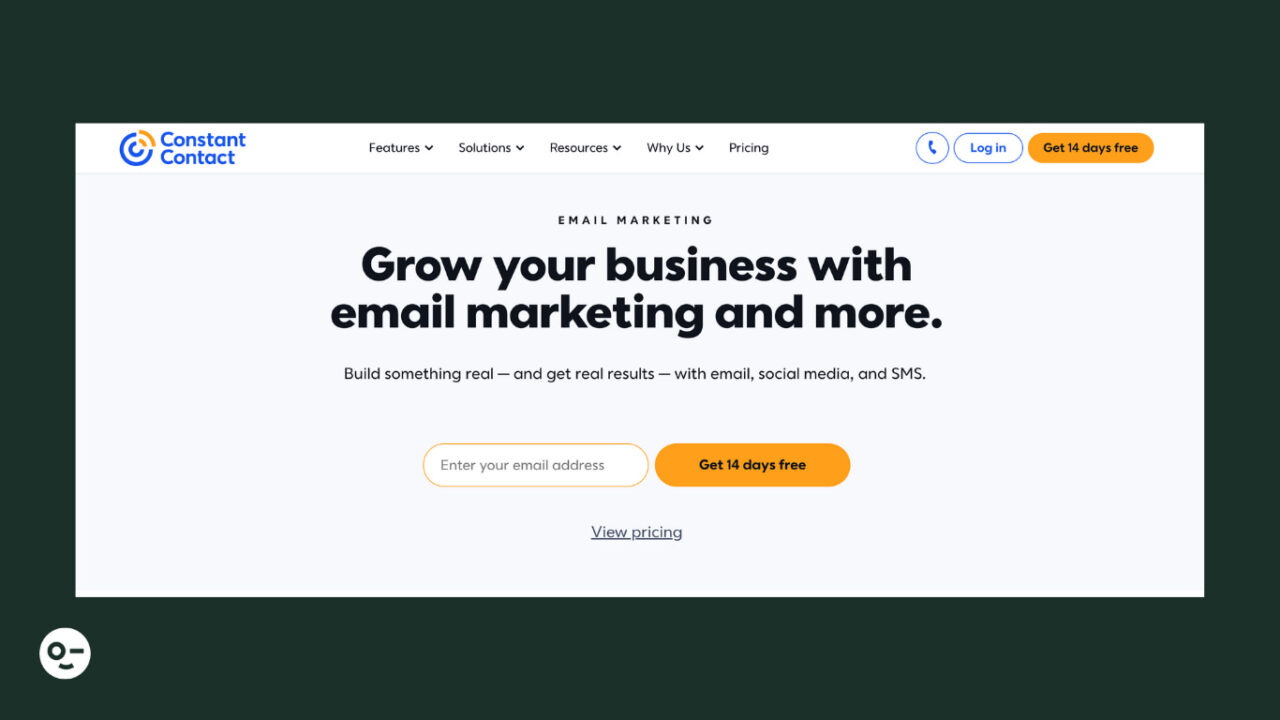
Deliverability rate: 91.7%
Pricing: Paid plans start at $12/month, 14-day free trial
Best for: SMBs, nonprofits, online course creators, event marketers
Constant Contact is a well-known email solution that simplifies email creation, list-building, and personalization. Many SMBs choose it for multichannel marketing, so they reach customers via email, SMS, social media, and events without breaking the budget.
Using the intuitive email editor, marketers can drag and drop content blocks like images, videos, or RSVP buttons for event invitations. They can also leverage autoresponders and triggered emails for common scenarios like cart abandonment and re-engagement.
Pros:
- An extended selection of more than 200 predesigned, responsive templates
- Lead generation tools, such as signup forms, landing pages, and Facebook or Instagram ads
- Advanced event marketing features, including online ticket sales
- AI Content Generator to save time from email, social media posts, and text creation
- Email authentication protocol support, so no unauthorized email reaches your audience
- More than 300 integrations with third-party apps, including CRMs, survey tools, and video platforms
Cons:
- Basic automation for low-tier users, for instance, only one automation template is available
- Lack of customization options for signup forms
4. MailerLite – Best for SMBs, Marketing Beginners, Creators
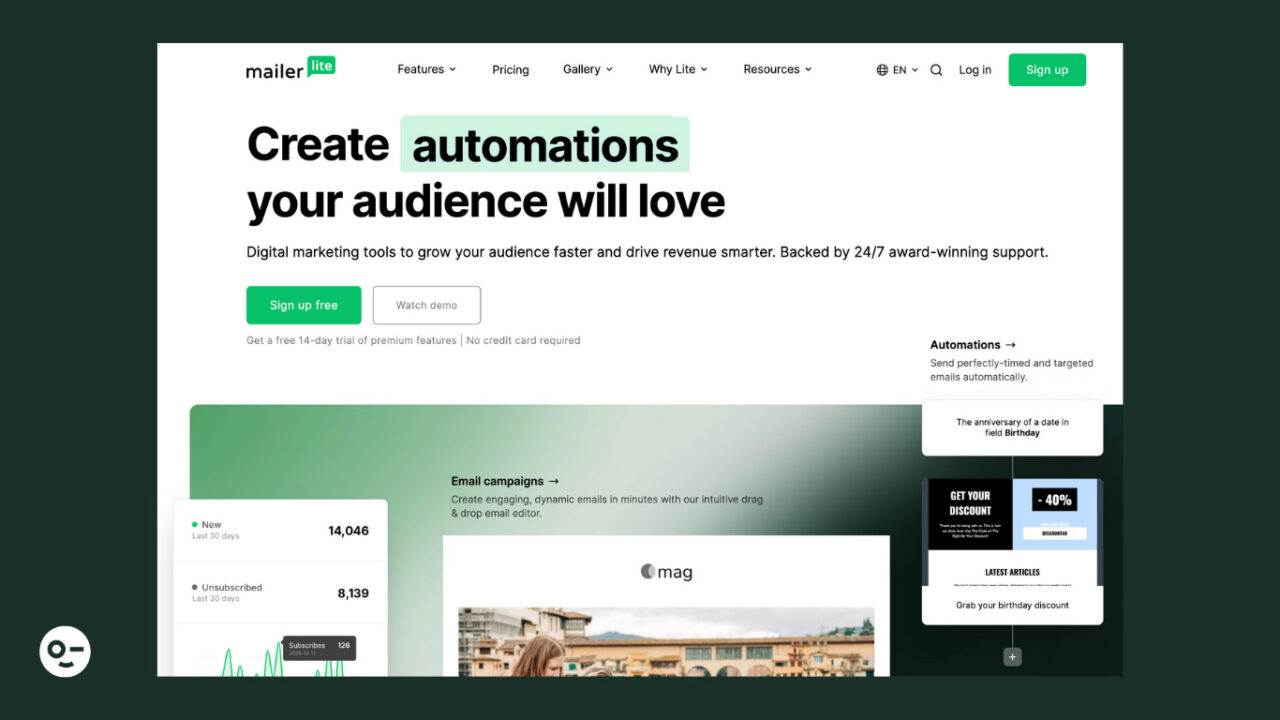
Deliverability rate: 89.8%
Pricing: Starts at $10/month, free version available
MailerLite is an email marketing solution that users love for its clean interface. Its simplicity, cost-effectiveness, and modern design make it a good choice for beginners and any business on a budget.
Although automation isn’t its strongest point, it offers helpful tools for website and blog creation, digital product selling, and paid newsletters. You can also find a separate product named MailerSend focused on transactional emails and SMS.
Pros:
- Drag-and-drop email builder with ready-made content blocks, such as surveys, countdown timers, and quotes
- Digital product selling using your emails, website, or landing pages
- iPad Subscribe App to capture leads in-store or at events
- Built-in email verification tool for easy list cleaning and inbox placement insights
- Ability to create a custom unsubscribe page
- Unlimited emails, websites, blogs, and landing pages, even in the cheapest plan
Cons:
- Lack of must-have features, like in-depth reporting and spam testing tools
- Limited free plan with up to 12,000 emails, plus no email templates or any customer support after the first 14 days
5. GetResponse – Best for Creators, eCommerce, Agencies
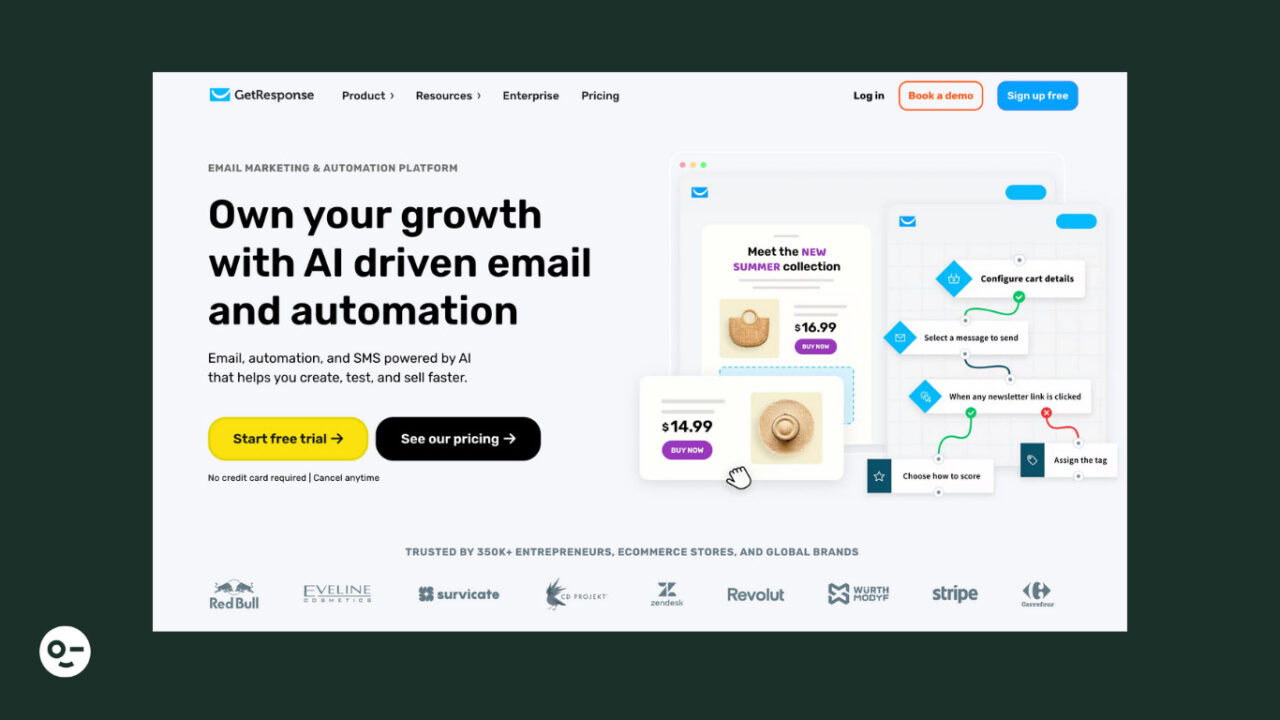
Deliverability rate: 90.9%
Pricing: Starts at $16/month, 30-day free trial that you can turn into a free plan when the month ends
GetResponse is an email marketing tool ideal for marketers and business owners who need multiple targeting opportunities under one roof. With its drag-and-drop email creator, you can generate branded emails in a few minutes.
Apart from emails, the platform lets you promote your offerings through SMS, web push notifications, and paid ads.
Plus, a website builder to effortlessly create your site, no coding skills required. You’ll even find tools designed for content creators, like premium newsletters and webinars.
Pros:
- Over 200 customizable email templates with responsive designs
- Option to save specific email sections within the editor and reuse them in future emails
- eCommerce-focused features like Conversion Funnel or the option to add promo codes to your emails directly through the email builder
- AI-powered website builder, plus prebuilt templates for various industries
- More than 30 predesigned automated scenarios for different objectives (like building your list or selling digital/physical products)
- Content monetization features for online courses, webinars, and paid newsletter creation
- Built-in spam checker to detect spam content
Cons:
- Basic automation and no A/B testing for low-tier users
- SMS marketing is available only for MAX and MAX2 customers after booking a demo
6. Mailchimp – Best for eCommerce, SMBs, Agencies
Deliverability rate: 89.5%
Pricing: Paid plans start at $13/month, free plan available
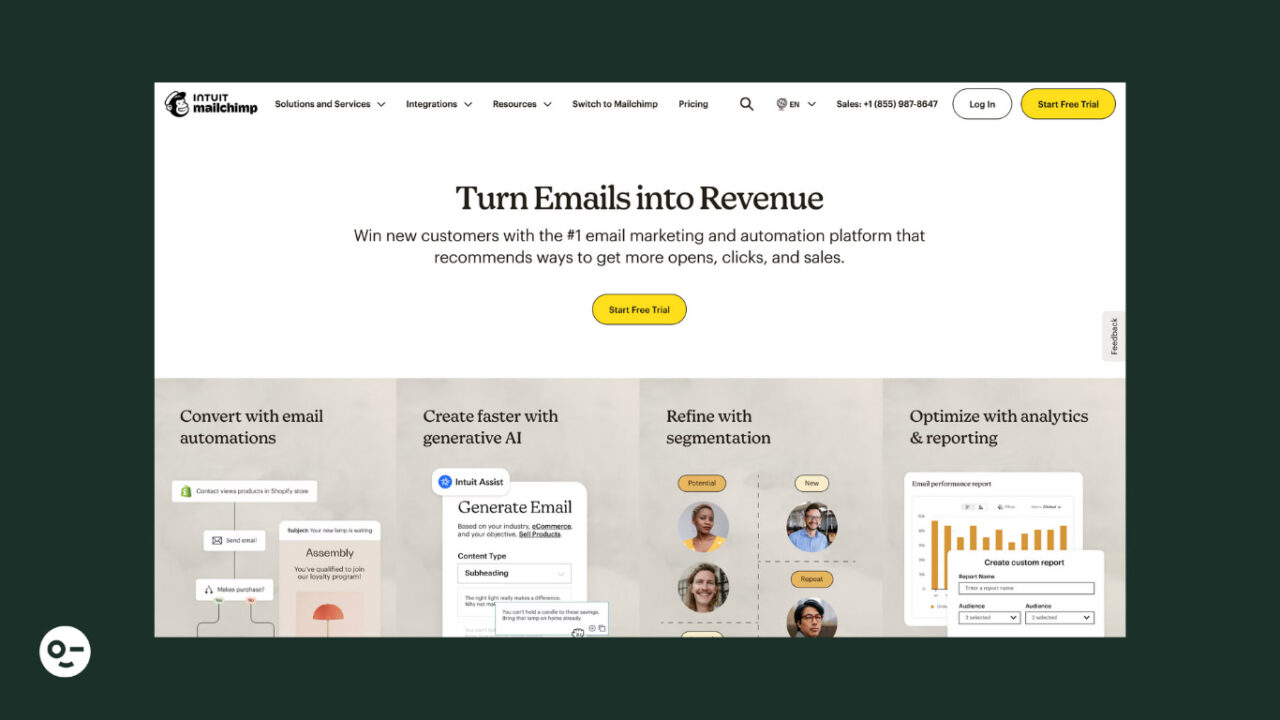
Mailchimp is a reputable email platform with a wide range of features that come at an attractive price. Some of them are also available on the free plan, which is a good starting point for marketing newbies and SMBs.
The email software is known for its powerful email builder and sleek design in the ready-made templates. Another feature Mailchimp is famous for is its advanced, multichannel automation, adding SMS marketing, social media, and push notifications to the mix.
Pros:
- Drag-and-drop email creator allowing you to quickly tweak buttons, typography, and background
- Customer Journey Builder and more than 60 workflow templates
- Content Studio to store, manage, and easily incorporate your marketing assets into your campaigns, including SMS, email, and social media
- Free website builder and built-in layouts to give you a head start
- Automatic suppression of hard-bounced and unsubscribed contacts
- More than 300 integrations with customer loyalty platforms, survey tools, contact management apps, etc.
Cons:
- Unfavorable method to count subscribers since unsubscribed and inactive contacts count toward billing
- Limited customer support for free version users (only 30-day email support)
How to Choose the Right Tool for Inbox Placement
Inbox placement optimization takes effort and the right tools. So, start by choosing an email tool that supports email authentication, monitors feedback loops from major ISPs, and guides you through proper setup. and report back on potential spam complaints.
Also, look for features like spam testing, double opt-in, granular segments, dynamic content, and an email preference center to personalize your subscribers’ email experience and boost engagement.
In-depth, real-time reporting and A/B testing will let you optimize your email content, timing, and frequency, while integrations (e.g., with list cleaning and email verification tools, CRMs, survey apps, etc.) will refine your strategy.
Reliable email software may be an essential component of inbox placement, but your email practices play their role, too. Opt for compliant list-building, effective contact management, and relevant content. Then, ensure you always respect any choice your subscribers make (such as unsubscribe) for a clean and engaged list. Above all, stay away from spammy content and tactics.
At the end of the day, success comes from constant monitoring and optimization. So, regularly test your copy, CTAs, colors, and layouts to find the most converting assets. Also, track your email KPIs to find and fix potential issues and see your inbox placement and subscriber engagement reach new heights.
FAQs
What’s the Difference Between Email Deliverability and Inbox Placement?
Email deliverability refers to whether your emails successfully reach the recipient’s mail server, while inbox placement specifically measures whether those emails land in the primary inbox rather than spam or promotional folders. Understanding this distinction is crucial because high deliverability doesn’t guarantee your emails will be seen by subscribers if they’re filtered into less-visible folders.
How Do Authentication Protocols Like SPF, DKIM, and DMARC Improve My Email Performance?
These authentication protocols verify that your emails are legitimately sent from your domain, which builds trust with email service providers and significantly improves your sender reputation. Implementing all three protocols creates a strong foundation for better inbox placement and protects your brand from email spoofing attacks.
What Role Does List Hygiene Play in Improving Inbox Placement Rates?
Regular list cleaning by removing inactive subscribers, bounced emails, and spam traps directly improves your engagement metrics and sender reputation with email service providers. Clean, engaged email lists result in higher open rates and fewer spam complaints, which are key factors that ISPs use to determine inbox placement.
How Can I Monitor and Improve My Email Sender Reputation Over Time?
You can track your sender reputation using tools like Google Postmaster Tools, Microsoft SNDS, and third-party reputation monitoring services that provide insights into your IP and domain reputation scores. Consistently monitoring these metrics allows you to identify issues early and adjust your email practices to maintain optimal inbox placement rates.