12 Best Free Email Productivity Tools: Top Features & Limits
About 42% of people check their inbox three to five times a day. Sometimes it’s to reply quickly. Other times, they only want to see whether anything new came in. Over time, those small check-ins quietly consume a lot of time.
That’s exactly what the best email productivity tools address.
Email productivity tools help you manage and organize emails more efficiently by reducing manual work inside your inbox. They automate repetitive tasks, so it takes less effort to handle.
In this article, you’ll learn what email productivity tools do, which features are most important, and which tools can help you save time without adding unnecessary complexity to your workflow.
Why Do You Need Email Productivity Tools?
You need email productivity tools because email scales faster than your ability to manage it manually. This means, as your workload grows, inbox volume increases due to ongoing conversations, but your available focus does not.
So, productivity solutions give structure to handle that chaos.
With Postcards Email Builder you can create and edit email templates online without any coding skills! Includes more than 100 components to help you create custom emails templates faster than ever before.
Free Email BuilderFree Email TemplatesInstead of deciding what to do with each email from scratch, they help you process messages using repeatable actions like templated replies, scheduled follow-ups, or reminders.
That ultimately reduces decision fatigue, so you spend less time figuring out what to do next and more time moving through email in a controlled way.
Best Free Email Productivity Tools to Try in 2026
The best free email productivity tools in 2026 are:
- Designmodo
- Grammarly
- Newoldstamp
- Bommerang
- Zapier
- WiseStamp
1. Designmodo: The All-In-One Email Productivity Solution
If you think about email productivity for a moment, it usually looks scattered. You write the email in one place. You search for a subject line idea somewhere else. You fix the signature using another tool.
But what if there’s a simpler way to do all of this?
Designmodo brings multiple email productivity tasks into one place, so you don’t have to jump between tools to finish a single email.
Instead of writing in one tool, designing in another, and fixing details somewhere else, you handle the entire process from start to finish using one toolkit—that too for free.
Let’s see how.
With Startup App and Slides App you can build unlimited websites using the online website editor which includes ready-made designed and coded elements, templates and themes.
Try Startup App Try Slides AppOther Products1.1. Email Templates for Gmail by Designmodo
Most of the emails you send follow the same structure.
Designmodo offers a Gmail plugin to use ready-made email templates that you can insert directly into Gmail, tailored to your needs. This way, instead of doing all the brainstorming, writing, and designing manually, you start with a clean layout and adjust the content as needed.

Learn more: How to send emails using the Designmodo Templates for Gmail plugin
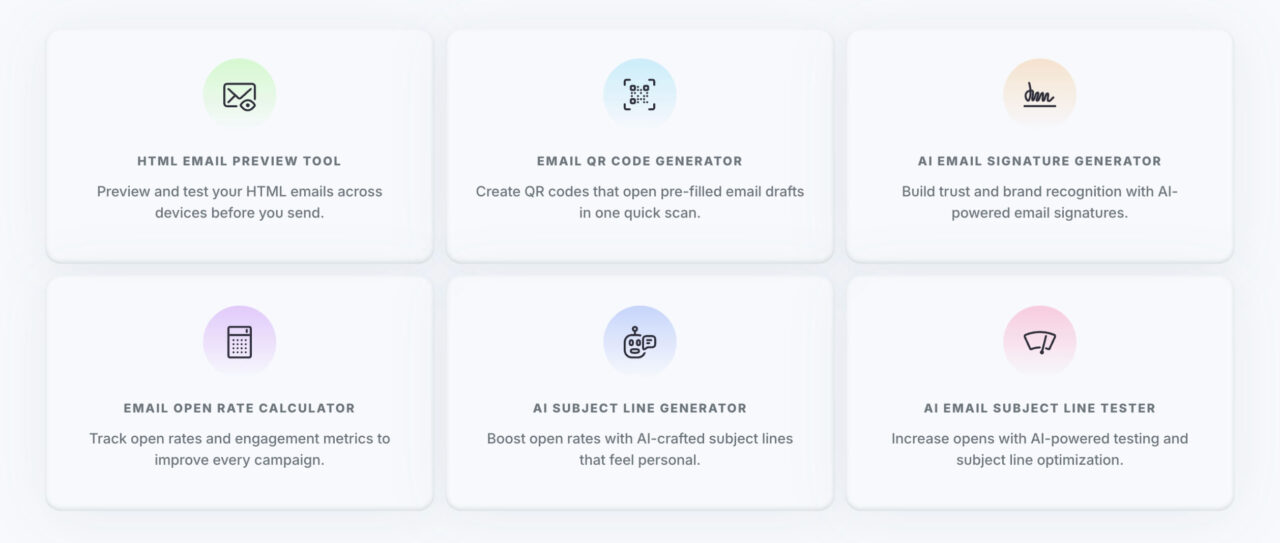
1.2. AI Subject Line Generator
43% of the time, people open an email based solely on the subject line. That makes the subject line one of the highest-impact parts of any email.
Because of that, most marketers spend a disproportionate amount of time trying to get subject lines right. You pause, rewrite, compare options, and second-guess wording before the email even goes out.
Designmodo’s AI subject line generator helps you move past that bottleneck.
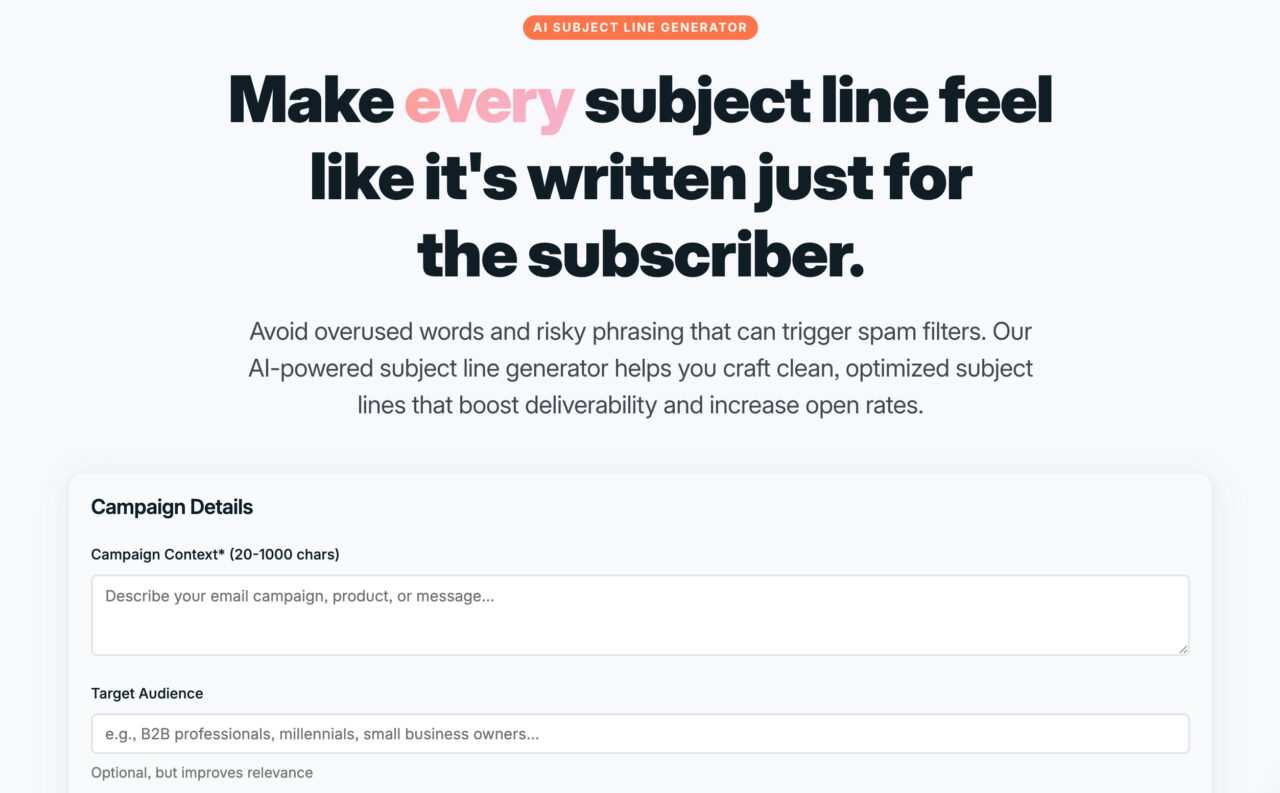
You add context about your email, and the tool generates relevant subject line ideas with preheader text you can use immediately or refine further.
Instead of starting from scratch, you begin with a direction that saves you a lot of time that would otherwise be spent on brainstorming.
1.3. AI Email Subject Line Tester
Most of the time, you don’t use a suggestion exactly as it is. You tweak the subject line, combine a few options, or write your own version entirely. When you do that, check whether the final version actually makes sense before sending.
For this, you can use the AI email subject line tester.
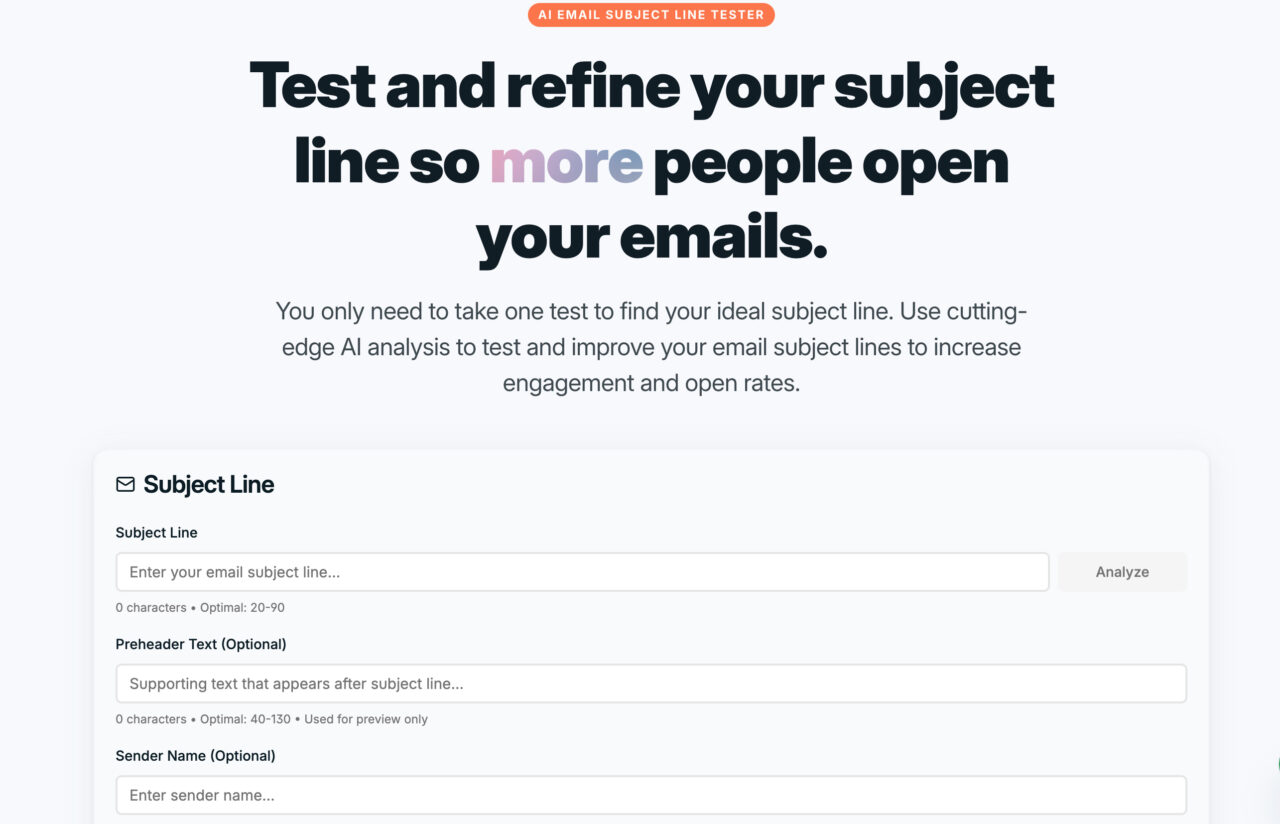
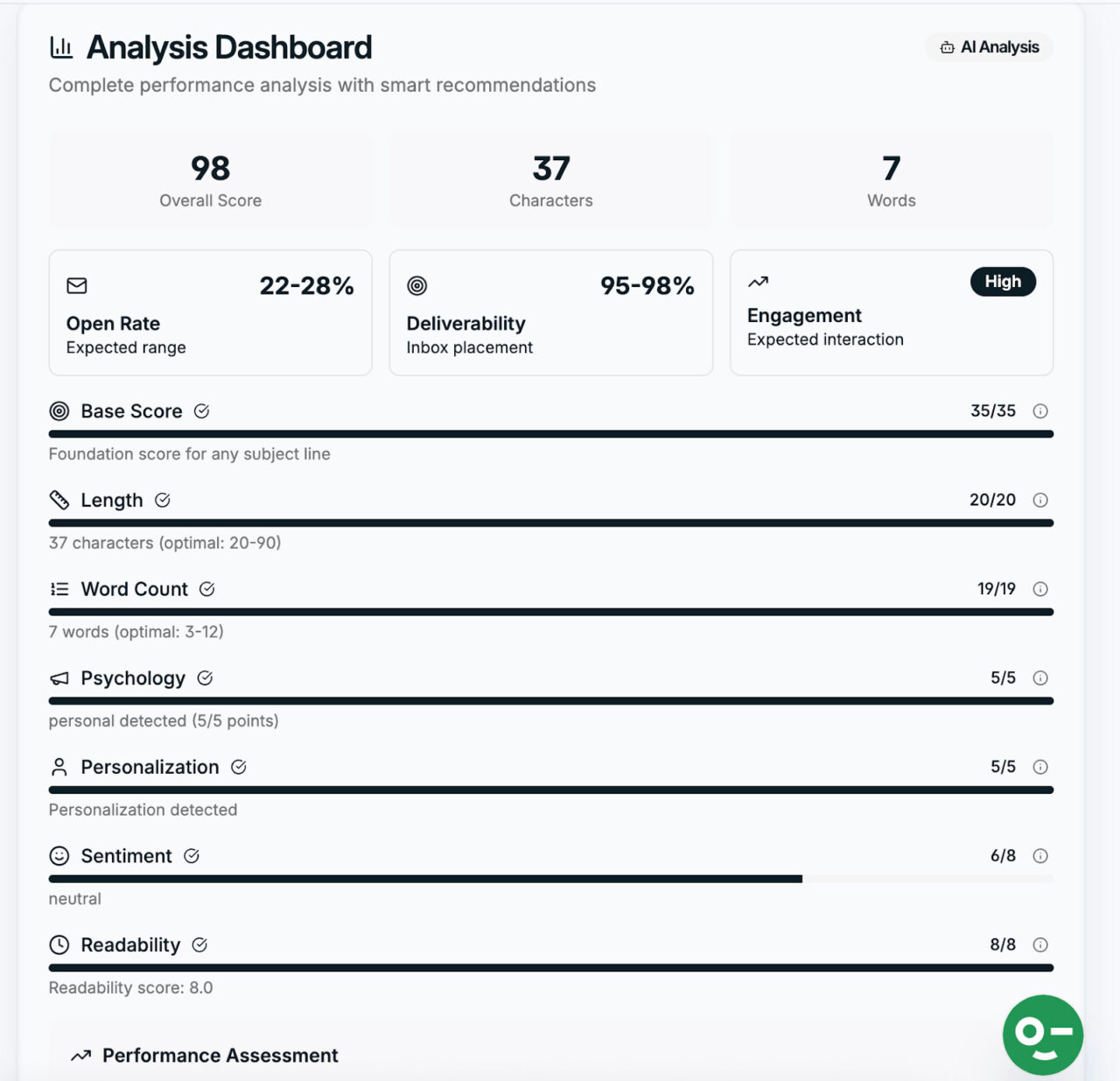
You paste in your subject line and preheader, click “Analyze,” and instead of a simple “good” or “bad” verdict, you get a detailed breakdown of what’s working and what needs attention.
1.4. AI Email Signature Generator
Email signatures are easy to ignore, but they show up in every message you send. When they’re inconsistent or poorly formatted, it reflects on you even if the email itself is solid.
So, if you don’t have an optimized signature or you’re delaying it because it takes a lot of time, you probably haven’t heard of the AI email signature generator by Designmodo.
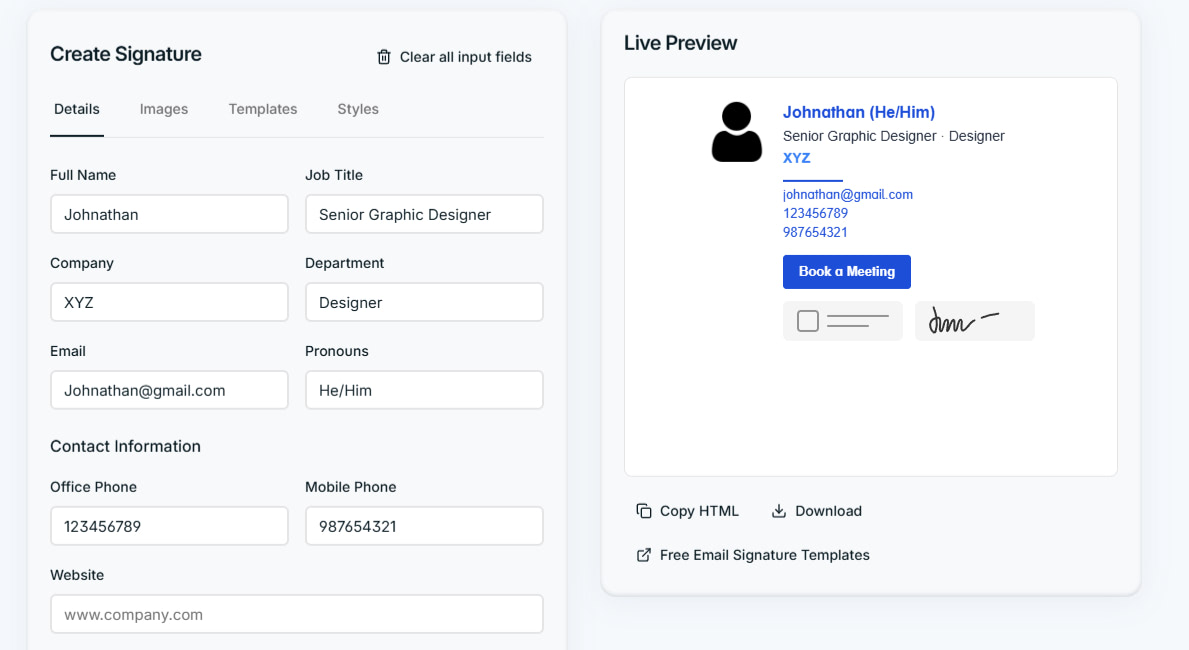
It only asks for key details and generates a clean, professional signature, so you don’t have to worry about spacing, fonts, or layout.
You can then copy and paste it into your email client so your signature stays consistent across emails.
1.5. HTML Email Preview Tool
Before sending an email, you should see how it will look in someone else’s inbox.
Why?
Because emails that look fine while editing may not look fine when they’re actually rendered. Spacing, fonts, or layouts may show some issues on different screens. And you don’t want that. Right?
The HTML email preview tool lets you preview the final version before sending. This way, you can check layout, spacing, and fonts before sending test emails back and forth.
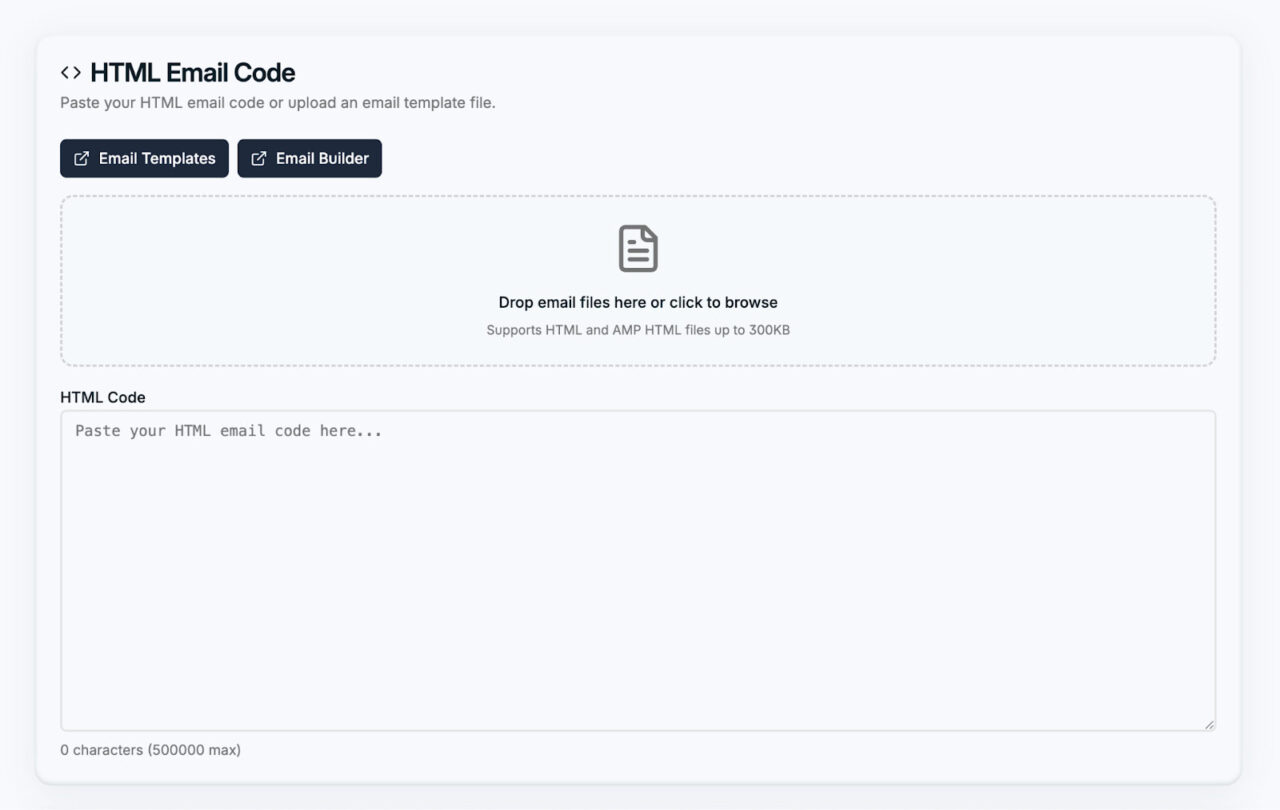
Once you’ve seen the preview, you can then send test emails for free as a final check.
1.6. Email Open Rate Calculator
Once the email is sent, the next question is simple: Did people open my emails? If so, how many?
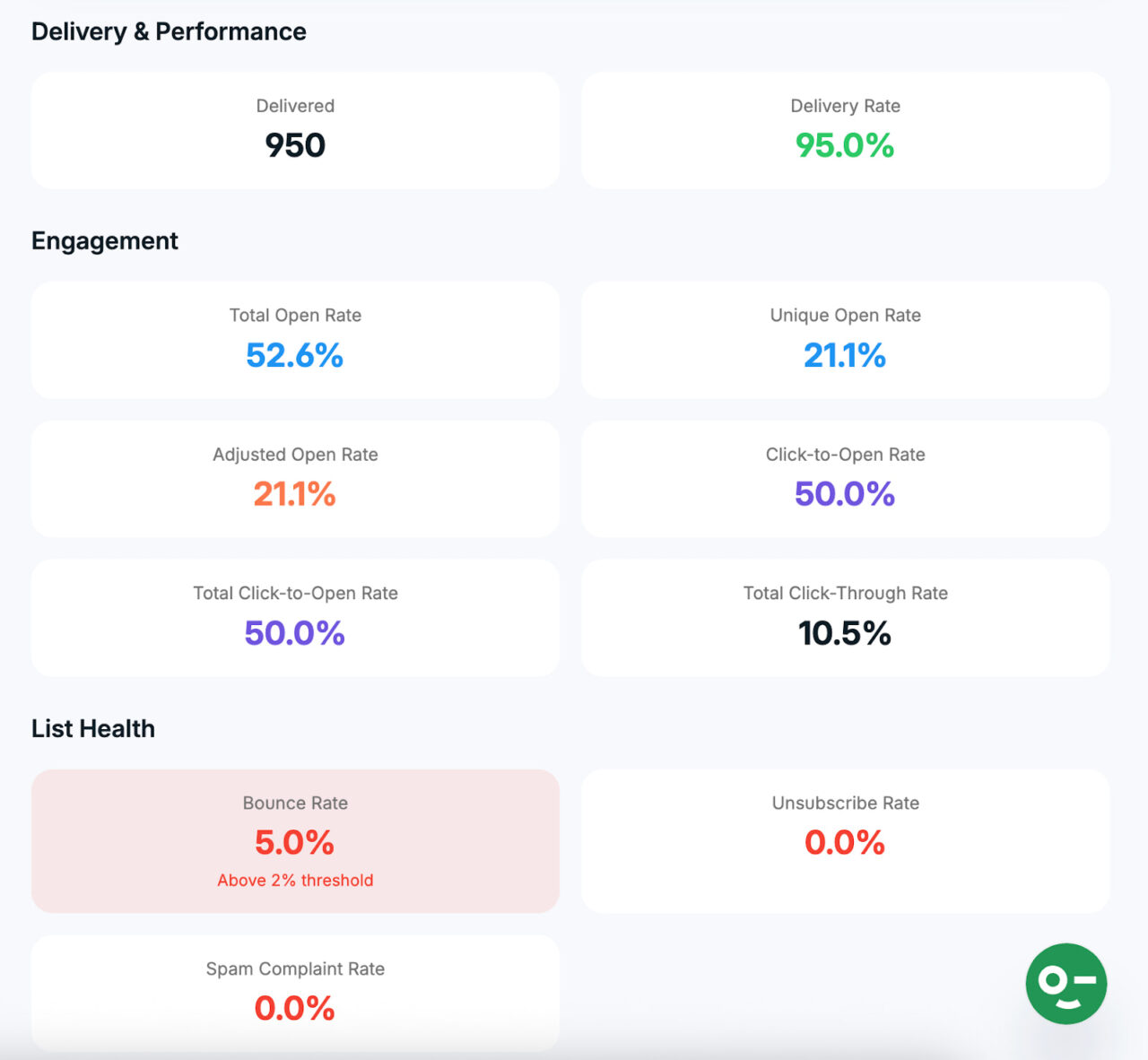
What you can do is extract campaign data, such as the number of emails sent, unique opens, total opens, clicks, and bounces.
Then, add this data to an email open rate calculator, and it will instantly calculate the open rate for you.
That gives you a clear snapshot of performance without extra steps.
1.7. Email QR Code Generator
Sometimes people want to email you quickly without typing an email address, subject line, or message.
And we have a solution for that, too.
You can use Designmodo’s email QR code generator to create a QR code that opens a new email with your address and a prefilled message.
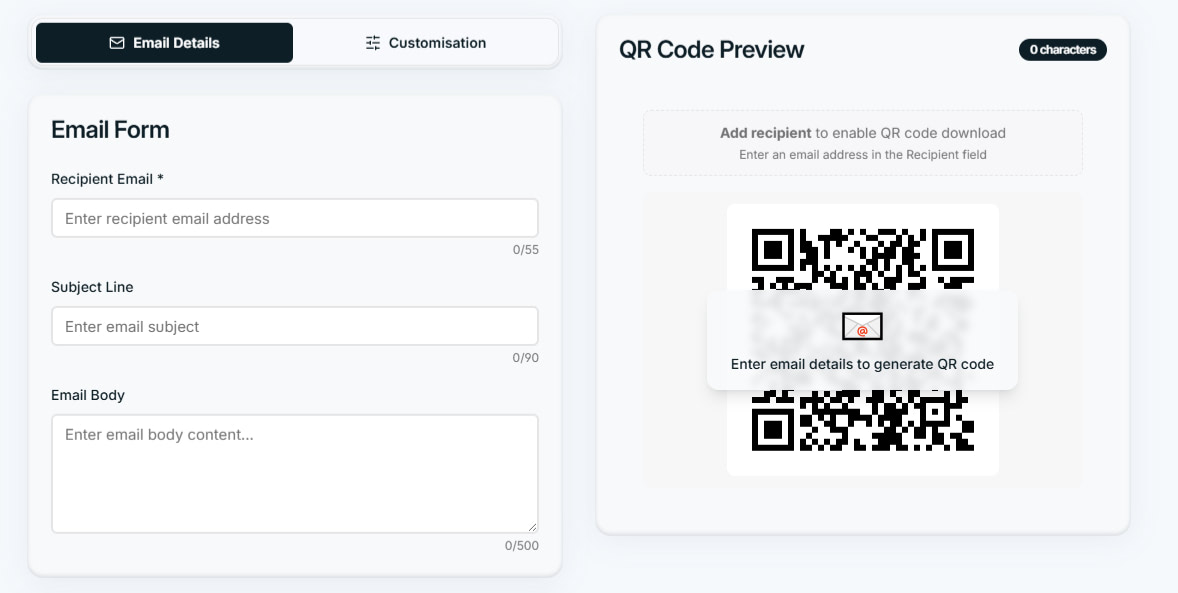
This works exceptionally well for business cards, events, flyers, and printed materials. Instead of asking people to type anything, you give them a faster way to reach you, depending on your needs.
In fact, you can explore options from our quick templates list.
2. Grammarly
As you type emails, Grammarly catches grammar and clarity issues in real time, so you don’t have to reread them later to spot small errors. Instead of manually editing sentences, you also get full rewrite suggestions you can apply with one click.
It also helps with tone.
Before sending, you can check whether your email sounds too harsh, too casual, or unclear, and adjust it so it lands the right way.
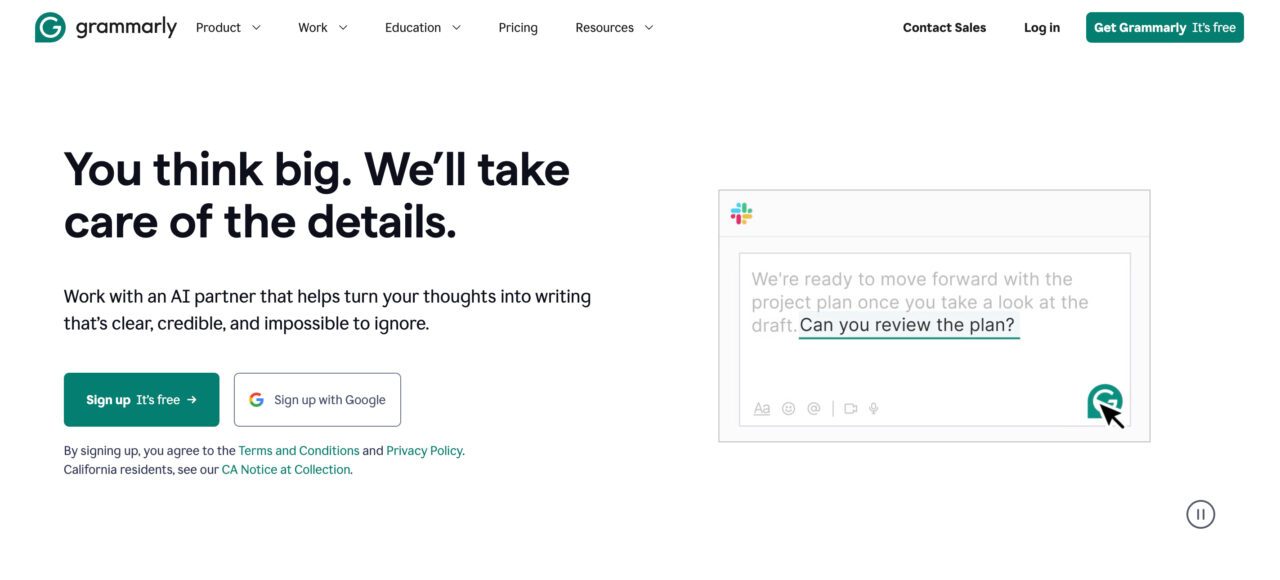
For longer email threads, Grammarly can summarize content so you understand the intent without reading everything line by line. In fact, it also includes AI-powered features that support day-to-day email work, such as:
- Generating replies, drafts, or outlines from short prompts
- Offering suggestions based on your goal, like persuading a customer or explaining a change clearly
- Letting you save common responses as snippets and reuse them with simple shortcuts
- Because Grammarly works directly where you write emails, it fits naturally into existing workflows and reduces back-and-forth caused by unclear or poorly structured messages.
You can use Grammarly for free, but paid plans offer more advanced features. Its Pro plan costs $12 per month, and it also offers an enterprise plan.
3. Newoldstamp
Newoldstamp focuses on one specific part of email productivity: email signature management for teams.
Instead of updating signatures manually in individual inboxes, you manage everything from one dashboard and apply changes company-wide.
Once it’s set up, signatures stay consistent across your team and update automatically. That saves time on manual edits and helps keep branding aligned as people join, leave, or change roles.
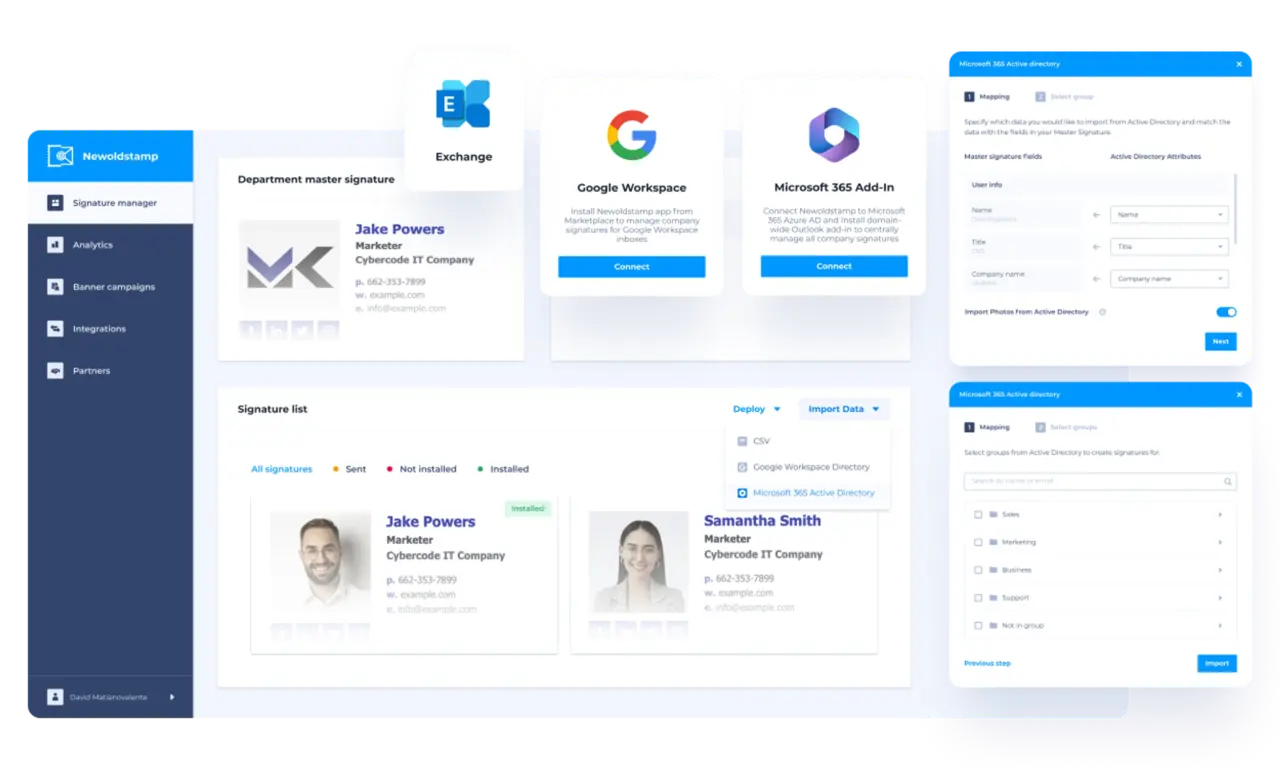
You can even integrate it with Google Workspace, Microsoft 365, and Microsoft Exchange, so updates continue running in the background after setup.
It comes with a free trial and a free email signature generator. But pricing depends on the number of email signatures you aim to manage per month.
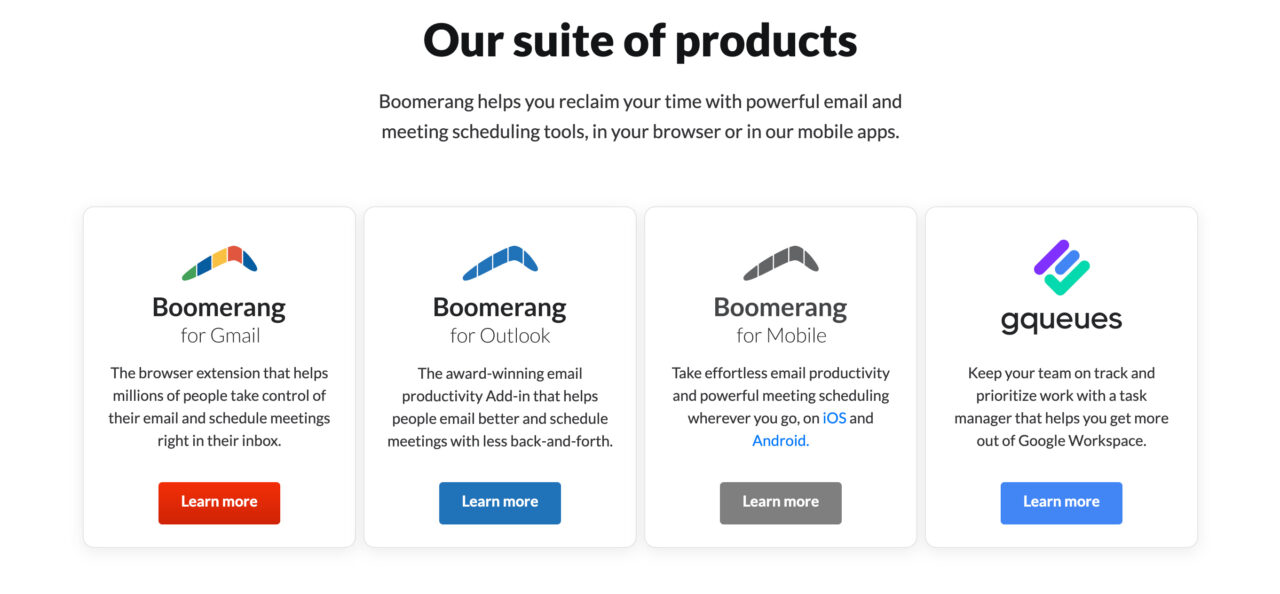
4. Boomerang
Boomerang adds scheduling and follow-up controls to Gmail and Outlook that aren’t available by default. This makes it perfect for people who want more control over when emails are sent or followed up on, instead of reacting to everything as it arrives.
With Boomerang, you can:
- Schedule emails to send later
- Set reminders to follow up if someone doesn’t reply
- Temporarily remove emails from your inbox until you’re ready to deal with them
- Pause incoming emails during focus time so your inbox stays quiet
- Use an AI writing assistant that suggests wording improvements before you send an email
Boomerang offers a free plan with limited message credits. Paid plans start at $4.98 per month and go up to $49.98 per month, depending on usage and features.
5. Zapier
Zapier connects your email with the other tools you already use and lets them work together automatically. It doesn’t replace Gmail or Outlook. Instead, it handles the busywork that usually happens around email.
You can create automated workflows called Zaps.
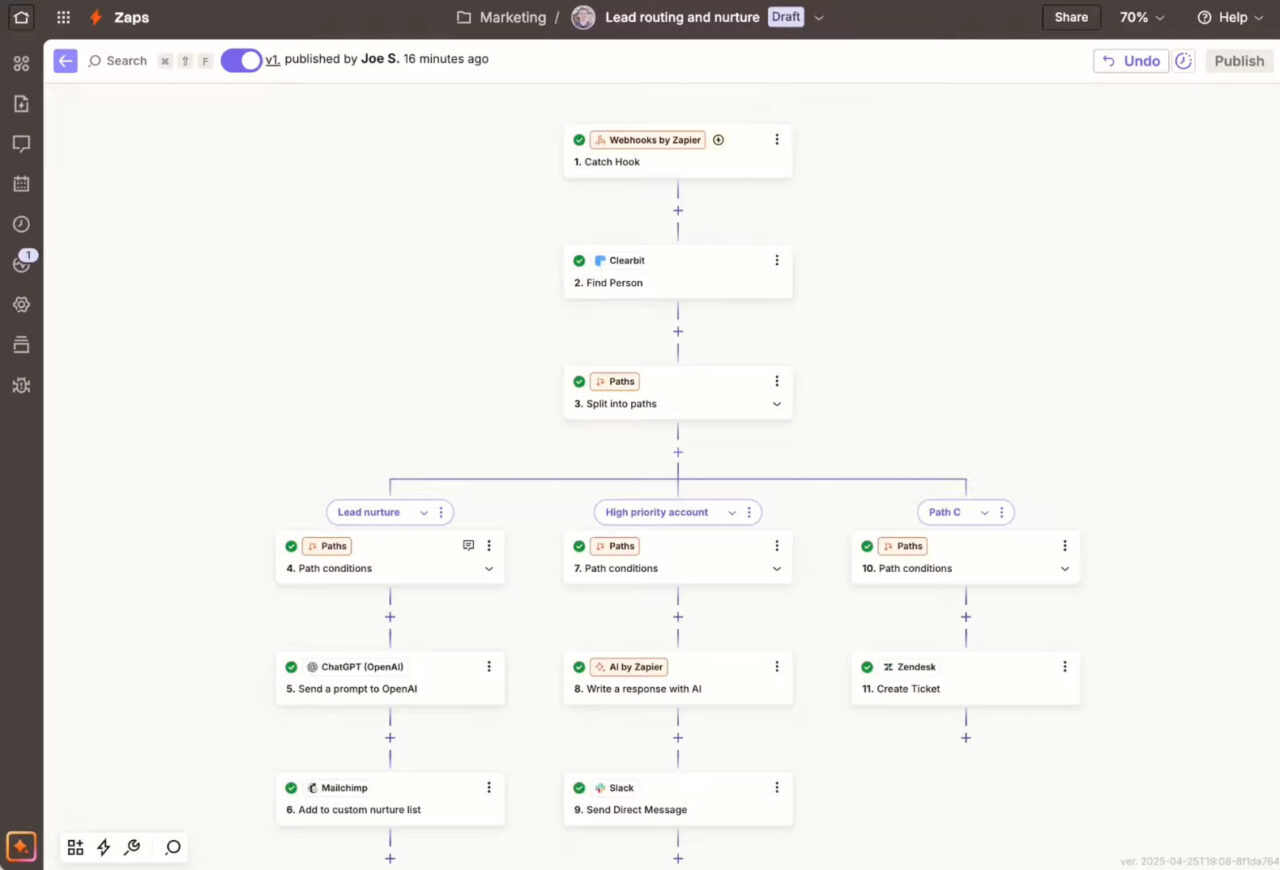
For example, when someone replies to an email, Zapier can add them to your CRM. Or when an email includes an attachment, it can save the file to cloud storage and notify your team in chat.
All of this happens in the background, without manual copying or juggling between tools.
A free plan is available with limited automations. But paid plans start at $19.99 per month.
6. WiseStamp
WiseStamp creates and manages professional email signatures. Instead of formatting signatures manually in each inbox, you design them once and use them everywhere. It works for both individuals and teams.
It also includes ready-made templates, so you start with a readable layout instead of a blank editor.
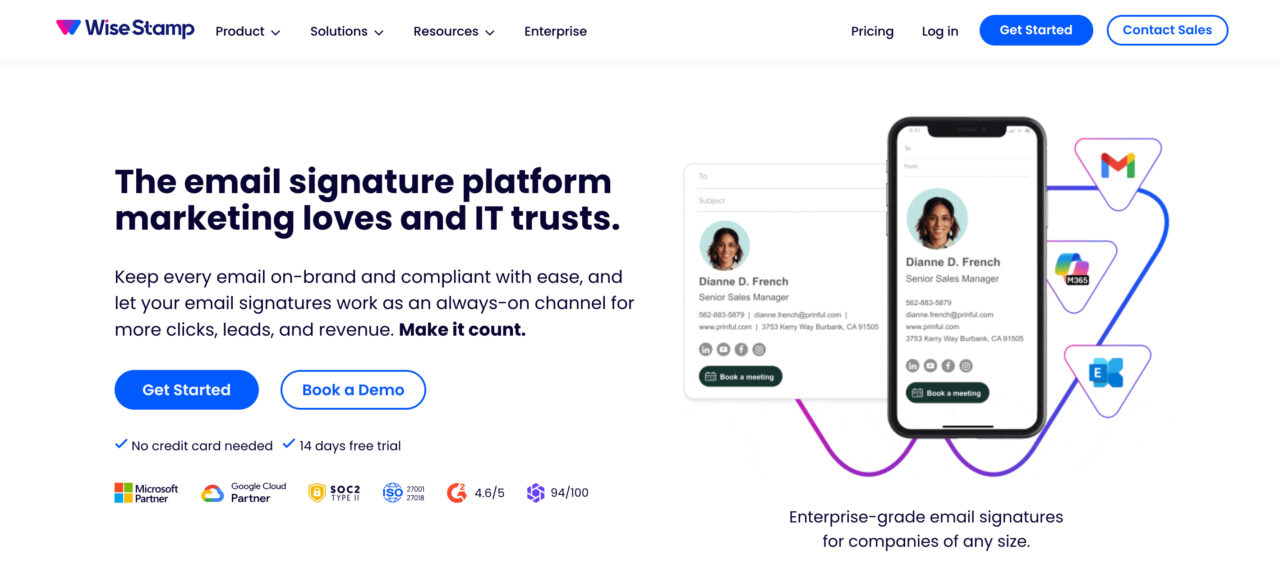
Here’s how you can use this tool for productivity:
- Create professional email signatures in minutes
- Avoid repeated edits when updating logos, links, or job titles
- Update signatures once instead of editing them whenever a new employee joins
WiseStamp comes with a free plan with limited customization and a single template. For a small business, it is $49 per month. For scaling companies, it is $179 per month. For big companies, enterprise-level is available.
Start with One Tool and Test It in Your Workflow
You don’t need to overhaul your inbox all at once. The fastest way to improve email productivity is to start with one pain point. It could be writing, follow-ups, signatures, or automation. Then, try one tool that addresses it.
Choose a tool from this list, use it for a week, and see what actually saves you time. Once that’s working, you can layer in additional tools only where they make sense.
But if you want an option to handle almost all parts of email, try Designmodo’s free email tool hub, as it’s an all-in-one solution to get started and keep going.
FAQs
How Do I Improve Email Productivity?
You can improve email productivity by using templates for common replies, scheduling follow-ups rather than relying on memory, checking emails at set times, and using tools to help with writing, organization, and automation.
What Is the 3 3 3 Rule for Productivity?
The 3-3-3 rule is a simple focus framework. You spend three hours on your most important task, complete three smaller tasks that still matter, and handle three quick or maintenance tasks. It helps prevent overload by forcing you to prioritize what actually moves work forward instead of reacting to everything at once.
What Are the 5 P’s of Productivity?
The 5 P’s of productivity usually stand for Purpose, Planning, Priorities, Process, and Progress. You define what you’re working toward, plan how to get there, focus on the most important tasks, use repeatable systems, and regularly review results. Together, they help turn effort into consistent outcomes instead of scattered work.
What Is the #1 Productivity App?
For email-heavy work, Designmodo is the most effective email productivity solution because it offers a wide range of free tools that reduce friction directly in the inbox, rather than adding another system to manage.