10 Best Email Checker and Validation Tools for 2026
Email engagement dropping?
Before blaming the subject line or timing, look at the quality of your list. Poor opens and weak CTRs often start with invalid or inactive contacts, not the campaign itself.
And email deliverability issues don’t begin when you press “Send.” They start the moment bad addresses enter your database.
That’s why you should use email checker and validation tools to scan and clean your list so your messages reach the right inboxes. In this guide, you’ll find the most trusted email verification tools for 2026 and how to choose the right one based on its features.
Purpose of Email Checker Tools and Features to Look For
Email checker and validation tools identify inactive and unsafe email addresses on your list. When your email list is clean, your emails are more likely to reach the inbox instead of “spam”. This protects your sender reputation as your emails reach only the real audience and improve deliverability.
Even a few bad email addresses (such as spam, unreal, etc.) can give a negative impression to email providers like Gmail and Outlook.
With Postcards Email Builder you can create and edit email templates online without any coding skills! Includes more than 100 components to help you create custom emails templates faster than ever before.
Free Email BuilderFree Email TemplatesSo, a clean list = better deliverability, more opens, and more conversions.
What to Look for When Choosing an Email Checker Tool
A good email checker helps maintain features like:
- Syntax and Formatting Checks: Catches typos or missing characters.
- Domain and MX Record Validation: Confirms the domain exists and can receive mail.
- Mailbox-Level Verification: Checks if the inbox your mail is being sent to is active or not.
- Disposable Address Detection: Removes addresses that could harm your sender score (this is common in purchased lists).
- Role Email Filtering: Identifies generic inboxes like info@, support@, or admin@, which often have low engagement.
- Bulk Upload + API Support: Ideal if you’re verifying large lists or need real-time validation in forms or CRMs.
- Security Compliance: Since you’ll be uploading personal data, make sure the tool follows strong data protection standards like GDPR (General Data Protection Regulation).
10 Best Email Checker Tools
Let’s look at the 10 best email checker tools:
1. Unspam.email
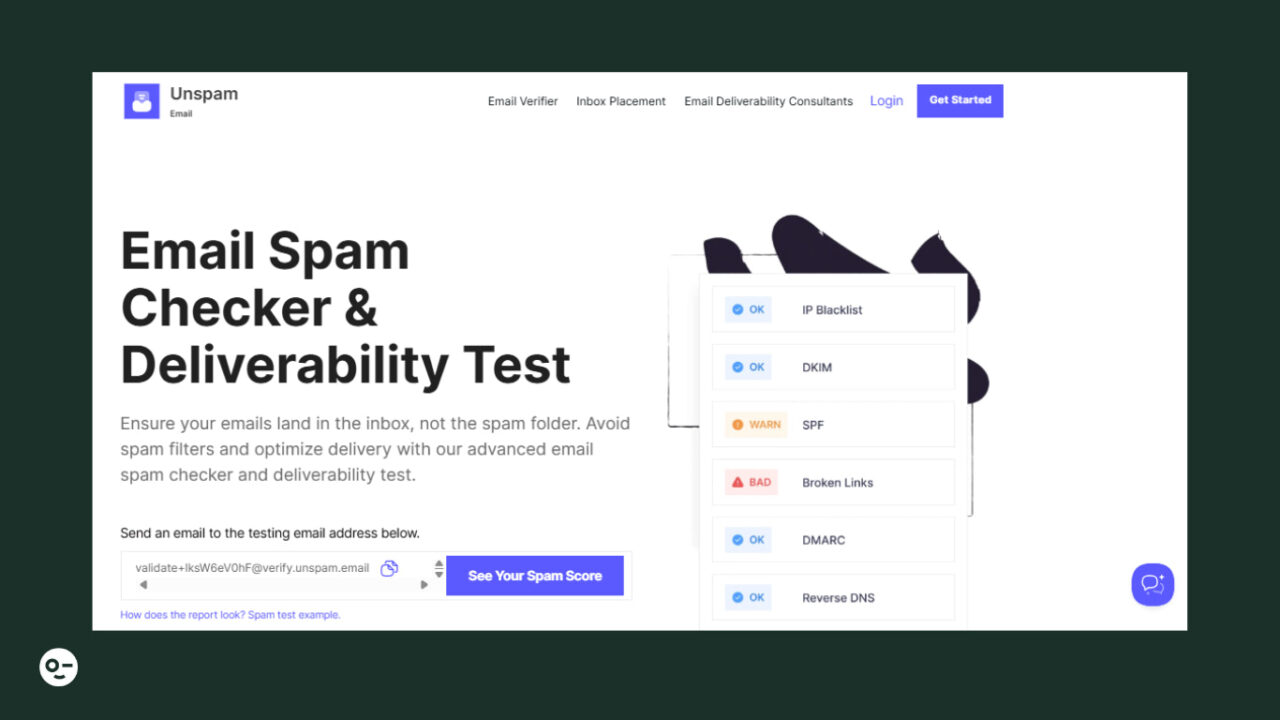
Unspam is a top email verification and deliverability improvement tool. It features a user-friendly interface that anyone can use for simple list cleanup. In addition, it provides preview tools, spam filter testing, and email-level optimization insights. This makes it a great choice for marketers and businesses that want data-driven confidence before sending emails.
Key Features of Unspam
Unspam can do this range of tasks:
- Email Verifier: Validates addresses for technical accuracy through syntax, domain, and mailbox activity checks.
- SPF Checker: Confirms your Sender Policy Framework record is configured correctly. That means your sending sources are authenticated and less likely to trigger provider-level filtering.
- DKIM Checker: Checks whether your domain’s DomainKeys Identified Mail signature is set up and aligned. This helps providers verify message integrity.
- DMARC Checker: Validates your DMARC policy and alignment, showing whether your domain is protected from spoofing and whether enforcement settings match your intent.
- Make an eye-tracking prediction heat map.
- Email Blacklist Checker: Checks individual sender addresses against known blacklists. This is quite helpful for diagnosing sudden deliverability swings tied to specific from-addresses.
- IP Blacklist Checker: Looks up your sending IP(s) across critical blocklists to identify reputation issues that may be suppressing inbox reach.
- Inbox Placement Predictions: Helps you understand how likely your emails are to land in spam.
Email Deliverability Checker Tutorial
2. Zero Bounce
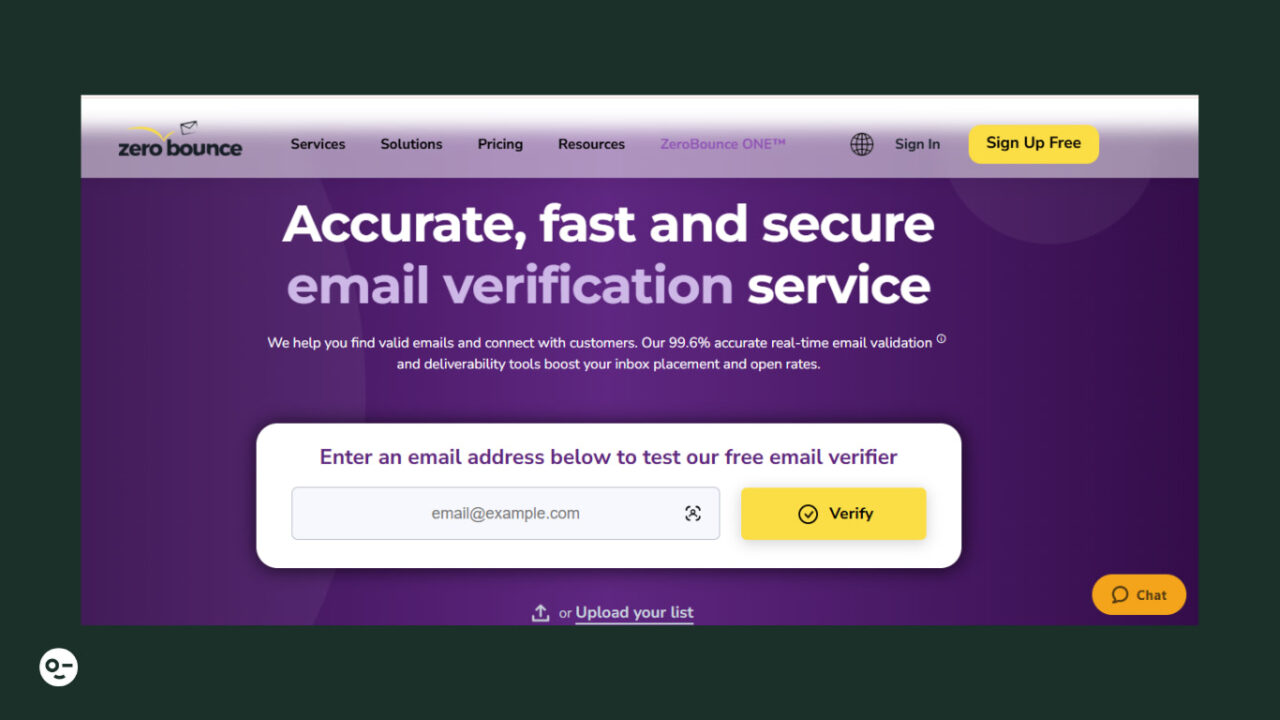
ZeroBounce is known for being a highly accurate email verifier with strong security compliance. You can use it to maintain clean lists and reduce bounce rates when sending high-volume marketing campaigns.
Key Features of ZeroBounce
Here are the main features:
With Pulsetic you’ll be instantly notified the moment your website, API, or server becomes unavailable. Monitor uptime from multiple global locations and respond to incidents before your users are affected.
Create beautiful status pages in minutes to keep customers informed during outages and build trust with transparent communication.
Start Monitoring for Free- Email Validation: Cleans your email list of spam and bot-generated emails.
- Email Activity Data: Provides insights into which subscribers are active so you can target them more appropriately.
- Email Score: A system to get reliable data about your catch-all email leads.
3. NeverBounce
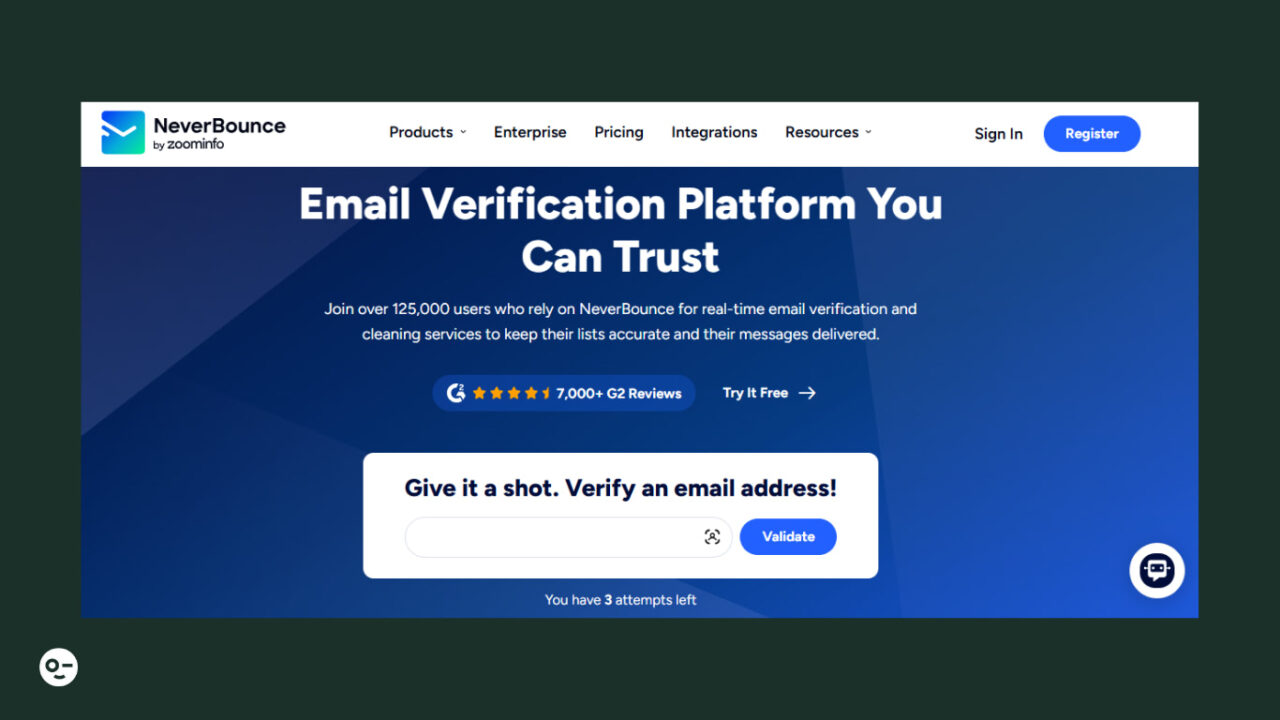
NeverBounce is another option for real-time, scalable list cleaning. It’s commonly used by SaaS teams and agencies because it integrates smoothly with signup forms, CRMs, and email platforms.
Key Features of NeverBounce
Let’s look at its key features:
- Email List Verification: Bulk-verify email lists to instantly remove bad addresses.
- Real Time Email Checker: Verifies for customer data accuracy and prevents fake or invalid emails from going into your lists.
- Sync: Integrates with your email marketing platform and automatically cleans your email lists.
4. Clearout
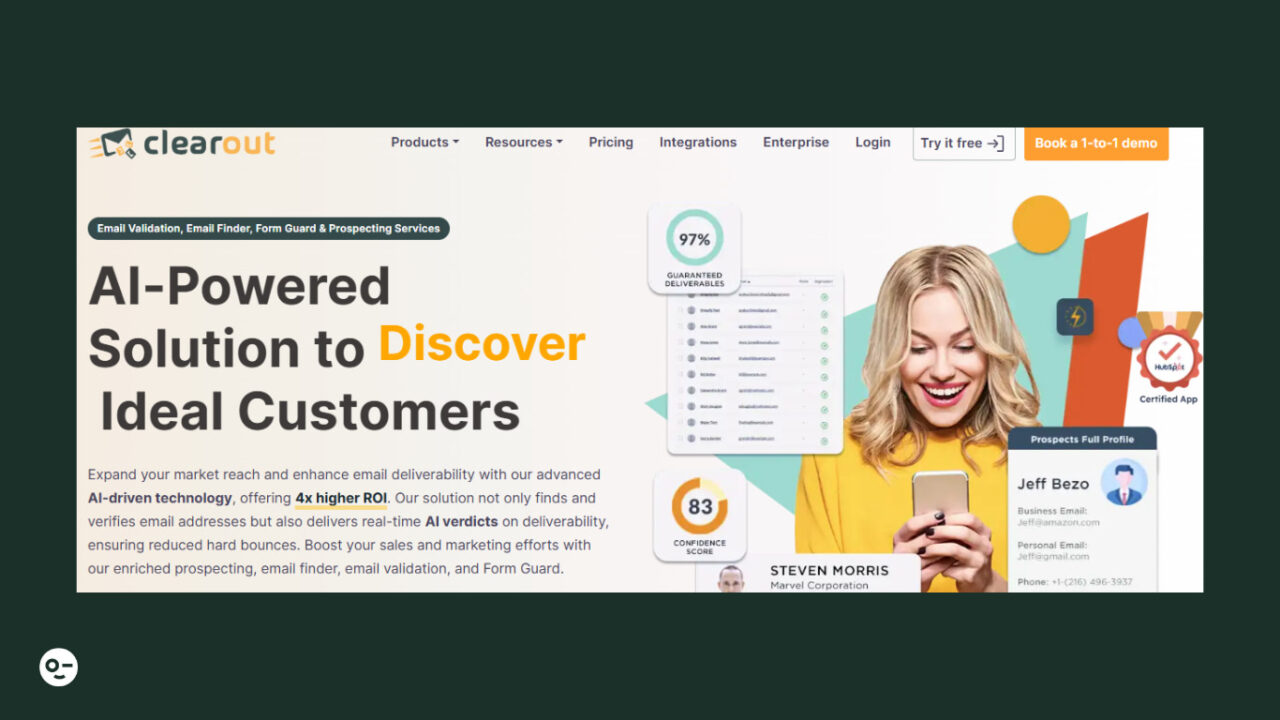
Clearout is an AI-powered email list verifier with features for fast verification and simple integration options. It suits small teams, startups, and freelancers managing medium-sized lists.
Key Features of Clearout
Some of its key features are the following:
- AI Data Insights: Verifies your email lists and provides intelligent insights for improving deliverability.
- Email Finder: Advanced email research tool to find relevant contacts.
- Prospect: AI-based option to create a pre-verified B2B prospect list.
5. MillionVerifier
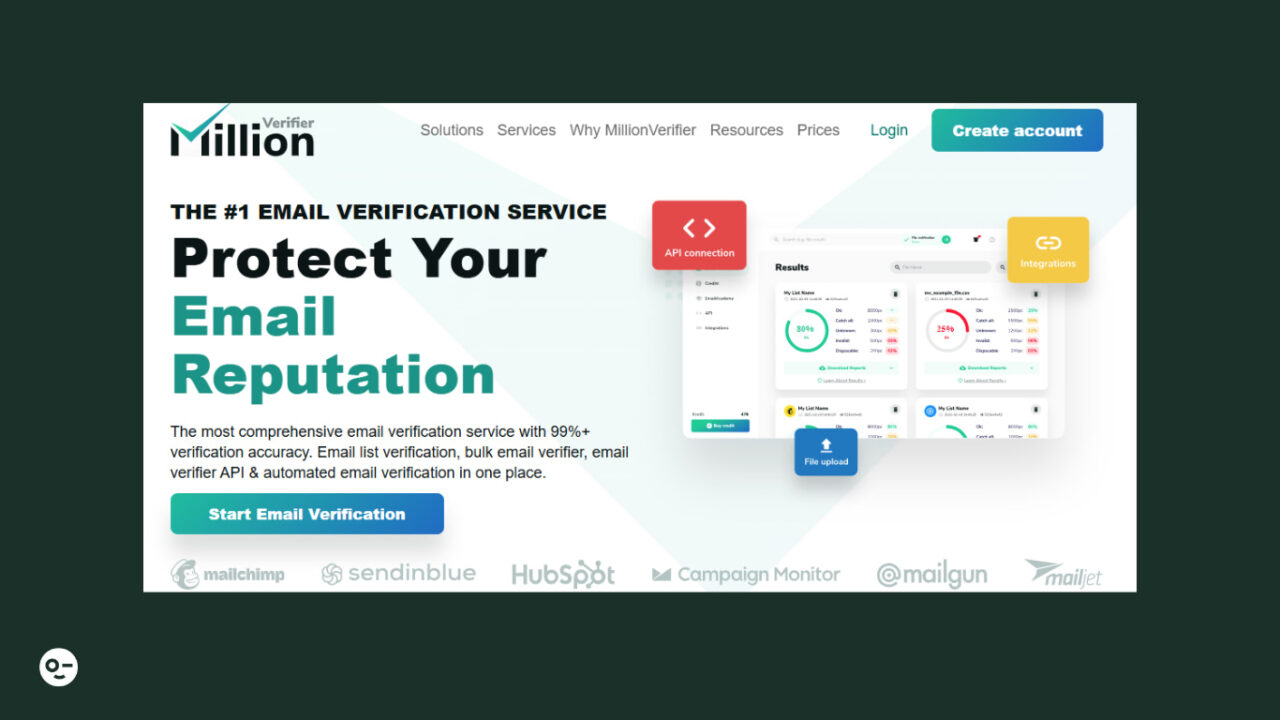
MillionVerifier is a budget-friendly email verification tool for handling extensive email lists. It provides email verification features with real-time data and blocks disposable email addresses from entering your lists.
Key Features of MillionVerifier
The following are the key features:
- Clean Old Mail Lists: Reviews your email list and automatically removes old, unused contacts.
- Real Time Email Verification: Instantly checks email addresses on your website as users type them to prevent fake, disposable, or mistyped emails from ever entering your list.
- Disposable Email Blocker: Blocks temporary or disposable emails from your lists.
6. MailerCheck
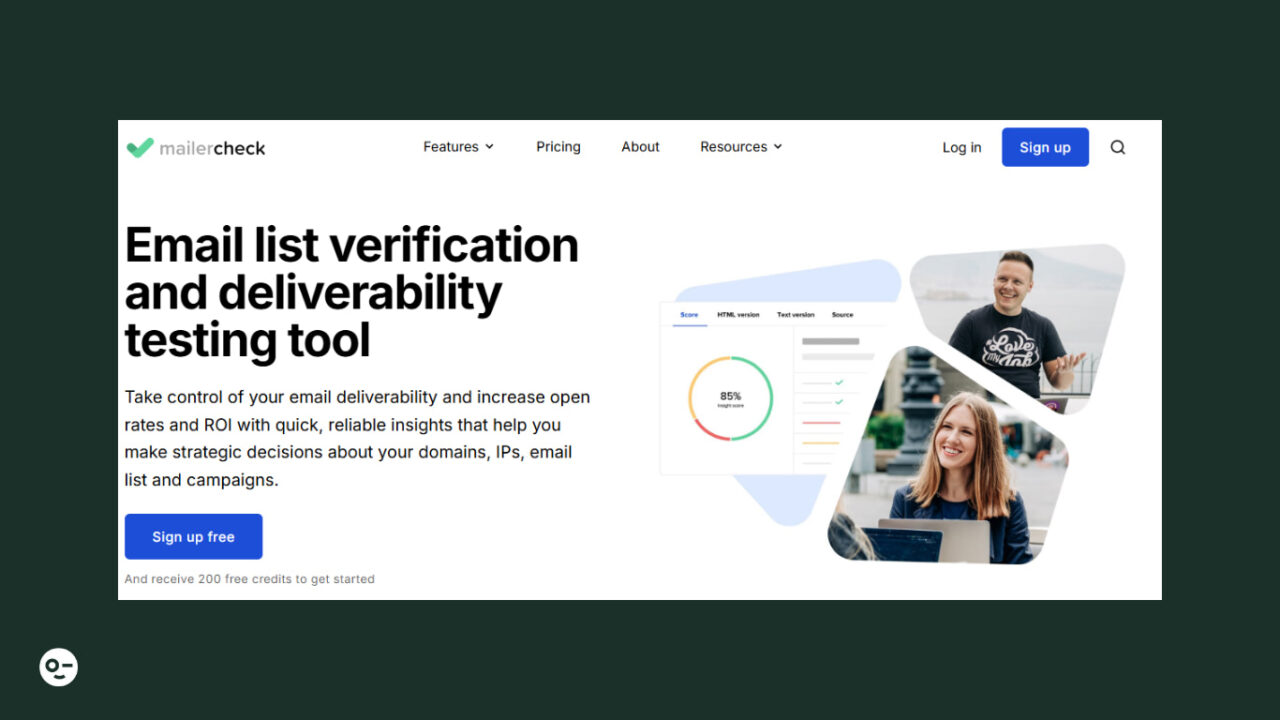
MailerCheck comes from the MailerLite ecosystem. It’s simple, minimalist, and beginner-friendly, easy to use for non-technical users as well, so they can clean lists quickly.
Key Features of MailerCheck
Let’s look at its primary features:
- Email Insights: Test your content before sending to boost open rates and deliverability.
- Inbox Placement: Find out whether your emails will land in the inbox or get trapped in spam.
- Usage Reports: Monitor your email lists’ health through a single dashboard.
7. Hunter
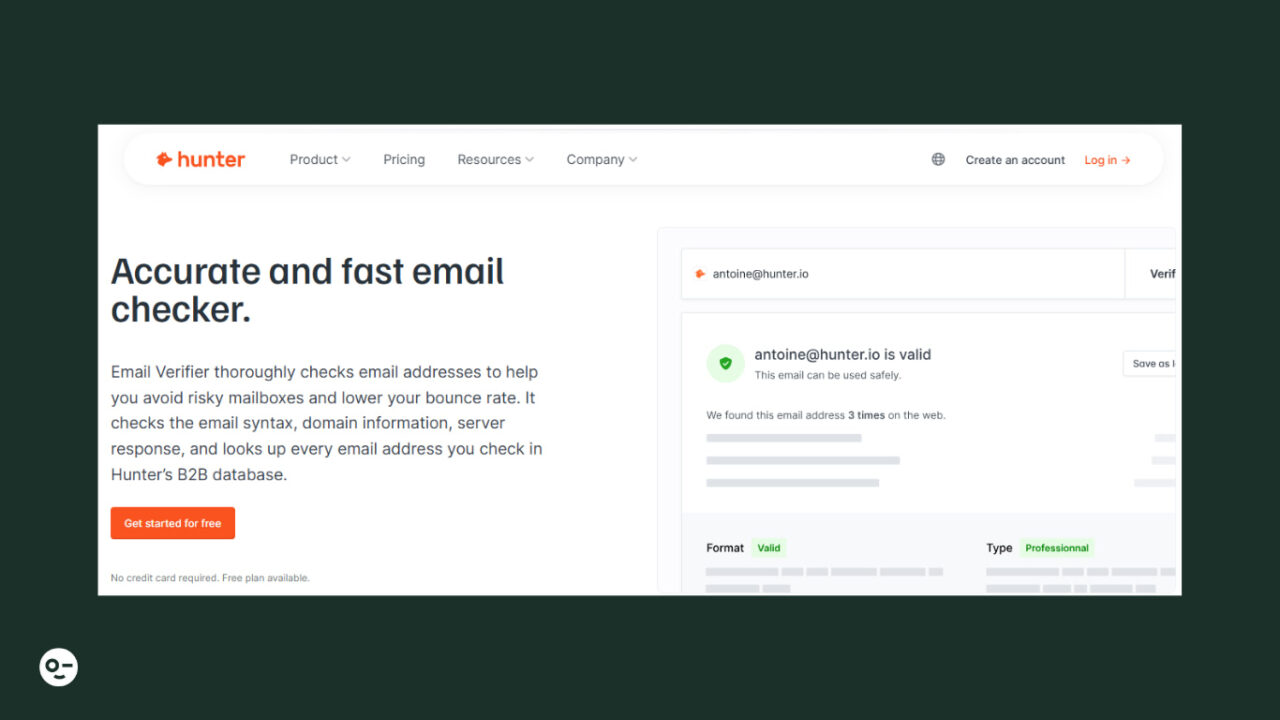
Hunter.io is mainly known for finding business emails, but its Email Verifier feature helps ensure the addresses you collect are valid before outreach. This tool is designed to perform multiple types of email checks at once so marketers and sales teams can reduce bounce rates.
Key Features of Hunter.io Verifier
Some of its key features are the following:
- Syntax Validator: Checks email syntax to ensure proper formatting before deeper validation.
- Bulk Checker: Allows bulk list uploads or API integration, which is why it is scalable for both small and large campaigns.
- SMTP Checking: Performs SMTP checks to confirm the inbox accepts messages without sending them.
8. Kickbox
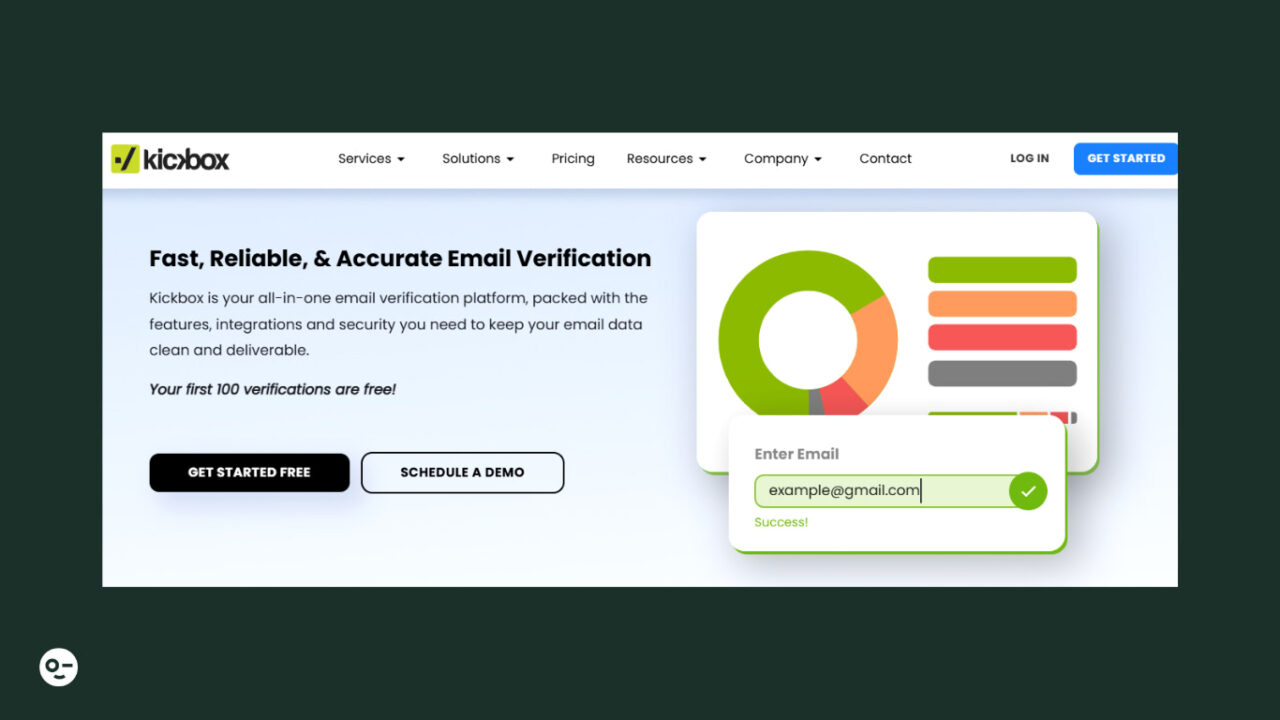
Kickbox is mostly trusted for enterprise-grade deliverability accuracy, so you can use it during onboarding workflows to instantly validate new subscribers.
Key Features of Kickbox
Here are some of its key features:
Email Verifier: Bulk list cleaning to remove invalid or risky email addresses before you send.
Blocks Invalid Emails: Disposable and “accept-all” address detection to flag high-risk contacts.
Analytics: Reporting and analytics dashboard to monitor list health, bounce rates, and deliverability impact.
9. Usebouncer
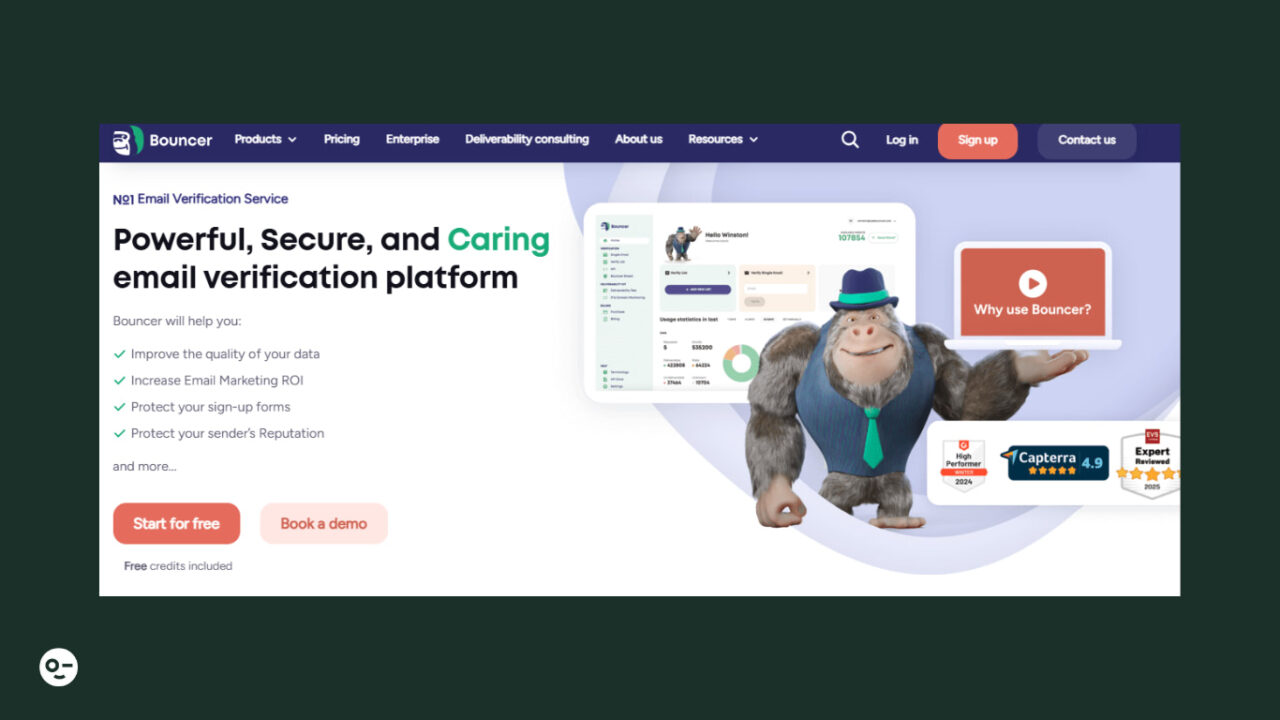
Usebouncer is a tool for ethically secure email verification with strong GDPR compliance. It’s a good option for Europe-based brands or companies with strict privacy standards.
Key Features of Usebouncer
The following are its key features:
Bouncer Shield: Block invalid, malicious, or fraudulent emails at the moment of entry.
Toxicity Check: Identify risky or spam-trap addresses by scoring email quality.
Deliverability Kit: Test inbox placement, authentication, and blocklist status.
10. Mailfloss
Mailfloss is designed for hands-off list cleaning. Once connected, it automatically cleans your subscriber list daily, weekly, or monthly, without requiring you to upload lists manually.
Key Features of Mailfloss
Some of its key features are the following:
Integrations: Easily connect it to your email service provider and automatically verify your lists.
Email Verifier: Identifies typos and removes or auto-tags invalid emails.
Reporting Analytics: Shows email verification results with search, sort, and filtering options.
Pros and Cons of Email Checker Tools
But like any tool, email checker tools come with strengths and limitations. So let’s look at their pros and cons:
Pros
- Removing invalid or risky emails increases your chances of landing in the inbox instead of spam.
- Sending emails to wrong or invalid addresses can get your domain flagged, but verification tools prevent such long-term damage.
- You’re not wasting effort or budget sending to inactive or fake contacts.
- Identifying toxic or spam-prone addresses keeps complaint rates low.
- Cleaner lists mean more email opens and clicks from real users.
Cons
- Some addresses (especially catch-all domains) can’t be validated with certainty. Tools may label them “risky” rather than confirmed valid.
- Large lists require repeated verification, which can increase monthly spending for growing businesses.
- Verification cleans your list, but your email content, subject lines, and sending behavior still matter for inbox placement.
- Your email lists require ongoing maintenance as contacts change.
Start Building Perfect Emails with Postcards
Cleaning your list is only the first step toward stronger deliverability. Once you’ve verified contacts with tools like those listed above, your next move is to send emails people actually open.
That’s where you can use Postcards by Designmodo. This email template builder helps you build professional, mobile-responsive newsletters in minutes using modular components without any coding.