Dunning Emails: What-Why-When-How Guide with Templates
Think about the last time you forgot to update your old card details or missed a payment reminder.
It happens with all of us.
Cards expire, banks block payments for no reason, or we simply overlook an email.
But what if the same thing happens to your customers?
Dunning emails solve this problem. They give your customers a gentle reminder and a quick way to fix the issue.
In this guide, you’ll see why dunning emails are important, when to send them, and how to write them so they feel supportive rather than pushy with examples.
With Postcards Email Builder you can create and edit email templates online without any coding skills! Includes more than 100 components to help you create custom emails templates faster than ever before.
Free Email BuilderFree Email TemplatesWhat Are Dunning Emails?
Dunning emails are reminders you send when a customer’s payment doesn’t go through or an invoice isn’t paid on time.
They show what went wrong, explain how to fix it, and make it easy for the customer to update their card or finish the payment.
You’ll typically see them with subscriptions or other ongoing billing, but any business that accepts payments can use them.
Because the main goal is to help customers clear up a billing problem and keep their service running while your business gets paid.
Why Dunning Emails Are Important
Dunning emails help ensure payments are on track and make life easier for both you and your customers. Here’s how:
- Recover revenue: When you send a clear dunning email, your customers have a quick way to retry a charge. This helps you win back a large share of that revenue.
- Stop avoidable cancellations: Around 20%- 40% of involuntary churn (when customers are lost due to failed or expired payments, not by choice) happens because of billing problems, not because people want to cancel.
- Dunning emails send reminders to people to make it easy for them to fix issues and stay with your service. In fact, 42% of the involuntary churn detected was recovered through dunning emails.
- Save time for your team: Automated emails can take care of most payment issues, so your team doesn’t have to follow up with every account manually.
How to Write Effective Dunning Emails
Let’s now see how to write dunning emails that actually solve your customers’ problems:
Start With a Clear Subject Line
The subject line is the first thing customers see. In fact, 60% of people open emails based on a subject line. So it’s an essential part of every email. That’s why you should keep it short, personal, and action-focused and avoid harsh wording or lengthy explanations.
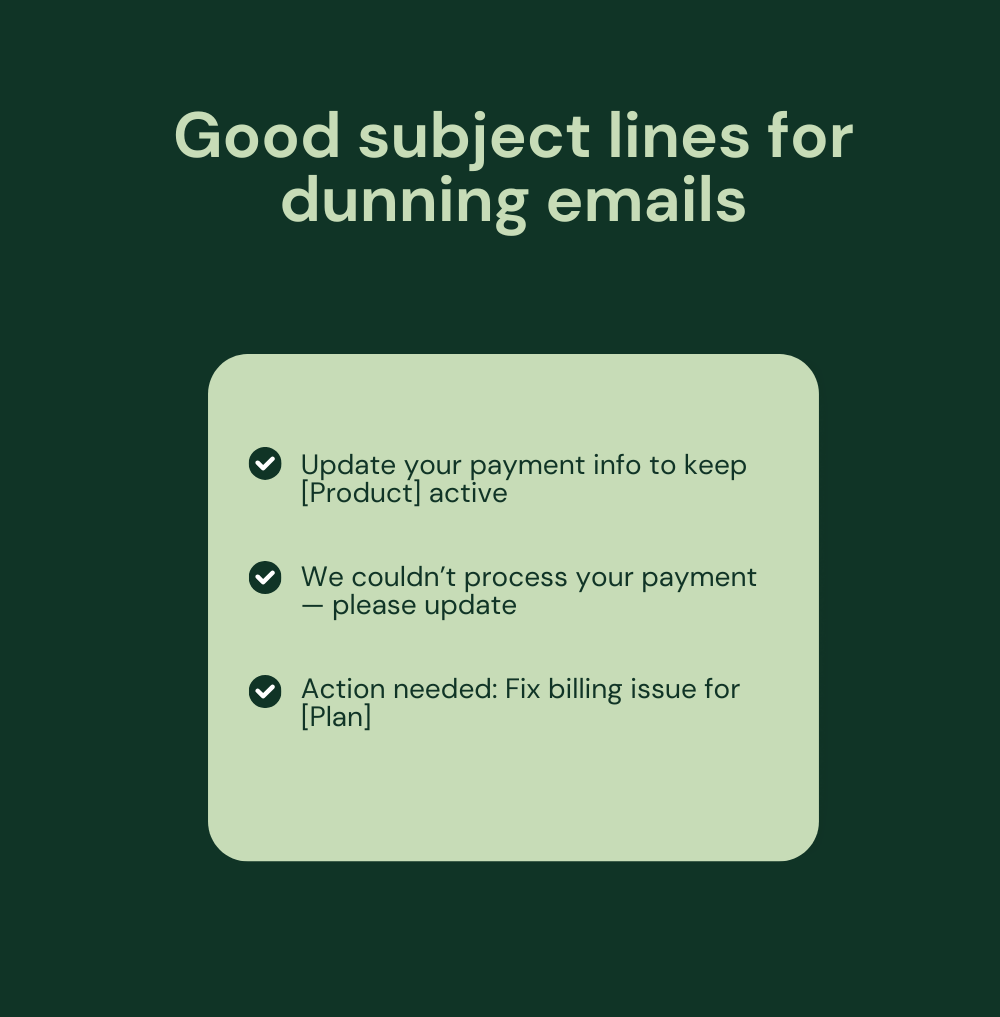
Good Subject Line Examples for Dunning Emails:
With Pulsetic you’ll be instantly notified the moment your website, API, or server becomes unavailable. Monitor uptime from multiple global locations and respond to incidents before your users are affected.
Create beautiful status pages in minutes to keep customers informed during outages and build trust with transparent communication.
Start Monitoring for Free- Update your payment info to keep [Product] active
- We couldn’t process your payment – please update
- Action needed: Fix billing issue for [Plan]
Keep the Message Clear and Short
Your email should open with the facts: what went wrong and how to fix it. Because customers want clarity, they don’t want to go through long explanations when they just need to update a card or retry a charge.
So explain the issue in the first sentence. Follow with one simple instruction. And keep your tone polite and professional.
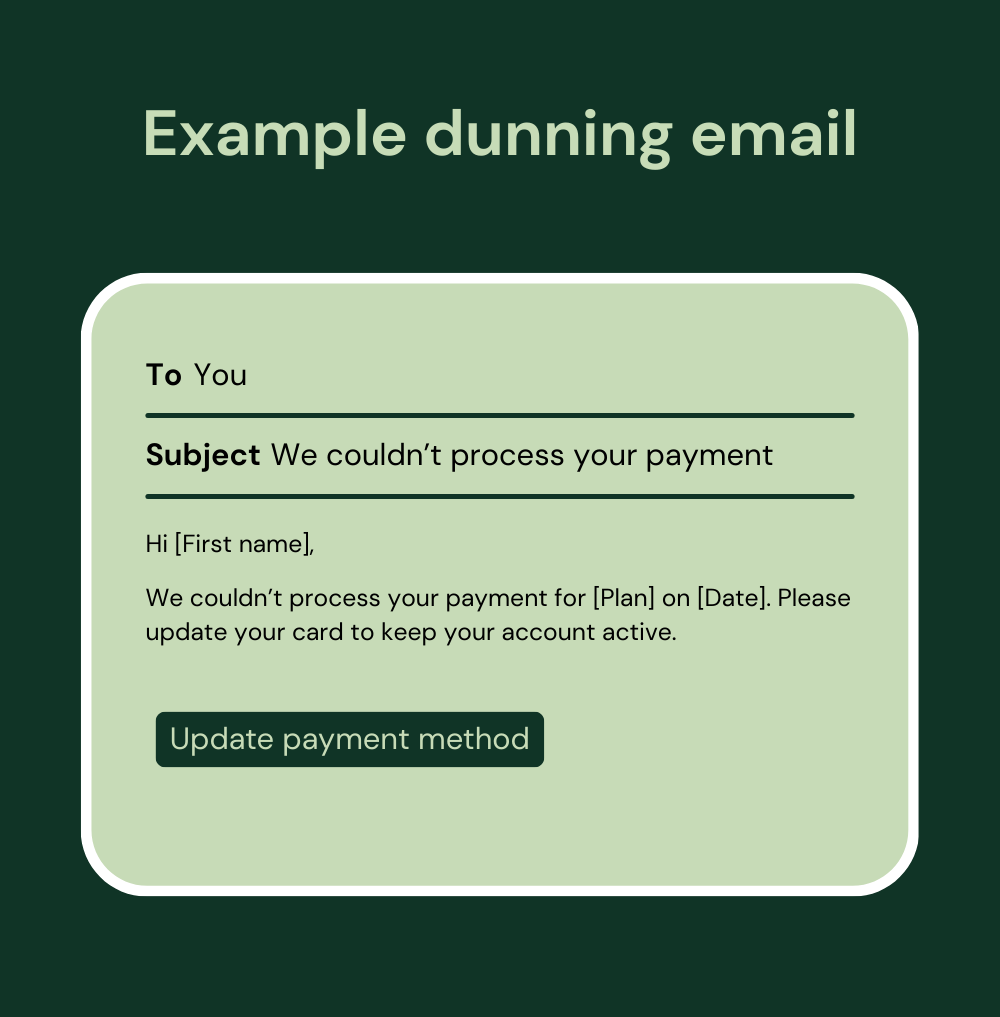
This direct approach helps readers understand the problem and get to the solution quickly.
Use a Helpful and Respectful Tone
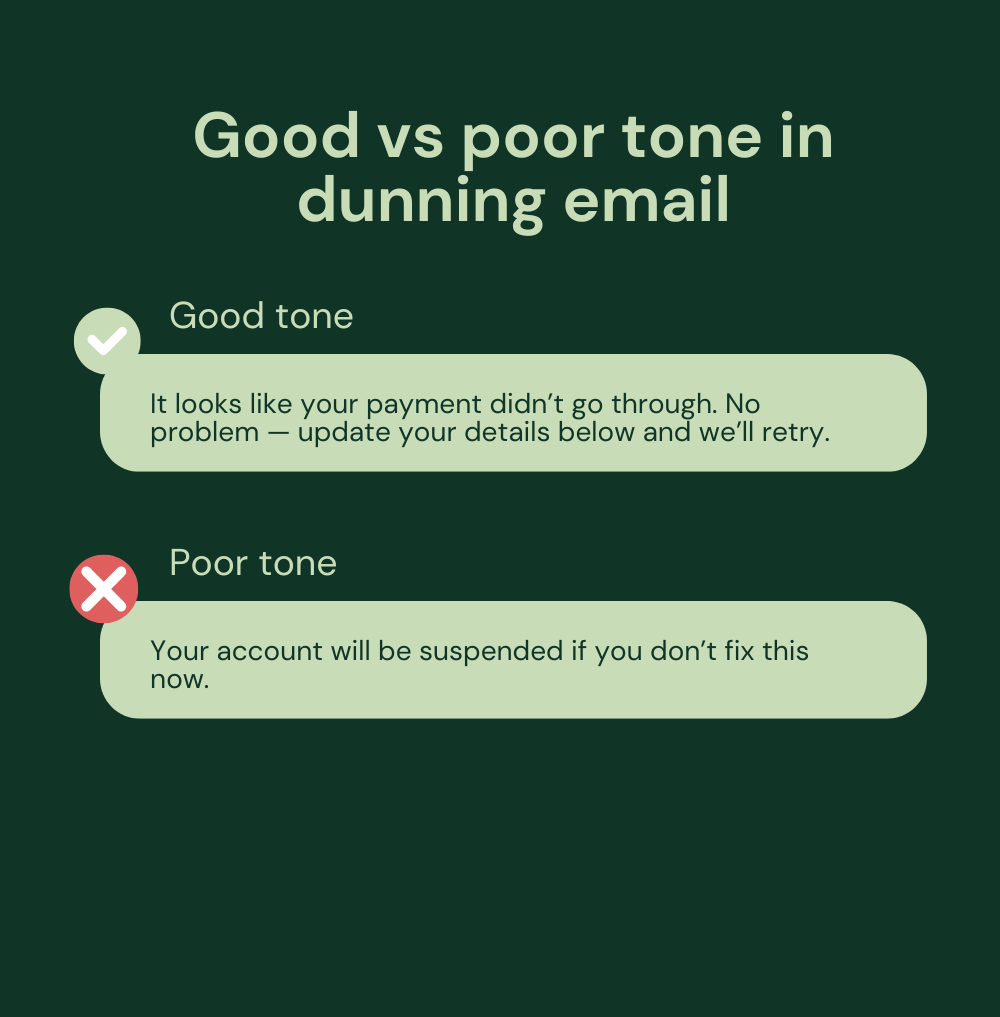
Customers usually don’t miss payments on purpose. It usually happens when cards expire, banks block transactions, or billing details are outdated. So your email should feel supportive, not threatening.
That’s why you must avoid language that suggests punishment or blame. A warm, simple tone prevents frustration and improves the chance of recovery.
The first message is calm and solution-oriented; the second is harsh and may affect your relationship negatively.
Add One Strong Call to Action
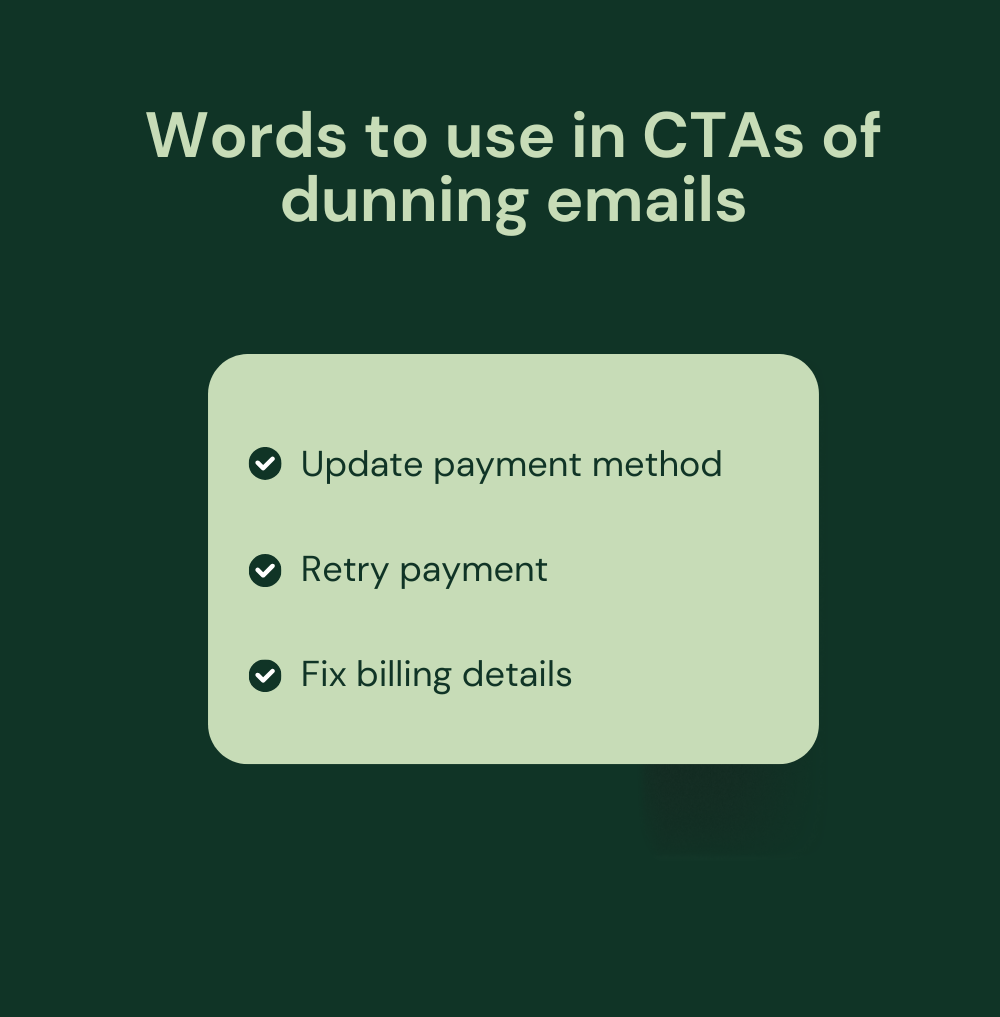
Add a clear CTA in your email so customers know exactly what to do and how to resolve the issue. For this, you can use a single, visible button or link with short and action-focused wording.
Add Gentle Urgency
Urgency, like a clear deadline, can help customers act fast without making them feel pressured. So you can include a line like: To keep your account active, please try to complete the payment within the next 10 days.
But use it only when a deadline truly matters. If there is no real risk of losing access, leave it out so the email stays friendly and relaxed.
Include Support Options
Add a support link for customers to get help if they run into trouble with their payment.
A short line such as:
- Need assistance? Our team is here {link} to help anytime
- Any questions? Feel free to ask {link}
This makes people feel supported and reduces their stress about resolving the issue.
Advanced Tips for Better Dunning Emails
Once you’ve covered the basics, a few extra steps can make your dunning emails work even better for you.
Personalize more than just the name: It’s fine to include someone’s first name, but you can go further. Include details that actually matter:
- How much do they owe?
- Which plan are they on?
- A direct link to update their payment.
When people see information that’s clearly about their account, they’re more likely to act.
A/B testing: Your first version won’t be perfect. So try different subject lines, buttons, or email lengths and see which ones get more clicks or payments. And test send times, too.
Then, keep the versions that perform best and update the rest.
Reach people on more than one channel: Some customers don’t check email often. Try different options as well, such as:
- An SMS
- A push notification
- An in-app message
Stay compliant with rules and best practices: Make sure your dunning process follows any laws or industry standards that apply in your region.
- In the US, the Fair Debt Collection Practices Act (FDCPA) says you can’t use abusive, unfair, or misleading tactics when you contact people about overdue payments.
- For businesses that store or process credit card data, the Payment Card Industry Data Security Standard (PCI DSS) applies to how you handle card details.
- Follow the European General Data Protection Regulation (GDPR) and Canada’s PIPEDA to control how you collect and store personal data, including billing info.
When to Send Dunning Emails
Good timing makes dunning emails much more effective. This helps you recover payments without harming your relationship with customers.
1. Before a subscription renews
Send a short reminder a few days before a renewal date. This helps prevent payment declines and gives customers time to check their billing details.
2. Right after a payment fails
As soon as a charge does not go through, send an email with the invoice and a clear payment link.
3. When billing details have expired
If a customer’s card or other billing information has expired, let them know right away. Include the card type or the last four digits so they can see which one needs an update.
4. A few days after the first failure
If you have not received payment yet, send a reminder two or three days later. Keep the tone helpful and provide an additional quick way to resolve the problem.
5. Final notice for overdue payments
When an invoice stays unpaid, send a clear final message. Inform them of the deadline to pay and explain that the account may be paused if the issue remains unresolved.
Risks of Using Dunning Emails
Dunning emails are helpful, but you need to be careful. So here are a few things to watch out for:
- Don’t send too many reminders or messages. It may sound harsh or needy and can hurt your relationship.
- Messages sent without clear payment links can frustrate people, so it may reduce response rates.
4 Dunning Email Templates
Here are a few templates you can use depending on your brand voice.
1. Pre-Dunning Email (Before Payment Date)
Subject: Reminder: Your payment details need an update
Hi [Customer Name],
We noticed the card on your [Plan Name] account will expire on [Date]. Please update your payment details so your service continues without interruption.
Payment details:
- Renewal date: [Date]
- Amount due: [Amount]
- Payment link: [Link]
[Update payment method button]
Thank you for taking care of this before your next renewal.
[Company Name]
2. First Failed Payment Notice
Subject: Oh no! We couldn’t process your payment.
Hi [Customer Name],
We attempted to process your payment for [Plan Name] on [Date], but it was unsuccessful. Please update your payment details so we can retry right away.
Details:
- Due date: [Date]
- Payment link: [Link]
- [Fix payment button]
If you need help, reply to this email or contact us at [Support Contact].
[Company Name]
3. Follow-Up Reminder
Subject: Reminder: Update your payment to keep [Product] active
Hello [Customer Name],
We’re still unable to process your payment for [Plan Name]. Please update your details by [Date] to avoid any service interruption.
Account info:
- Amount due: [Amount]
- Payment link: [Link]
Next step: Service will pause if payment isn’t updated by [Date].
[Update payment method button]
Thank you for handling this quickly.
[Company Name]
4. Final Notice
Subject: Final reminder: Keep your {product} subscription active
Hi [Customer Name],
We’ve tried several times to collect payment for your {product} account, but we still haven’t been able to complete the charge.
Please take a moment to update your billing details so your subscription continues without any disruption:
[Update payment details button]
If we don’t receive payment by {date}, your account will be put on hold.
We’d love to keep you with us. If you need assistance with your payment information, reply to this email or reach out to our support team at {support-email}.
Thanks for acting quickly,
[Company Name]
6 Real-Life Dunning Email Examples
Let’s now look at a couple of examples from real companies:
1. LinkedIn’s Dunning Email Example
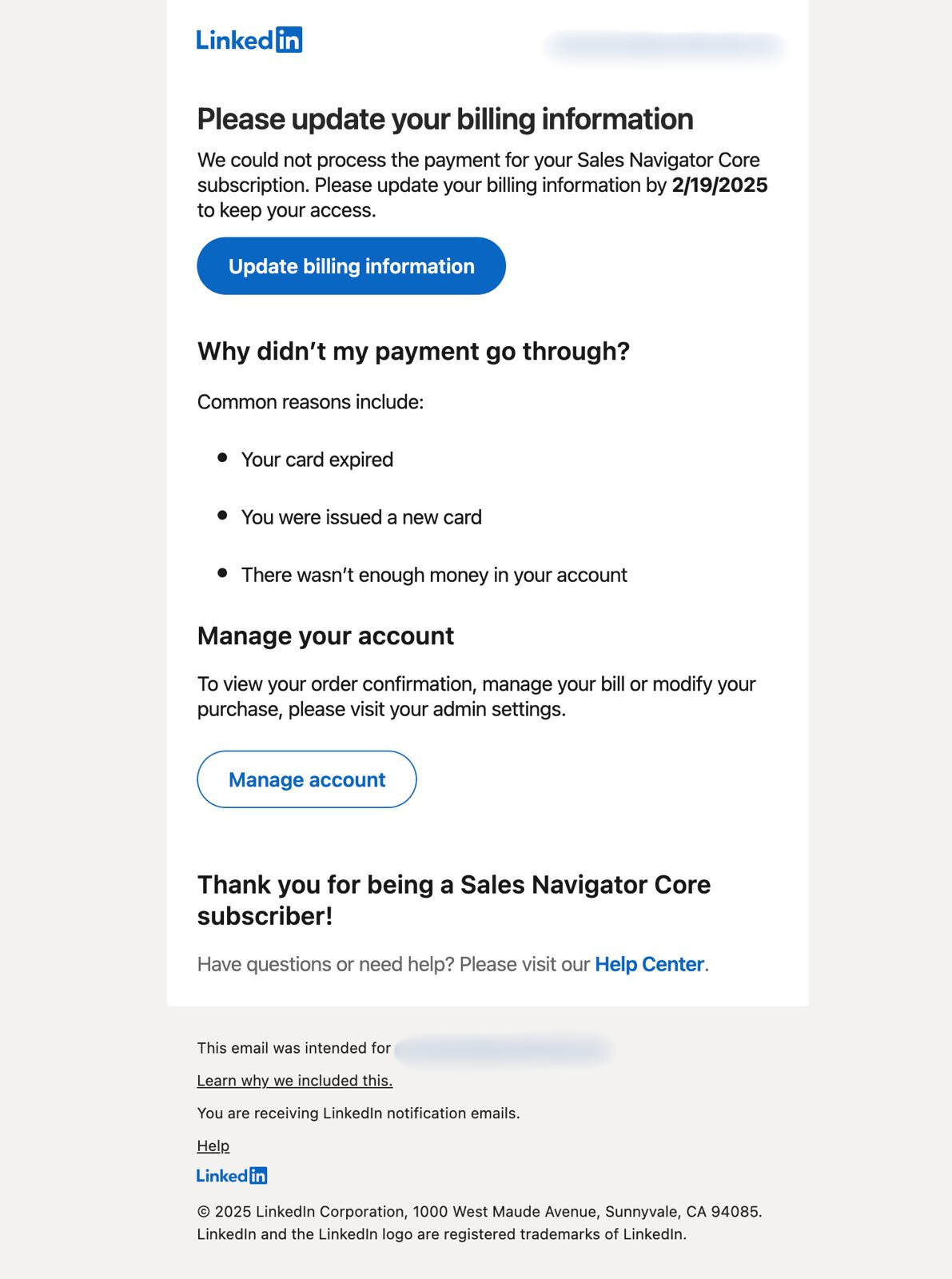
The email clearly indicates that your billing information needs to be updated. It also includes a deadline, so you know when to take action to keep your access active.
2. Anthropic’s Dunning Email Example

The subject line $20 payment was unsuccessful clearly states what happened. The email includes the last four digits of the card so customers know which card it was.
The message is very short, with one clear button, “Update billing information”, that makes the next step simple.
Overall, it works well.
3. Amazon Associates’ Dunning Email Example
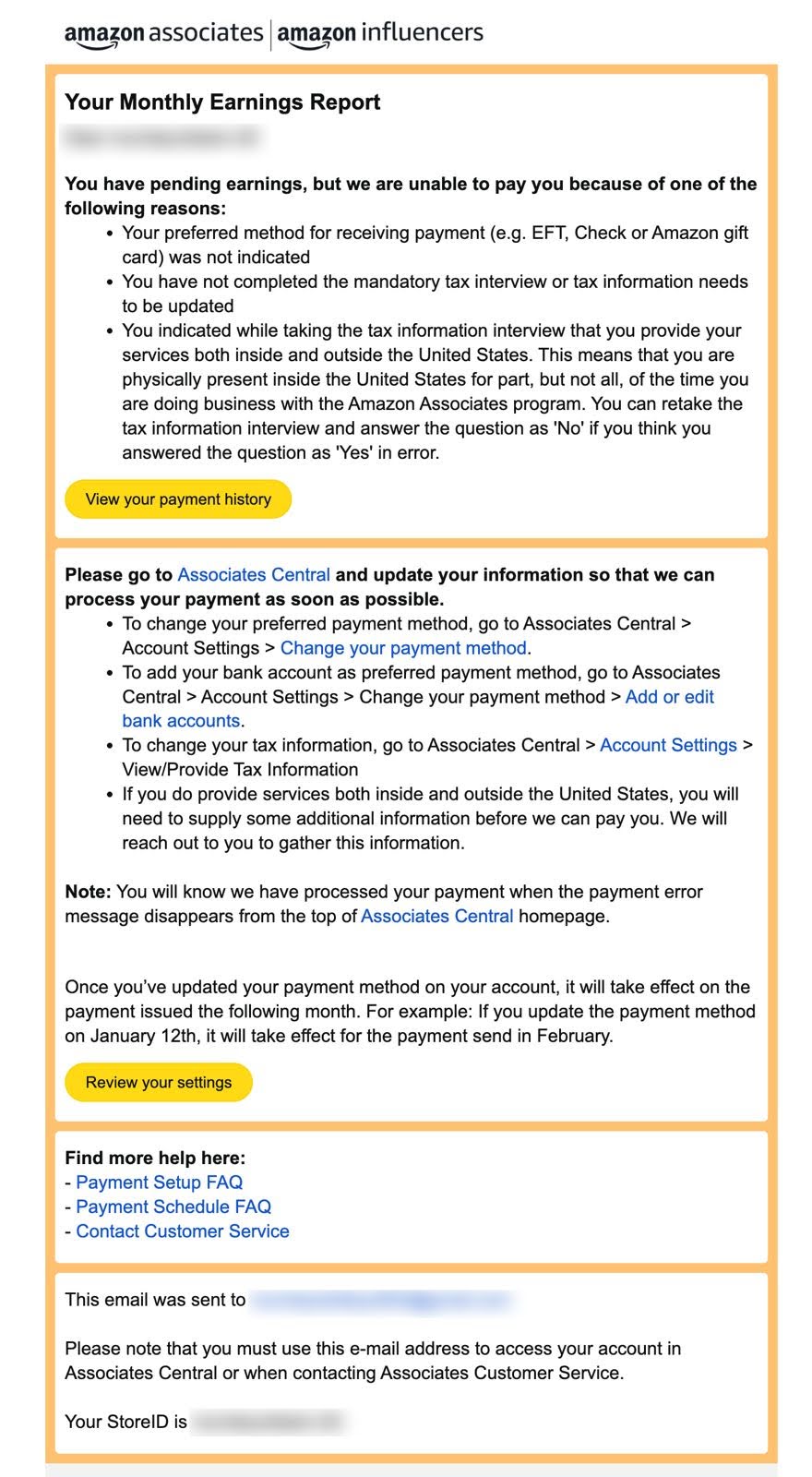
The email informs you that you have earnings, but Amazon can’t pay you yet because the information in your account is missing or incorrect, such as a lack of payment method, incomplete tax information, or an error in the tax interview.
It explains what you need to do next, providing clear links to update payment details or correct your tax information.
4. Spotify’s Dunning Email Example
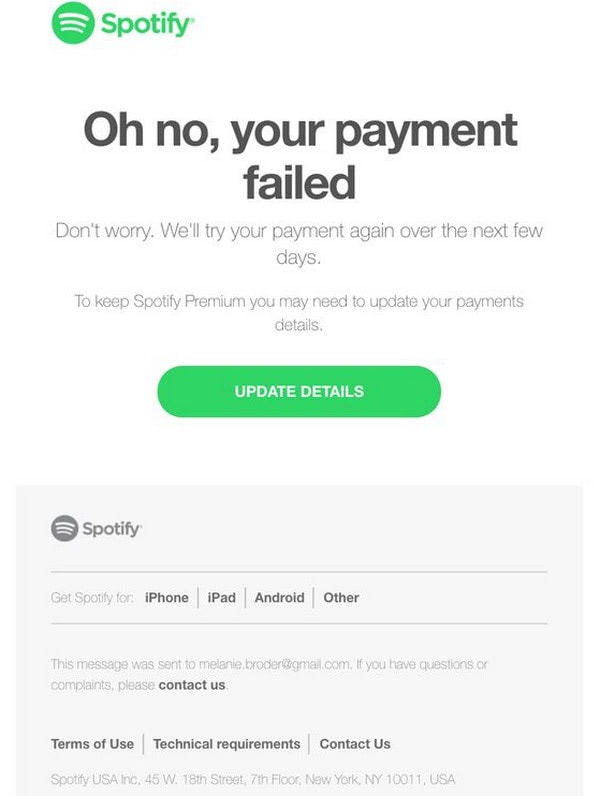
The email shown is a payment failure notification from Spotify. It informs the user that their recent payment attempt for a Spotify Premium subscription was unsuccessful and Spotify will automatically retry the payment within the next few days, minimizing concern about immediate service disruption.
Overall, the email combines clarity, empathy, and actionable guidance, helping users quickly understand the problem and how to fix it without feeling alarmed or confused.
5. YouTube’s Dunning Email Example
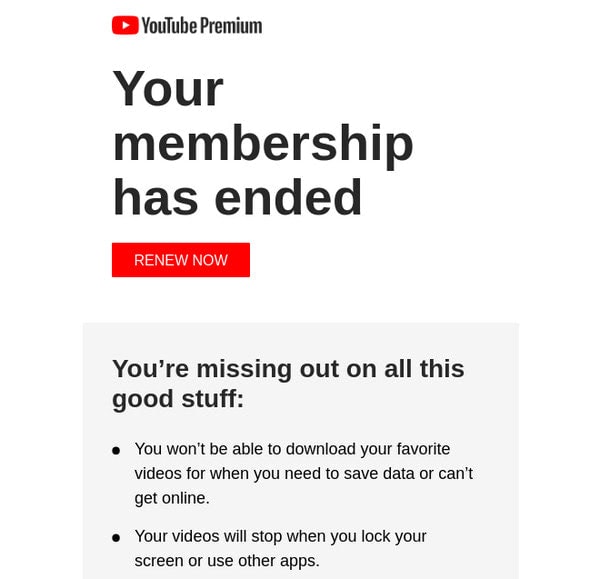
Dunning Email from YouTube
YouTube deals with many churned accounts daily. Nevertheless, despite this staggering number of members to control, the team manages to be on top of things. And their dunning emails assist them in this matter.
The team takes a relaxed approach, avoiding pressure, which perfectly fits the narrative and tone of the YouTube brand. They do not play any urgency cards.
No stress, no pressure – just carefully cleared up the situation with some motivators unobtrusively introduced in the copy.
6. Slack’s Dunning Email Example
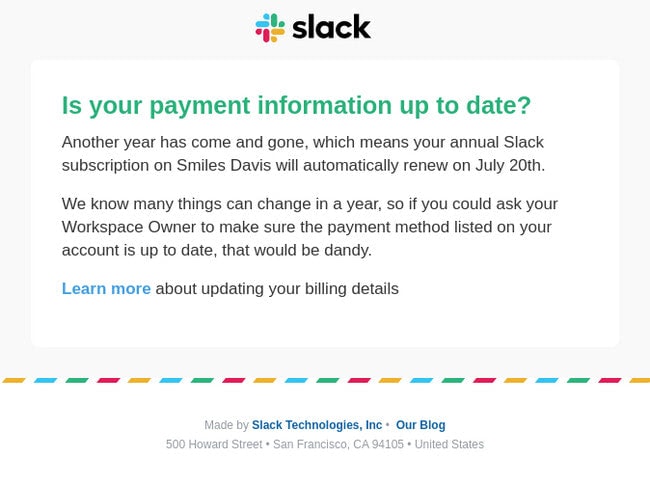
Dunning Email from Slack
Slack offers a well-created pre-dunning email as well. Not only does it have great design, but it also nails the content. Pay attention to the wording throughout.
The copy has a relaxed tone that is perfect for informing users about the upcoming due date. It does not create tension or pressure. It just reminds users about the payment that needs to be made to enjoy the platform’s benefits. The team also shows empathy with their copy and provides helpful resources to assist users in this matter.
Create Better Dunning Emails With Designmodo
Don’t leave failed payments to chance. Start simple. Select an email template from Designmodo’s library, create and tweak the email copy, and adjust any visuals as needed.
Once you have the basics ready, email them and see which one works best. You can then try different subject lines, send times, and layouts to see what works best for your audience.
FAQs
What Is the Difference between Dunning Email and Dunning Sequence?
A dunning email is sent immediately after a payment fails to notify customers that there’s a problem. On the contrary, a dunning sequence is a series of reminders, usually starting with a pre-dunning email and followed by one or more dunning emails.
Why Do Payments Sometimes Fail?
Payments may fail for several reasons. But some of the most common ones are:
- Expired cards
- Incorrect details
- Not enough funds in the car
- Mismatched billing information
- System errors