Top 6 Email Platforms That Improve Inbox Placement
Ever stare at your email report, instantly checking opens and clicks? We’ve all done it. But none of that matters if your emails don’t actually reach the inbox.
Inbox placement, not just getting past the server, is what determines whether your message shows up where it should, not in spam or the promotions tab. And with nearly one in six marketing emails missing the inbox, it’s a problem worth fixing.
Poor inbox placement costs you revenue, erodes your sender reputation, and chips away at customer trust. Some of that you can fix inside your sending platform. The rest needs a tool that can see what your platform can’t, which is where your emails are actually landing.
In this guide, you’ll find the best email tools for that job, along with their pros (including deliverability-related), cons, and pricing. Let’s get right to it, starting with the factors that affect inbox placement.
What Impacts Inbox Placement?
Inbox placement is the result of several factors working together. By finding the root cause and making adjustments, you can build an email strategy that yields long-term results.
1. Email Authentication Protocols
Email authentication protocols are for inbox providers what ID cards are to authorities. Simply put, they verify your identity, confirming that you’re a legitimate sender and that your emails come from a trusted domain.
With Postcards Email Builder, you can create and edit email templates online without any coding skills! It includes more than 100 components and the AI Suite, which builds and translates full templates from a single prompt.
Free Email BuilderFree Email TemplatesEmail authentication protects users from spam and spoofing by flagging unauthenticated messages. Therefore, properly configuring authentication is essential for better inbox placement.
Each email authentication method plays its role in establishing trust and sender legitimacy. Here’s how:
- Sender Policy Framework (SPF) verifies that the sending server is authorized to deliver emails on behalf of a specific domain.
- DomainKeys Identified Mail (DKIM) lets domain owners add a signature to their emails, so ISPs can confirm the message actually came from that domain.
- Domain-based Message Authentication, Reporting, and Conformance (DMARC) builds on SPF and DKIM to set a policy for handling emails that fail authentication.
Most email marketing platforms enable users to configure SPF, DKIM, and DMARC.
Since 2024 these have stopped being best practice and started being entry requirements. Google and Yahoo now require SPF, DKIM, and a DMARC policy from anyone sending more than 5,000 messages a day to their users, along with one-click unsubscribe via the List-Unsubscribe-Post header and a spam complaint rate held under 0.3%. Microsoft matched them on 5 May 2025 for Outlook.com, Hotmail.com, and Live.com, at the same 5,000-per-day threshold. Non-compliant mail gets routed to Junk, and Microsoft has said it reserves the right to reject it outright at SMTP.
The 0.3% figure is the one to write down. On a 50,000-address send, 150 complaints puts you over. Gmail’s own guidance is to stay under 0.1% and treat 0.3% as the point where filtering starts. Google Postmaster Tools shows you that number for Gmail; Microsoft SNDS shows the equivalent for Outlook.
2. Email Verification
Verifying the email addresses in your list goes a long way in improving inbox placement. A reliable verification tool checks for invalid emails and sends a link that the recipient should click. This way, brands confirm in real time that there’s an actual person behind the email address.
Fewer non-existent email addresses mean fewer hard bounces and spam complaints. Verification also blocks malicious emails from entering your database, protecting your sender reputation and increasing your inbox placement rate.
This ensures your emails reach real subscribers who are more likely to engage. So, you allocate your resources where they make sense: an active and up-to-date list that drives revenue. Plus, positive engagement signals tell email providers that your emails are wanted.
With Pulsetic you’ll be instantly notified the moment your website, API, or server becomes unavailable. Monitor uptime from multiple global locations and respond to incidents before your users are affected.
Create beautiful status pages in minutes to keep customers informed during outages and build trust with transparent communication.
Start Monitoring for Free3. List Hygiene
Even if you use double opt-in (and you should), invalid addresses may still enter your list. Some recipients will stop using the address they signed up with, while others simply disengage.
What happens if you keep emailing those inactive addresses? Email clients may see poor list hygiene and flag you as a potential spammer, sending more of your emails to spam.
List hygiene is a cornerstone of effective email marketing, keeping spam traps away while maximizing return-on-investment (ROI) by focusing on active subscribers.
So, make sure you set a list-cleaning schedule. Twice a year is a good start, though large lists may require more frequent cleaning.
Also, create a segment for disengaged subscribers and automate a re-engagement email sequence to warm up the relationship. If it doesn’t work, it’s better to remove them than risk spam complaints. For the same reason, handle unsubscribe requests with respect, allowing users to opt out without friction at any time.
4. IP Reputation
Your IP reputation is essential in determining where your emails end up. It develops over time, and inbox providers use it to evaluate your trustworthiness through sophisticated reputation systems that track indicators such as:
- Sending volume: Excessive sending volume or sudden spikes are spammy practices that email clients pick up on. So, keep your sending patterns consistent.
- Blacklisting: If your IP address gets on an email blacklist, it usually means an ISP flagged it for poor content or spammy behavior.
- Email engagement: Positive metrics like opens, clicks, and conversions show your content is relevant and valuable, boosting inbox placement.
- Spam complaints: Too many spam complaints are a red flag for ISPs, which may send every future email directly to spam.
To maintain a strong sender reputation, authenticate and test your emails, create quality content, and keep a consistent sending frequency. Also, a trustworthy email platform will do some of the heavy lifting, for example, by providing verified IP addresses and monitoring tools.
5. Content Relevance
Relevant email content stands behind every successful strategy as it’s what motivates subscribers to engage. So, when a brand delivers quality content that meets their needs, recipients are more likely to respond.
Vague subject lines, cluttered or unresponsive email design, generic messages, or lack of personalization have one thing in common: discouraging recipients from engaging with your content.
On the other hand, product suggestions, tailored content recommendations, or offers that match a subscriber’s history and preferences encourage opens and clicks.
So before sending any email, ask yourself: “How will this benefit my recipients?” If you do this every time, subscribers will notice, engagement will rise, and ISPs will get the signal that your emails are interesting.
6. Email Timing and Frequency
Building subscriber trust comes down to sending the right message, at the right time, and with the right frequency. What applies to email content applies here, too; your email sending time should match their habits, not your schedule.
For instance, if engagement peaks after working hours, say around 7 p.m., delivering a campaign at 9 a.m. won’t resonate. But when you adjust your timing to their patterns, it shows respect while increasing the chances of interaction.
What else do consumers value? Delivering on your promises, and that’s what a regular email schedule does. So, decide on your sending frequency and stick to it. When your recipients expect a weekly update every Thursday at 6 p.m., meet that expectation every time.
7. Spam Testing
A spam test scans a message before it goes out and tells you what a filter will object to. It catches the things that are cheap to fix and expensive to miss: a subject line built from trigger words, a broken or shortened link, a text-to-image ratio that reads as an image-only ad, a missing List-Unsubscribe header, an authentication record that stopped resolving after someone edited DNS last month.
None of that requires guesswork. Send the campaign to a testing address and you get a score with each failed check itemized, which is a faster loop than sending to a small internal list and reading the tea leaves.
Testing the content is only half of it, though. A clean message from a sender with a damaged reputation still goes to spam, and no content scanner will warn you about that. The other half is an inbox placement test, which delivers the message to real mailboxes and reports which folder it reached. A spam score predicts how filters might react; a placement test measures what they did.
7 Email Tools that Help You Avoid the Spam Folder
One of these isn’t a sending platform, and it’s first for a reason. Every ESP below reports the same headline number: how many messages the receiving server accepted. That’s the delivery rate, and on any list that hasn’t been neglected it sits at 98% or higher. It tells you nothing about placement, because the server accepted the message and then decided which folder to put it in. Your ESP never sees that decision, which is how a dashboard reading 99% delivered coexists with half your list never seeing the email.
So the list starts with the tool that measures the gap, then covers the six platforms rated on the deliverability features they actually give you: authentication support, complaint suppression, feedback loop data, list-cleaning tools, and IP warmup guidance.
See the Email Deliverability Report that shapes inboxes in 2026
Unspam.email – Best for SaaS, Agencies, Ecommerce, Cold Outreach
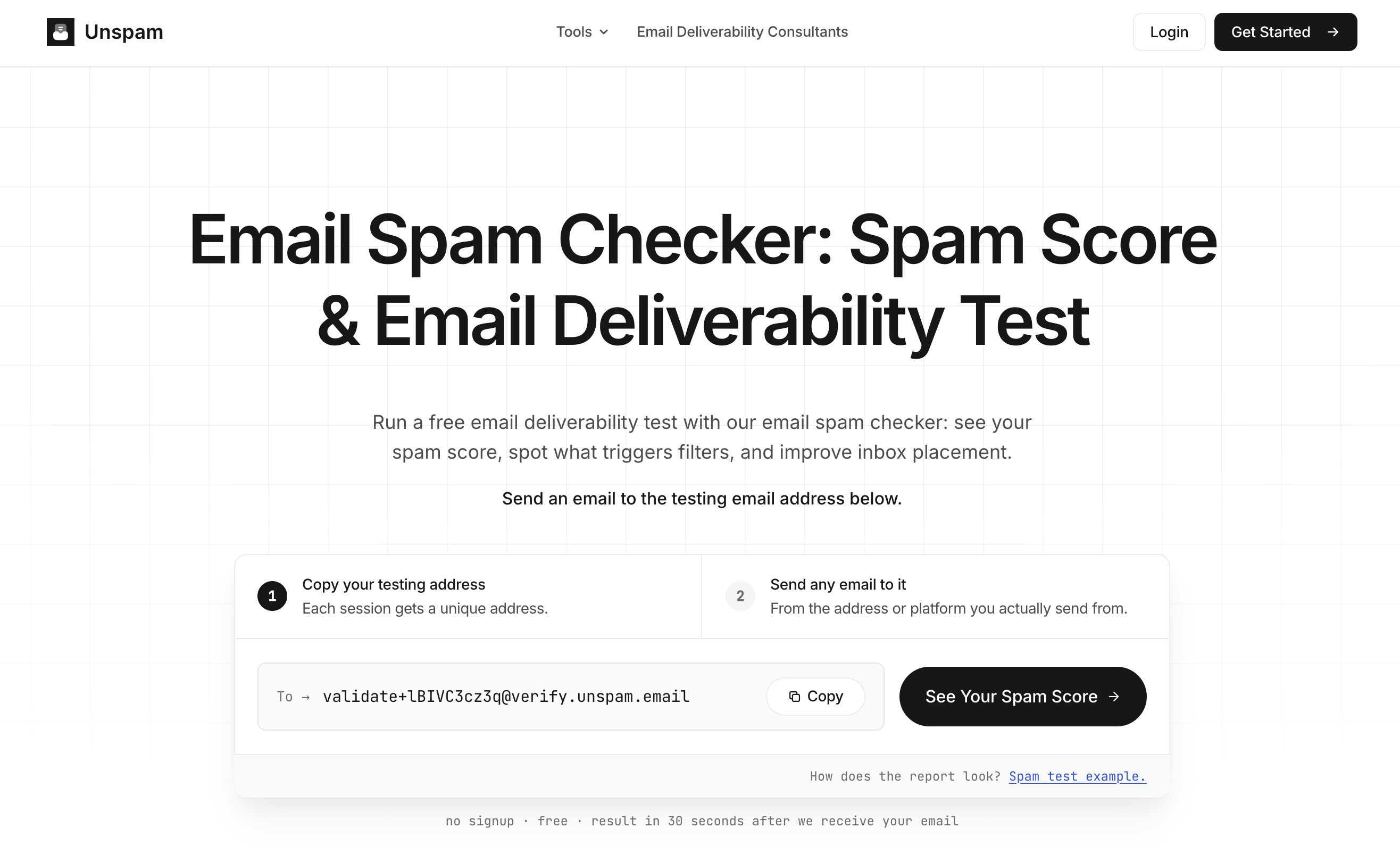
Unspam sits alongside whichever platform you pick from the six below rather than replacing it. You send your campaign to a generated testing address, and it scores the message from 0 to 100 across authentication, blacklists, link health, and content signals, with every flagged check expandable to show why it fired. If SPF, DKIM, or DMARC fails, the report marks the send high risk regardless of the score, because one failed authentication check is enough on its own.
The inbox placement test is the piece that answers the question this article opened with, and it runs free without a signup. Your campaign goes to a seed list spanning Gmail, Outlook, Yahoo, AOL, ProtonMail, GMX, and Zoho, and the report comes back in under five minutes showing where each copy landed: primary inbox, Promotions or Updates tab, Spam, or missing entirely. Seeing 4 of 6 reach the inbox is a different conversation from reading 99% delivered.
If your list is B2B, the business-side coverage matters more than the consumer names. Most placement tools seed personal Gmail and Outlook.com addresses only, which tells you nothing about how Google Workspace and Microsoft 365 treat your mail, and those are the two stacks filtering the inboxes you’re selling to. Unspam seeds both, alongside Zoho Business.
Scheduling turns a one-off check into monitoring. Pick the email and the days, and Unspam runs the test on its own, graphs the placement rate per provider, and emails an alert when a number starts sliding. If you’re warming a new domain or three weeks into an outreach sequence, that’s the difference between catching a filter change and finding out from your reply rate.
Pros:
- Inbox placement testing across consumer mailboxes (Gmail, Outlook.com, Yahoo, AOL, ProtonMail, GMX, Zoho) and business ones (Google Workspace, Microsoft 365, Zoho Business), counted as one test per run no matter how many seed inboxes it reaches
- Spam score with each failed check explained, plus an AI assistant that names the specific fixes rather than listing generic advice
- SPF, DKIM, DMARC, BIMI, and reverse DNS checks in a single report, with free standalone checkers and record generators outside the app
- Blacklist monitoring across Spamhaus, SpamCop, Barracuda, UCEProtect, SURBL, and ten more lists
- Scheduled placement tests with email alerts when a provider’s rate drops
- Renders your email across 50+ real clients and devices in light and dark mode, plus WCAG checks for contrast, alt text, and heading order
- Unlimited connected sending accounts on every plan, including Free, with quotas metered by test rather than by mailbox or seat
- Free plan covers 10 spam tests, 3 inbox placement tests, 3 device previews, and 10 heatmaps per month, no card required
Cons:
- Not a sending platform, so it’s a second tool in the stack rather than one that consolidates
- Monthly quotas reset without rolling over
1. Moosend – Best for SMBs, Startups, eCommerce, SaaS
Deliverability rate: 90.1%
Pricing: Paid plans start at $9/month, 30-day free trial available
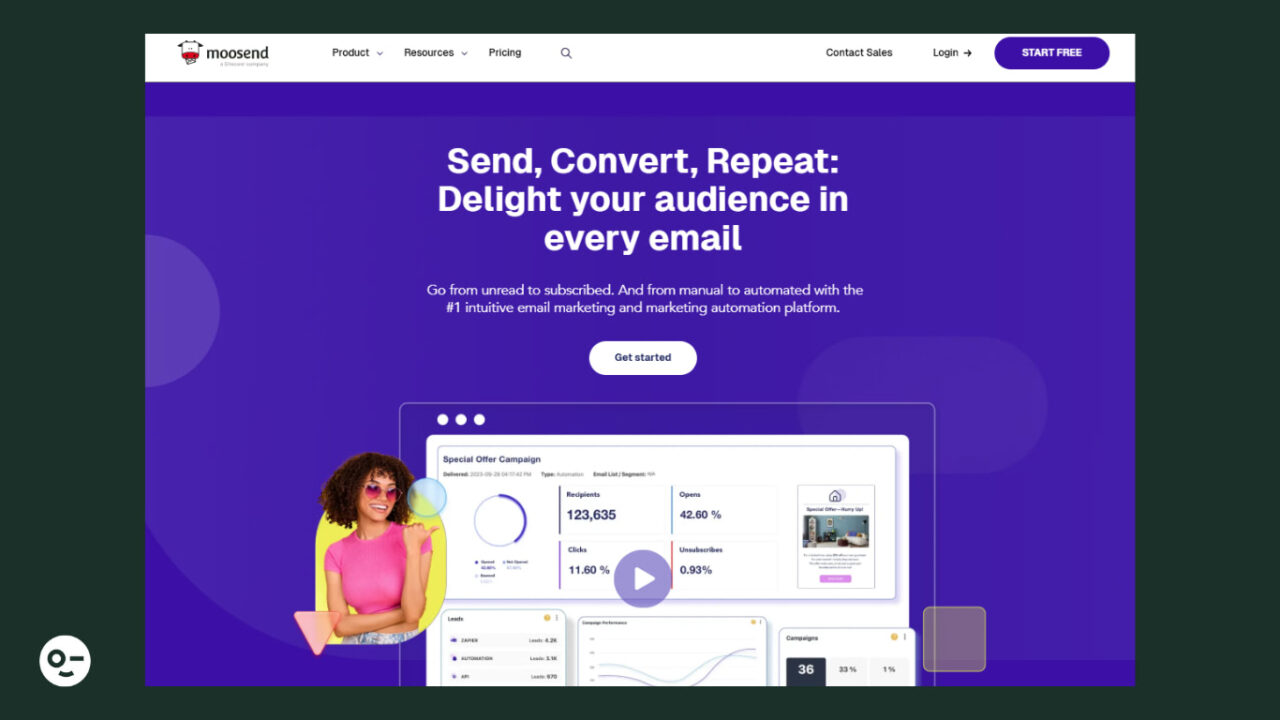
Moosend is an email marketing platform that’s popular with small businesses and startups since it combines advanced email features with flexible pricing.
Moosend offers a built-in email editor and three options to import HTML email campaigns from third-party platforms. For example, if you created one using Designmodo’s email templates, you can simply import it, and it’s ready to use, so you don’t start from scratch.
Apart from email creation, Moosend offers multiple lead generation options, powerful segmentation, and easy-to-implement automation.
Pros:
- User-friendly drag-and-drop email editor to tailor the layout in a few minutes
- GDPR-compliant list-building, offering double opt-in functionality
- Visual automation builder and a library of ready-to-use workflows (including transactional email functionality)
- Spam testing to ensure your email makes it through spam filters
- Records and guidance to set up authentication protocols, plus a free DMARC checker
- Robust and straightforward reporting to see how your emails perform
- Over 80 integrations with third-party tools, including email verification (e.g., Clearout and NeverBounce)
Cons:
- Limited customization options in signup form templates
- No SMS marketing
2. ActiveCampaign – Best for Experienced Marketers, Agencies, SaaS
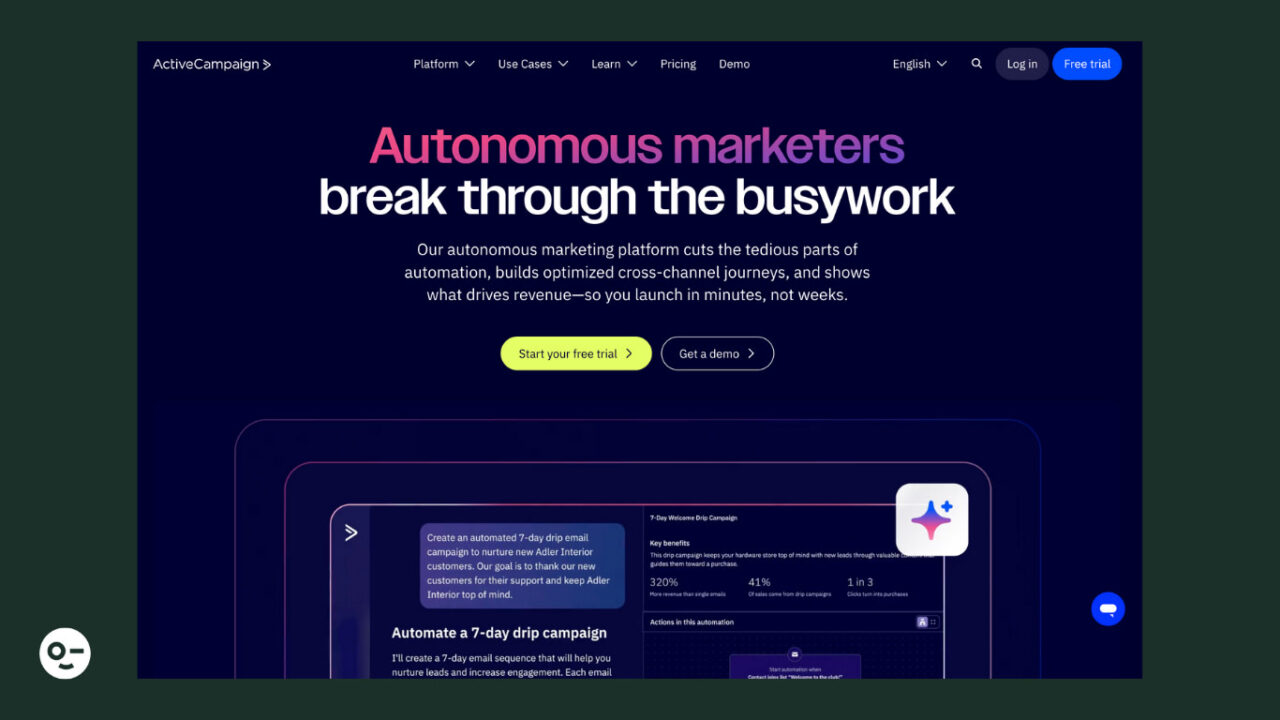
Deliverability rate: 94.2%
Pricing: Paid plans start at $19/month, 14-day free trial available
ActiveCampaign is an email solution that prioritizes automation. Although it’s an all-in-one tool with sophisticated features, it comes at a cost that doesn’t break the bank.
The user-friendly email editor allows you to build campaigns tailored to your recipients’ tastes using dynamic content and personalization tags.
Also, ActiveCampaign is equipped with a built-in CRM for smooth contact management, including a lead scoring system that segments your prospects based on their value.
Pros:
- Advanced automation capabilities with multi-step workflows combining email with SMS
- Email preview tool to ensure your campaign looks great across devices and email providers
- Automatic suppression management for subscribers who click on “spam”
- Predictive sending feature to send emails at the optimal time for increased engagement
- SPF, DKIM, and DMARC checkers to ensure proper authentication
Cons:
- Limited low-tier plan that lacks key features like conditional content
- Basic spam and design testing
3. Constant Contact – Best for SMBs, Nonprofits, Creators, Event Marketers
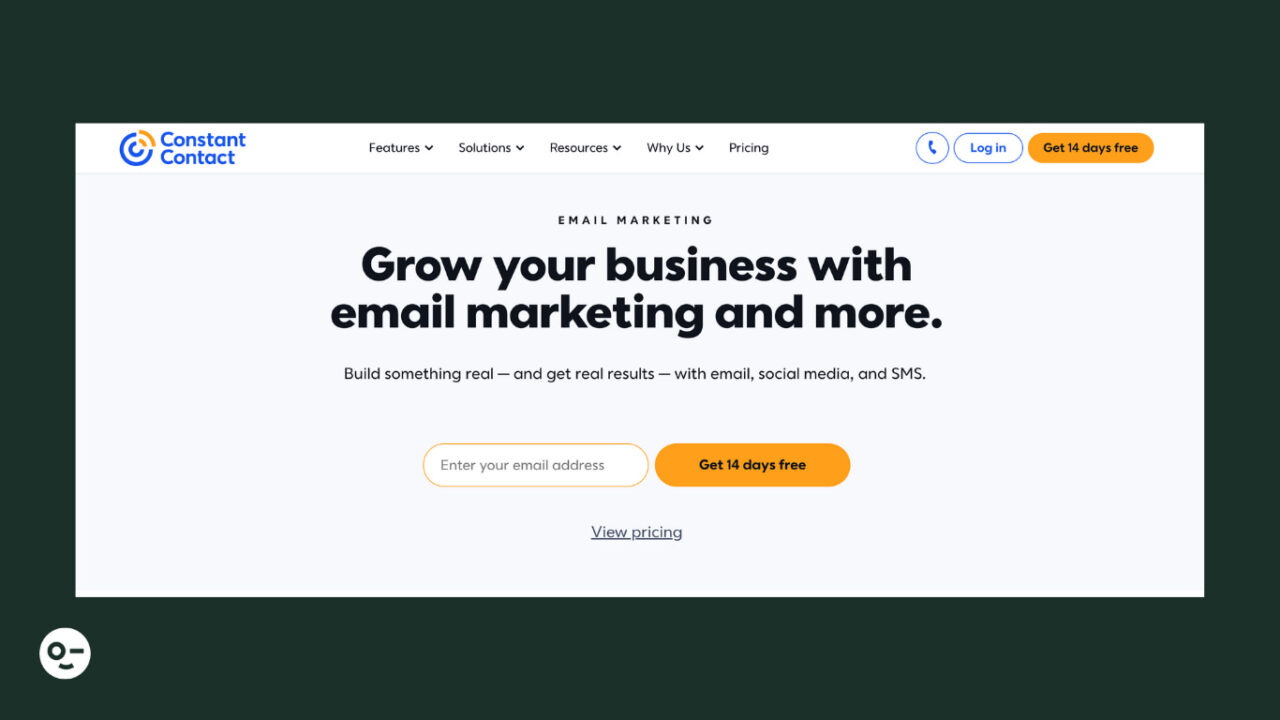
Deliverability rate: 91.7%
Pricing: Paid plans start at $12/month, 14-day free trial
Best for: SMBs, nonprofits, online course creators, event marketers
Constant Contact is a well-known email solution that simplifies email creation, list-building, and personalization. Many SMBs choose it for multichannel marketing, so they reach customers via email, SMS, social media, and events without breaking the budget.
Using the intuitive email editor, marketers can drag and drop content blocks like images, videos, or RSVP buttons for event invitations. They can also leverage autoresponders and triggered emails for common scenarios like cart abandonment and re-engagement.
Pros:
- An extended selection of more than 200 predesigned, responsive templates
- Lead generation tools, such as signup forms, landing pages, and Facebook or Instagram ads
- Advanced event marketing features, including online ticket sales
- AI Content Generator to save time from email, social media posts, and text creation
- Email authentication protocol support, so no unauthorized email reaches your audience
- More than 300 integrations with third-party apps, including CRMs, survey tools, and video platforms
Cons:
- Basic automation for low-tier users, for instance, only one automation template is available
- Lack of customization options for signup forms
4. MailerLite – Best for SMBs, Marketing Beginners, Creators
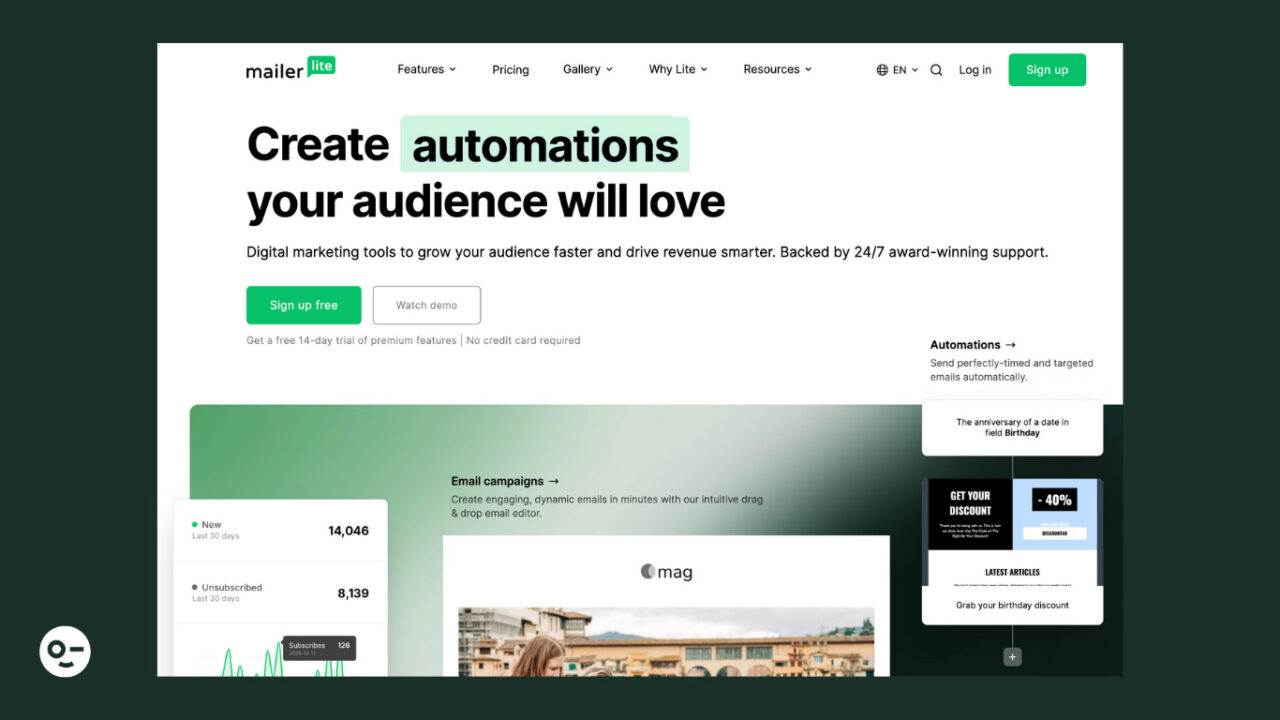
Deliverability rate: 89.8%
Pricing: Starts at $10/month, free version available
MailerLite is an email marketing solution that users love for its clean interface. Its simplicity, cost-effectiveness, and modern design make it a good choice for beginners and any business on a budget.
Although automation isn’t its strongest point, it offers helpful tools for website and blog creation, digital product selling, and paid newsletters. You can also find a separate product named MailerSend focused on transactional emails and SMS.
Pros:
- Drag-and-drop email builder with ready-made content blocks, such as surveys, countdown timers, and quotes
- Digital product selling using your emails, website, or landing pages
- iPad Subscribe App to capture leads in-store or at events
- Built-in email verification tool for easy list cleaning and inbox placement insights
- Ability to create a custom unsubscribe page
- Unlimited emails, websites, blogs, and landing pages, even in the cheapest plan
Cons:
- Lack of must-have features, like in-depth reporting and spam testing tools
- Limited free plan with up to 12,000 emails, plus no email templates or any customer support after the first 14 days
5. GetResponse – Best for Creators, eCommerce, Agencies
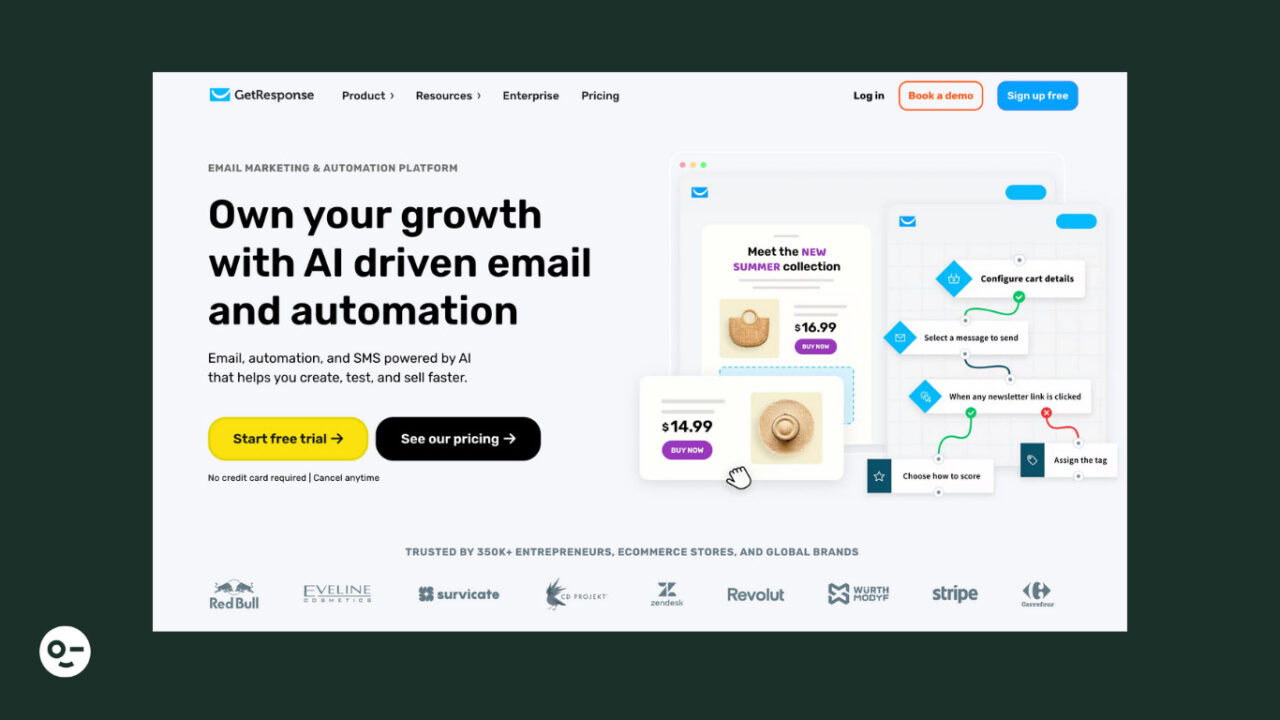
Deliverability rate: 90.9%
Pricing: Starts at $16/month, 30-day free trial that you can turn into a free plan when the month ends
GetResponse is an email marketing tool ideal for marketers and business owners who need multiple targeting opportunities under one roof. With its drag-and-drop email creator, you can generate branded emails in a few minutes.
Apart from emails, the platform lets you promote your offerings through SMS, web push notifications, and paid ads.
Plus, a website builder to effortlessly create your site, no coding skills required. You’ll even find tools designed for content creators, like premium newsletters and webinars.
Pros:
- Over 200 customizable email templates with responsive designs
- Option to save specific email sections within the editor and reuse them in future emails
- eCommerce-focused features like Conversion Funnel or the option to add promo codes to your emails directly through the email builder
- AI-powered website builder, plus prebuilt templates for various industries
- More than 30 predesigned automated scenarios for different objectives (like building your list or selling digital/physical products)
- Content monetization features for online courses, webinars, and paid newsletter creation
- Built-in spam checker to detect spam content
Cons:
- Basic automation and no A/B testing for low-tier users
- SMS marketing is available only for MAX and MAX2 customers after booking a demo
6. Mailchimp – Best for eCommerce, SMBs, Agencies
Deliverability rate: 89.5%
Pricing: Paid plans start at $13/month, free plan available
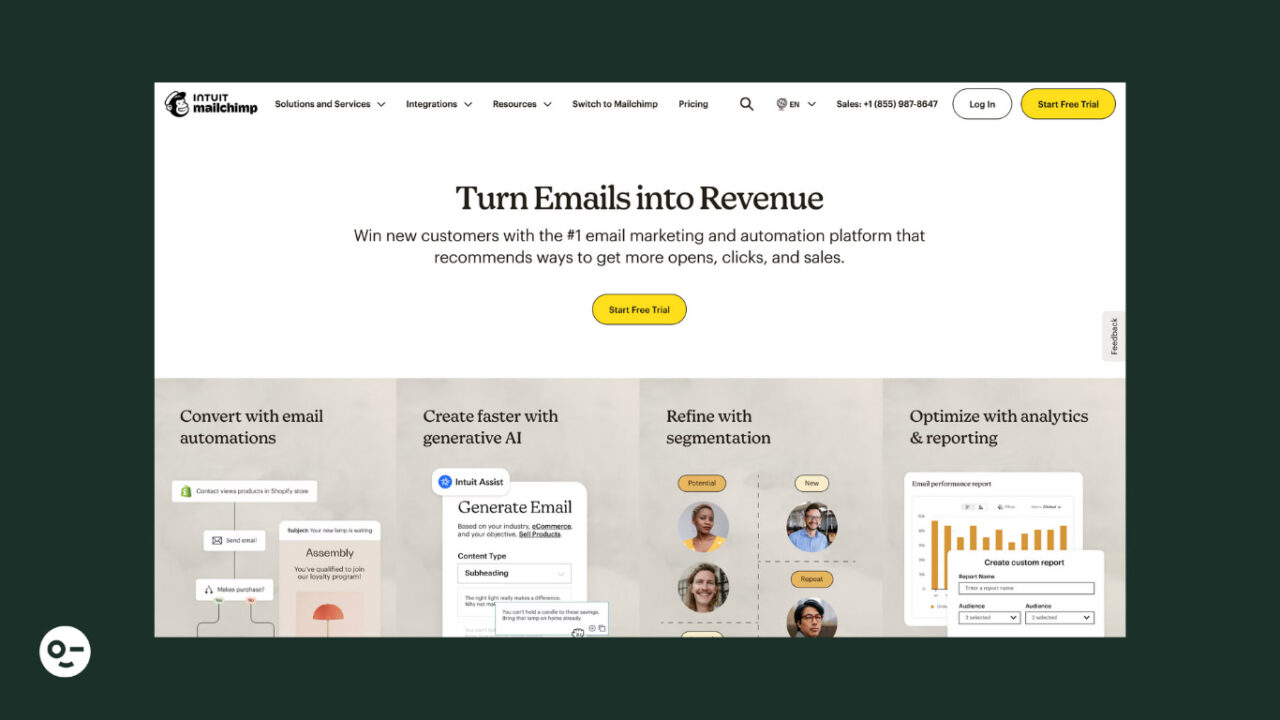
Mailchimp is a reputable email platform with a wide range of features that come at an attractive price. Some of them are also available on the free plan, which is a good starting point for marketing newbies and SMBs.
The email software is known for its powerful email builder and sleek design in the ready-made templates. Another feature Mailchimp is famous for is its advanced, multichannel automation, adding SMS marketing, social media, and push notifications to the mix.
Pros:
- Drag-and-drop email creator allowing you to quickly tweak buttons, typography, and background
- Customer Journey Builder and more than 60 workflow templates
- Content Studio to store, manage, and easily incorporate your marketing assets into your campaigns, including SMS, email, and social media
- Free website builder and built-in layouts to give you a head start
- Automatic suppression of hard-bounced and unsubscribed contacts
- More than 300 integrations with customer loyalty platforms, survey tools, contact management apps, etc.
Cons:
- Unfavorable method to count subscribers since unsubscribed and inactive contacts count toward billing
- Limited customer support for free version users (only 30-day email support)
How to Choose the Right Tool for Inbox Placement
Pick the sending platform on the features that touch reputation, not the ones that touch design. Does it walk you through SPF, DKIM, and DMARC setup rather than pointing you at a docs page? Does it suppress hard bounces and complaints automatically? Does it pass through feedback loop data from the major providers so you can see who marked you as spam? Does it prohibit purchased lists, and does it enforce that? Those five answers separate the platforms far more than any percentage in a comparison table.
Then accept that the platform is the smaller half of the problem. Domain reputation, complaint rate, and engagement history follow you across every migration; switching from Mailchimp to ActiveCampaign does nothing about a list that hasn’t been cleaned since 2023. Authenticate the domain, hold complaints under 0.3%, clean the list on a schedule, and let people unsubscribe in one click without a survey.
The last piece is measurement, and it’s the one most teams skip. Set up Google Postmaster Tools and Microsoft SNDS so you can see reputation and complaint rates at the two providers that handle most of your list. Run a placement test before any send that carries real revenue. If the number moves, you’ll know within a campaign instead of a quarter.
FAQs
What’s the Difference Between Email Deliverability and Inbox Placement?
Email deliverability refers to whether your emails successfully reach the recipient’s mail server, while inbox placement specifically measures whether those emails land in the primary inbox rather than spam or promotional folders. Understanding this distinction is crucial because high deliverability doesn’t guarantee your emails will be seen by subscribers if they’re filtered into less-visible folders.
How Do Authentication Protocols Like SPF, DKIM, and DMARC Improve My Email Performance?
These authentication protocols verify that your emails are legitimately sent from your domain, which builds trust with email service providers and significantly improves your sender reputation. Implementing all three protocols creates a strong foundation for better inbox placement and protects your brand from email spoofing attacks.
What Role Does List Hygiene Play in Improving Inbox Placement Rates?
Regular list cleaning by removing inactive subscribers, bounced emails, and spam traps directly improves your engagement metrics and sender reputation with email service providers. Clean, engaged email lists result in higher open rates and fewer spam complaints, which are key factors that ISPs use to determine inbox placement.
How Can I Monitor and Improve My Email Sender Reputation Over Time?
You can track your sender reputation using tools like Google Postmaster Tools, Microsoft SNDS, and third-party reputation monitoring services that provide insights into your IP and domain reputation scores. Consistently monitoring these metrics allows you to identify issues early and adjust your email practices to maintain optimal inbox placement rates.