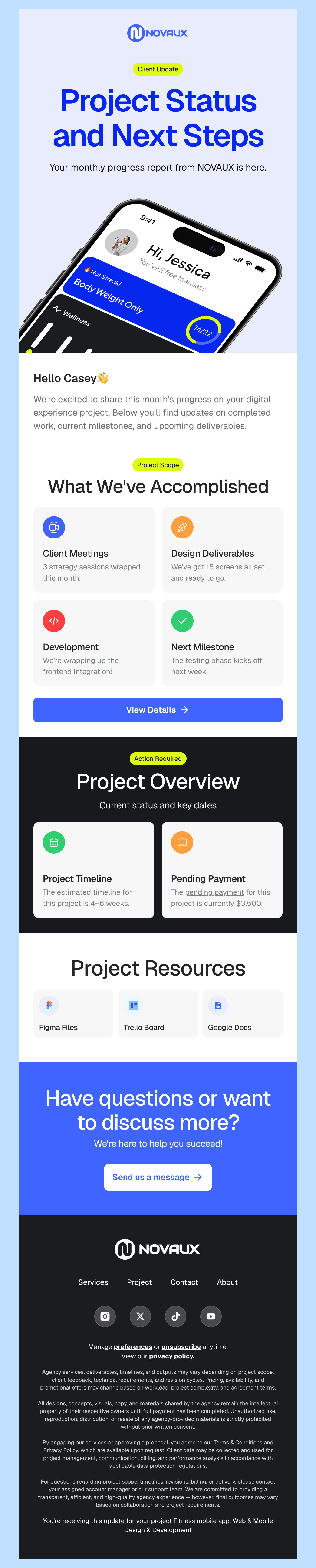
Free HTML Email Templates for iContact

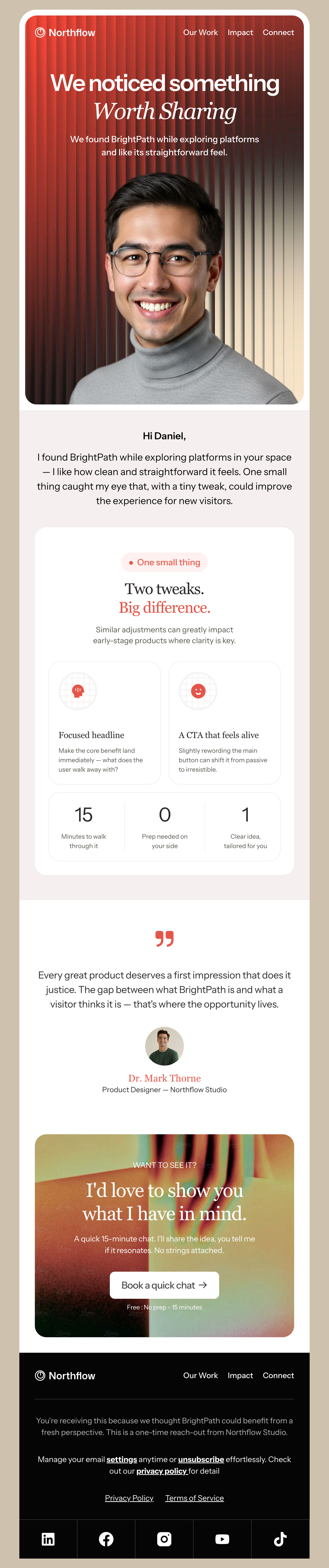
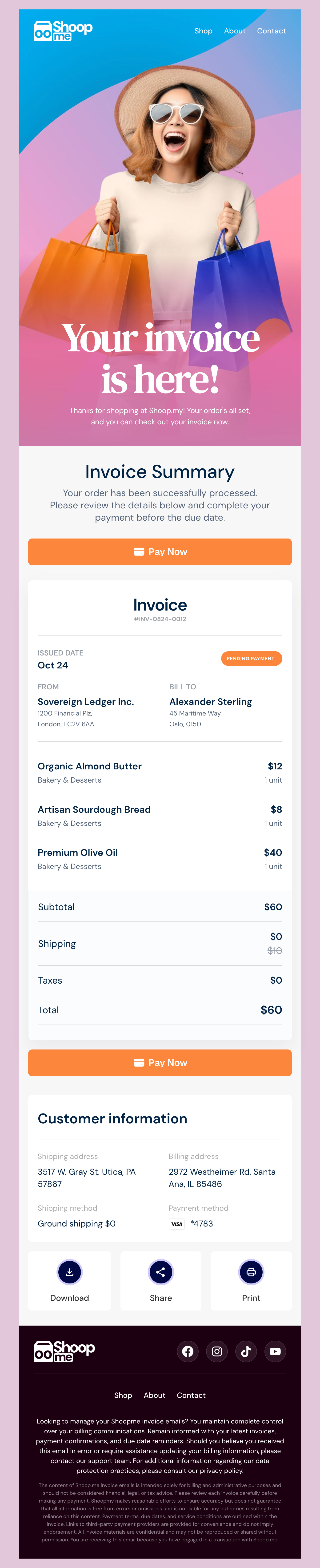
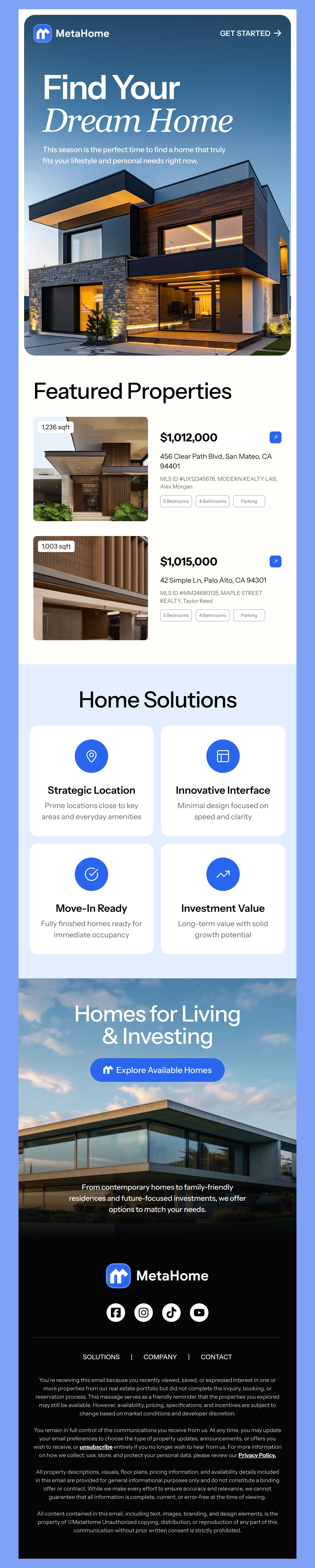
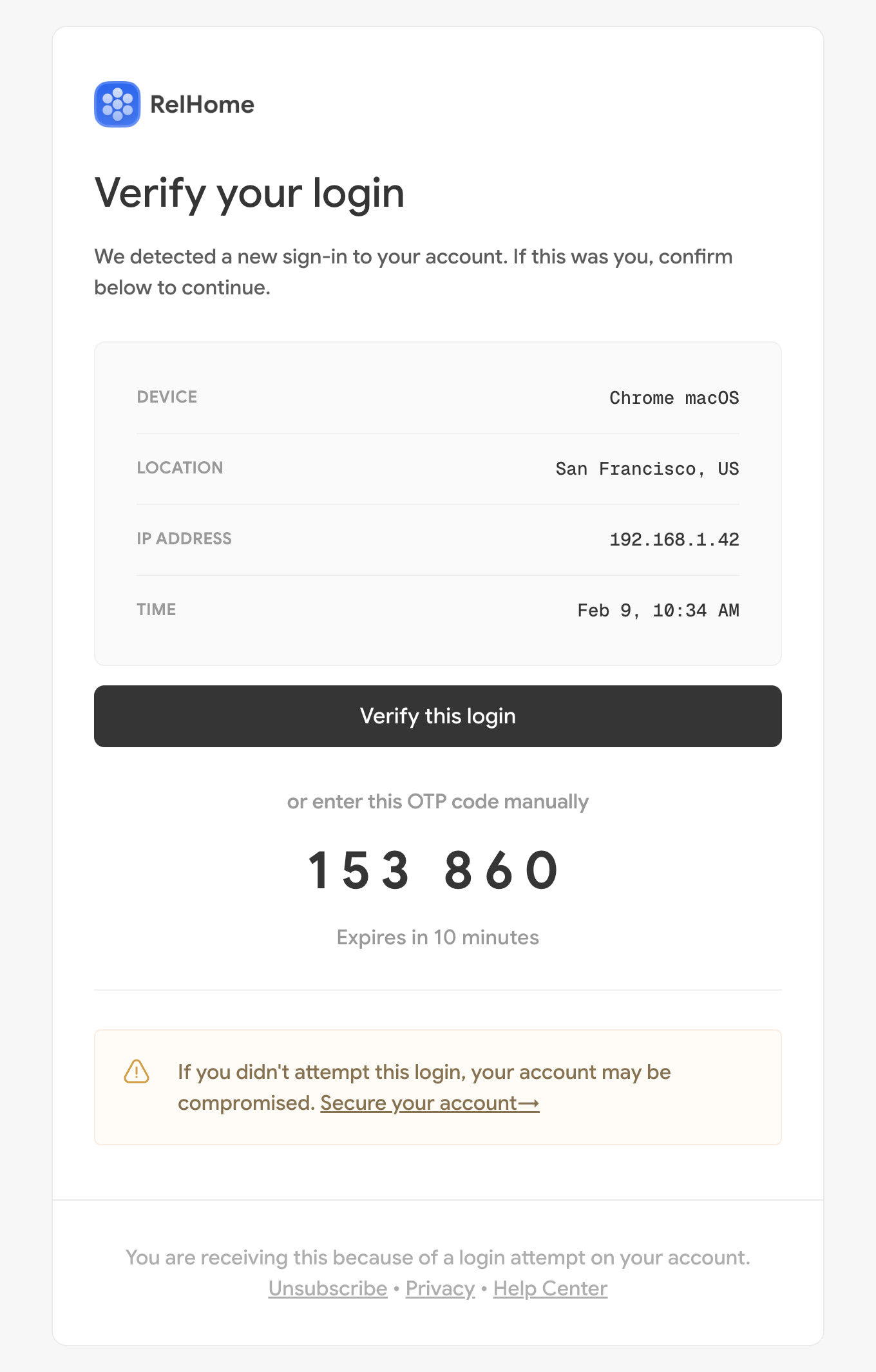
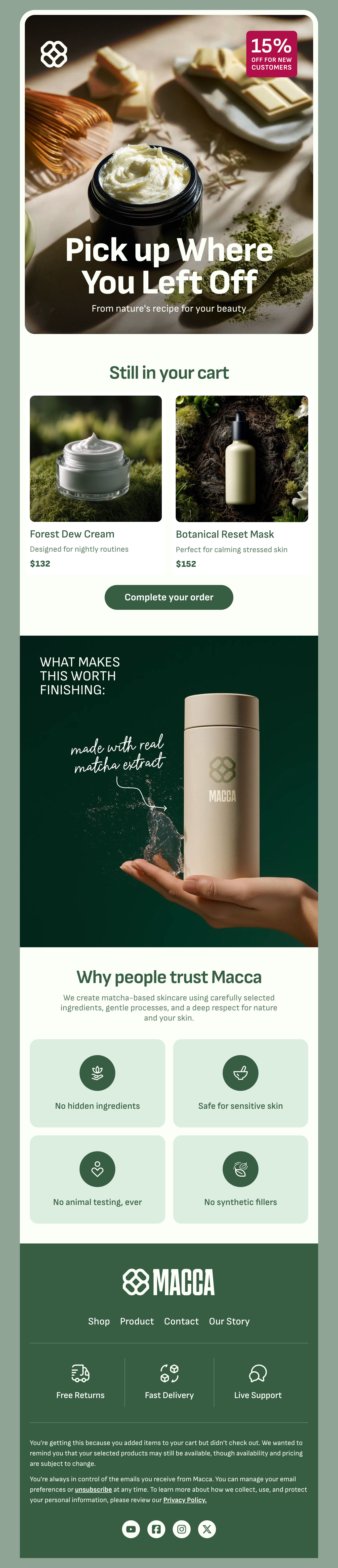
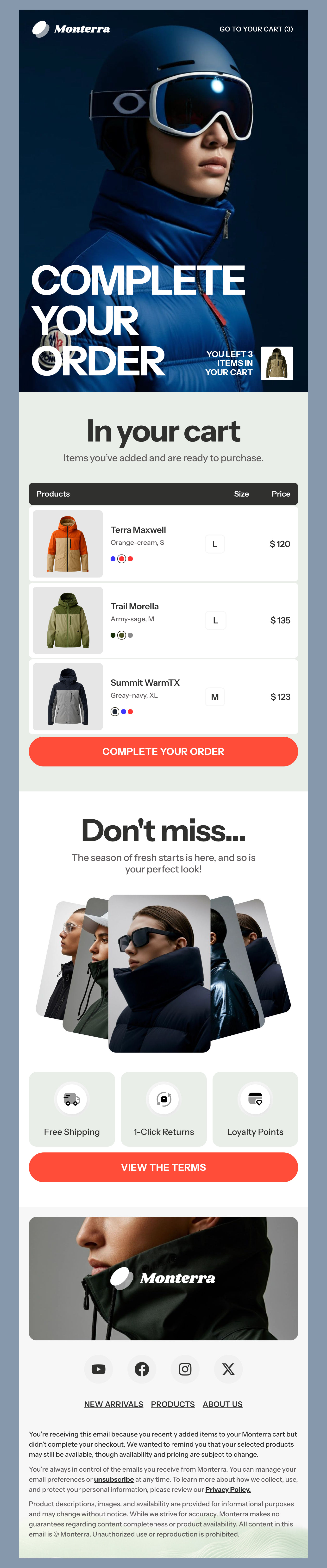
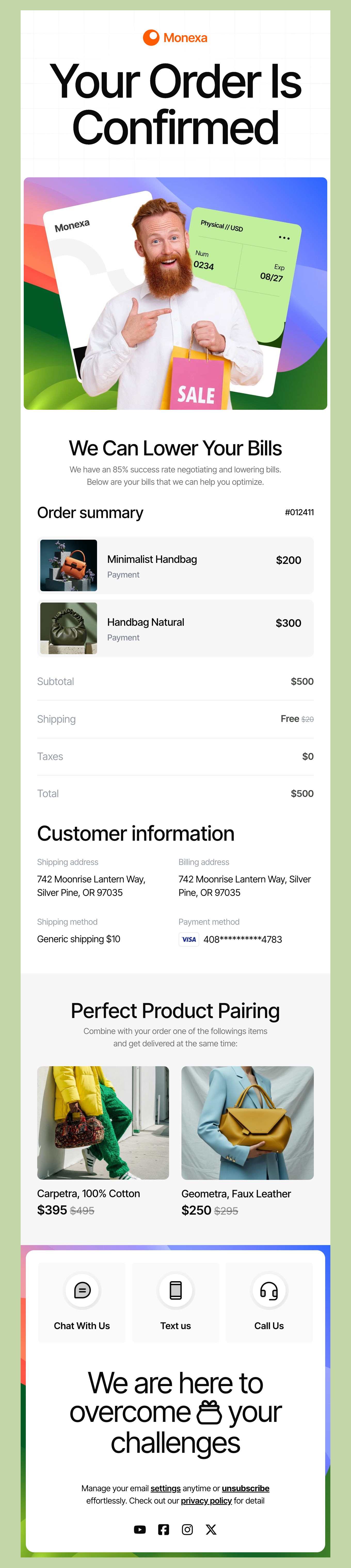
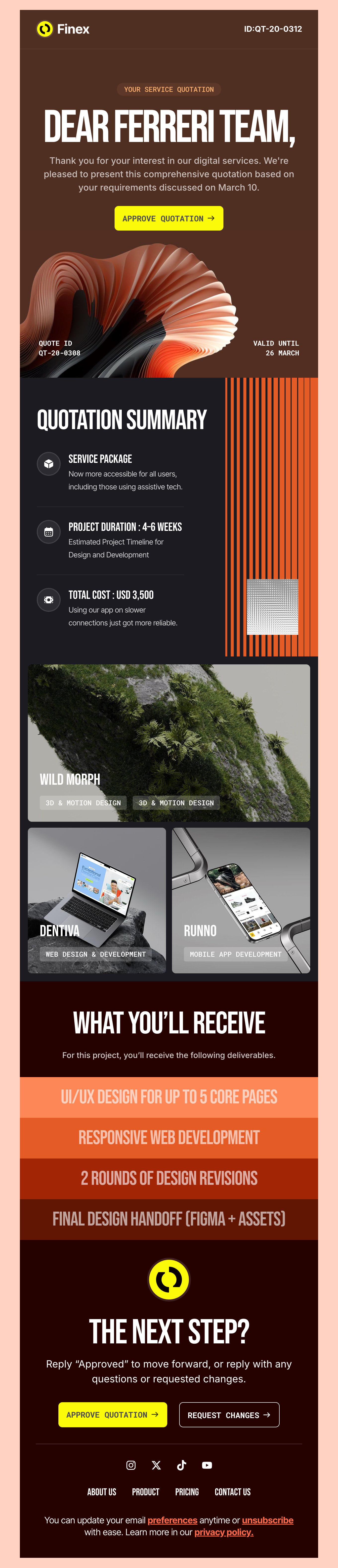
Check out our updated selection of free HTML email templates that are fully compatible with the iContact platform. Whether you're putting together newsletters, promotional emails, or transactional messages, you can find a template to create a stunning campaign. We've designed every template to be fully responsive and look great on any device your recipient uses. Make your email marketing strategy pop with our pre-designed iContact templates that are perfect for businesses, marketers, and freelancers looking to enhance their email communication.

Where to Edit iContact Email Templates?

Postcards gives you all the tools you need to start building and customize your iContact email template for free - from zero to the finished product in just a few minutes.

    • Start from a prompt

      Describe the email you want and AI Suite builds the whole template in seconds: layout, copy, and clean HTML.

    • Your brand, built in

      Import your logo, colors, and fonts straight from your website URL, so every template starts on-brand.

    • Translate, rewrite, restyle

      Ask AI Suite to translate the whole template into any language, or rewrite and restyle any part of it.

    • Export clean code anywhere

      Preview it in Gmail, Outlook, Apple Mail and Yahoo, then one-click export to your email platform or clean HTML.

  • Ready for action.

    Postcards works with iContact. We’ve tested all our email templates in iContact! Export in one click and save hours on HTML coding.

    Try It Now - It’s Free!

  • No-Code Email Design and Development

    Postcards is a fully no-code iContact email template builder. All tools within the Postcards editor are visually intuitive and easy to use.

  • Drag & Drop Online Email Editor

    We offer 100+ pre-made email modules and essential email components that you can drag and drop into your editor and modify.

  • iContact Responsive Email Templates

    We offer built-in and pre-made iContact responsive email templates, but if you want to customize how your email template appears on mobile devices, you can do this using our mobile controllers.

  • Speed-up Email Template Production

    Our iContact HTML email templates will accelerate your email design production by 9x. Postcards saves time, allowing you to focus on other email marketing tasks.

Tips to Market Like a Boss with iContact

Let’s help you make the best of the iContact platform. We like it because it offers a cool set of features that make it easy to send effective email campaigns. Here are some tips and tricks to make sure you run the most successful campaign for your business.

Make Your Life Easier with Designmodo + iContact

With our drag-and-drop editor, you can make any email template pop with your brand fonts, colors, and images. That means you can create appealing and fully responsive designs – without any coding needed! Save time and make a campaign you can be proud of.

Automation Workflows Are Your Friend

Setting up email triggers is great because you can automatically send the right type of email after your recipient takes a certain action. Send a welcome email after a sign-up or asset download, create a birthday message, or send a thank-you message after your customer makes a purchase. Automated emails help you remain relevant and save time. iContact has a great platform to help you connect while our templates give you even more options in design.

Nerd Out on Analytics

Tracking key metrics each week or month makes sure you stay on top of what works. iContact reporting allows you to view your open rates, click-through and conversions to gauge the true success of your emails. We recommend A/B testing one aspect of your email at a time and track how this affects results. Shoot for better open rates by testing subject lines against each other or track engagement by comparing two different offers.

More Tips to Create Better Results with iContact

Want even better results on your email marketing campaigns? Here are some more tips to explore, refine, and optimize results.

Try a Survey or Ask for Feedback

If you want to learn more about your subscribers and what interests them - why not ask them? Send out a survey to gather data about their interests, demographics, and what their challenges are. Then, you can create campaigns that resonate with what matters to them most.

Create Content That Connects & Converts

Creating compelling content that engages, informs, delights, and highlights the benefits of your product or service will create winning content that gets better results. Try creating different types of email content in addition to promotional emails like shopping guides, curated lists, or something just for fun like a behind-the-scenes shot or team highlight.

Don’t forget to convert that email open to even more engagement through a CTA (call-to-action) they can’t resist. A powerful CTA encourages your recipient to take the next step with you with clear action words like:

  • Shop Now
  • See Our New Collection
  • Shop Our Flash Sale
  • Get These Before They’re Gone
  • Get New Holiday Goodies

Creating an iContact campaign that gets results takes a mix of planning, creativity, and follow-up. With the tips we’ve shared, you can connect with more customers while getting the most out of your email marketing campaigns.

Hey there 👋 Friends from designmodo are here to help!