Free HTML Email Templates for Events
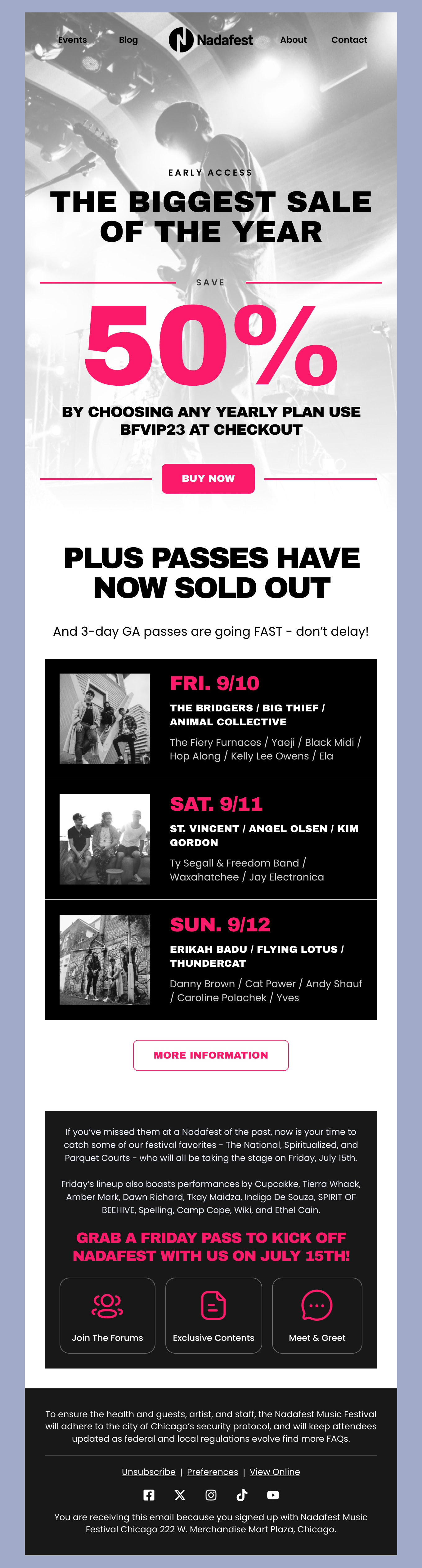
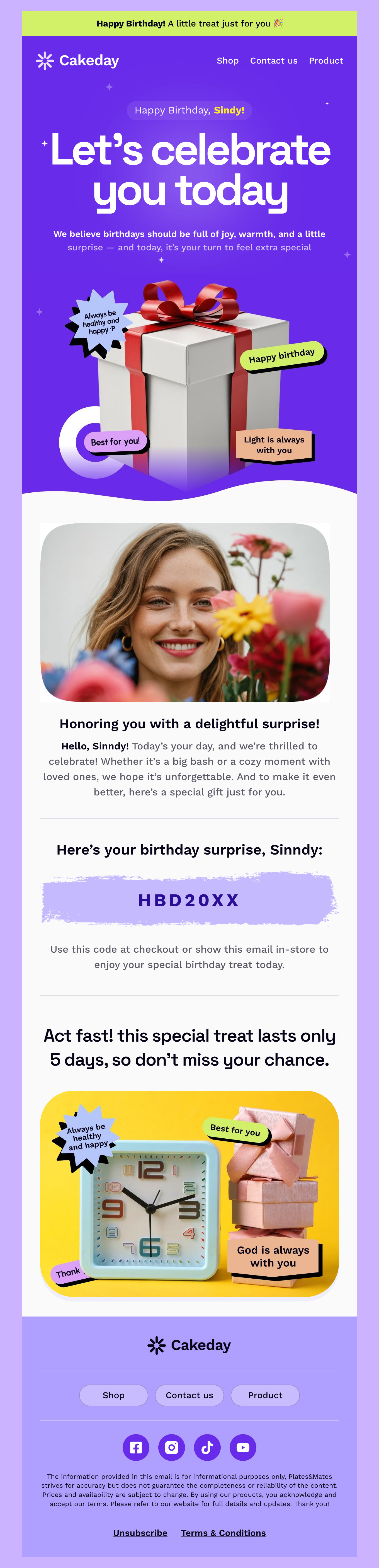
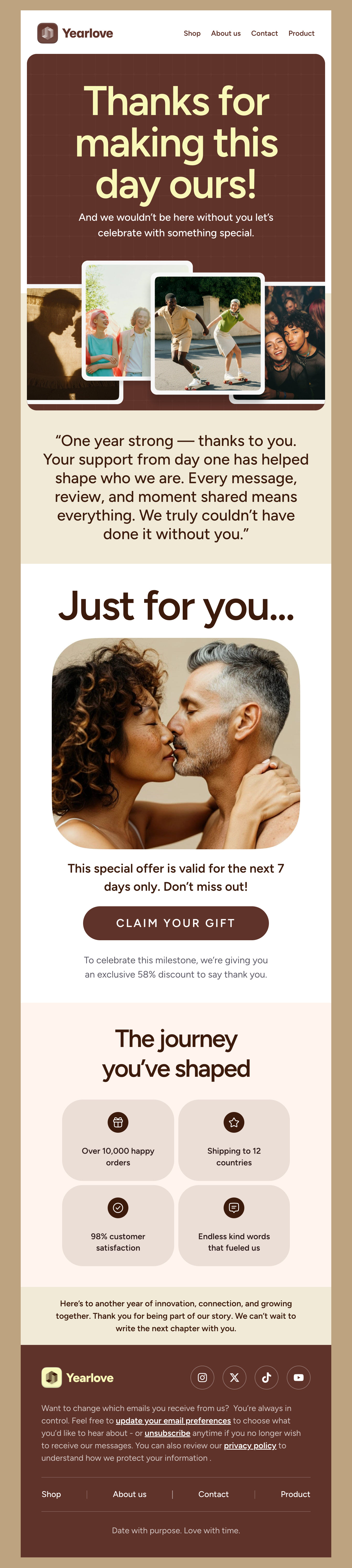
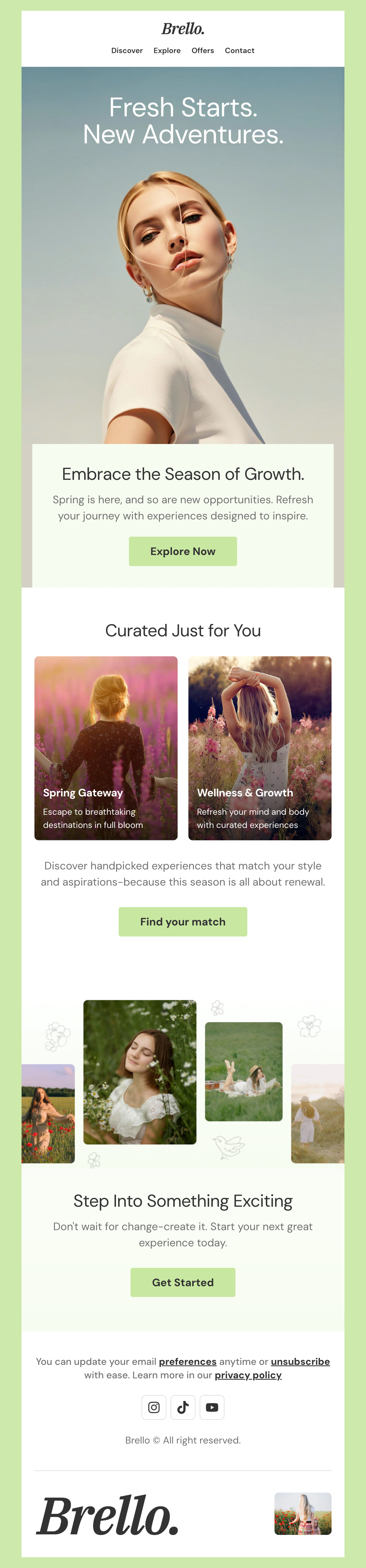
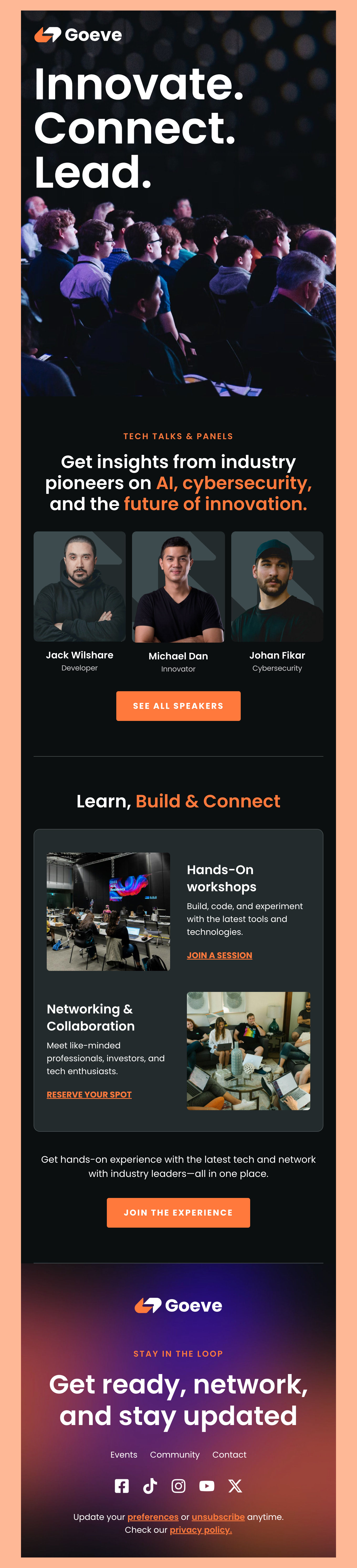
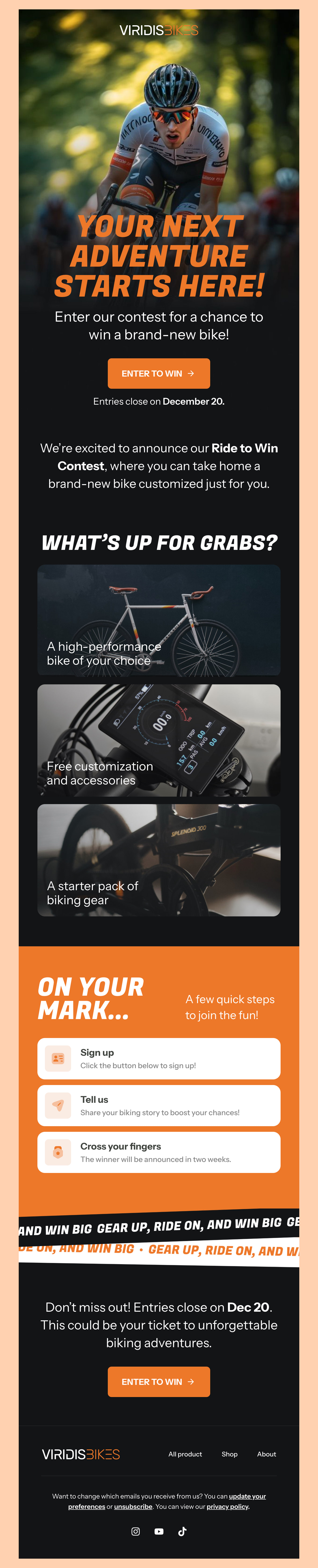
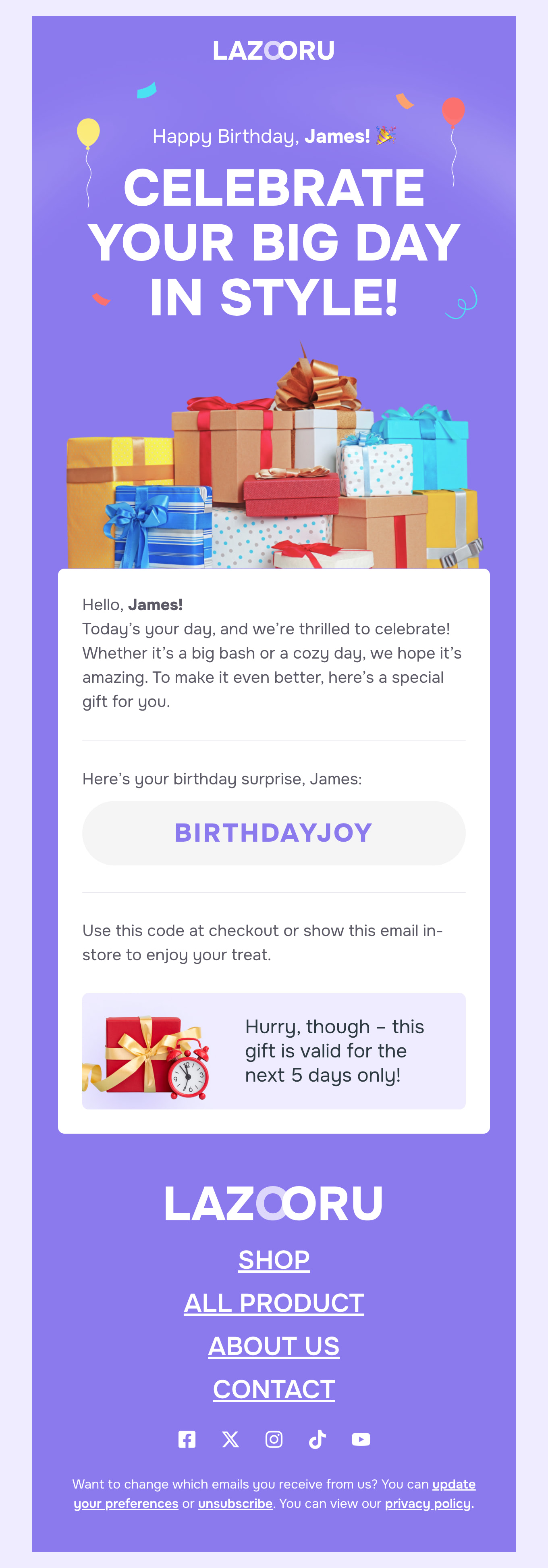
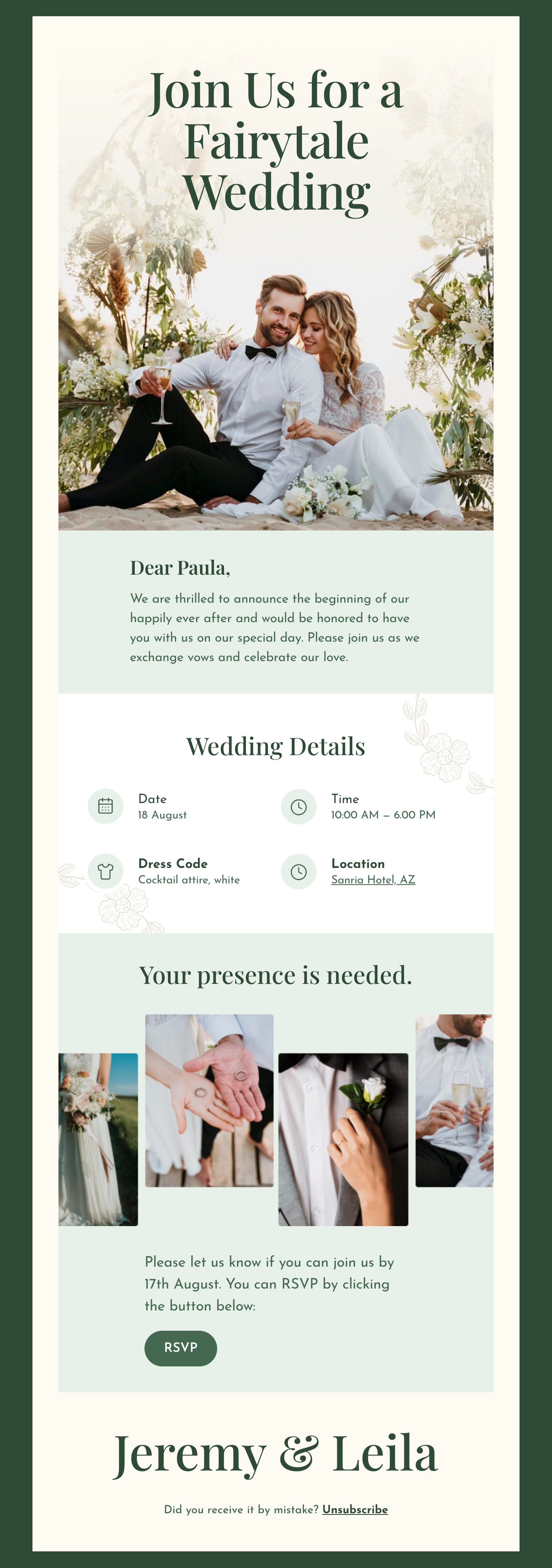
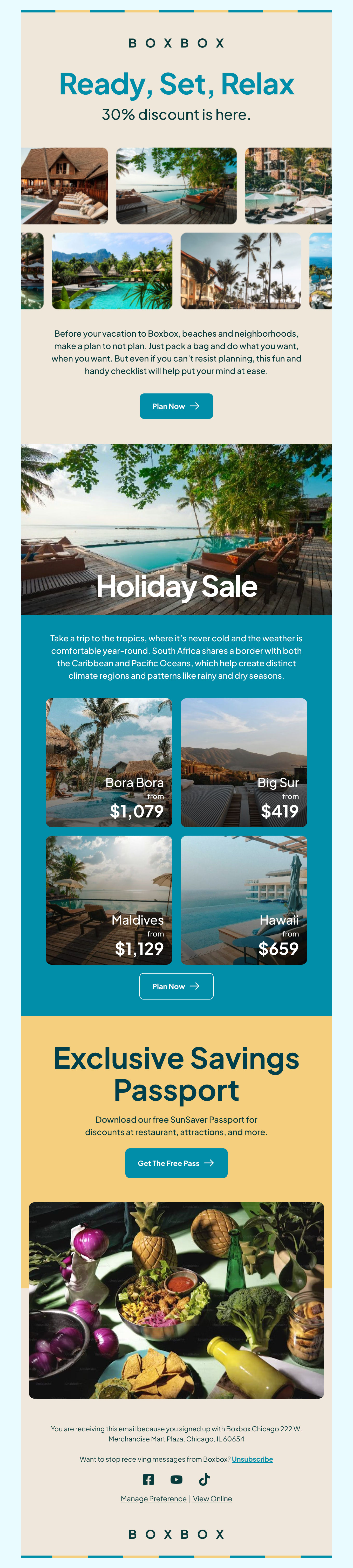
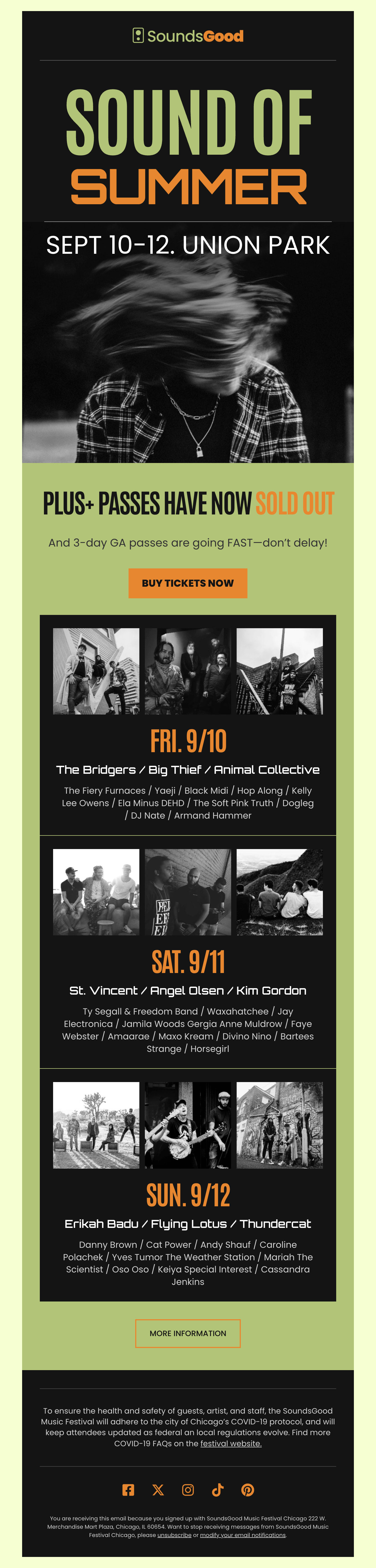
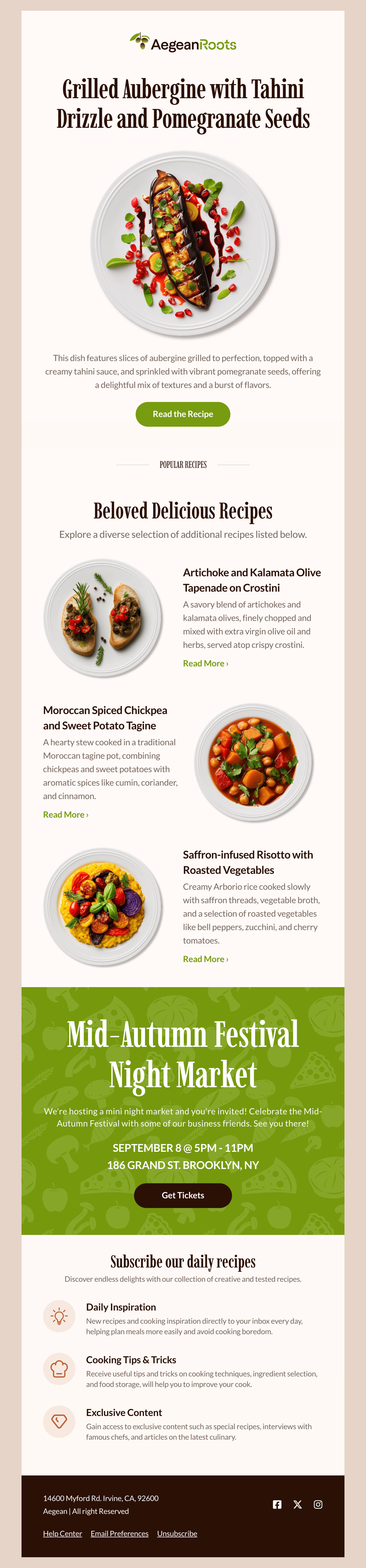
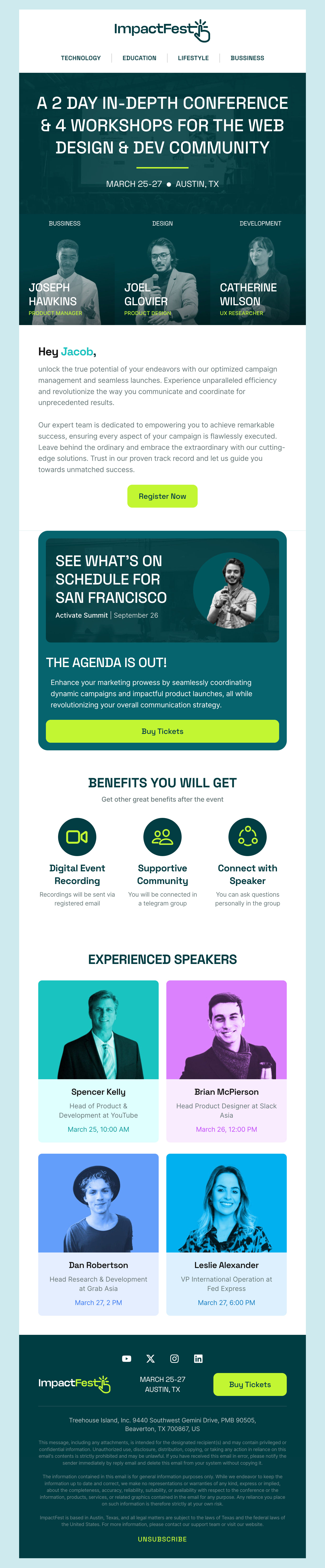
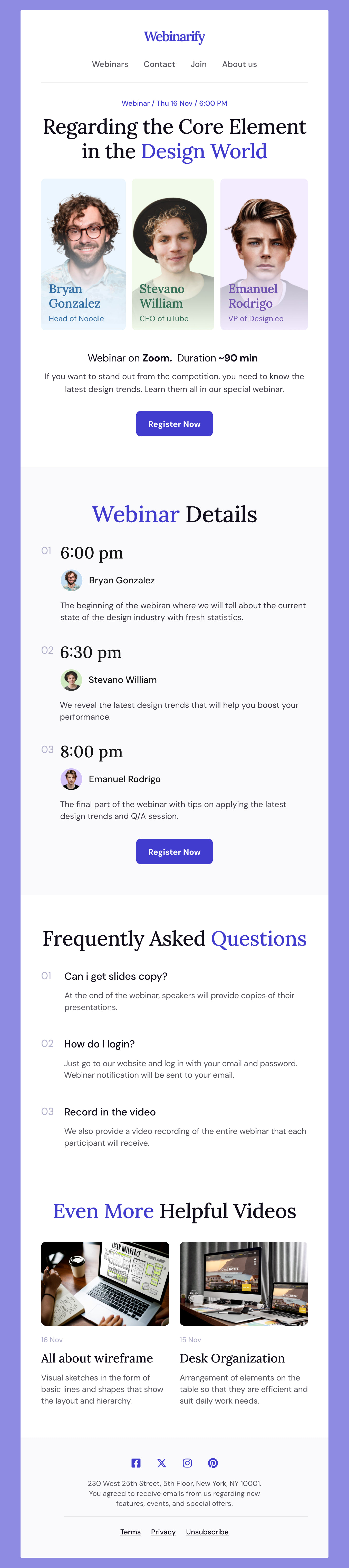
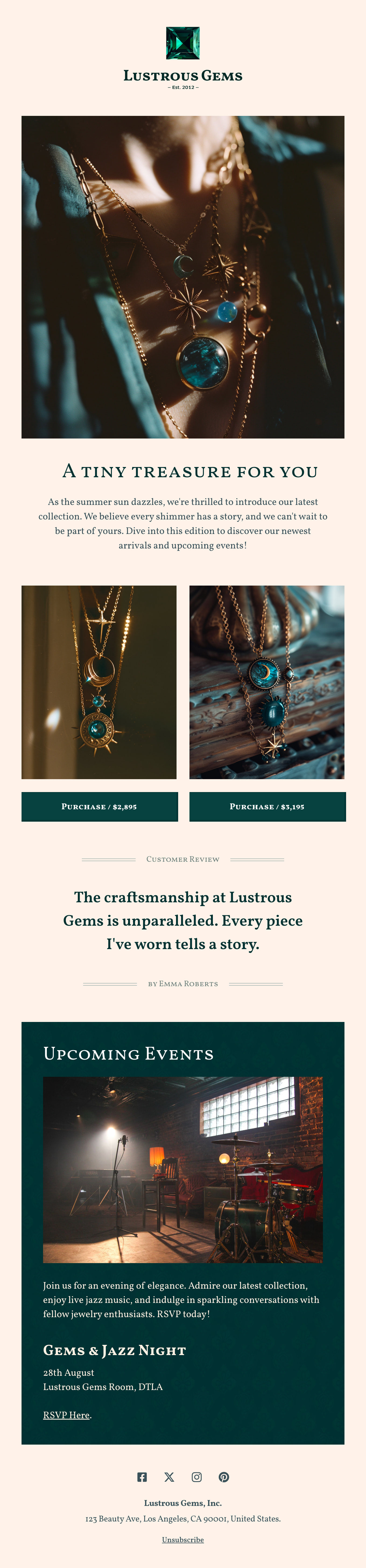
Explore this handpicked and free collection of HTML email templates designed especially for events. With any event in mind that you are to prepare—be it a corporate conference, a light-hearted holiday, a cozy party in a summer house, or a stylish wedding reception, our collection has beautiful event email designs ready to go. Each template has been designed in great detail to enhance communication of your event, making sure your messages pop into the inbox of your selected audience. From intuitive templates, one can communicate the sentiment of the event, leaving nothing to compromise on style or function.
-
EventsIndustryUsageSeasonBrand
- Create Your Email Template
- All Templates
- ActiveCampaign
- Amazon SES
- AWeber
- Braze
- Brevo
- Campaign Monitor
- Constant Contact
- GetResponse
- Gmail
- HubSpot
- iContact
- Intercom
- Kit
- Klaviyo
- Mailchimp
- Mailgun
- Mailjet
- MailUp
- Mailwizz
- Mandrill
- Marketo
- Mautic
- Moosend
- Ongage
- Ontraport
- Oracle Eloqua
- Outlook
- Pabbly
- Pepipost
- Postmark
- Salesforce Marketing
- SendGrid
- Sendloop
- SendPulse
- Sendy
- Shopify
- Zapier
- Zoho Campaigns
Where to Edit Events Email Templates?
Postcards gives you all the tools you need to start building and customize your Events email template for free - from zero to the finished product in just a few minutes.
-
-
-
-
Start from a prompt
Describe the email you want and AI Suite builds the whole template in seconds: layout, copy, and clean HTML.
-
Your brand, built in
Import your logo, colors, and fonts straight from your website URL, so every template starts on-brand.
-
Translate, rewrite, restyle
Ask AI Suite to translate the whole template into any language, or rewrite and restyle any part of it.
-
Export clean code anywhere
Preview it in Gmail, Outlook, Apple Mail and Yahoo, then one-click export to your email platform or clean HTML.
-
-
Ready for action.
Postcards works with your email marketing platform. We’ve tested all our email templates! Export in one click and save hours on HTML coding.
Try It Now - It’s Free! -
-
-
No-Code Email Design and Development
Postcards is a fully no-code email template builder. All tools within the Postcards editor are visually intuitive and easy to use.
-
Drag & Drop Online Email Editor
We offer 100+ pre-made email modules and essential email components that you can drag and drop into your editor and modify.
-
Events Responsive Email Templates
We offer built-in and pre-made Events responsive email templates, but if you want to customize how your email template appears on mobile devices, you can do this using our mobile controllers.
-
Speed-up Email Template Production
Our HTML email templates will accelerate your email design production by 9x. Postcards saves time, allowing you to focus on other email marketing tasks.
Tips to Master Event Emails to Your List
Creating an email to promote your next event is a lot simpler with our free template. That’s because all of the design is already done. But that doesn’t mean your work ends there. We know it can be challenging to craft the right message. Here are a few tips to help make your emails carry the biggest impact.
- Make your subject line pop using action words, vivid descriptions, or even a sense of mystery. Think outside the box and see what impact your creativity makes.
- Personalize subject lines with names or interests. You can segment your lists based on previously purchased items or other interests.
- Provide value. Promotions are great, but one of the best ways to reach your email list is by giving them something useful. Subject-adjacent interests and how-tos that don’t explicitly ask for a sale help build trust and loyalty.
- Plan multi-layer campaigns by adding teasers, or breaking up emails into several parts. All this helps build excitement and is anything but boring.
- This could go without saying, but we have seen things. Ensure your email includes all of the details about your event – every time. It’s also smart to provide helpful information like parking or other important details.
Ready to try out some of your ideas? Download one of our ready-to-go email templates for events and get started!
Event Planning Tips for Email & More
We know you are excited about your event so here are some general event-planning tips to help you plan the perfect launch.
- Give yourself plenty of time. Get started early to give yourself plenty of time to get any vendors you need, nail down the location, and deal with the little finer details. Giving yourself more time in the beginning also helps you build hype for your event.
- Cross-promote to build buzz. Reach out to local businesses or influencers who can help you build some interest around your event. Offer a free ticket or other trade to get your name in front of even more potential customers.
- Build your social event promotion over several platforms in the weeks coming up to your event. Use hashtags to get your posts in front of even more people. Include who you are, where you are, and who your audience is in your hashtags. For instance, if you are hosting a local food truck event in your hometown, you might include: #localeats #indianapolis #foodtrucks #lunch #eatlocal #lunchbreak
- As in tip #4 above, remember to build excitement for your email list. These are people who already know (and most likely love you). Don’t forget to follow up after your event by sending a recap, cool photos, and even more ways to connect with you.
There you have it. We hope these tips get you even more pumped to create the best event emails and promote your brand like a pro.
Designmodo Inc. 169 Madison Ave, #79627, New York, NY 10016, United States
Copyright © 2010-2026