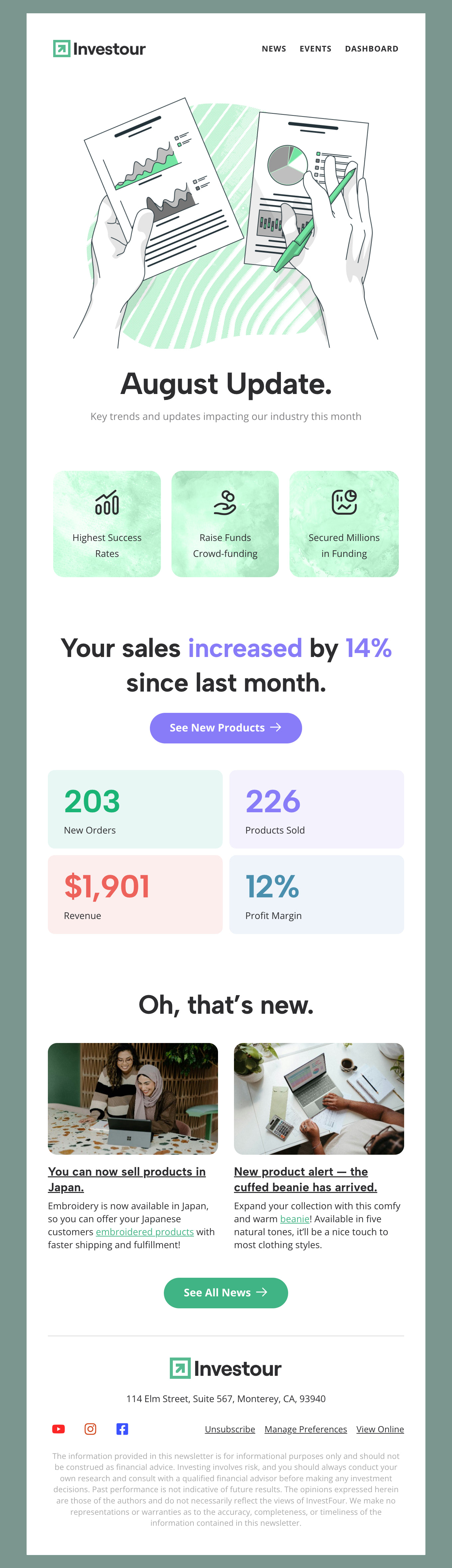
Business Email Templates & Corporate Designs
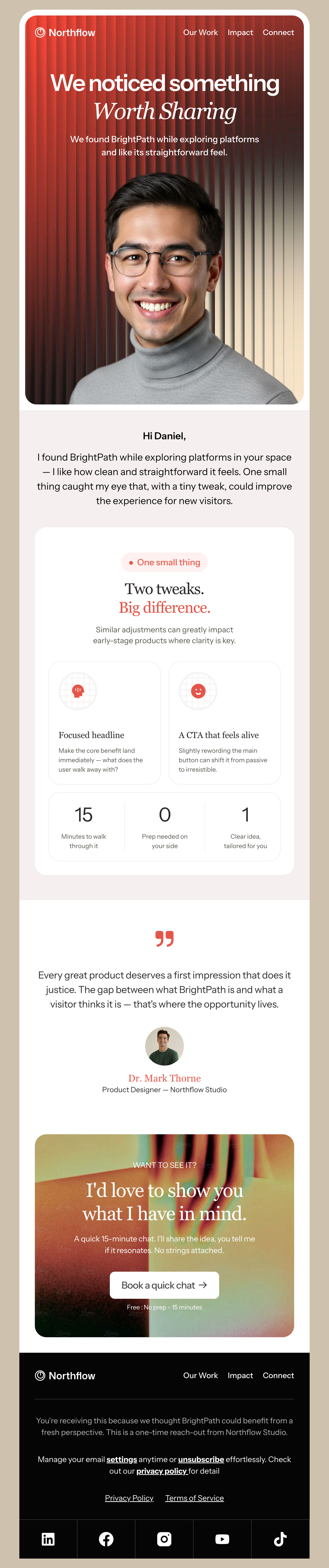
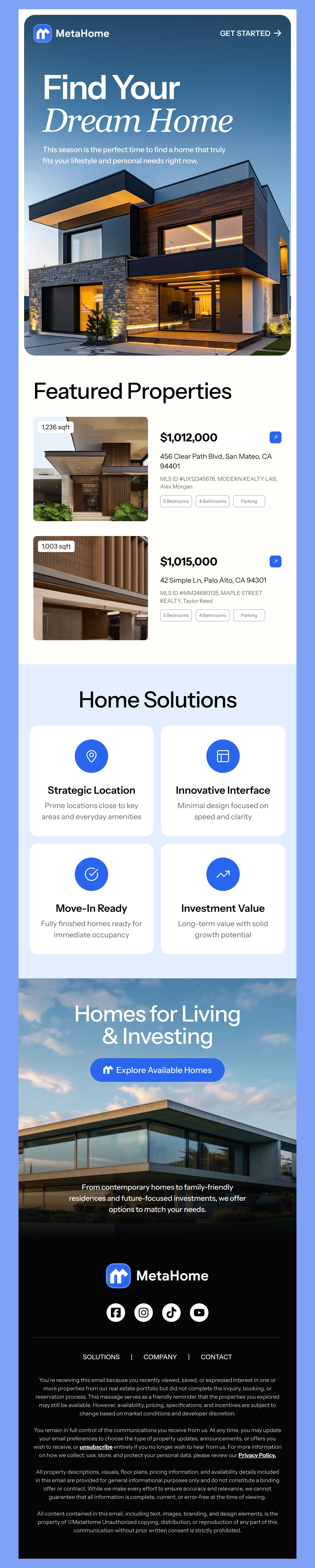
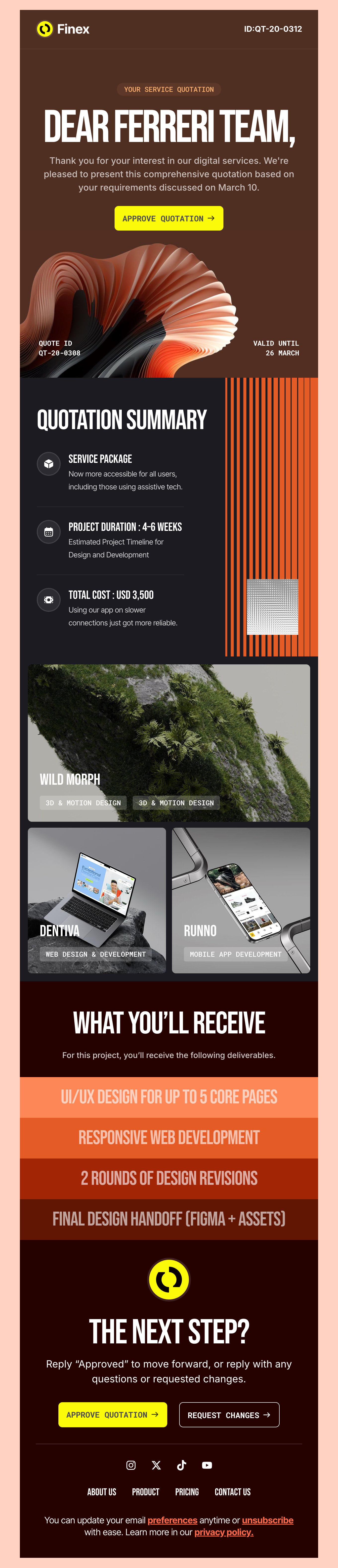
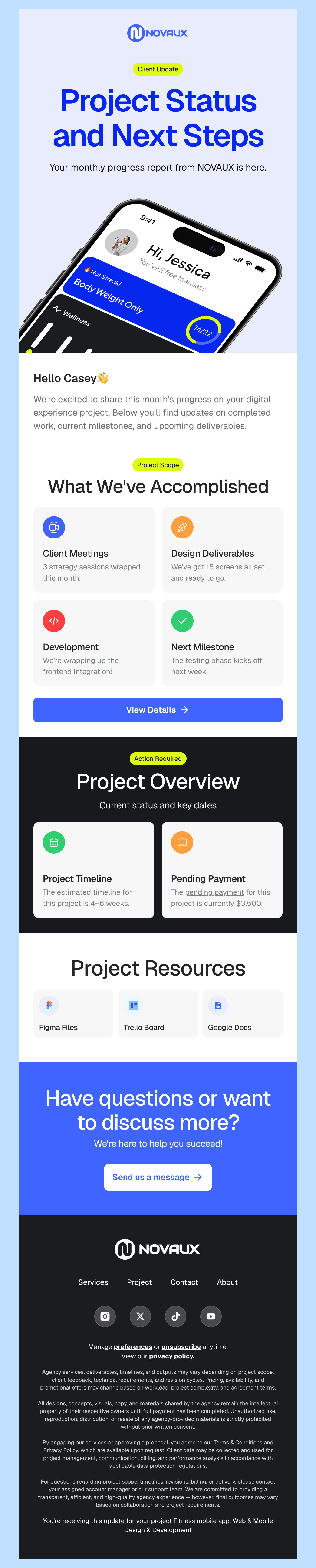
Elevate your professional communication with Designmodo’s free, business-focused HTML email templates. Fully customizable through our drag-and-drop editor, mobile-responsive, and designed to work seamlessly across all major email clients. Choose an email template that matches your communication goals and start sending more effective business emails today.
-
BusinessIndustryUsageSeasonBrand
- Create Your Email Template
- All Templates
- Abandoned Cart
- Alerts & Notifications
- Announcements
- B2B
- Birthday
- Confirmation
- CV & Resumes
- Cybersecurity
- Deal & Discount
- Ecommerce
- Email Signatures
- Events
- Invoice
- Marketing
- Newsletter
- Onboarding
- Order Confirmation
- Plain Text
- Product Promotion
- Promotional
- Subscription
- Survey & Feedback
- Thank You
- Transactional
- Trial
- Update
- Webinar
- Welcome
- All Templates
- ActiveCampaign
- Amazon SES
- AWeber
- Braze
- Brevo
- Campaign Monitor
- Constant Contact
- GetResponse
- Gmail
- HubSpot
- iContact
- Intercom
- Kit
- Klaviyo
- Mailchimp
- Mailgun
- Mailjet
- MailUp
- Mailwizz
- Mandrill
- Marketo
- Mautic
- Moosend
- Ongage
- Ontraport
- Oracle Eloqua
- Outlook
- Pabbly
- Pepipost
- Postmark
- Salesforce Marketing
- SendGrid
- Sendloop
- SendPulse
- Sendy
- Shopify
- Zapier
- Zoho Campaigns
Where to Edit Business Email Templates?
Postcards’ easy-to-use editor provides everything you need to create mobile-responsive and professional business emails in minutes. Choose one from the pre-made email templates and customize it as your business needs.
-
-
-
-
Start from a prompt
Describe the email you want and AI Suite builds the whole template in seconds: layout, copy, and clean HTML.
-
Your brand, built in
Import your logo, colors, and fonts straight from your website URL, so every template starts on-brand.
-
Translate, rewrite, restyle
Ask AI Suite to translate the whole template into any language, or rewrite and restyle any part of it.
-
Export clean code anywhere
Preview it in Gmail, Outlook, Apple Mail and Yahoo, then one-click export to your email platform or clean HTML.
-
-
Ready for action.
Postcards works with your email marketing platform. We’ve tested all our email templates! Export in one click and save hours on HTML coding.
Try It Now for Free -
-
-
Professional Email Design System
Create sophisticated business emails without design skills or coding knowledge. Postcards offers complete customization through an intuitive interface.
-
Pre-Built Business Components
Access a comprehensive library of professionally designed modules purpose-built for business communication. Simply select what you need and customize to fit your message.
-
Responsive Across All Devices
Your clients check their email everywhere. Our email templates automatically adapt to every screen size and are built to render consistently on desktop and mobile.
-
Speed-up Email Template Production
Our streamlined email editor accelerates your email design production by 9x. Design, edit, and export professional business emails in hours, not days.
Essential Business Email Types for Professional Communication
Effective business communication starts with the right message at the right time. Business emails remain the cornerstone of professional outreach, whether you're nurturing leads, onboarding clients, or keeping stakeholders informed.
Here's how to leverage different email types to strengthen your business relationships.
Onboarding Sequences: A well-crafted onboarding email series guides new clients through your process, sets clear expectations, and provides all the resources they need to succeed. Share important documentation, introduce key team members, and outline next steps so everyone feels confident moving forward together.
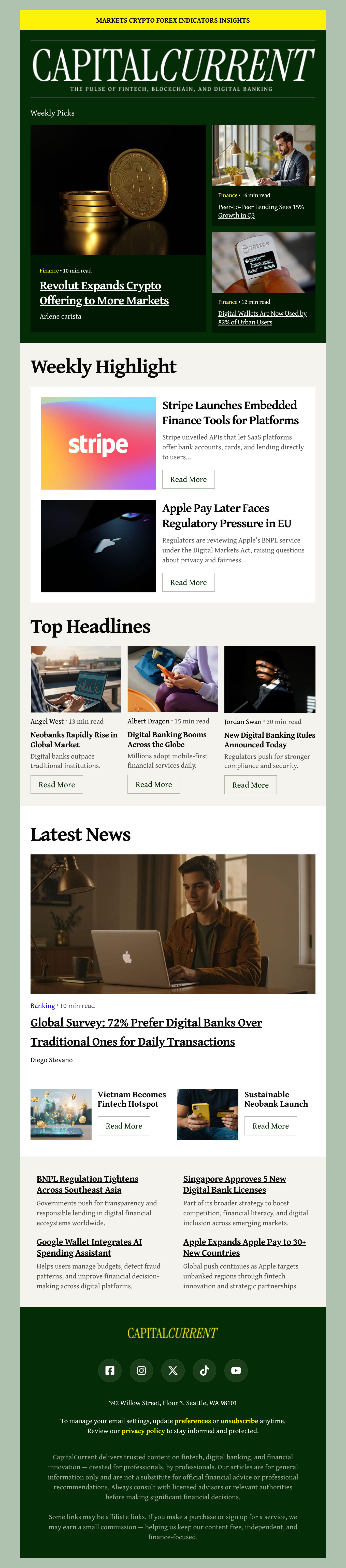
Newsletter Communications: Regular newsletters keep your business top-of-mind without being pushy. Share industry insights, company updates, case studies, and thought leadership that position your brand as an expert.
Meeting & Event Invitations: Professional event emails do more than share logistics. They build anticipation, communicate value, and make attendance easy. Whether it's a webinar, conference, client meeting, or team event, your invitation should clearly answer why someone should attend and what they'll gain from participating.
Follow-Up Messages: The fortune is in the follow-up. After meetings, proposals, or initial conversations, a timely follow-up email keeps momentum going. Recap key discussion points, confirm action items, attach relevant resources, and make it simple for recipients to take the next step. This is where many business relationships either strengthen or fade.
Company and Employee Newsletter Examples
An internal newsletter has a harder job than a marketing email. Nobody opted in, everyone can tell when an update exists because the calendar said so rather than because something happened, and the reply-all is right there.
What a company newsletter actually needs
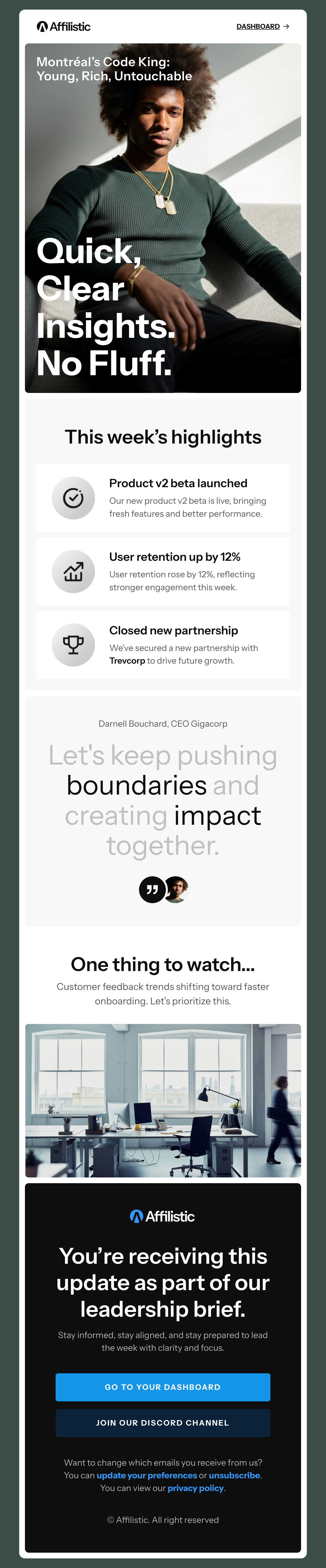
One genuine piece of news at the top, a short list of things people have to act on, and a named person to reply to. Internal audiences forgive plain design and punish filler, so a simple layout you can fill in twenty minutes beats an elaborate one you send three days late. Our email newsletter templates give you a structure you can reuse every month without rebuilding it.
Employee newsletter examples worth borrowing from
The internal emails people actually read are specific and short. A monthly update that leads with the one decision that changed, not the eleven that did not. A company announcement sent on its own, because burying it in a roundup tells everyone it was not important. A new-hire introduction with a photograph and one line about what the person will be working on. An event invitation that answers why attendance is worth an hour. Every template in the gallery above is a working example of one of these - open the closest match and edit it rather than starting from a blank page.
Say what changed, not what happened
“The team met to discuss the roadmap” is an activity log. “We moved the launch to March, here is what that means for your quarter” is news. If a paragraph does not change what a reader knows or does, cut it - the credibility you spend on filler is what you need later when something genuinely matters.
Send it from a person
Company newsletters sent from a no-reply address get treated as broadcasts and skimmed. One sent from a named person with a real inbox gets replies, and the replies are how you find out whether anyone is reading. Keep the sender consistent so the email is recognised before it is opened.
Designmodo Inc. 169 Madison Ave, #79627, New York, NY 10016, United States
Copyright © 2010-2026