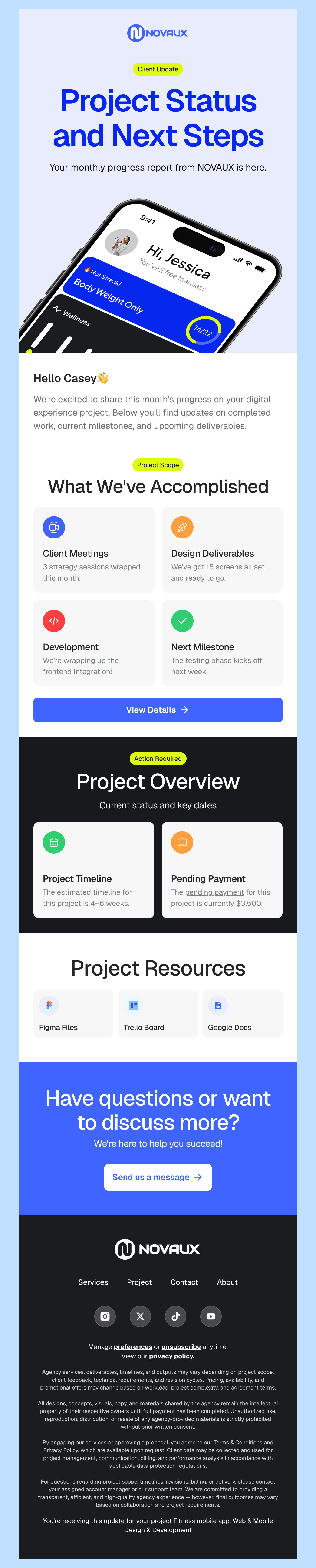
Free HTML Email Templates for Pabbly
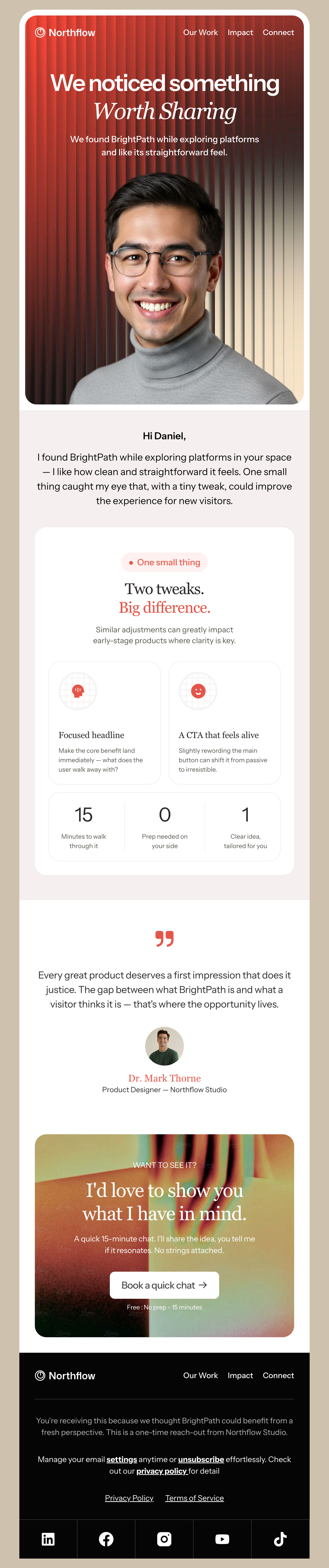
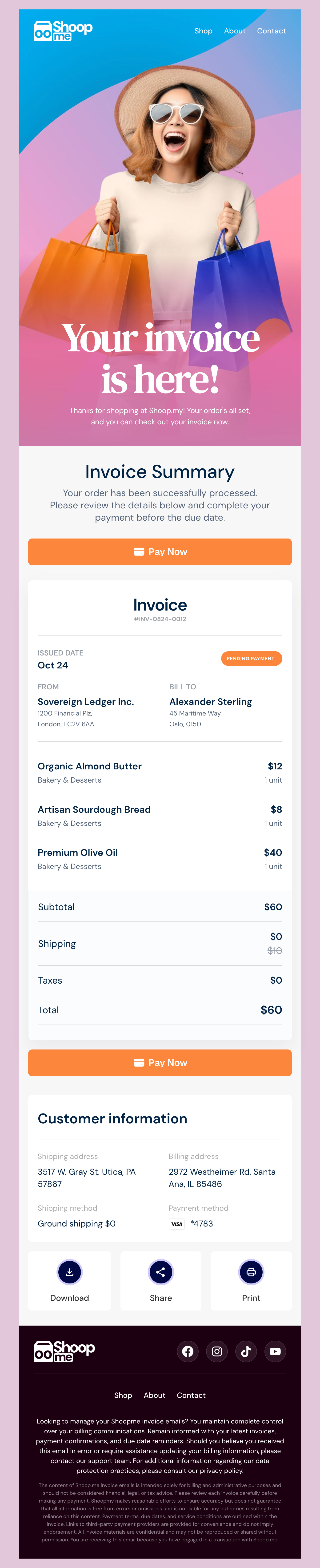
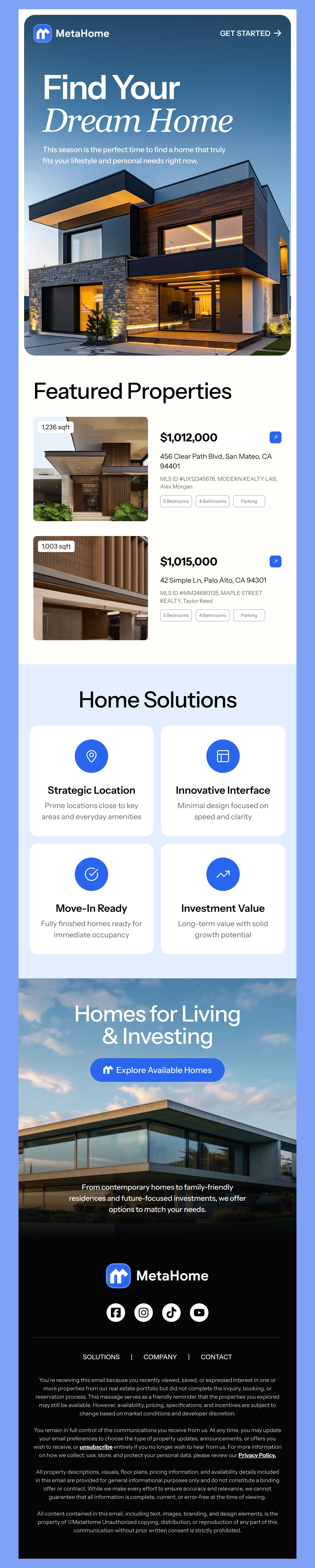
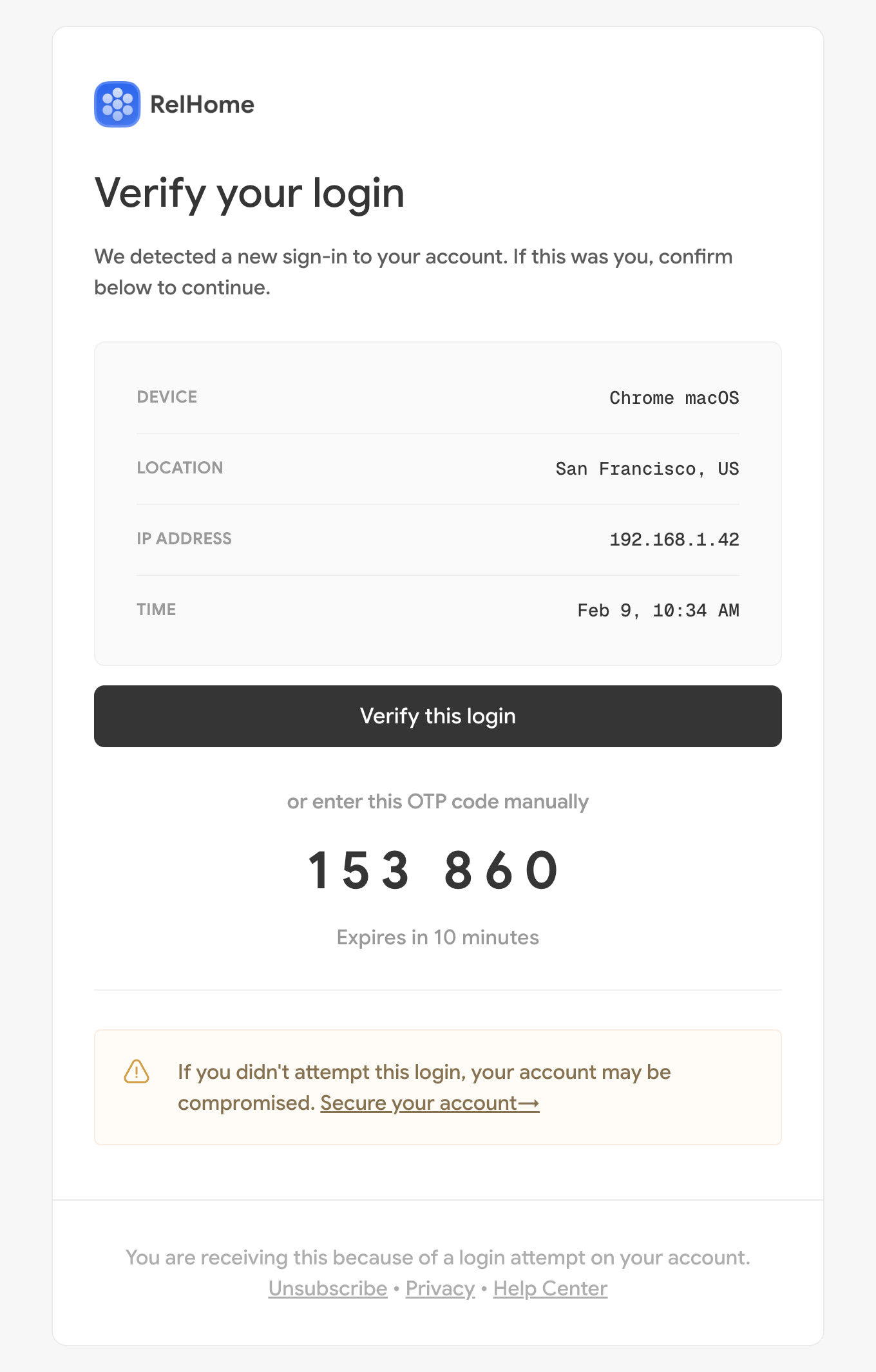
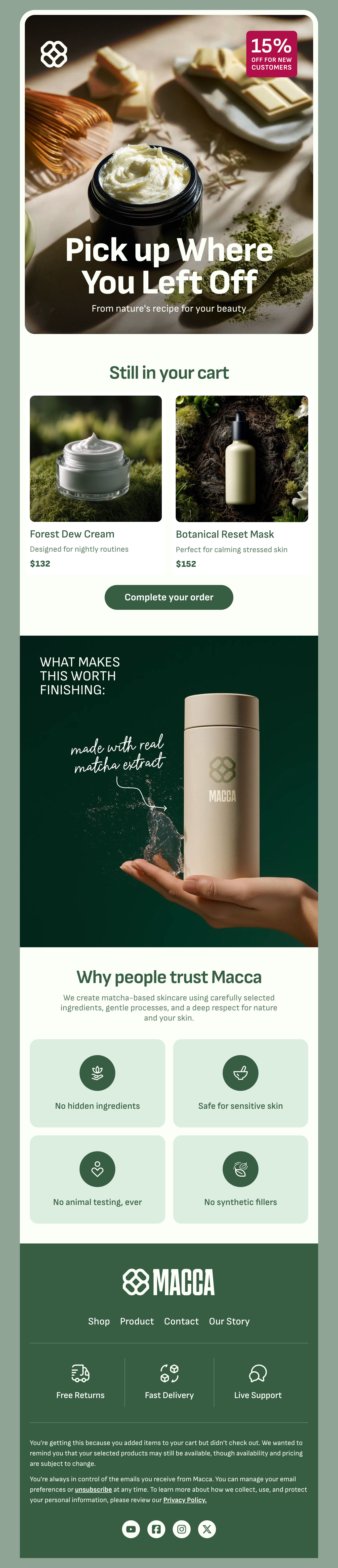
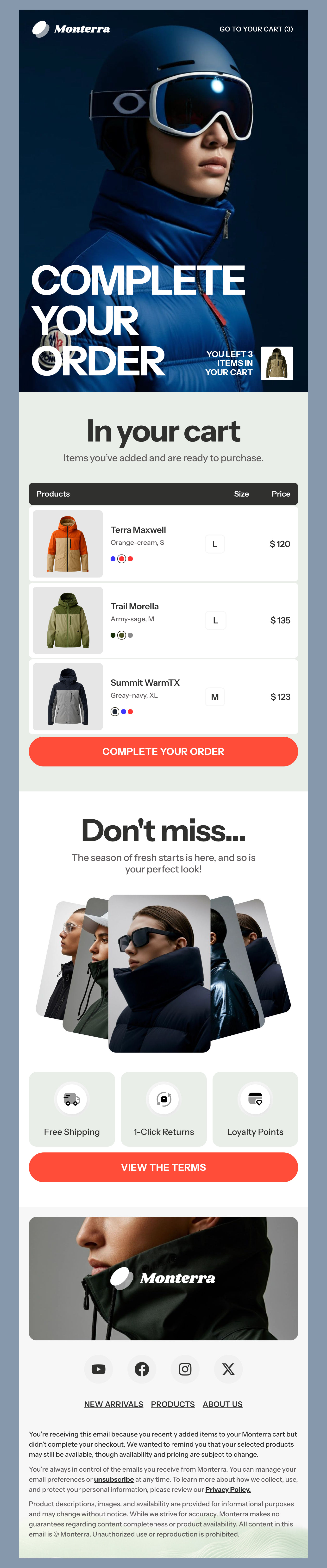
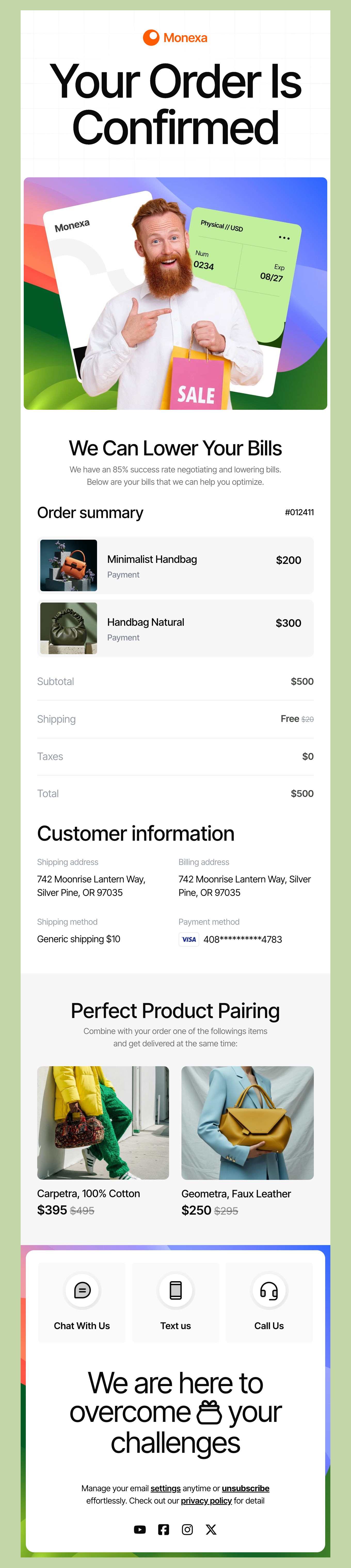
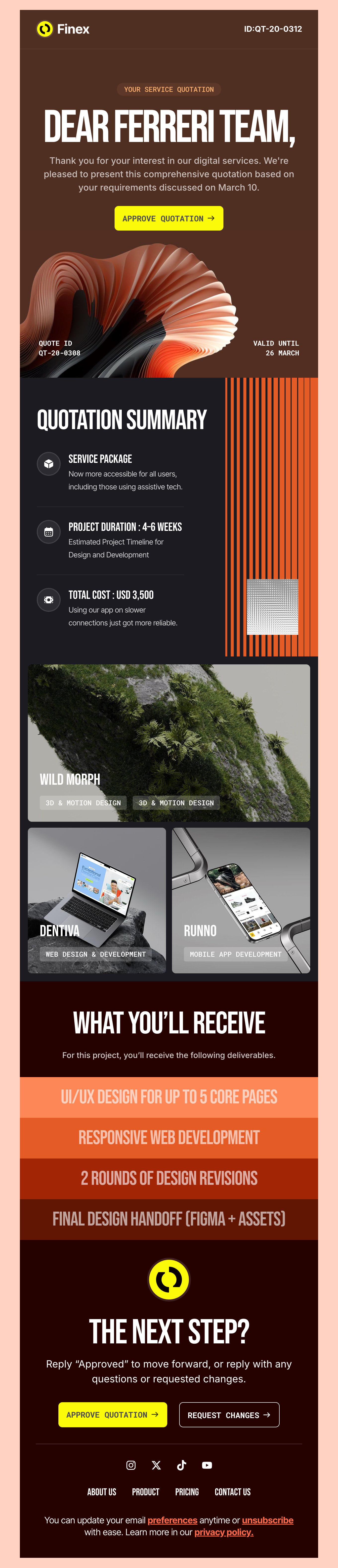
Check out our extensive, absolutely free HTML email template catalog built exclusively for Pabbly users. These templates cater to different aspects of business needs, ensuring your campaigns are anything but run-of-the-mill. Whether marketing campaigns or newsletters, your emails will look professional and display perfectly. Designed solely for Pabbly users, the templates below fit in seamlessly so you can run your accounts and improve interpersonal communication within the organization and with your clientele. Discover the ideal template to convey your message with style and precision and get started!
-
PabblyIndustryUsageSeasonBrand
- Create Your Email Template
- All Templates
- ActiveCampaign
- Amazon SES
- AWeber
- Braze
- Brevo
- Campaign Monitor
- Constant Contact
- GetResponse
- Gmail
- HubSpot
- iContact
- Intercom
- Kit
- Klaviyo
- Mailchimp
- Mailgun
- Mailjet
- MailUp
- Mailwizz
- Mandrill
- Marketo
- Mautic
- Moosend
- Ongage
- Ontraport
- Oracle Eloqua
- Outlook
- Pabbly
- Pepipost
- Postmark
- Salesforce Marketing
- SendGrid
- Sendloop
- SendPulse
- Sendy
- Shopify
- Zapier
- Zoho Campaigns
Where to Edit Pabbly Email Templates?
Postcards gives you all the tools you need to start building and customize your Pabbly email template for free - from zero to the finished product in just a few minutes.
-
-
-
-
Start from a prompt
Describe the email you want and AI Suite builds the whole template in seconds: layout, copy, and clean HTML.
-
Your brand, built in
Import your logo, colors, and fonts straight from your website URL, so every template starts on-brand.
-
Translate, rewrite, restyle
Ask AI Suite to translate the whole template into any language, or rewrite and restyle any part of it.
-
Export clean code anywhere
Preview it in Gmail, Outlook, Apple Mail and Yahoo, then one-click export to your email platform or clean HTML.
-
-
Ready for action.
Postcards works with Pabbly. We’ve tested all our email templates in Pabbly! Export in one click and save hours on HTML coding.
Try It Now - It’s Free! -
-
-
No-Code Email Design and Development
Postcards is a fully no-code Pabbly email template builder. All tools within the Postcards editor are visually intuitive and easy to use.
-
Drag & Drop Online Email Editor
We offer 100+ pre-made email modules and essential email components that you can drag and drop into your editor and modify.
-
Pabbly Responsive Email Templates
We offer built-in and pre-made Pabbly responsive email templates, but if you want to customize how your email template appears on mobile devices, you can do this using our mobile controllers.
-
Speed-up Email Template Production
Our Pabbly HTML email templates will accelerate your email design production by 9x. Postcards saves time, allowing you to focus on other email marketing tasks.
Advanced Email Marketing Tips for Pabbly Users
Pabbly email marketing offers a strong platform to send effective messages to your subscribers and new customers. Here are a few advanced tips to make the most of your campaigns.
Leverage Behavioral Targeting with Segments
Pabbly can segment your audience based on how they interact with your emails and website. You can then use this data to send these targeted campaigns to customers who have opened specific emails, clicked on links, and visited certain pages, products, or services on your website.
Use Predictive Analysis Tools
With Pabbly’s predictive analysis tools, you can identify your most engaged and valuable customers. You can then use this insight to create tailored campaigns that impact your audience with more relevant messaging. Predictive analysis can certainly improve your click-through rates and conversions when implemented.
Integrate with CRM Tools & Save Time
If you have an existing CRM system, you can connect to the Pabbly email marketing platform and enjoy a more complete view of your customers. You can use this customer data to personalize your emails and improve your marketing results.
Try A/B Testing to Hone Your Skills
The Pabbly platform allows you to experiment with different elements in your email campaign, like your subject line, CTA, and content. By changing one thing at a time and iterating with the best results, you can then identify the most effective combinations.
More Tips for Email Marketing with the Pabbly Toolset
Pabbly has more tools to simplify and streamline your marketing workflow. Here are even more tips to bring your Pabbly email marketing campaign to the next level.
Utilize the Campaign Builder
Pabbly has a user-friendly campaign builder that makes it easy to create and manage an email campaign. You can use these tools to design visually appealing emails and add dynamic content. To save even more time, download one of our templates designed for Pabbly and swap in your brand colors for a campaign design that’s ready to run in just minutes!
Use Automation Tools to Save Time
Pabbly has a great automation feature that allows you to automate repetitive tasks. You can set up triggers to send welcome emails, abandoned cart reminders, or other campaigns that get triggered after an action. Automatic triggers save you time and help you send the right messages to your audience - at the right time!
Custom Fields for a Personal Touch
Custom fields help you capture additional data about your subscribers, like what piques their interest, what types of preferences they have, and what their pain points or challenges may be. You can then personalize emails to improve targeting efforts.
Take Advantage of Reporting & Analytics
Pabbly has robust reporting and analytics tools to track your campaign performance. After reviewing this data, you can start to spot trends and use these insights to optimize future campaigns. Reporting lets you know what resonates best so you can experiment and optimize.
By following these email marketing tips for the Pabbly email marketing platform, you can leverage the powerful features to drive results and level up your sales.
Designmodo Inc. 169 Madison Ave, #79627, New York, NY 10016, United States
Copyright © 2010-2026