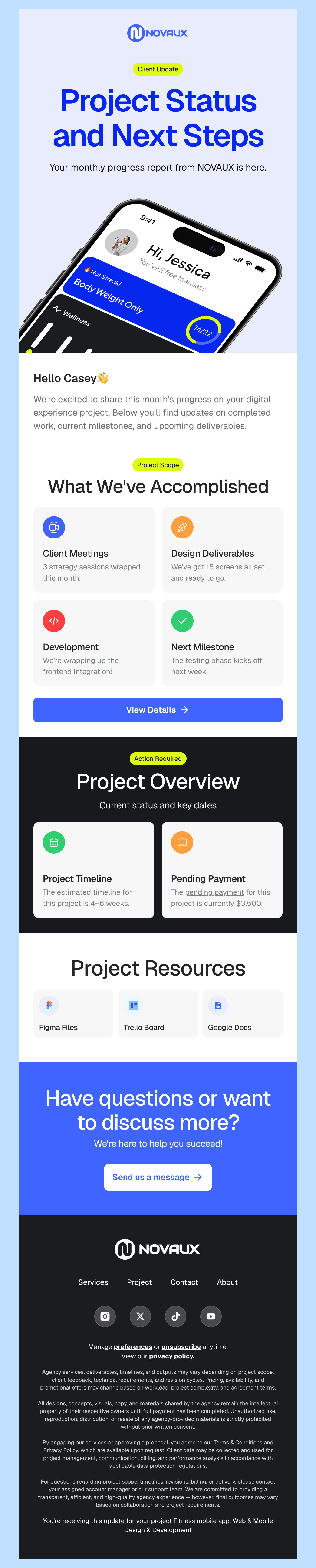
Free HTML Email Templates for Mautic

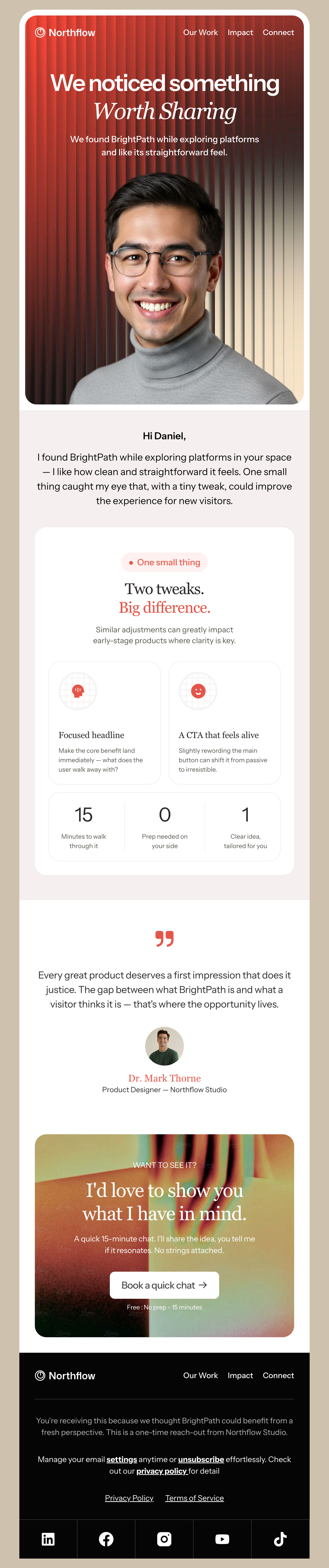
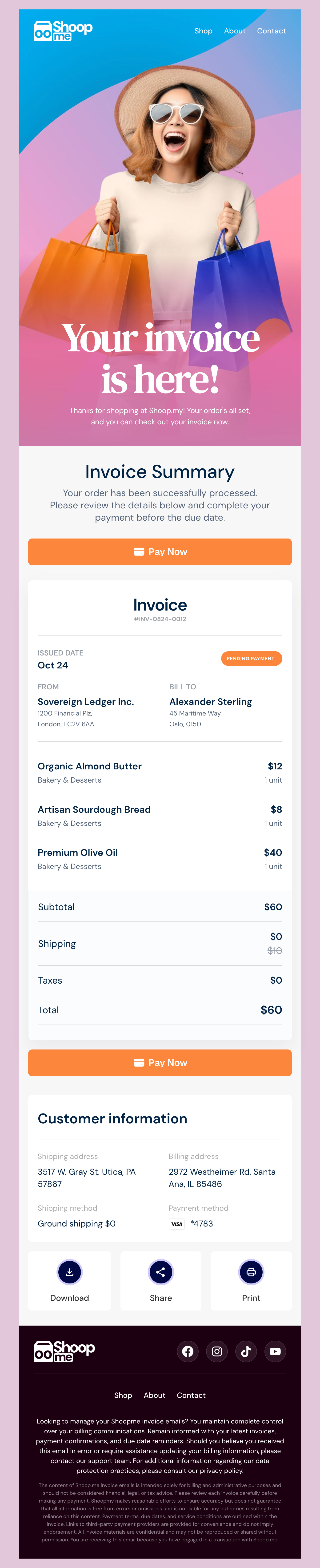
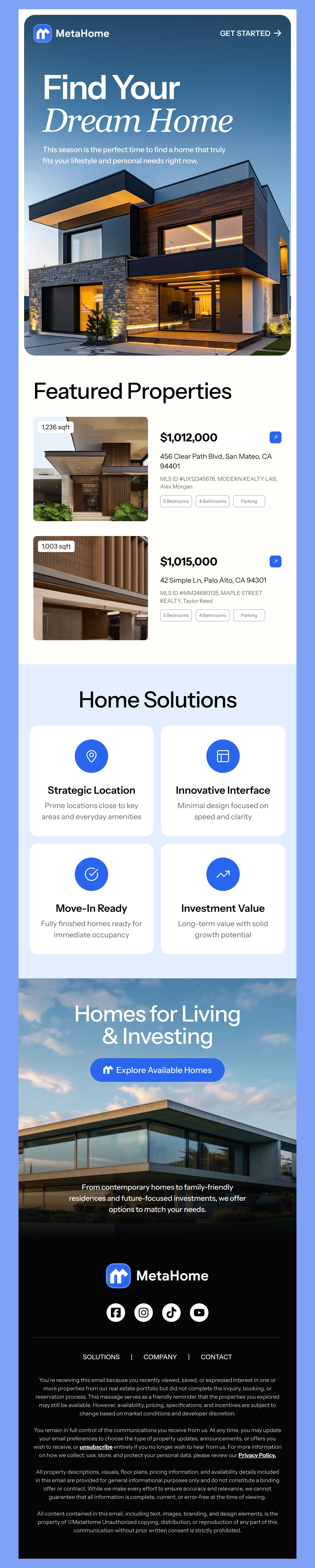
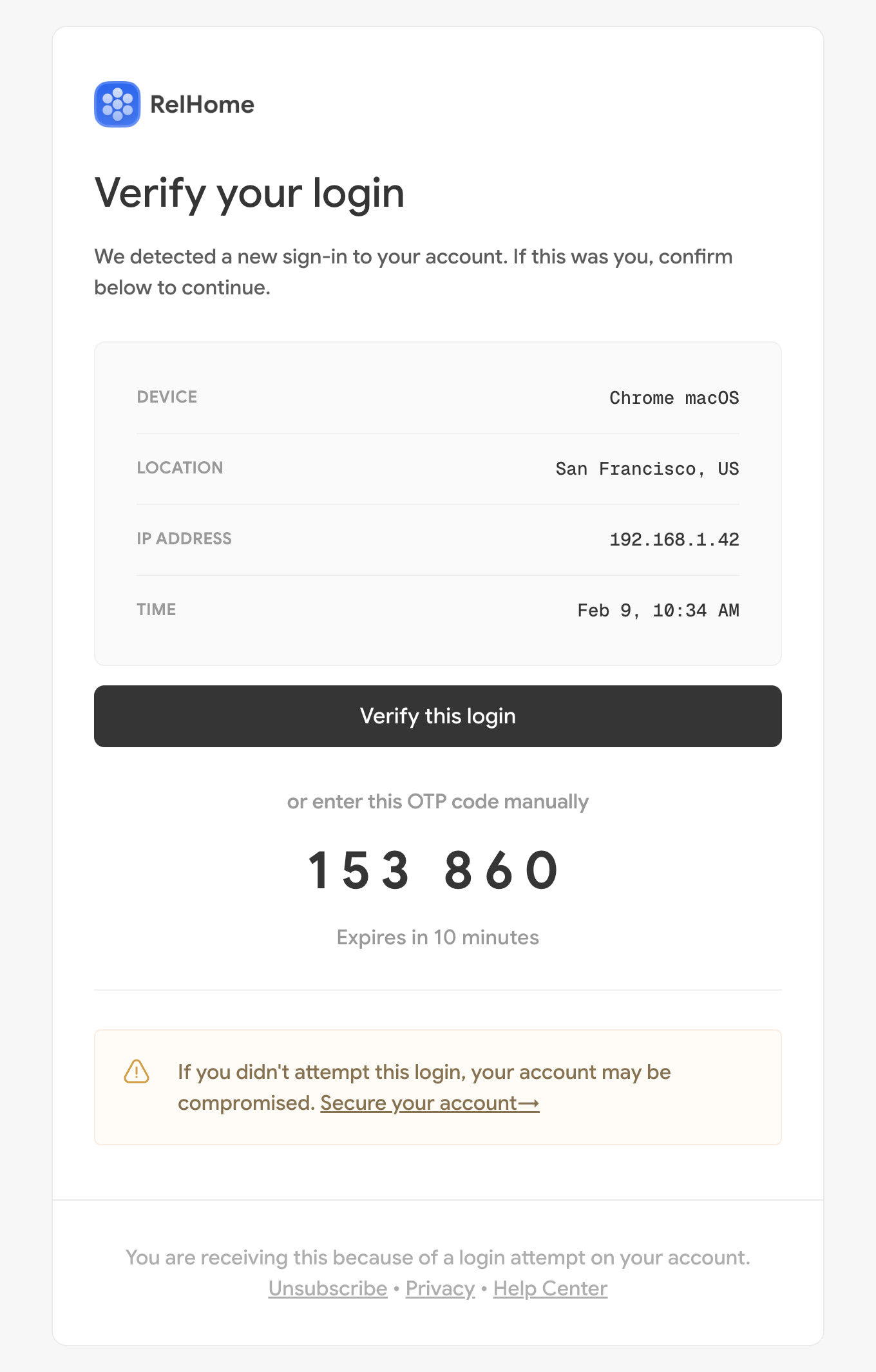
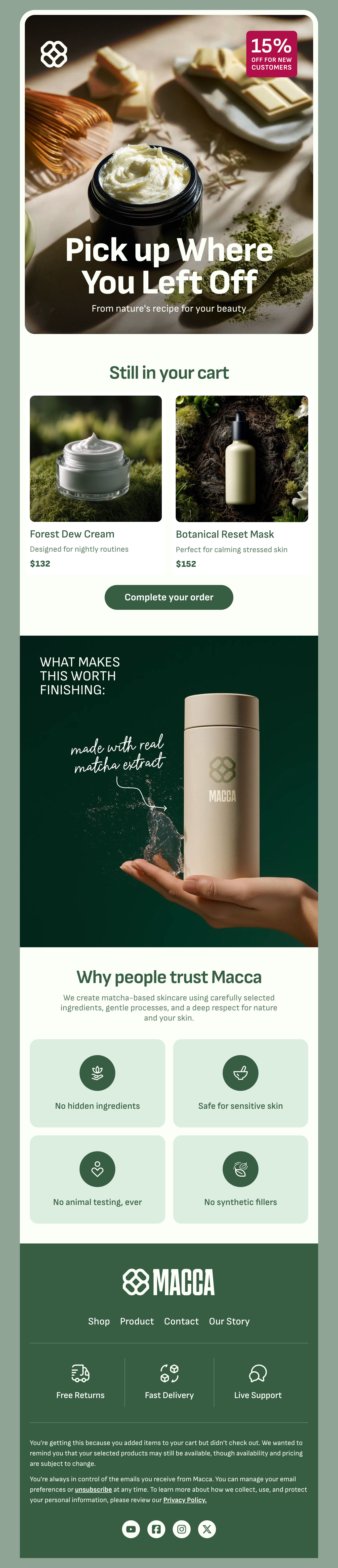
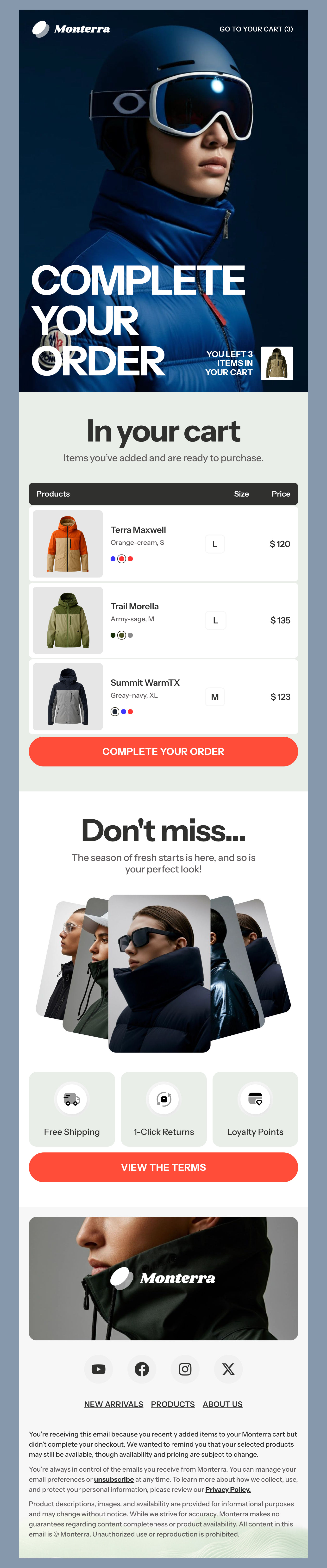
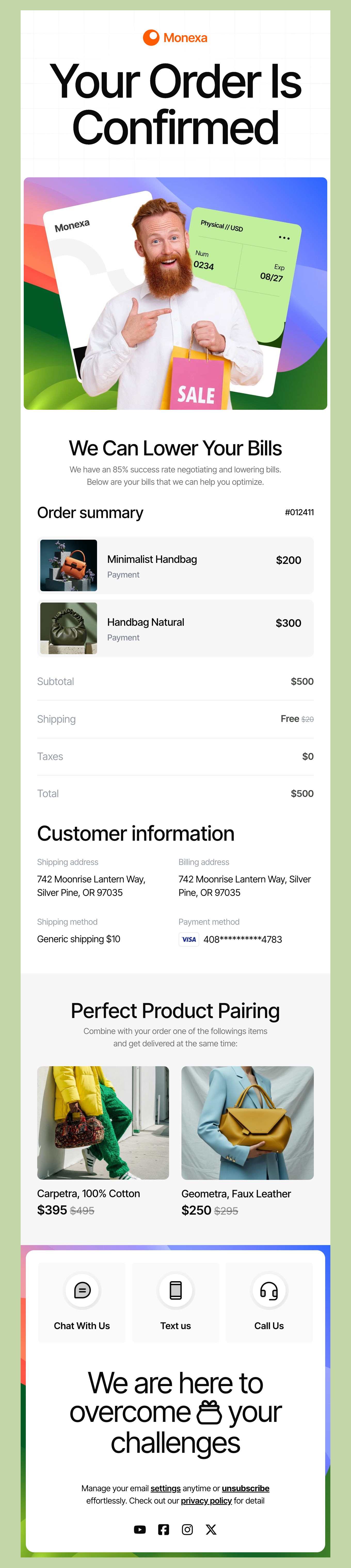
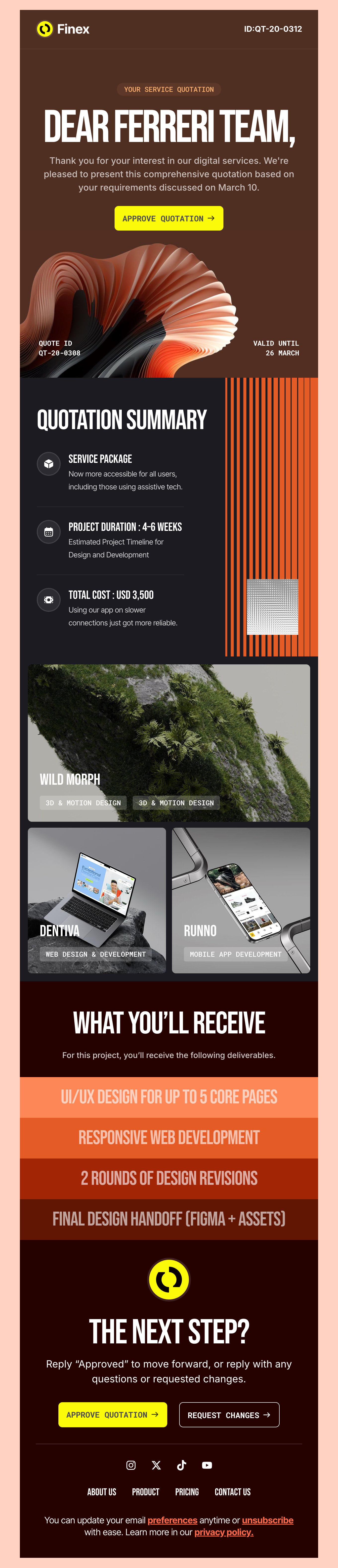
Browse our full selection of free Mautic HTML email templates. Our Mautic templates were designed for businesses and marketers who want to use Maudic's robust email marketing tools without starting from scratch. Elevate your email strategy with beautiful, easy-to-use templates that are fully responsive to look great on any device.

Where to Edit Mautic Email Templates?

Postcards gives you all the tools you need to start building and customize your Mautic email template for free - from zero to the finished product in just a few minutes.

    • Start from a prompt

      Describe the email you want and AI Suite builds the whole template in seconds: layout, copy, and clean HTML.

    • Your brand, built in

      Import your logo, colors, and fonts straight from your website URL, so every template starts on-brand.

    • Translate, rewrite, restyle

      Ask AI Suite to translate the whole template into any language, or rewrite and restyle any part of it.

    • Export clean code anywhere

      Preview it in Gmail, Outlook, Apple Mail and Yahoo, then one-click export to your email platform or clean HTML.

  • Ready for action.

    Postcards works with Mautic. We’ve tested all our email templates in Mautic! Export in one click and save hours on HTML coding.

    Try It Now - It’s Free!

  • No-Code Email Design and Development

    Postcards is a fully no-code Mautic email template builder. All tools within the Postcards editor are visually intuitive and easy to use.

  • Drag & Drop Online Email Editor

    We offer 100+ pre-made email modules and essential email components that you can drag and drop into your editor and modify.

  • Mautic Responsive Email Templates

    We offer built-in and pre-made Mautic responsive email templates, but if you want to customize how your email template appears on mobile devices, you can do this using our mobile controllers.

  • Speed-up Email Template Production

    Our Mautic HTML email templates will accelerate your email design production by 9x. Postcards saves time, allowing you to focus on other email marketing tasks.

Email Marketing Tips for the Mautic Platform

Mautic is a strong email marketing platform, and as a Mautic user, you have a powerful tool at your disposal. We’ve included a few general and Mautic-specific tips in the next two sections so you can maximize the potential for your email marketing efforts.

Send targeted emails: The Mautic platform allows for granular targeting. Use its segmentation capabilities to create highly targeted emails to your list based on their demographics, buying behaviors, or interests.

Send personalized content: With Mautic, you can tailor your messages to specific audience segments for better engagement and conversion rates.

Create a strong value proposition: For the best results in your email campaign with Mautic, clearly articulate the benefits of your product or service to your subscribers.

Use a strong Call to Action (CTA): A strong CTA leaves no room for doubt - they know exactly where to go next. Use strong CTAs to guide your customers towards whatever desired action you want them to complete - making a purchase, shopping the latest collection, signing up for a newsletter, or making an appointment with you – the sky's the limit!

Use responsive design: You want every email to display correctly and look professional no matter what device your customer opens it on — that’s why responsive design is so important. Ensure that your emails are optimized for mobile devices – at least half or more of people open email with their phone. You can be confident that any template you download from our collection is fully responsive and will look great.

Keep your messaging concise: By using a clean layout and concise text, you’ll make sure your emails are easy to read on smaller screens. Not to mention that most people don’t scroll all the way through long messages and posts - keep it simple and direct for the best results.

More Tips to Create the Best Campaigns with Mautic

Here are some more general email marketing tips, plus a few specific to the Mautic platform.

Experiment for the best results: There’s no one-size fits all messaging cheat code, so it’s important to test different subject lines, content, images, and CTAs to determine what works best for your audience. For accurate A/B testing results, make sure to only test one change at a time!

Enlist data-driven decisions: Use all of the insightful gems you gain from your A/B test results to adjust, refine, and optimize your future campaigns.

Set up an automation with Mautic: Create automated workflows that will trigger emails based on specific events such as: new user, lapsed user, abandoned cart, purchases, and more.

Nurture your leads like a pro: Automatic email sequences can also power lead-based businesses to up their game. Set up a sequence that guides your new leads through the sales funnel and close that sale.

Track detailed metrics: With Mautic, you can track all of your key metrics like open rates, click-through rates, and conversion rates. Check these important metrics regularly so that you can find patterns and places to iterate.

Be mindful of your deliverability: Ensure you have the best reputation by following best practices and avoid landing in spam filters. Make sure your recipients can unsubscribe at any time, and clean your inactive users regularly.

Utilize CRM integration tools: You can integrate Mautic with your CRM system to create a unified view of your customer data. You can also connect with other marketing automation tools like social and SMS for a full-throttle approach.

By diving in with the Mautic-specific tools, and taking a smart approach to email marketing, you can build a personalized and highly effective email marketing campaign that drives results.

Hey there 👋 Friends from designmodo are here to help!