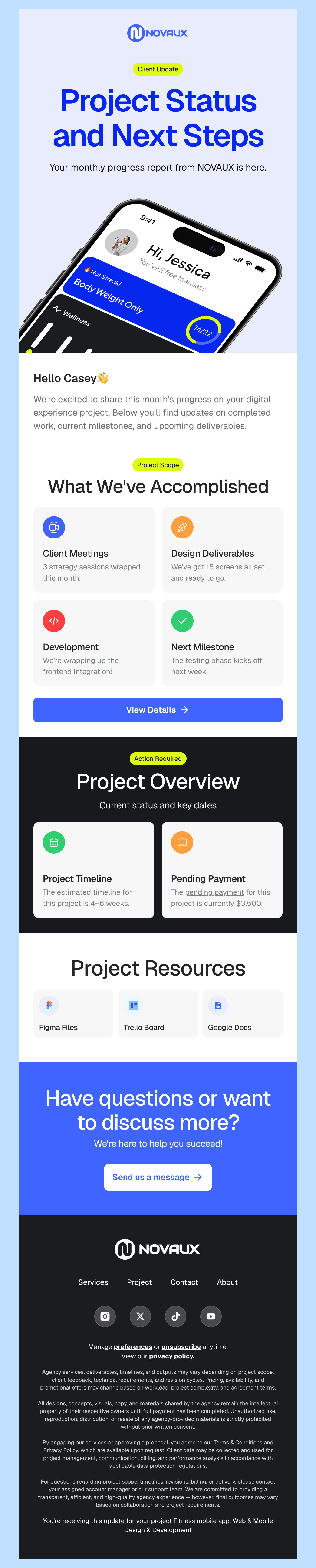
Free HTML Email Templates for Mailjet
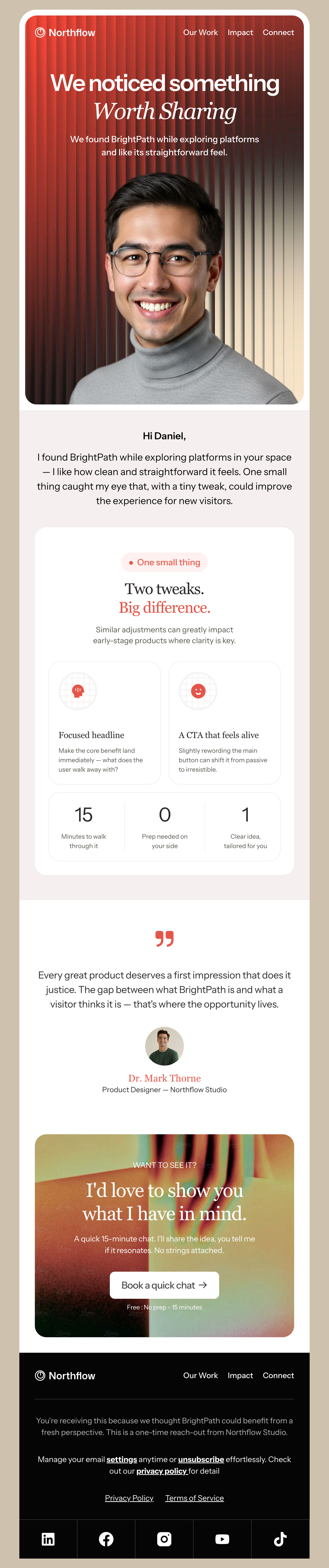
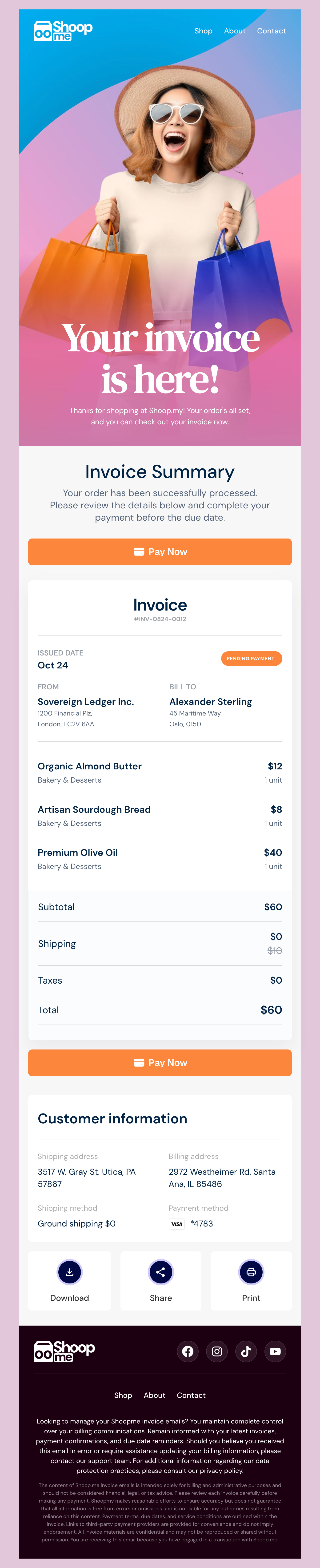
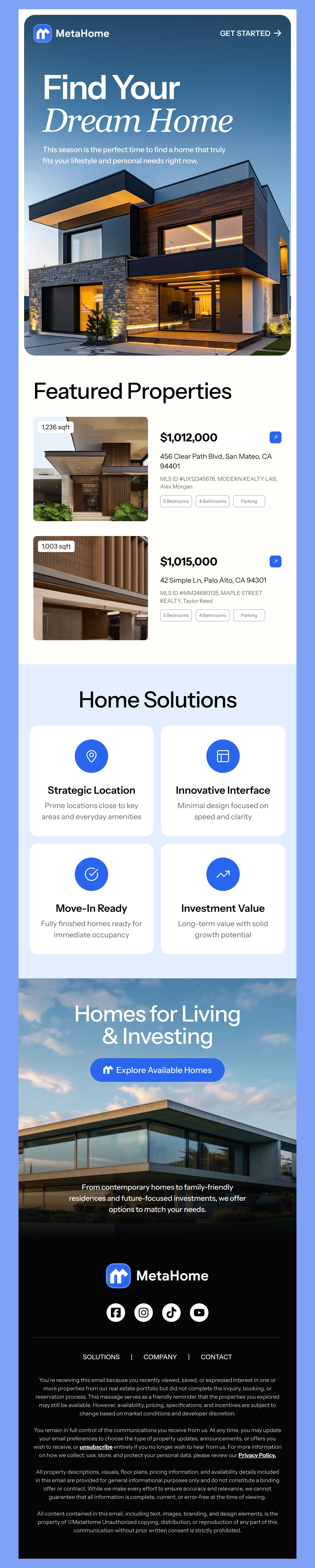
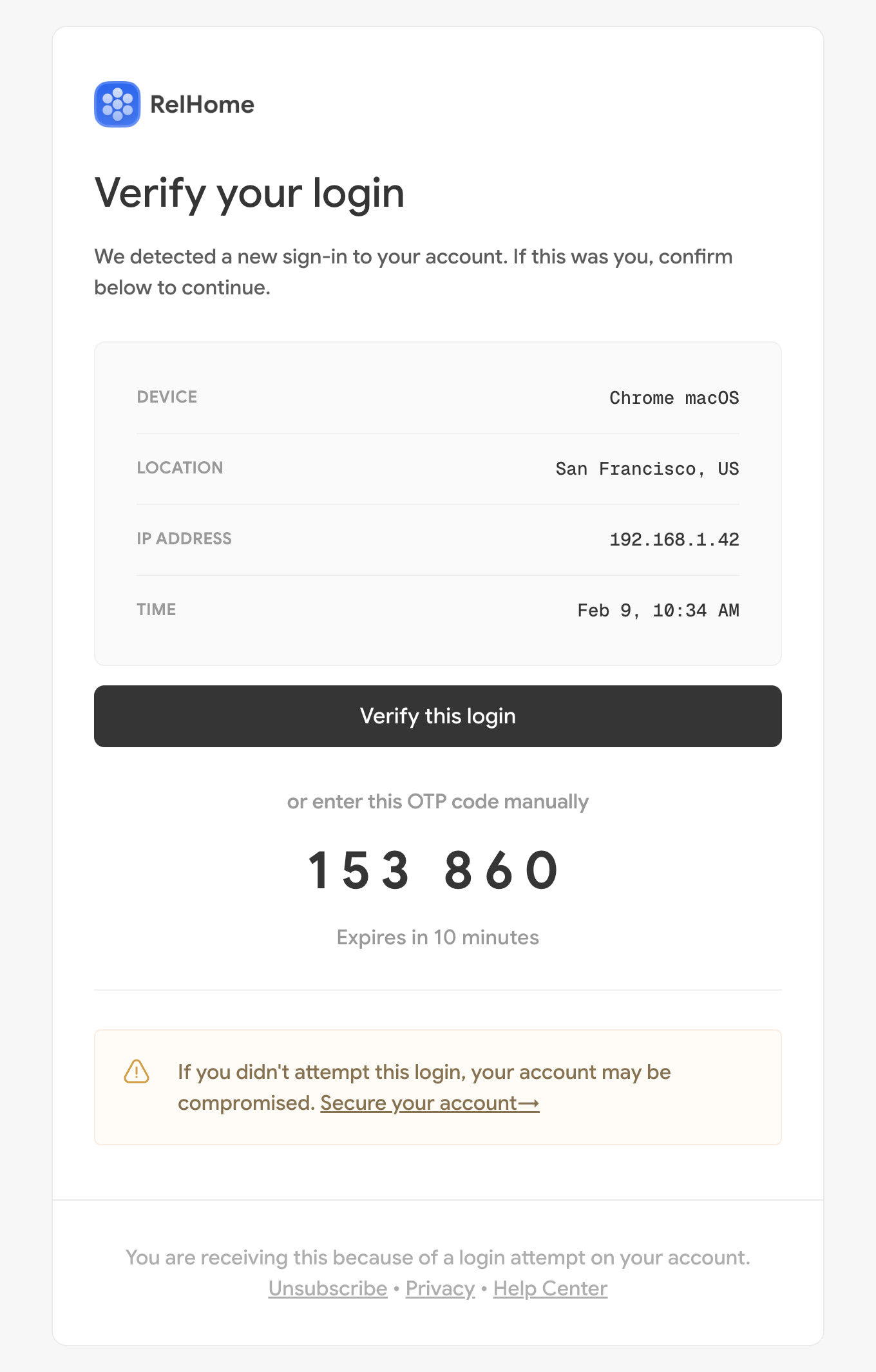
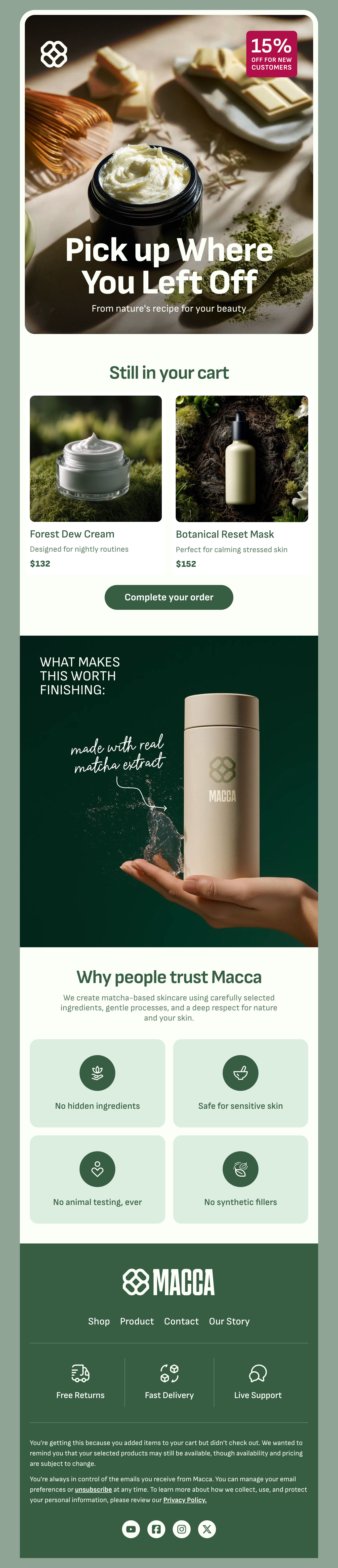
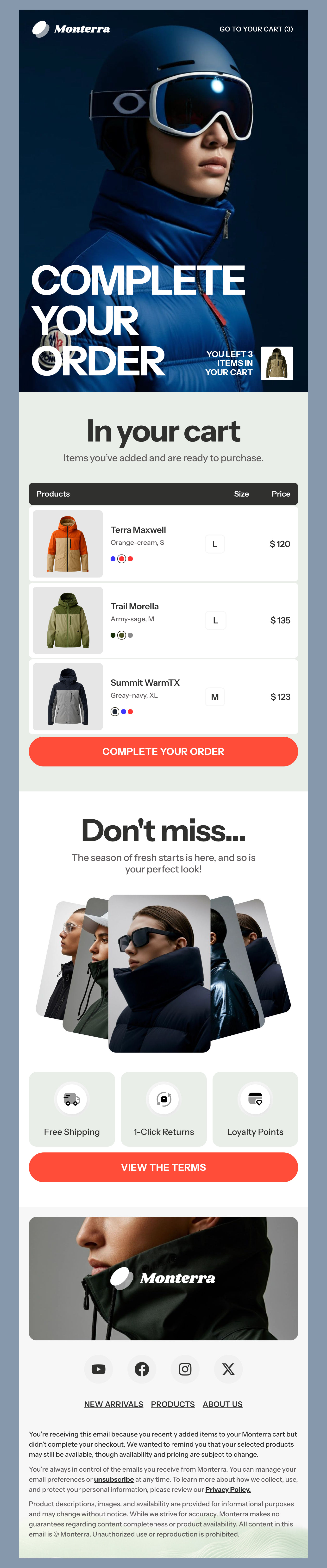
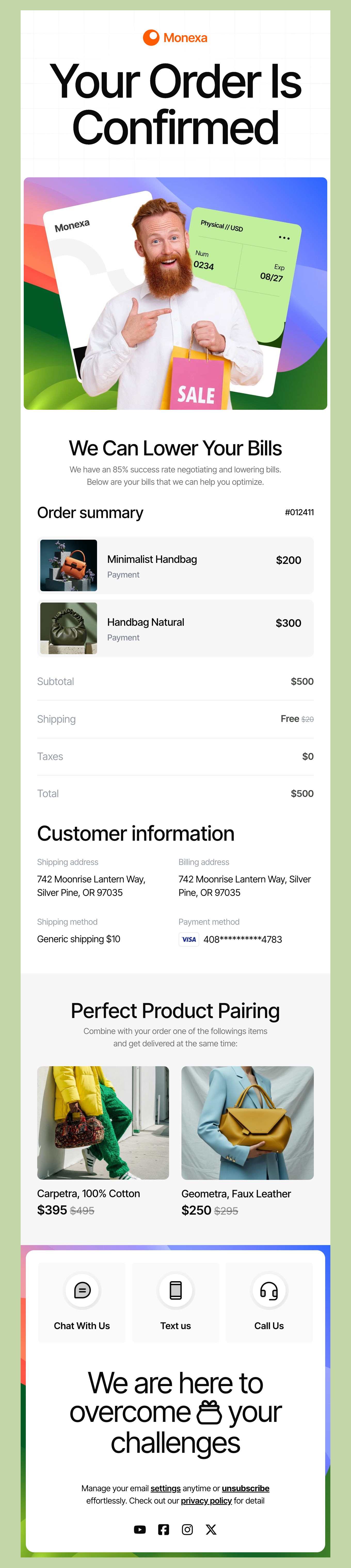
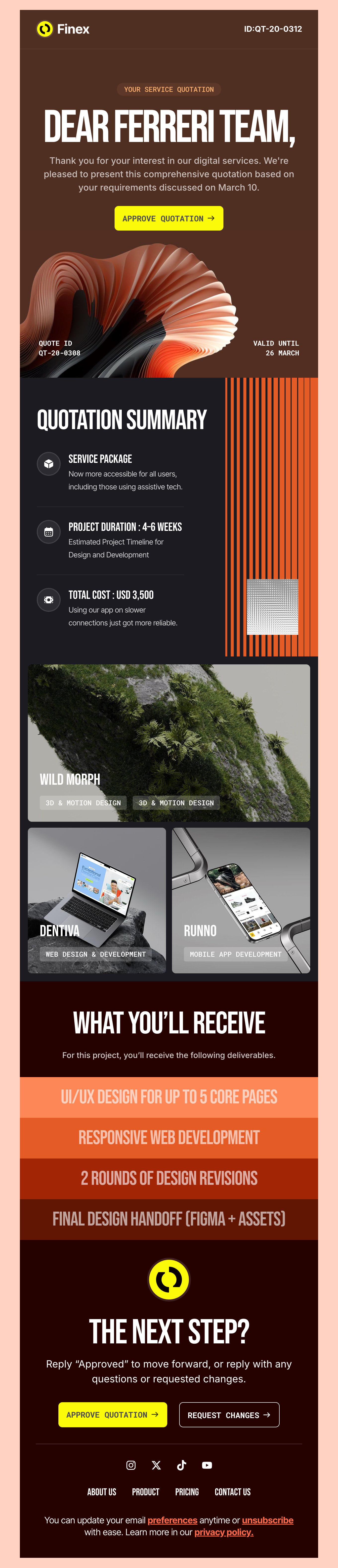
Here's an amazing collection of free HTML email templates created for Mailjet users. Whether it is a newsletter, promotion, or important news, all your needs can be met with our template. Optimized for Mailjet, they make sure your messages look professional and serve to engage effectively. Dive into our catalog to find unique templates combining innovative design with ease of customization to make your emails stand out in any inbox. Templates are ideal for marketers and businesses seeking to leverage the power of Mailjet without the hassle of coding from scratch.
-
MailjetIndustryUsageSeasonBrand
- Create Your Email Template
- All Templates
- ActiveCampaign
- Amazon SES
- AWeber
- Braze
- Brevo
- Campaign Monitor
- Constant Contact
- GetResponse
- Gmail
- HubSpot
- iContact
- Intercom
- Kit
- Klaviyo
- Mailchimp
- Mailgun
- Mailjet
- MailUp
- Mailwizz
- Mandrill
- Marketo
- Mautic
- Moosend
- Ongage
- Ontraport
- Oracle Eloqua
- Outlook
- Pabbly
- Pepipost
- Postmark
- Salesforce Marketing
- SendGrid
- Sendloop
- SendPulse
- Sendy
- Shopify
- Zapier
- Zoho Campaigns
Where to Edit Mailjet Email Templates?
Postcards gives you all the tools you need to start building and customize your Mailjet email template for free - from zero to the finished product in just a few minutes.
-
-
-
-
Start from a prompt
Describe the email you want and AI Suite builds the whole template in seconds: layout, copy, and clean HTML.
-
Your brand, built in
Import your logo, colors, and fonts straight from your website URL, so every template starts on-brand.
-
Translate, rewrite, restyle
Ask AI Suite to translate the whole template into any language, or rewrite and restyle any part of it.
-
Export clean code anywhere
Preview it in Gmail, Outlook, Apple Mail and Yahoo, then one-click export to your email platform or clean HTML.
-
-
Ready for action.
Postcards works with Mailjet. We’ve tested all our email templates in Mailjet! Export in one click and save hours on HTML coding.
Try It Now - It’s Free! -
-
-
No-Code Email Design and Development
Postcards is a fully no-code Mailjet email template builder. All tools within the Postcards editor are visually intuitive and easy to use.
-
Drag & Drop Online Email Editor
We offer 100+ pre-made email modules and essential email components that you can drag and drop into your editor and modify.
-
Mailjet Responsive Email Templates
We offer built-in and pre-made Mailjet responsive email templates, but if you want to customize how your email template appears on mobile devices, you can do this using our mobile controllers.
-
Speed-up Email Template Production
Our Mailjet HTML email templates will accelerate your email design production by 9x. Postcards saves time, allowing you to focus on other email marketing tasks.
Top Reasons to Like Mailjet
Mailjet may not have the recognition that giants like the Mailchimp platform have in the US, but we explored the platform and found a few reasons we think it could be a fantastic choice for email marketing - especially for those who are exploring new platform options. This leading email solution in Europe has a lot to offer to global customers.
A Robust Free Plan
Mailjet offers a robust free plan compared to Mailchimp. Under the free plan, Mailjet meters how many emails you can send each month, while Mailchimp’s free plan is capped by how many contacts you store — check each provider’s current limits before you decide. Both are generous plans, but Mailjet offers a bit more flexibility and can be more affordable for small businesses.
Great Reliability and Deliverability Tools
Mailjet has a robust infrastructure and with this, you can trust that your emails are more likely to reach your subscriber’s inbox. You can also enhance brand recognition and deliverability by utilizing custom domains. If you have existing systems, you can integrate them with your website or app with SMTP relay.
Just make sure that you also follow best practices for email deliverability, like keeping your list clean of old contacts and avoiding spam triggers.
Easy to Find Solutions to Issues
We like that Mailjet offers good support which you don’t always find with platforms of that size. If you’re having trouble you can get help from their support team or find your answers in a pretty extensive documentation library.
Tips for Successful Campaigns Using Mailjet
You’re off to a good start by utilizing our free templates. You can cut down on design time, and every template is optimized for mobile so your emails hold up on small screens. Here are a few tips to ensure your campaigns run smoothly and effectively.
Try Automated Workflows
Setting up an email automation can cut down on all kinds of time for your marketing efforts. Set up workflows for email sequences that warm up your leads and offer helpful resources. Send a new welcome message to a recent subscriber or new customer. We also love that you can send out an automated message triggered by abandoned carts.
Use Tools to Personalize Messaging
Setting up dynamic content lets you personalize messages even more with tags to add a personal touch to every email. We also recommend that you start segmenting your lists based on behavior, interests, or other types of demographics when it makes sense to do so. Customers expect personalized content, and Mailjet has the tools to get you going.
Check Your Emails Before Setting Campaign Live
Once you get everything set up, it’s always a good idea to send yourself and at least one or two others a test. If you’ve looked at the same email for long enough, it can be hard to spot mistakes. Step away for a few minutes and then take a look at the test. That way you can spot any spelling or grammar issues, test links, and try viewing on different devices. Thankfully, all of our designs are optimized to look great on mobile or desktop.
By following the tips we have shared, explore Mailjet’s full range of features to create effective email marketing results and drive even better campaigns this year.
Designmodo Inc. 169 Madison Ave, #79627, New York, NY 10016, United States
Copyright © 2010-2026