Free Email Newsletter Templates

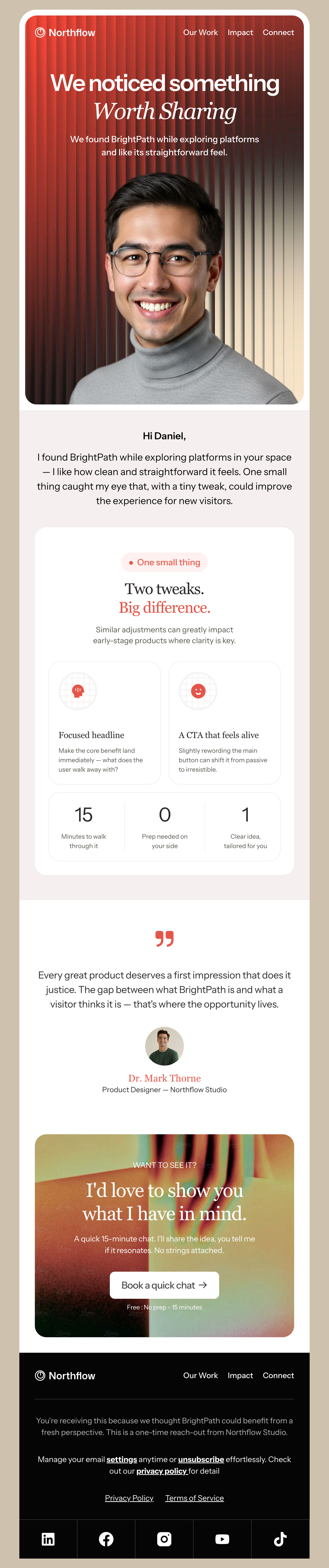
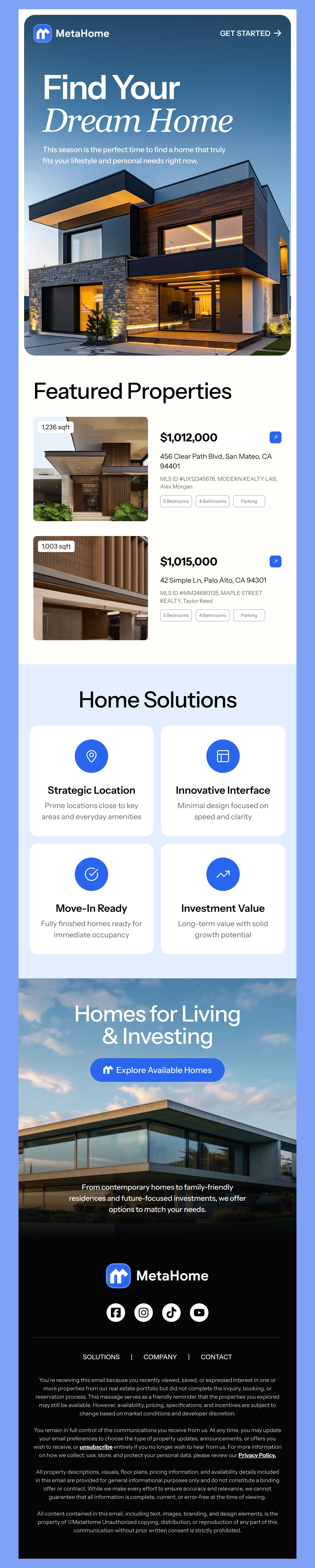
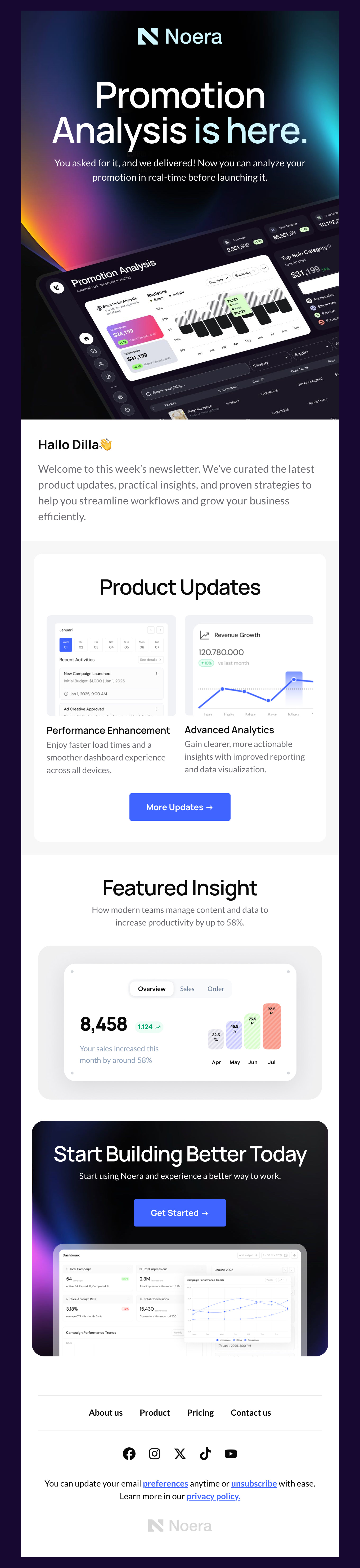
Designmodo offers free email newsletter templates for every need. Whether you want to showcase your latest product line leading to a sale from your email or you have newsworthy events to recap every week, you’ll find exactly what you need below.

Where to Edit Newsletter Email Templates?

Postcards gives you all the tools you need to start building and customize your newsletter email template for free - from zero to the finished product in just a few minutes.

    • Drag & drop email template builder

      Stack your modules together in order to create the template structure you want.

    • Customize your content with ease

      Add your images, texts and links using the intuitive no-code email editor.

    • Customize the mobile version of your email template

      Effortlessly manage and customize the mobile version of your email templates.

    • Simple export to your email marketing platform

      One-click export the template to Mailchimp, HubSpot or as plain HTML file to upload anywhere.

  • Ready for action.

    Postcards works with your email marketing platform. We’ve tested all our email templates! Export in one click and save hours on HTML coding.

    Try It Now - It’s Free!

  • No-Code Email Design and Development

    Postcards is a fully no-code email template builder. All tools within the Postcards editor are visually intuitive and easy to use.

  • Drag & Drop Online Email Editor

    We offer 100+ pre-made email modules and essential email components that you can drag and drop into your editor and modify.

  • Newsletter Responsive Email Templates

    We offer built-in and pre-made newsletter responsive email templates, but if you want to customize how your email template appears on mobile devices, you can do this using our mobile controllers.

  • Speed-up Email Template Production

    Our HTML email templates will accelerate your email design production by 9x. Postcards saves time, allowing you to focus on other email marketing tasks.

  • Newsletter Email Templates Compatible for Every Need

    Whether you are growing your e-commerce or brick-and-mortar shop or promoting your online publication, choose a style that matches your brand voice and customize it with your eye-catching image and text.

    Our HTML email templates meet the latest industry standards and are compatible with Gmail email templates, Mailchimp templates, and many more.

    Here are a few tips before sending your newsletter to make sure you have the best results:

    1. Make sure you have permission by having your customers opt-in to messages.
    2. Strategically send messages during times when your audience interacts with your content most. Generally, it’s a great idea to have emails sent in the early morning but your audience may have different patterns.
    3. Track success by monitoring open and click-through rates so that you know what content is resonating best.
    4. A/B test subject lines, offers, and more to find out even more about what your audience really loves.
    5. Include a powerful CTA so that your offer is clear and your audience is directed to your site.
    6. Include strong visuals - all of which you’ll find in our email marketing templates right here on Designmodo
    7. Always provide value in your newsletters - whether that is through an interesting read or a can’t-miss offer, you’ll keep growing your audience.

    Ready to find out even more about successful email marketing campaigns? Try out our designs above for yourself and then check out The Ultimate Email Design Guide post for even more inspiration.

  • Email Newsletter Templates You Can Be Proud to Send

    We get it - building your brand is a lot of work. That’s why our design nerds make sure everything will work seamlessly for your campaign, from our easy-to-use editor to HTML templates that are compatible with virtually any major platform including:

    And many more! If you don’t see what you are looking for right away, click Brand at the top of the page near the search bar for even more platforms.

    You can also browse our templates by your specific industry, season, or usage. Our library is full of email newsletter templates for any need including abandoned cart email templates, order confirmations, thank you emails, events, and many more. Browse through and see what new campaigns you can create today.

    We think you’ll love how easy it is to create professional email newsletters for your list. But you don’t have to take our word for it, either! Try any one of our designs above and get started in Postcards to create a finished email you can be proud to represent your business.

Email Newsletter Questions

  • How do I create an email newsletter?

    Start from a template rather than a blank canvas. Pick a layout that matches what you plan to send regularly, replace the placeholder images and copy with your own, set your brand colours and fonts once, then export the finished HTML to your email marketing platform. Spend your time on the structure - a clear header, one main story, two or three secondary items and one obvious call-to-action - because you will reuse it every issue.

  • What should an email newsletter include?

    At minimum: a recognisable header with your logo, a subject line and preheader that work together, one clear lead story, a call-to-action button, and a footer with your postal address and an unsubscribe link. The address and unsubscribe link are legal requirements in most markets, not optional design elements. Beyond that, keep it shorter than feels natural - a newsletter that can be read in under a minute is read far more often than one that cannot.

  • How often should I send a newsletter?

    Consistency matters more than frequency. Monthly is the safest starting cadence for most businesses, fortnightly works if you genuinely have something to say, and weekly suits publishers and retailers with fresh stock. Pick a schedule you can sustain for a year and stick to it. Sending sporadically is worse than sending rarely, because subscribers forget who you are and mark you as spam.

  • What width should an email newsletter be?

    600 pixels is the long-standing convention and still the safest choice, because it renders correctly in the narrow reading panes of desktop clients like Outlook. Build image assets at double that width so they stay sharp on high-density screens, and let the template handle the mobile layout - every template in this collection is responsive, so a single-column view is applied automatically on small screens.

  • Will these newsletter templates work with Mailchimp, Outlook and Gmail?

    Yes. Each template exports as standard HTML and has been tested across the major email clients, including Outlook, which is the one most likely to break a modern layout. You can export directly to your email marketing platform in one click, or download the HTML file and upload it anywhere that accepts custom templates.

  • Why do my newsletters land in the Promotions tab?

    The Promotions tab is not a spam folder, and landing there is normal for newsletters with images and offers - many subscribers read it deliberately. If you want a better chance at the primary inbox, reduce the number of links, cut tracking parameters where you can, send from a consistent, authenticated domain, and write a subject line that reads like a person wrote it. Deliverability is driven far more by sending reputation and engagement than by the design of any one email.

Hey there 👋 Friends from designmodo are here to help!