Free Constant Contact Email Templates

Say goodbye to email design headaches and clunky code. Designmodo provides professionally built, responsive HTML email templates that work perfectly with Constant Contact.

Where to Edit Constant Contact Email Templates?

Postcards gives you all the tools you need to start building and customize your Constant Contact email template for free - from zero to the finished product in just a few minutes.

    • Start from a prompt

      Describe the email you want and AI Suite builds the whole template in seconds: layout, copy, and clean HTML.

    • Your brand, built in

      Import your logo, colors, and fonts straight from your website URL, so every template starts on-brand.

    • Translate, rewrite, restyle

      Ask AI Suite to translate the whole template into any language, or rewrite and restyle any part of it.

    • Export clean code anywhere

      Preview it in Gmail, Outlook, Apple Mail and Yahoo, then one-click export to your email platform or clean HTML.

  • Ready for action.

    Postcards works with Constant Contact. We’ve tested all our email templates in Constant Contact! Export in one click and save hours on HTML coding.

    Try It Now - It’s Free!

  • No-Code Email Design and Development

    Postcards is a fully no-code email template builder. Everything is visual and beginner-friendly, so no tech skills needed.

  • Drag & Drop Online Email Editor

    Drag and drop from our 100+ ready-made email blocks and modules to create a design that aligns with your brand.

  • Constant Contact Responsive Email Templates

    All templates are mobile-friendly and Constant Contact-compatible. Want more control? Use our mobile controllers to fine-tune every screen.

  • Speed-up Email Template Production

    Design, edit, and export your email campaigns faster to focus more on results than layout issues.

Using Custom HTML Email Templates in Constant Contact

There are two ways to build a campaign in Constant Contact: use the drag-and-drop editor and its built-in layouts, or bring a template you designed elsewhere. The second route is where most people get stuck, so it is worth knowing what to expect before you start.

Why bring your own template

Constant Contact's own layouts are perfectly serviceable, and if one fits your brand you should use it. People go looking for a custom email template when they need something the stock layouts do not offer - a specific brand structure, a design signed off by a client, or a layout they intend to reuse for years across whichever platform they happen to be sending from. A coded template belongs to you and travels with you; a layout built inside one editor generally does not.

What the platform expects from custom HTML

Whether you paste code in or import a file, the same rules apply, and they are the rules of HTML email everywhere rather than anything specific to Constant Contact. The template has to be self-contained: styles inline or in a single head block, no external stylesheets, no JavaScript, and structure built with tables rather than modern CSS layout. Images need to be hosted somewhere public and referenced by absolute URL. Anything that depends on a file sitting next to the HTML will not survive the trip.

Where the custom-code option lives, and which plans include it, has changed more than once - check Constant Contact's current documentation rather than trusting a walkthrough written a year ago, including this one.

The footer is added for you

Constant Contact appends its own footer block containing your physical mailing address and the unsubscribe link. Both are legal requirements in most markets, so this is a feature rather than an imposition - but do not build your own versions into the template as well, or every campaign goes out with two of each. Leave the space and let the platform fill it.

What usually breaks

The recurring problems are not Constant Contact's fault; they are email's. Web fonts fall back to system fonts in several clients, so choose a fallback you can live with. Background images are unreliable in Outlook, so anything sitting on one needs a solid background colour underneath and text that stays readable against it alone. Dark mode can invert your palette and make a transparent dark logo vanish. And any editor may tidy code it does not recognise, which is a good reason to keep the markup conventional.

Import, then test - in that order

Send yourself a test after importing rather than after designing. The version that matters is the one the platform produces, not the one in your design tool, and the gap between them is where the surprises live. Open it on a phone, open it in Outlook, and open it in dark mode. Every template in the collection above exports as standard, self-contained HTML built for exactly this trip.

Constant Contact Newsletter Templates and Campaign Examples

Newsletters are the most common thing people build in Constant Contact, and the most common thing they get wrong - usually by treating each issue as a fresh design problem instead of a recurring one.

What a newsletter template actually needs

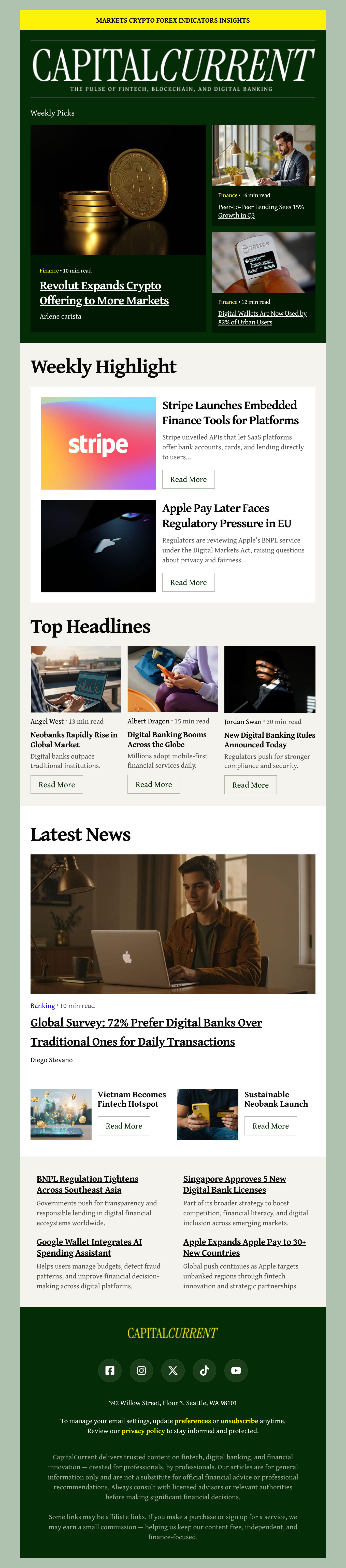
A structure you can refill without thinking. A recognisable header, one lead story, two or three shorter items beneath it, and a single clear call-to-action. Set that up once and each issue becomes a writing job rather than a design job, which is the only version of a newsletter that survives past issue four. Our email newsletter templates are built around that structure.

Examples worth borrowing from

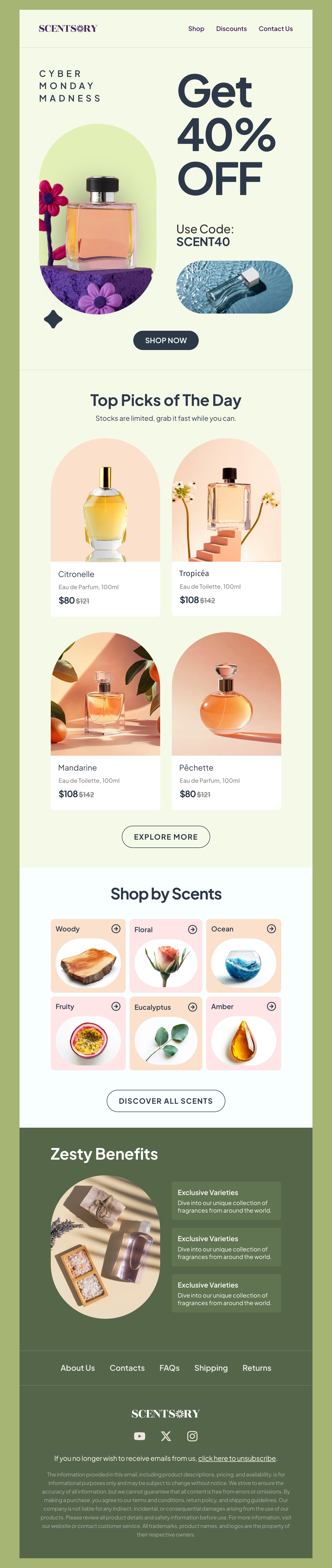
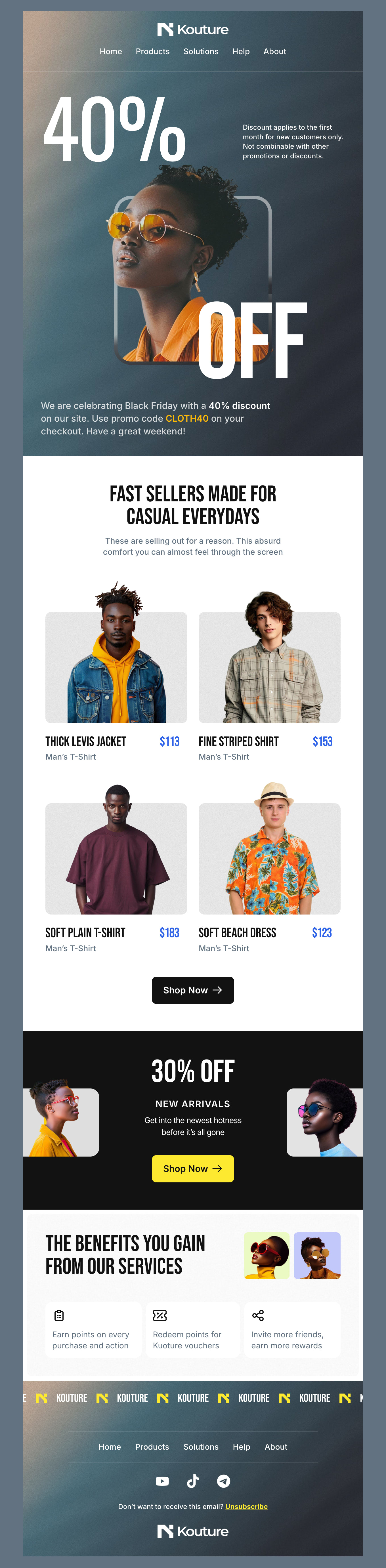
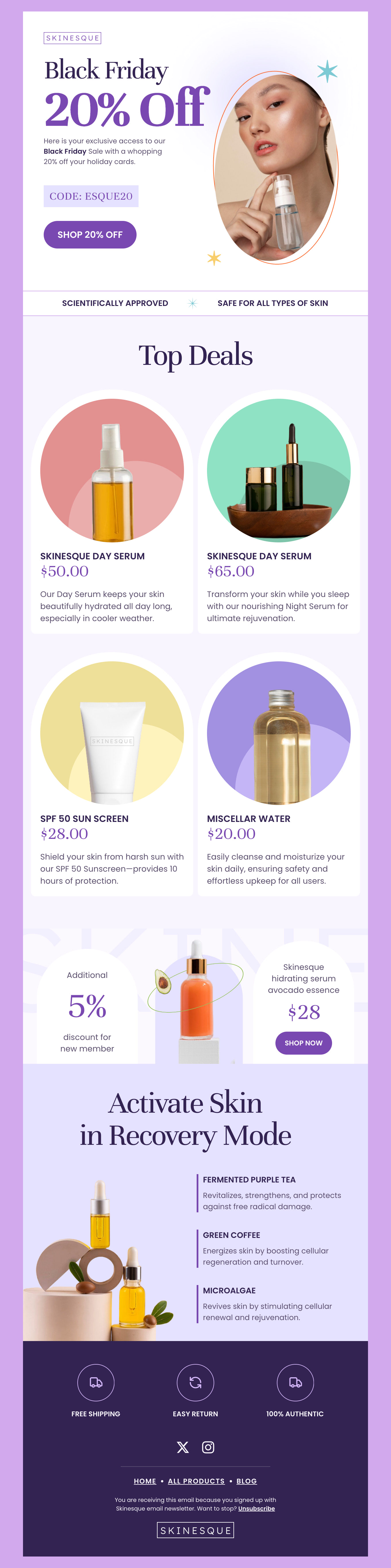
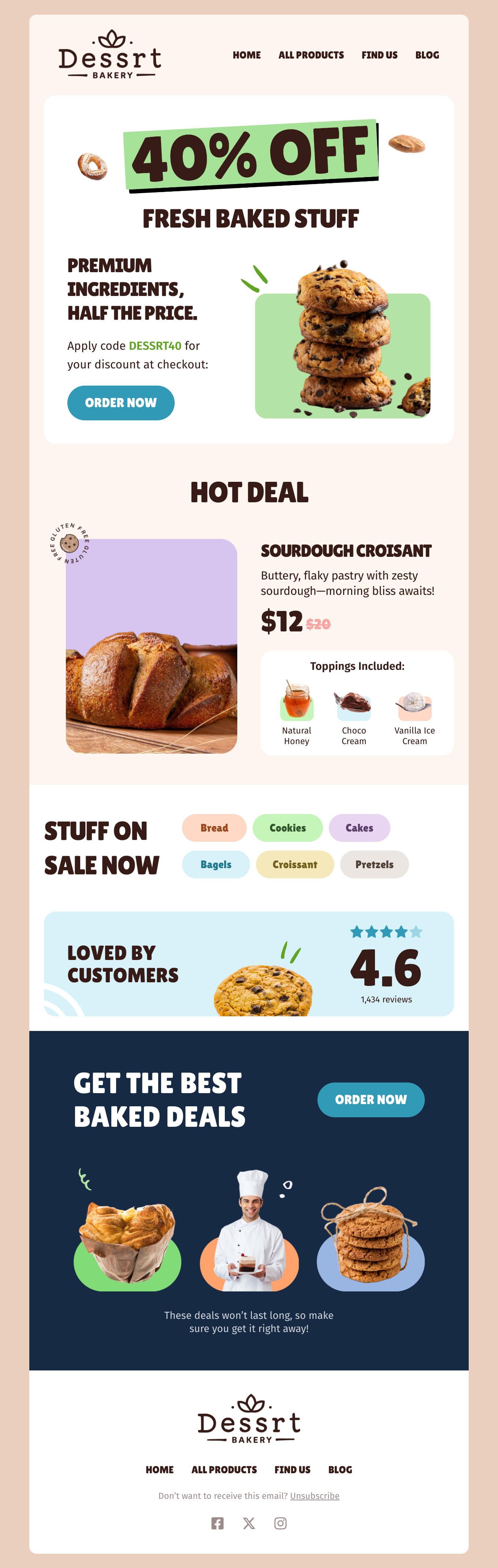
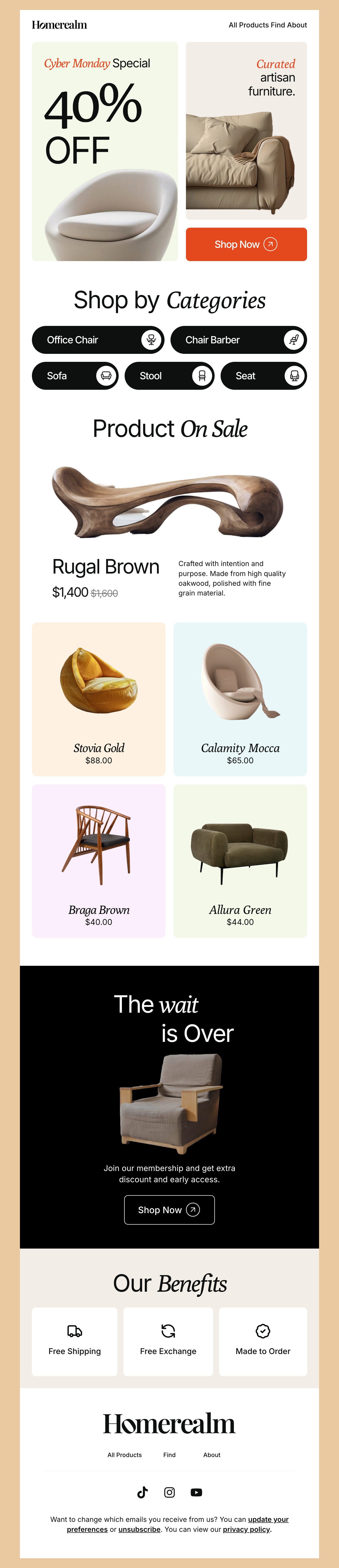
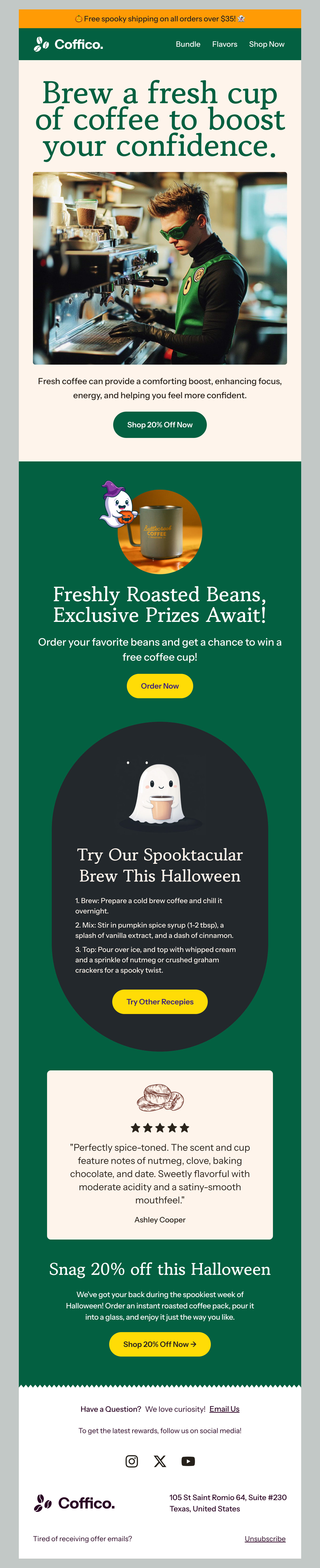
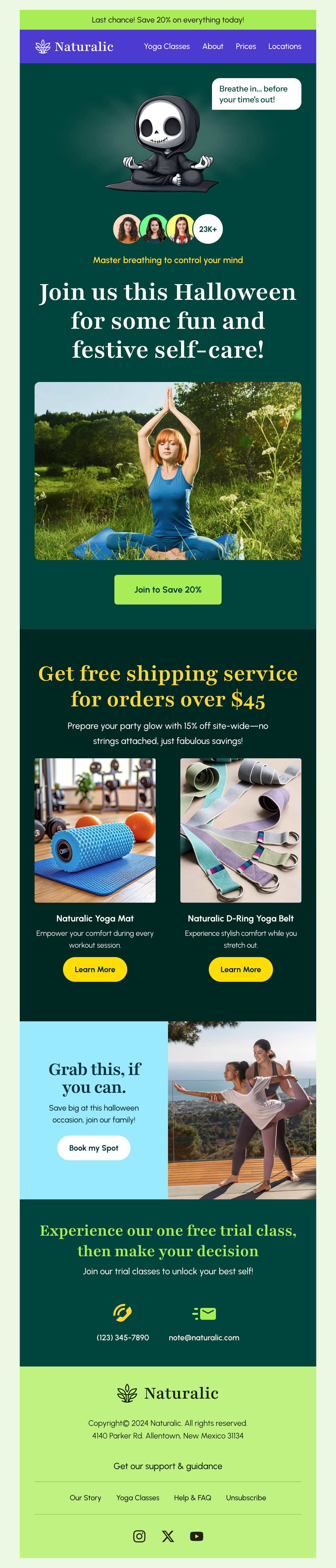
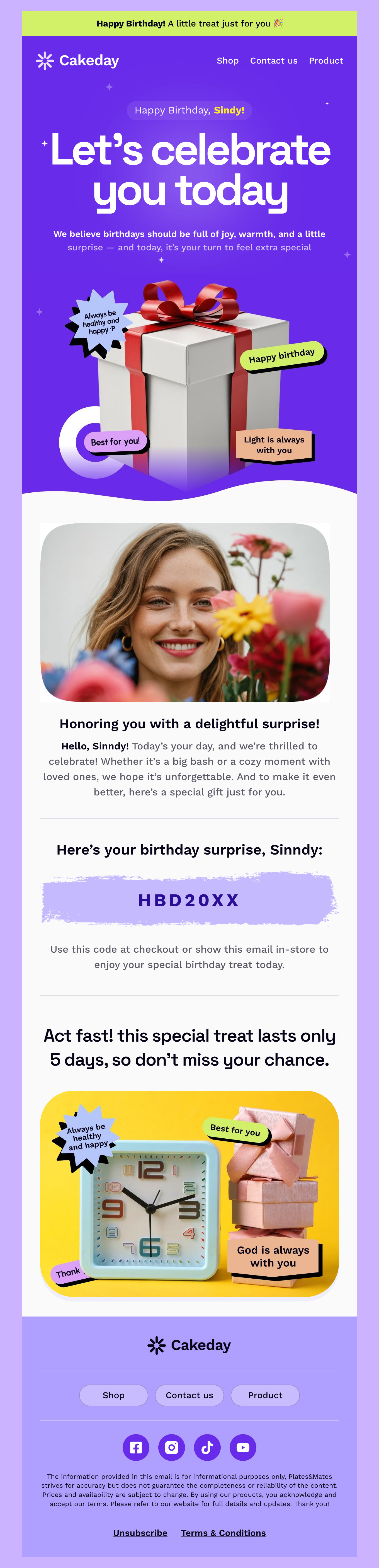
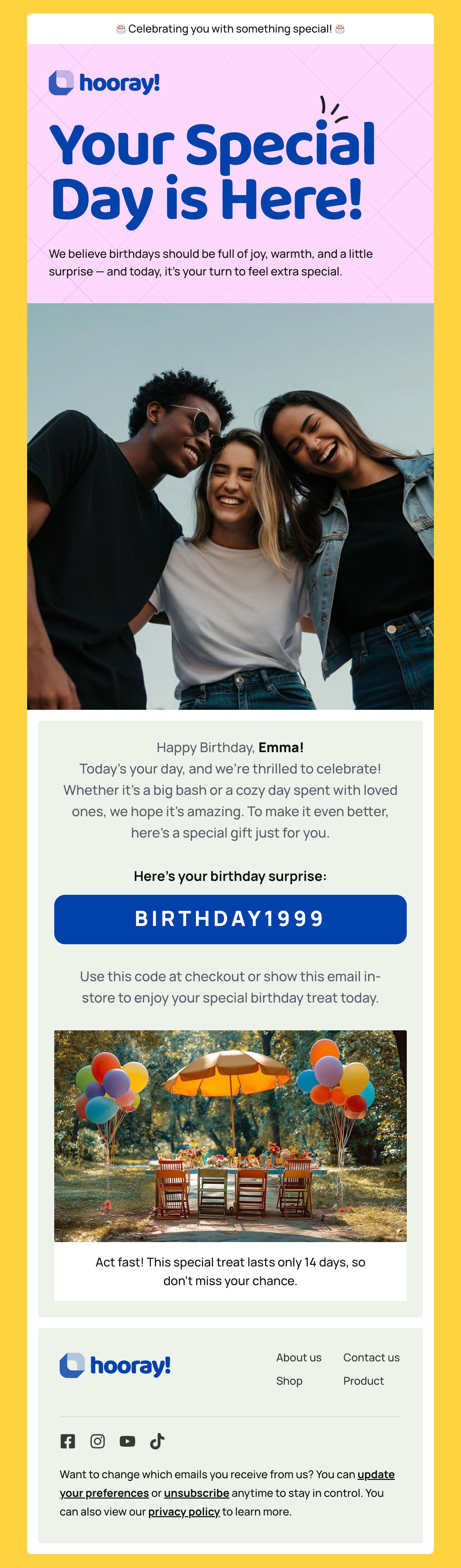
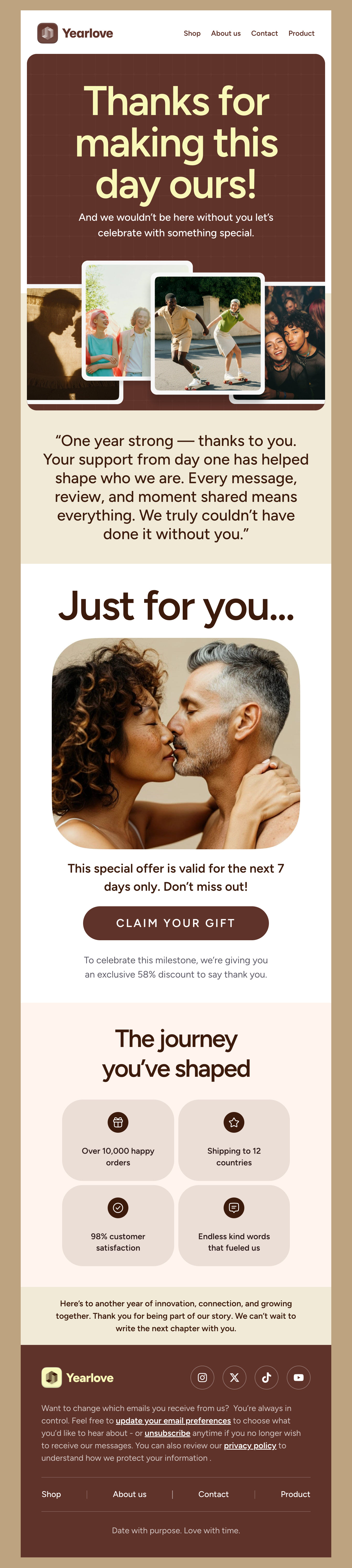
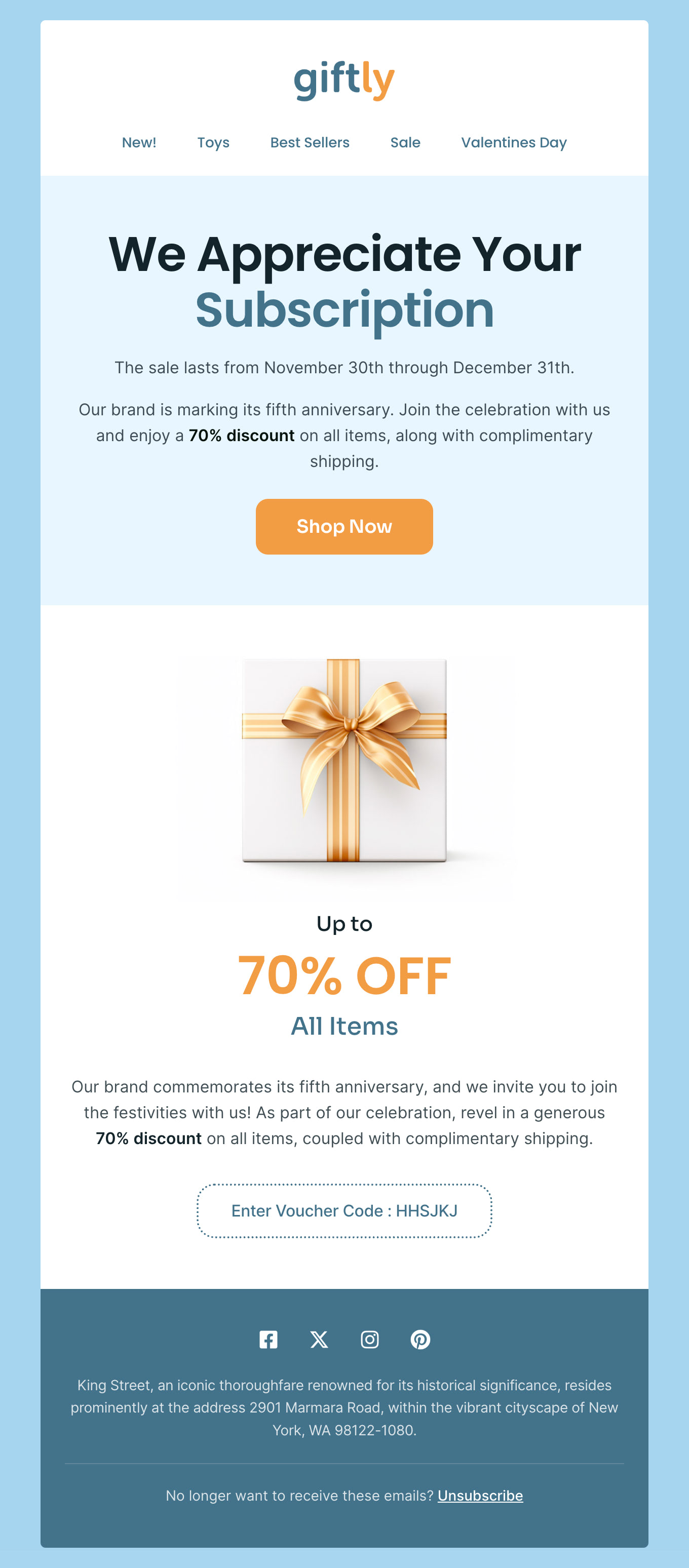
The campaigns that work in small-business email marketing are unglamorous and repeatable. A monthly update with one genuine piece of news. A seasonal promotion tied to a real date. A welcome email that arrives immediately and sets expectations for what you will send and how often. An order confirmation that does its job and quietly earns another visit. Every template in the gallery above is a working example of one of these - open the closest match and make it yours rather than starting from a blank canvas.

Responsive is not automatic

"Responsive" means the layout adapts, not that it is guaranteed to look right. A three-across product row collapsing to one column on a phone is a design decision someone made; whether your headline still fits above the fold afterwards is a separate question. Every template here is responsive and tested, but always preview on an actual phone before sending - most of your list will read it there, and it takes a minute.

Start from the campaign you are sending

If you know the job of the email, start from the matching collection rather than a generic layout: promotional emails for launches and sales, e-commerce templates for shops, event emails when there is a date to fill, or thank-you emails to close a loop. Each exports to Constant Contact the same way, so the choice is purely about which structure fits what you are trying to say.

Hey there 👋 Friends from designmodo are here to help!