Announcement Email Templates & Company News

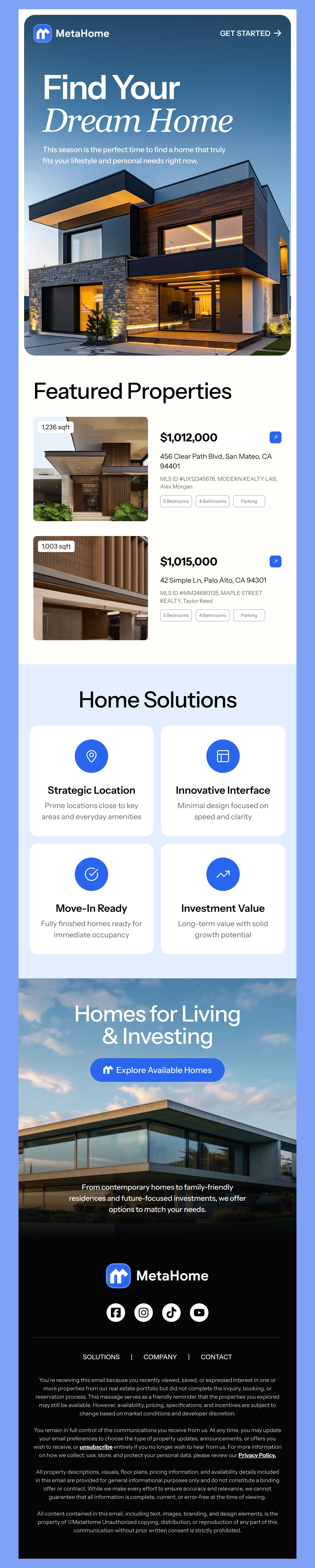
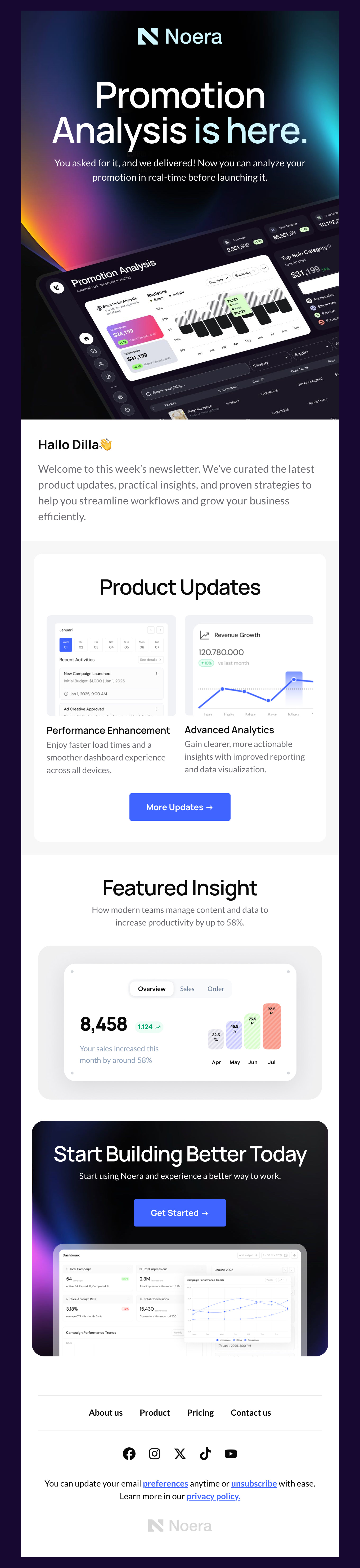
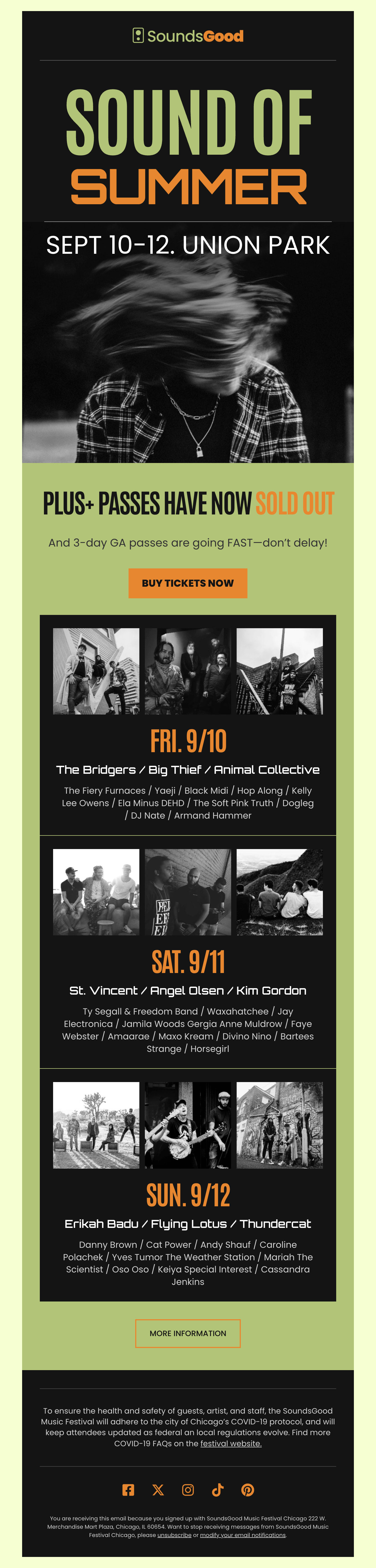
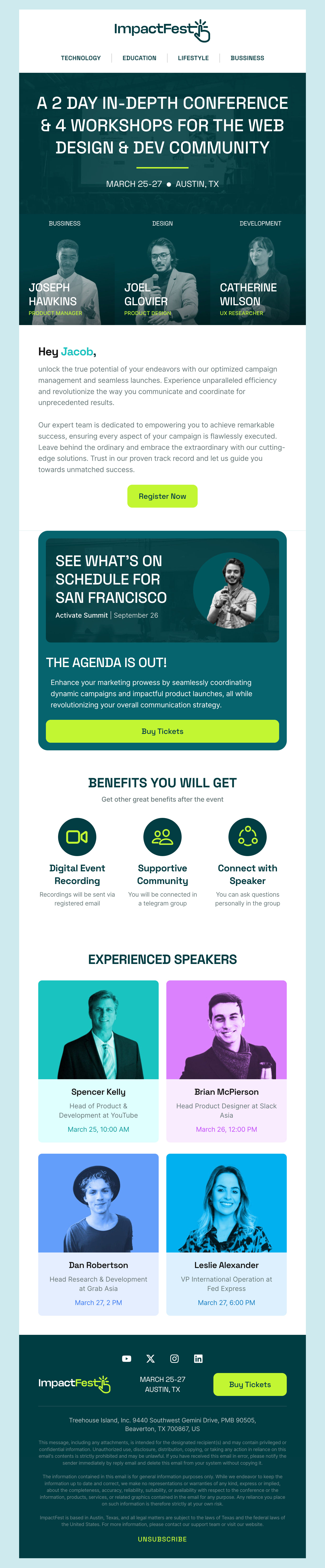
Land the news with our free announcement email templates. Each responsive HTML design states what changed in the first line and what it means for the reader directly underneath, with one link to the detail rather than five competing calls to action. Use them for product releases, brand launches, pricing and policy changes, team news and company milestones.

Where to Edit Announcement Email Templates?

Postcards gives you all the tools you need to start building and customize your Announcement email template for free - from zero to the finished product in just a few minutes.

    • Start from a prompt

      Describe the email you want and AI Suite builds the whole template in seconds: layout, copy, and clean HTML.

    • Your brand, built in

      Import your logo, colors, and fonts straight from your website URL, so every template starts on-brand.

    • Translate, rewrite, restyle

      Ask AI Suite to translate the whole template into any language, or rewrite and restyle any part of it.

    • Export clean code anywhere

      Preview it in Gmail, Outlook, Apple Mail and Yahoo, then one-click export to your email platform or clean HTML.

  • Ready for action.

    Postcards works with your email marketing platform. We’ve tested all our email templates! Export in one click and save hours on HTML coding.

    Try It Now - It’s Free!

  • No-Code Email Design and Development

    Postcards is a fully no-code email template builder. All tools within the Postcards editor are visually intuitive and easy to use.

  • Drag & Drop Online Email Editor

    We offer 100+ pre-made email modules and essential email components that you can drag and drop into your editor and modify.

  • Announcement Responsive Email Templates

    We offer built-in and pre-made Announcement responsive email templates, but if you want to control how a hero announcement or changelog block appears on mobile devices, you can do this using our mobile controllers.

  • Speed-up Email Template Production

    Our HTML email templates will accelerate your email design production by 9x. Postcards saves time, allowing you to focus on other email marketing tasks.

Announcement Emails That Land the News

Say what changed in the first line. An announcement that opens with two paragraphs of context buries its own news, and most readers will not reach the third. State the change, then explain it.

Answer “what does this mean for me” before anything else. Every announcement is read selfishly and that is reasonable — the reader wants to know whether they have to do something. Put the consequence for them directly under the headline, and keep the company narrative below it.

Match the tone to the news. A brand launch can carry a bold, image-led design; a pricing change or a service disruption should be near plain text, single column, and unmistakably sincere. Announcing bad news in a heavily art-directed template reads as evasive.

Give it one link. An announcement email is a notification, not a destination — the detail lives on a page, a changelog or a help article, and the email exists to get people there. Multiple competing links dilute the one thing you needed them to read.

Write the internal version first. Staff hearing company news from a customer newsletter is a reliable way to lose trust, and drafting the internal note usually sharpens the external one.

5 Announcements Worth Their Own Email

Not everything deserves an email. These five reliably do.

  1. New business or brand launch - The one announcement where a full design treatment is right. Lead with the identity and give the reader one thing to look at.
  2. Product or feature release - What it does, who asked for it, and a link to try it. Keep the release notes on a page and the email short.
  3. Pricing or policy change - Plain, early and complete. State what changes, when, what it costs, and what the reader has to do. Never bury the date.
  4. Leadership or team news - A photograph, a name, and why it matters to customers rather than to the org chart.
  5. Milestone or event - A number worth sharing, or a date worth saving. The lightest of the five, and the one most likely to be forwarded.
Hey there 👋 Friends from designmodo are here to help!