Birthday Email Templates & Celebration Designs

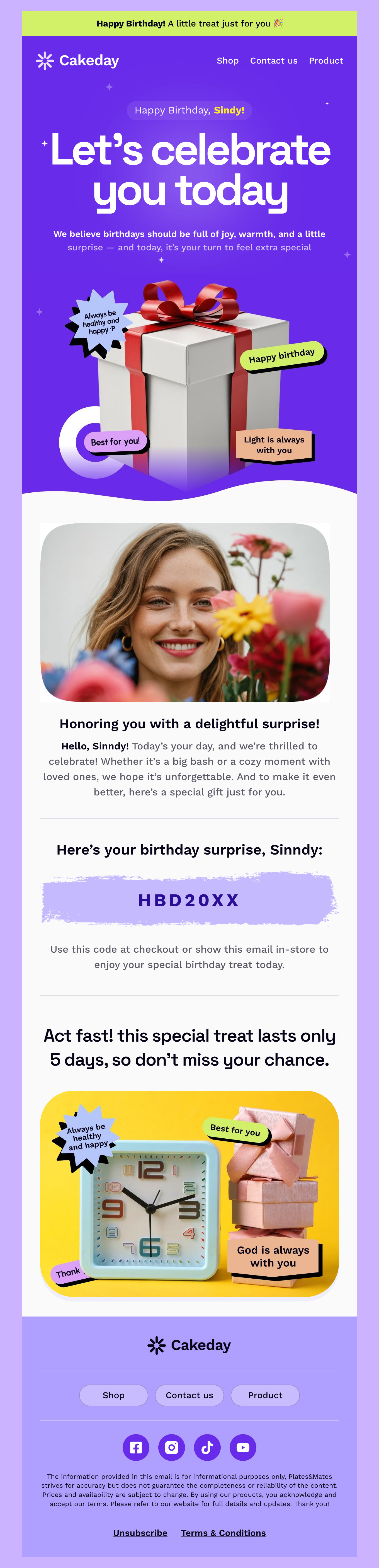
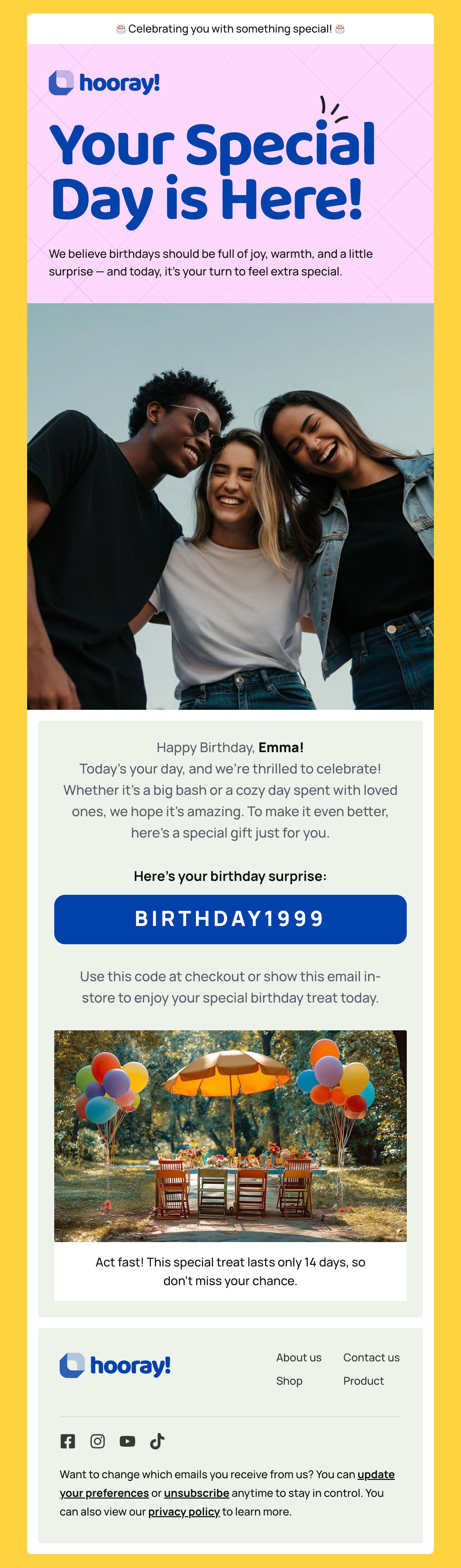
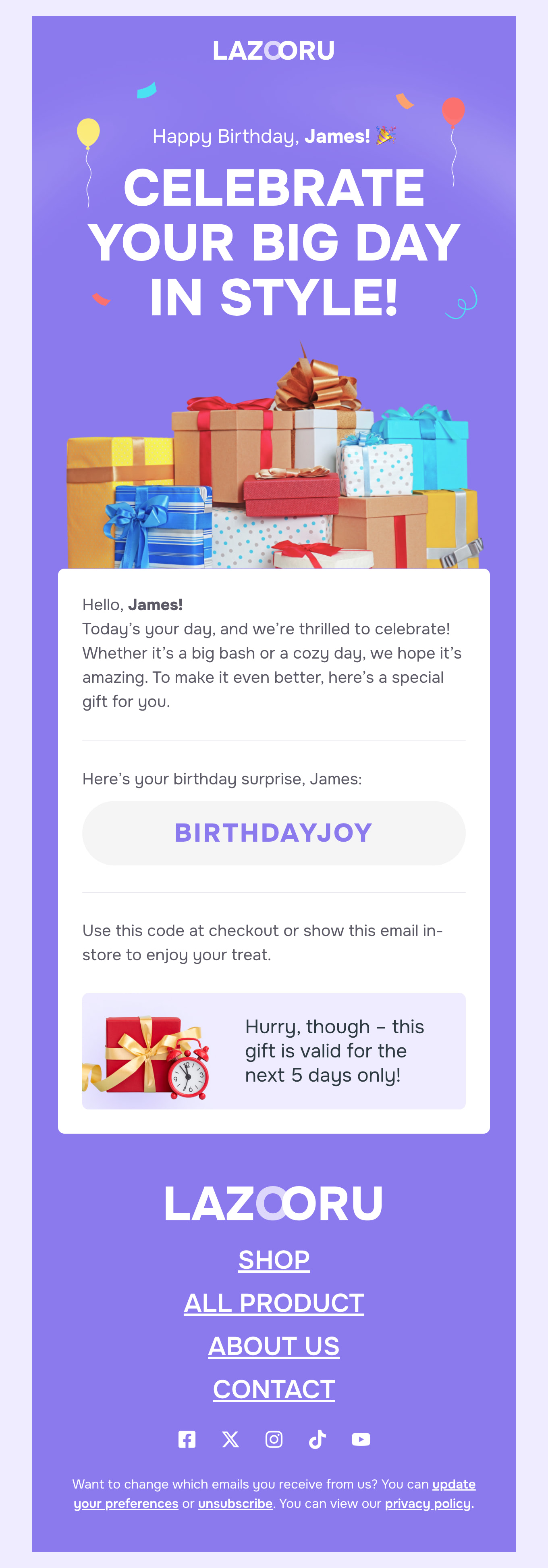
Birthday email earns some of the highest open and conversion rates in retail, because it arrives on a day the reader is already paying attention. Our free birthday email templates keep the greeting warm and the offer secondary, with responsive HTML designs built around a single gift, discount code or reward. Ideal for loyalty programmes, subscription perks and customer anniversaries.

Where to Edit Birthday Email Templates?

Postcards gives you all the tools you need to start building and customize your Birthday email template for free - from zero to the finished product in just a few minutes.

    • Start from a prompt

      Describe the email you want and AI Suite builds the whole template in seconds: layout, copy, and clean HTML.

    • Your brand, built in

      Import your logo, colors, and fonts straight from your website URL, so every template starts on-brand.

    • Translate, rewrite, restyle

      Ask AI Suite to translate the whole template into any language, or rewrite and restyle any part of it.

    • Export clean code anywhere

      Preview it in Gmail, Outlook, Apple Mail and Yahoo, then one-click export to your email platform or clean HTML.

  • Ready for action.

    Postcards works with your email marketing platform. We’ve tested all our email templates! Export in one click and save hours on HTML coding.

    Try It Now - It’s Free!

  • No-Code Email Design and Development

    Postcards is a fully no-code email template builder. All tools within the Postcards editor are visually intuitive and easy to use.

  • Drag & Drop Online Email Editor

    We offer 100+ pre-made email modules and essential email components that you can drag and drop into your editor and modify.

  • Birthday Responsive Email Templates

    We offer built-in and pre-made Birthday responsive email templates, but if you want to control how a gift block or discount code appears on mobile devices, you can do this using our mobile controllers.

  • Speed-up Email Template Production

    Our HTML email templates will accelerate your email design production by 9x. Postcards saves time, allowing you to focus on other email marketing tasks.

Birthday Email That Feels Personal at Scale

Send on the day, not in the month. A birthday email that arrives on the correct morning reads as thoughtful; the same email sent to everyone born in March reads as a mailing list, and it converts like one.

Keep the greeting short and put the gift where it cannot be missed. Two lines of warmth, then the code or the reward in large selectable text with the expiry stated plainly. People forward these to themselves to use later, so the code has to survive being read on a different device a week afterwards.

Give the reward a real deadline, but a generous one. Seven days is too tight for an email that lands on a day the reader is busy being celebrated; a month reads as a genuine gift and still creates urgency at the end.

Segment by what the customer is worth. The same discount to a first-time buyer and to someone in their fifth year is a missed opportunity in both directions — one is too generous, the other too thin.

Do not attach an ask. No survey, no review request, no newsletter signup. A birthday email that wants something in return stops being a gift, and the goodwill it costs you is worth more than the click.

5 Birthday and Anniversary Emails

The birthday email is the best known of these. The other four run on the same mechanism and are sent far less often.

  1. The birthday gift - Sent on the day, with a code, a free item or a points bonus. Short, warm, and asking for nothing.
  2. The expiry reminder - A few days before the birthday reward lapses. This one email recovers a large share of gifts that would otherwise go unused.
  3. The signup anniversary - A year since they joined the list. Cheap to send, unexpected, and a natural moment to show what has changed since.
  4. The first-purchase anniversary - A year since they bought. Ideal for anything with a replacement cycle, and it lands as service rather than sales.
  5. The employee birthday - The internal version, sent to a team rather than a customer list. Different tone, same template family.
Hey there 👋 Friends from designmodo are here to help!