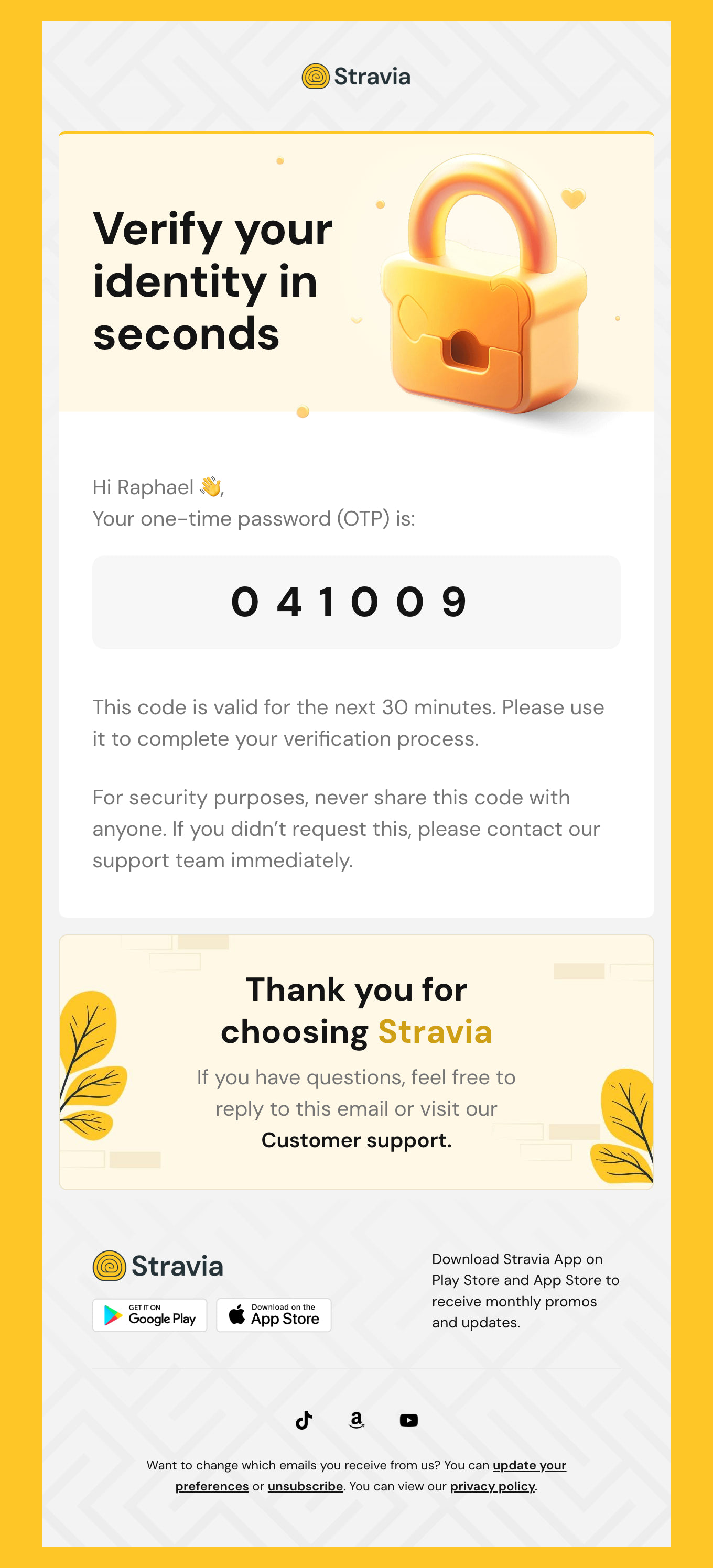
Cybersecurity Email Templates & Security Alerts
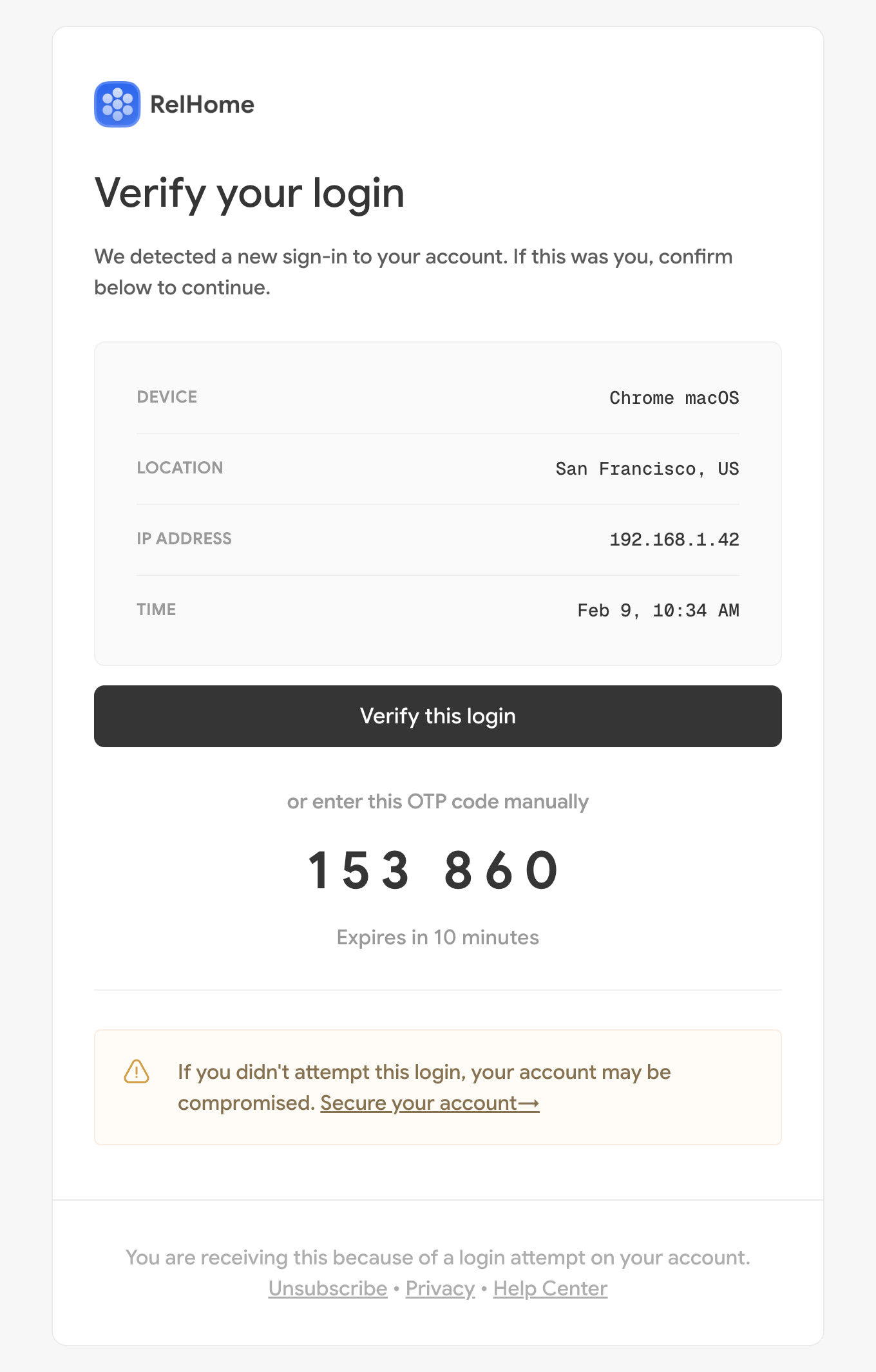
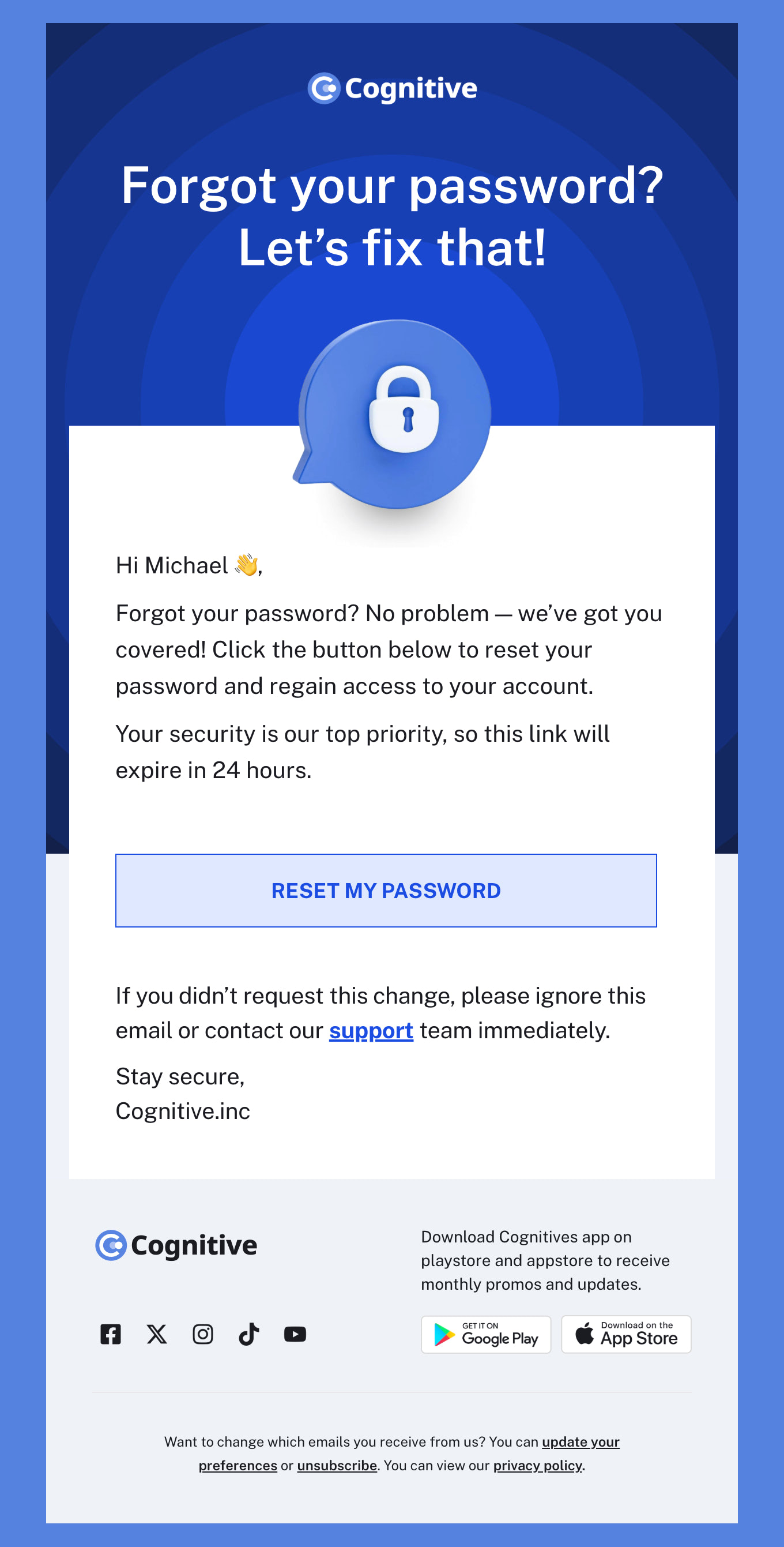
Security email has to be trusted instantly, because the messages it competes with in the inbox are phishing attempts. Our free cybersecurity email templates use clean, consistent, unmistakably corporate design so staff can tell a real notice from a fake one at a glance. Responsive HTML designs for awareness training, phishing simulations, breach notifications, password policy changes and scheduled maintenance windows.
-
CybersecurityIndustryUsageSeasonBrand
- Create Your Email Template
- All Templates
- Abandoned Cart
- Alerts & Notifications
- Announcements
- B2B
- Birthday
- Confirmation
- CV & Resumes
- Cybersecurity
- Deal & Discount
- Ecommerce
- Email Signatures
- Events
- Invoice
- Marketing
- Newsletter
- Onboarding
- Order Confirmation
- Plain Text
- Product Promotion
- Promotional
- Subscription
- Survey & Feedback
- Thank You
- Transactional
- Trial
- Update
- Webinar
- Welcome
- All Templates
- ActiveCampaign
- Amazon SES
- AWeber
- Braze
- Brevo
- Campaign Monitor
- Constant Contact
- GetResponse
- Gmail
- HubSpot
- iContact
- Intercom
- Kit
- Klaviyo
- Mailchimp
- Mailgun
- Mailjet
- MailUp
- Mailwizz
- Mandrill
- Marketo
- Mautic
- Moosend
- Ongage
- Ontraport
- Oracle Eloqua
- Outlook
- Pabbly
- Pepipost
- Postmark
- Salesforce Marketing
- SendGrid
- Sendloop
- SendPulse
- Sendy
- Shopify
- Zapier
- Zoho Campaigns
Where to Edit Cybersecurity Email Templates?
Postcards gives you all the tools you need to start building and customize your Cybersecurity email template for free - from zero to the finished product in just a few minutes.
-
-
-
-
Start from a prompt
Describe the email you want and AI Suite builds the whole template in seconds: layout, copy, and clean HTML.
-
Your brand, built in
Import your logo, colors, and fonts straight from your website URL, so every template starts on-brand.
-
Translate, rewrite, restyle
Ask AI Suite to translate the whole template into any language, or rewrite and restyle any part of it.
-
Export clean code anywhere
Preview it in Gmail, Outlook, Apple Mail and Yahoo, then one-click export to your email platform or clean HTML.
-
-
Ready for action.
Postcards works with your email marketing platform. We’ve tested all our email templates! Export in one click and save hours on HTML coding.
Try It Now - It’s Free! -
-
-
No-Code Email Design and Development
Postcards is a fully no-code email template builder. All tools within the Postcards editor are visually intuitive and easy to use.
-
Drag & Drop Online Email Editor
We offer 100+ pre-made email modules and essential email components that you can drag and drop into your editor and modify.
-
Cybersecurity Responsive Email Templates
We offer built-in and pre-made Cybersecurity responsive email templates, but if you want to control how an alert banner or policy checklist appears on mobile devices, you can do this using our mobile controllers.
-
Speed-up Email Template Production
Our HTML email templates will accelerate your email design production by 9x. Postcards saves time, allowing you to focus on other email marketing tasks.
Security Email Has to Prove It Is Not Phishing
Every security email you send competes with a phishing attempt that is trying to look exactly like it. Consistency is the whole defence: the same sender address, the same layout, the same domain in every link, every time. A security notice that arrives looking different from the last one teaches staff nothing except that your emails are unpredictable.
Never ask for credentials, and say so. No password field, no login form, no “confirm your details” link. State plainly somewhere in the footer that you will never ask for a password by email — it costs one line and it is the single most useful sentence in the message.
Do not borrow the phisher’s urgency. Countdown timers, red banners and “immediate action required” are the exact register attackers use, and staff are trained to distrust it. Calm, dated and factual reads as legitimate precisely because the fake ones are not.
Give the reader a way to verify without clicking. A ticket reference, a named contact, or an instruction to navigate to a known internal address themselves. The most secure call to action is sometimes no link at all.
Keep it plain and single column. Heavy design signals marketing, and marketing is what gets skimmed and deleted. It also renders more predictably on the locked-down corporate clients where most of this email is actually opened.
5 Security Emails Worth Templating
The third one on this list should be written and approved long before you need it.
- Security awareness training - The recurring one, sent on a schedule. Same template every time, so its familiarity becomes a signal in itself.
- Phishing simulation follow-up - Two versions: one for people who clicked, one for people who reported it. The second matters more, and is usually the one nobody writes.
- Breach or incident notification - Draft it in advance, get it approved in advance, and keep it plain. Writing this under time pressure is how disclosure goes wrong.
- Password or MFA policy change - What changes, the deadline, and a step-by-step for the change itself. Link to an internal page, never to a form in the email.
- Maintenance or downtime window - Dates, times, what will be unavailable and who to contact. Boring by design, and the one most people actually read.
Designmodo Inc. 169 Madison Ave, #79627, New York, NY 10016, United States
Copyright © 2010-2026