Booking & Appointment Confirmation Emails
Confirmation email is opened more than anything else you send. Our free confirmation email templates put the facts first — what was confirmed, when, where, and the reference number — with calendar, map, reschedule and cancel links right underneath. Responsive HTML designs for bookings, appointments, event registrations, account verification and payment receipts.
-
ConfirmationIndustryUsageSeasonBrand
- Create Your Email Template
- All Templates
- Abandoned Cart
- Alerts & Notifications
- Announcements
- B2B
- Birthday
- Confirmation
- CV & Resumes
- Cybersecurity
- Deal & Discount
- Ecommerce
- Email Signatures
- Events
- Invoice
- Marketing
- Newsletter
- Onboarding
- Order Confirmation
- Plain Text
- Product Promotion
- Promotional
- Subscription
- Survey & Feedback
- Thank You
- Transactional
- Trial
- Update
- Webinar
- Welcome
- All Templates
- ActiveCampaign
- Amazon SES
- AWeber
- Braze
- Brevo
- Campaign Monitor
- Constant Contact
- GetResponse
- Gmail
- HubSpot
- iContact
- Intercom
- Kit
- Klaviyo
- Mailchimp
- Mailgun
- Mailjet
- MailUp
- Mailwizz
- Mandrill
- Marketo
- Mautic
- Moosend
- Ongage
- Ontraport
- Oracle Eloqua
- Outlook
- Pabbly
- Pepipost
- Postmark
- Salesforce Marketing
- SendGrid
- Sendloop
- SendPulse
- Sendy
- Shopify
- Zapier
- Zoho Campaigns
Where to Edit Confirmation Email Templates?
Postcards gives you all the tools you need to start building and customize your Confirmation email template for free - from zero to the finished product in just a few minutes.
-
-
-
-
Start from a prompt
Describe the email you want and AI Suite builds the whole template in seconds: layout, copy, and clean HTML.
-
Your brand, built in
Import your logo, colors, and fonts straight from your website URL, so every template starts on-brand.
-
Translate, rewrite, restyle
Ask AI Suite to translate the whole template into any language, or rewrite and restyle any part of it.
-
Export clean code anywhere
Preview it in Gmail, Outlook, Apple Mail and Yahoo, then one-click export to your email platform or clean HTML.
-
-
Ready for action.
Postcards works with your email marketing platform. We’ve tested all our email templates! Export in one click and save hours on HTML coding.
Try It Now - It’s Free! -
-
-
No-Code Email Design and Development
Postcards is a fully no-code email template builder. All tools within the Postcards editor are visually intuitive and easy to use.
-
Drag & Drop Online Email Editor
We offer 100+ pre-made email modules and essential email components that you can drag and drop into your editor and modify.
-
Confirmation Responsive Email Templates
We offer built-in and pre-made Confirmation responsive email templates, but if you want to control how a booking summary or calendar button appears on mobile devices, you can do this using our mobile controllers.
-
Speed-up Email Template Production
Our HTML email templates will accelerate your email design production by 9x. Postcards saves time, allowing you to focus on other email marketing tasks.
Confirmation Emails Are the Most-Opened You Send
Confirmation email is opened at rates no campaign will ever reach, because the reader is looking for something specific and expects to find it. That attention is the asset, and the way to waste it is to make them hunt for the reference number.
Lead with the facts. What was confirmed, when it happens, where, and the reference the reader will quote back to you. Four things, in a block near the top, in text large enough to read at arm’s length on a phone screen.
Add the actions that follow the fact. A calendar link, a map link, a reschedule link and a cancel link cover almost every case, and they remove almost every support ticket a confirmation would otherwise generate.
Keep the transactional part clean. Confirmation email is sent on a different legal footing to marketing, and in most markets it can reach people who have opted out of everything else. Loading it with promotion puts that footing at risk and hurts deliverability for the messages that must arrive.
There is room for one gentle next step at the bottom, below the facts and clearly separated from them - a related help article, a referral link, a note about what happens next. One, not a second email stapled underneath the first.
5 Kinds of Confirmation Email
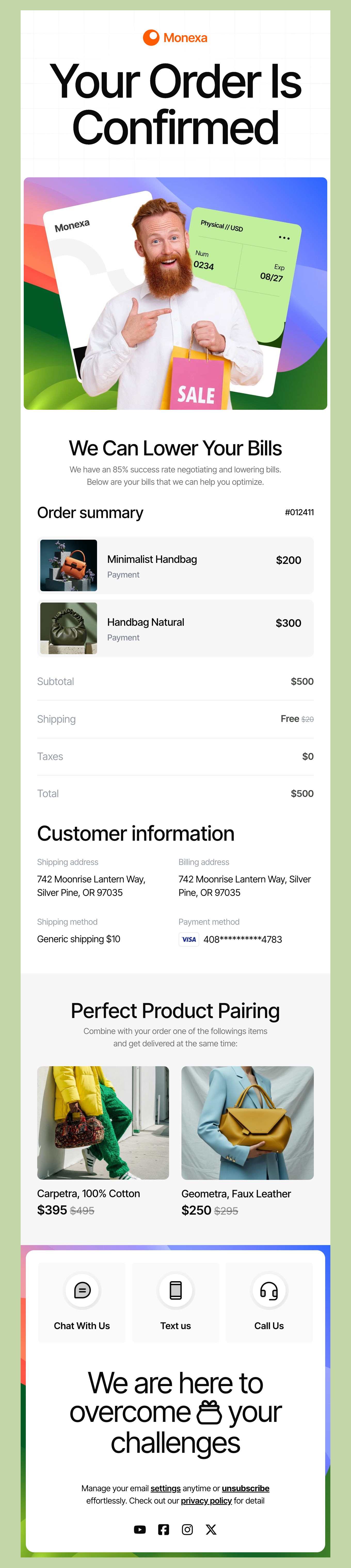
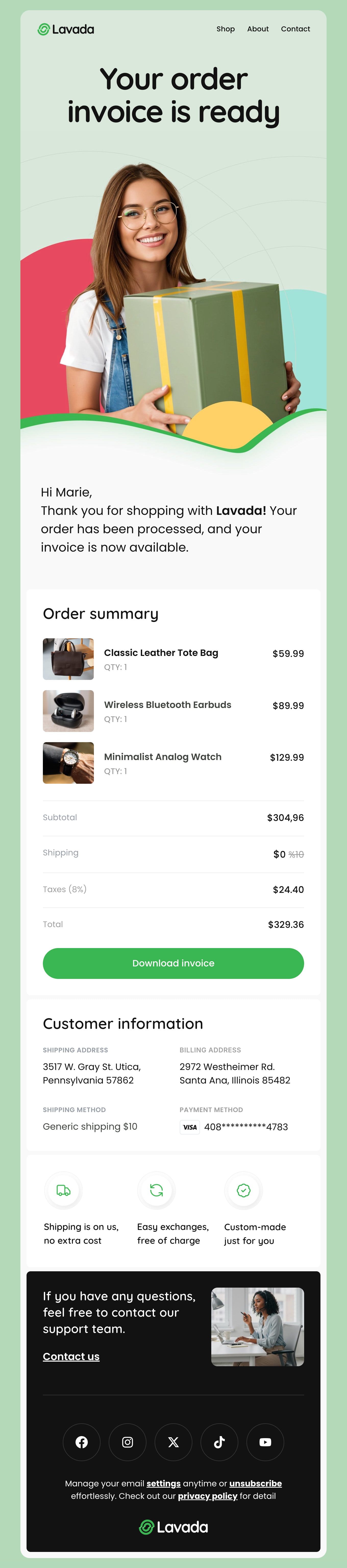
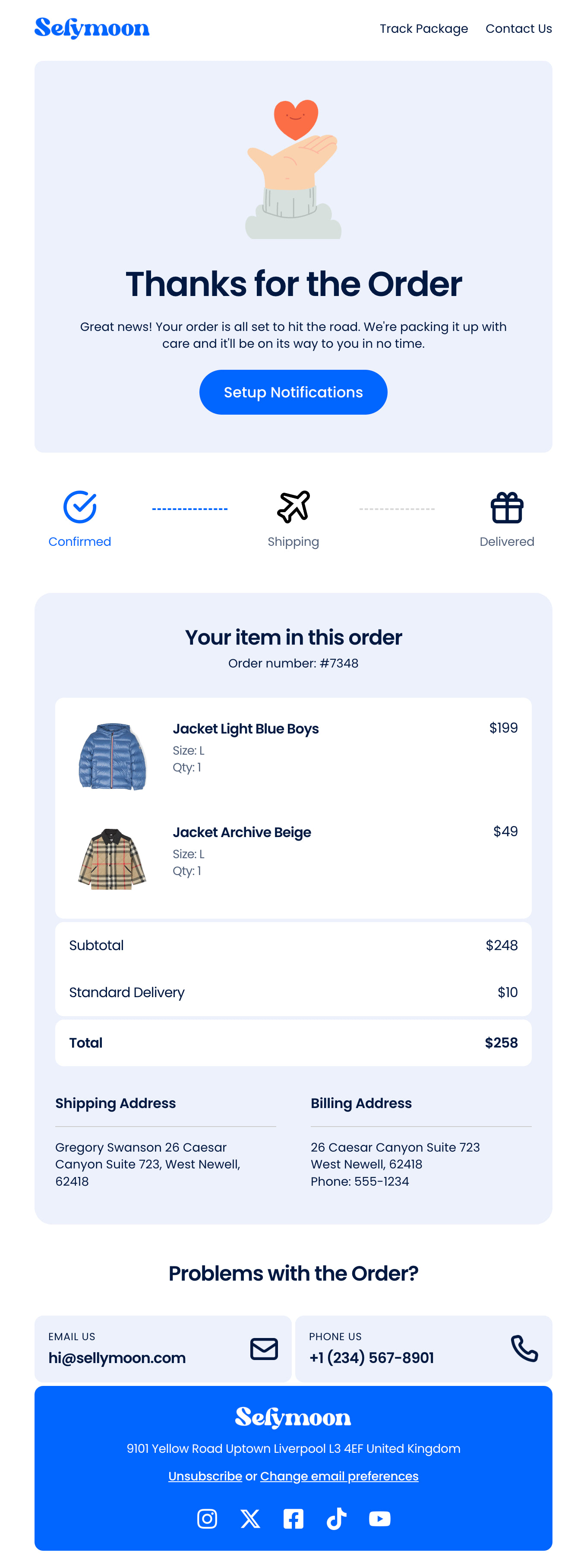
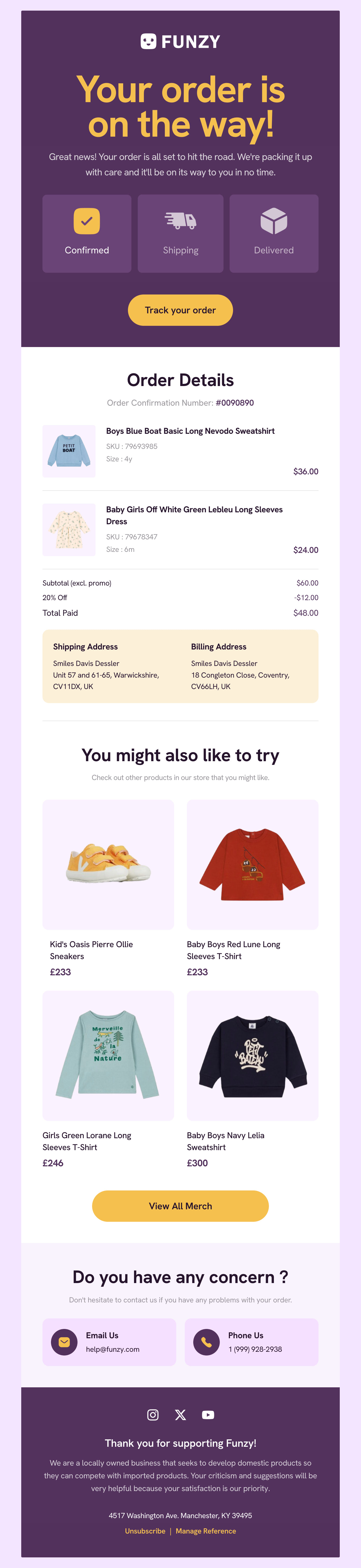
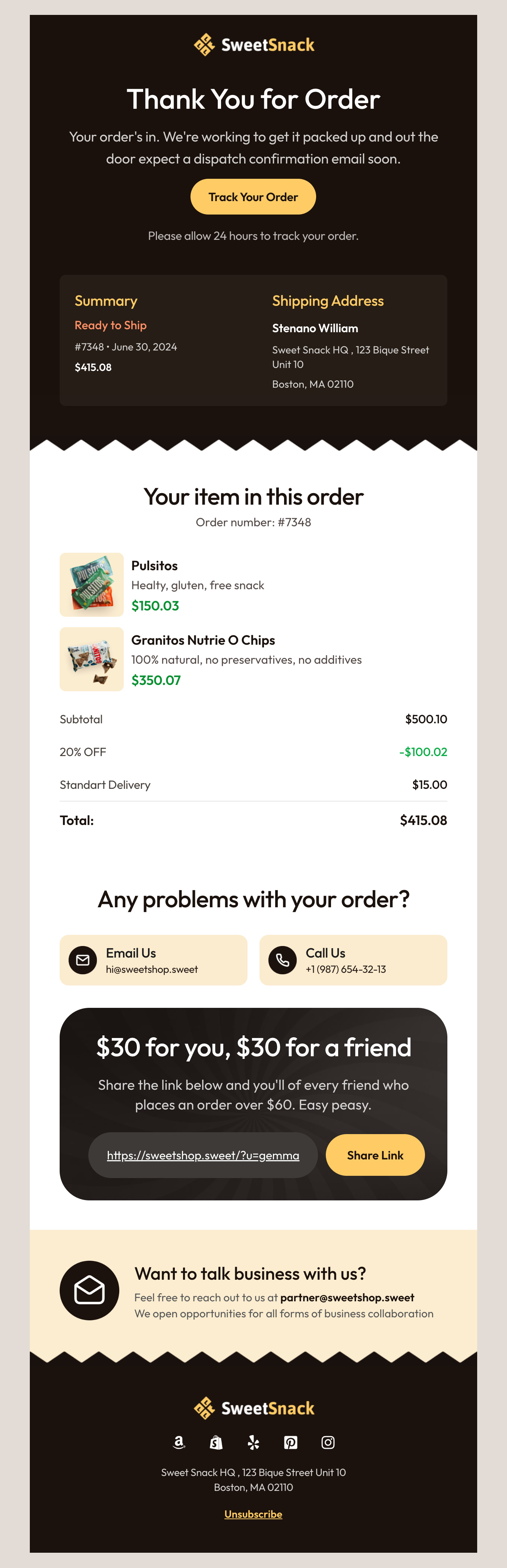
Order receipts are the most familiar confirmation and have a collection of their own. These five cover everything else a confirmation has to do.
- Booking or reservation - Date, time, location, party size and a reference. The confirmation most likely to be opened at the venue door with one bar of signal.
- Appointment - Same facts, plus reschedule and cancel links. A reminder sent the day before belongs to the same template family.
- Event registration - Ticket or joining details, a calendar link, and anything the attendee has to bring or install beforehand.
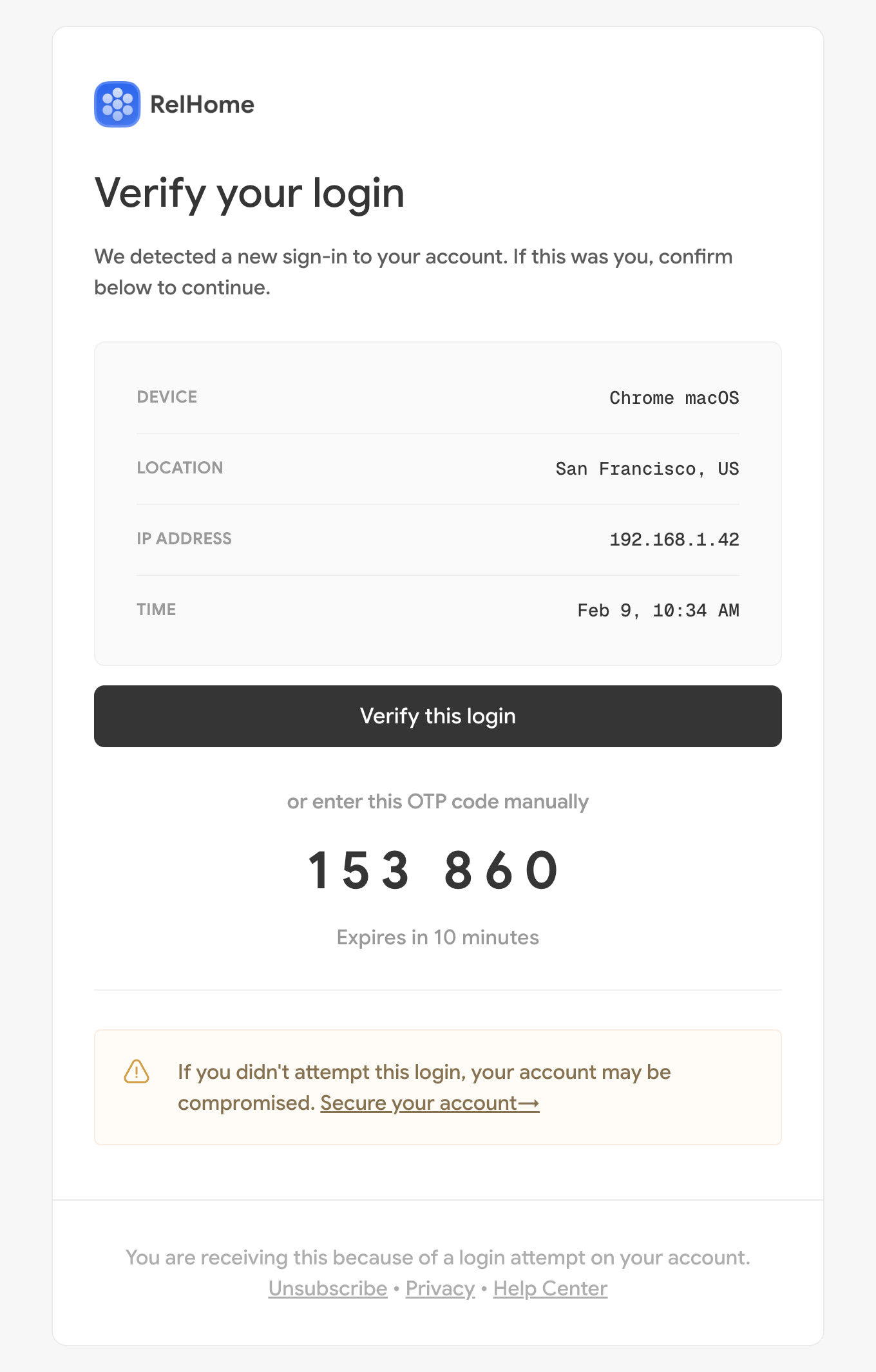
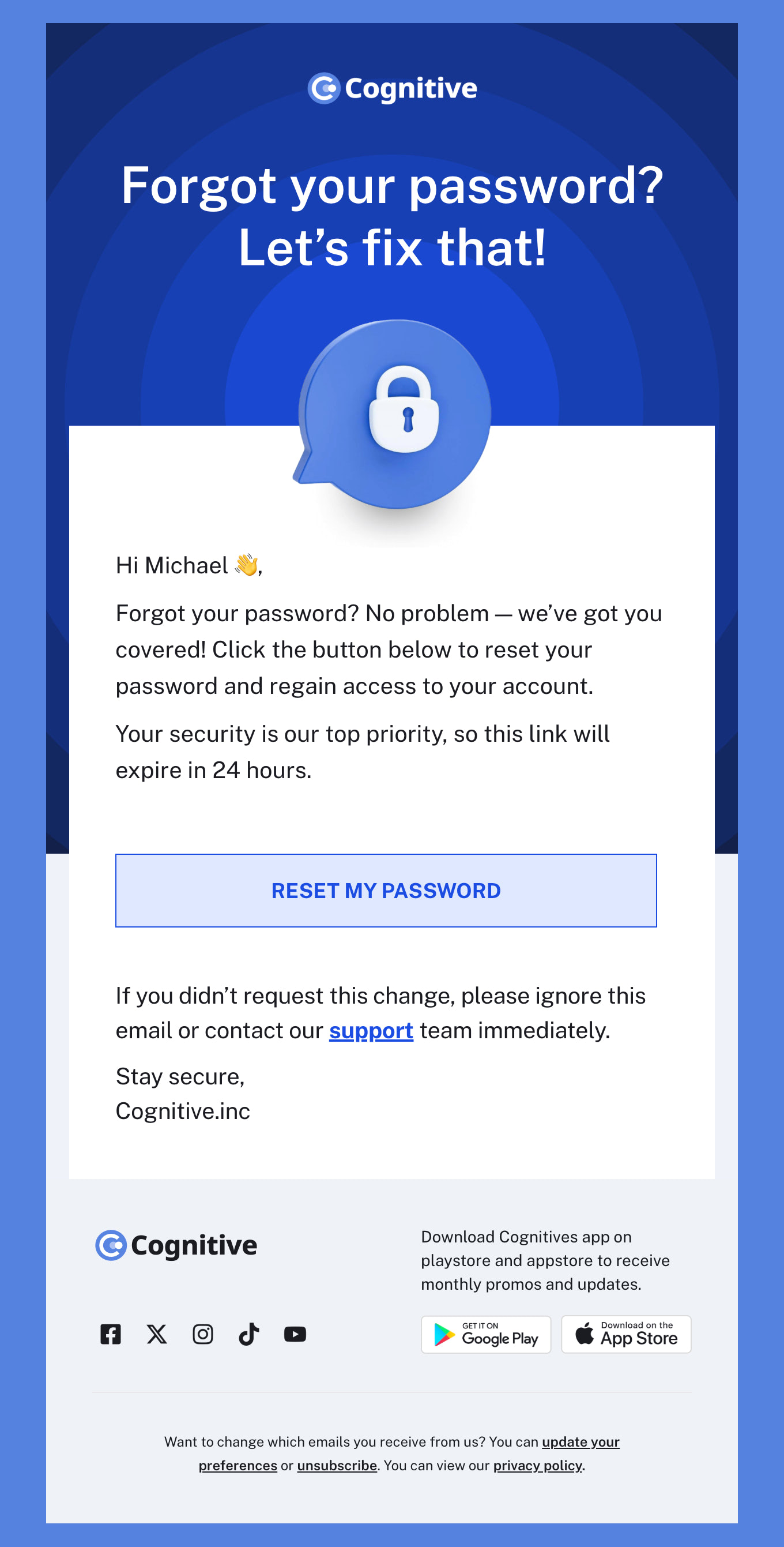
- Account or email verification - One link, almost no design, sent within seconds. Every extra element here is a deliverability risk on the most time-critical email you send.
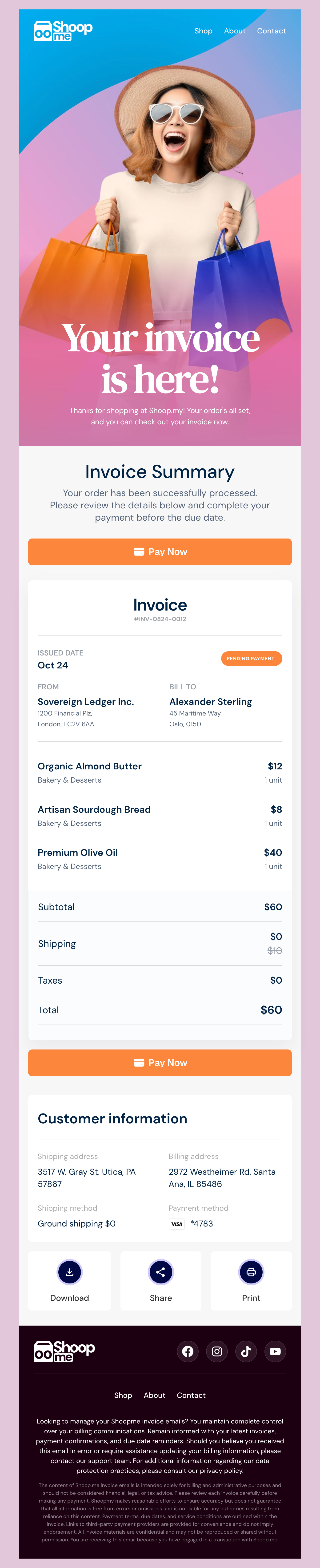
- Payment received - The amount, the method, the date and what it paid for. Short, filed by the recipient, and requested back from you more often than any other email.
Designmodo Inc. 169 Madison Ave, #79627, New York, NY 10016, United States
Copyright © 2010-2026