Free HTML Email Templates for Braze

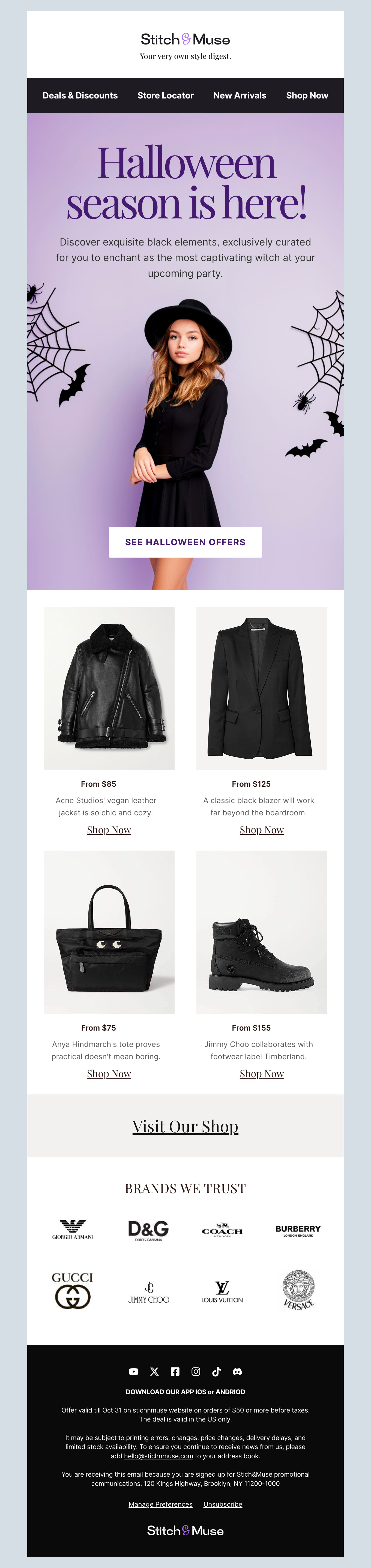
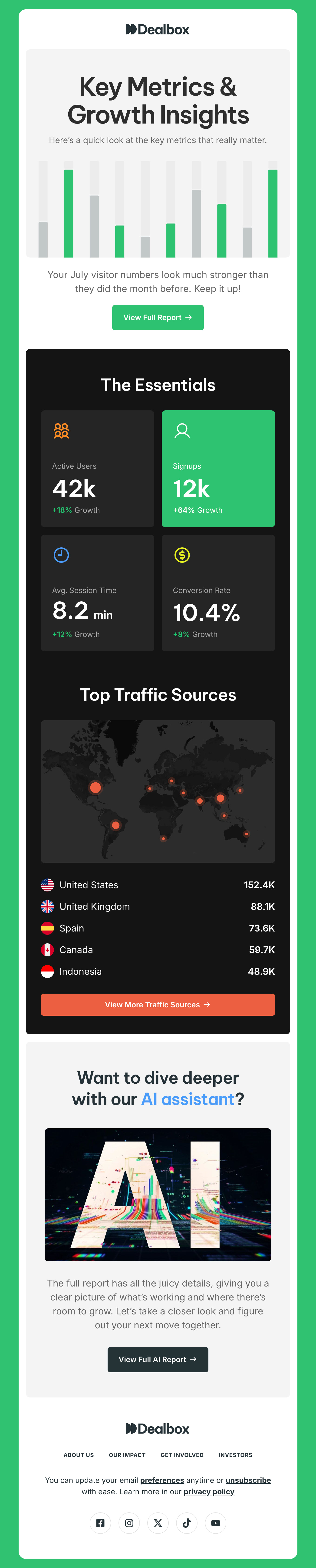
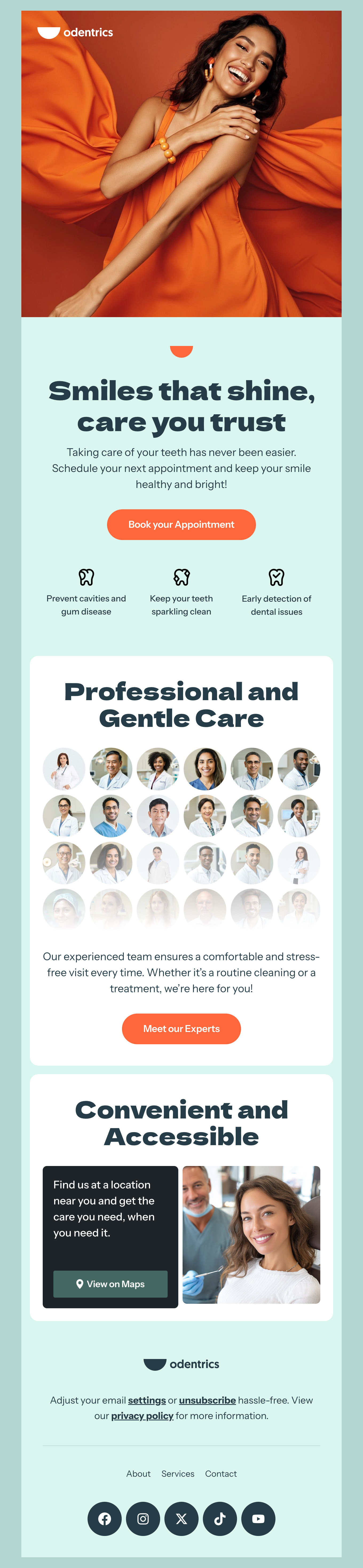
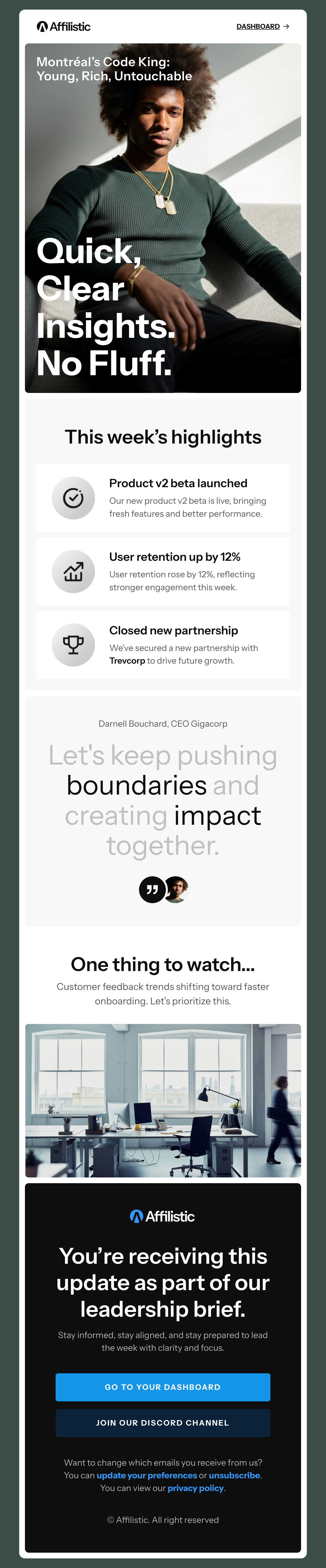
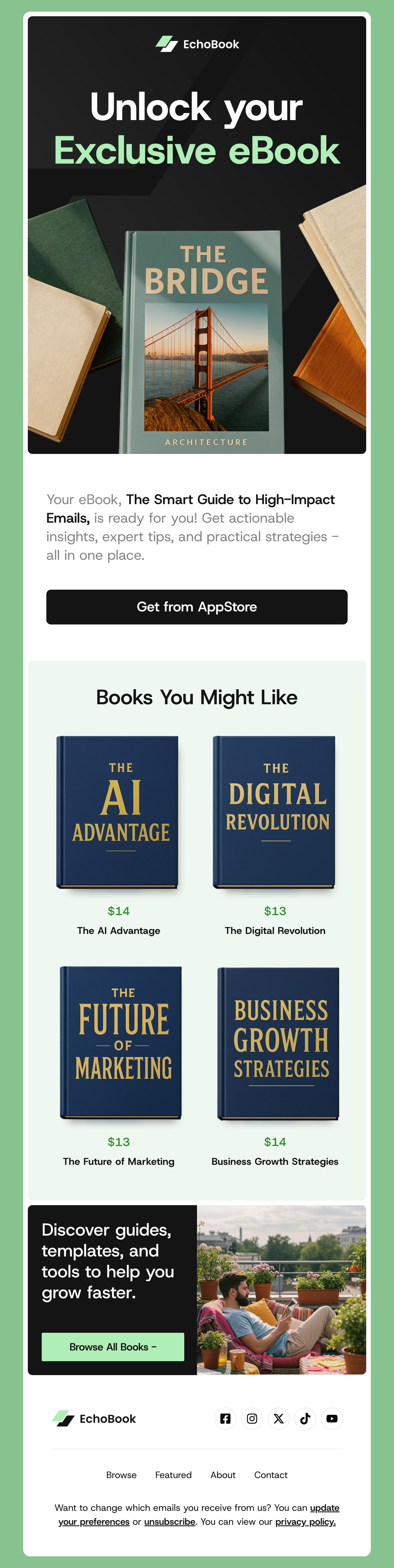
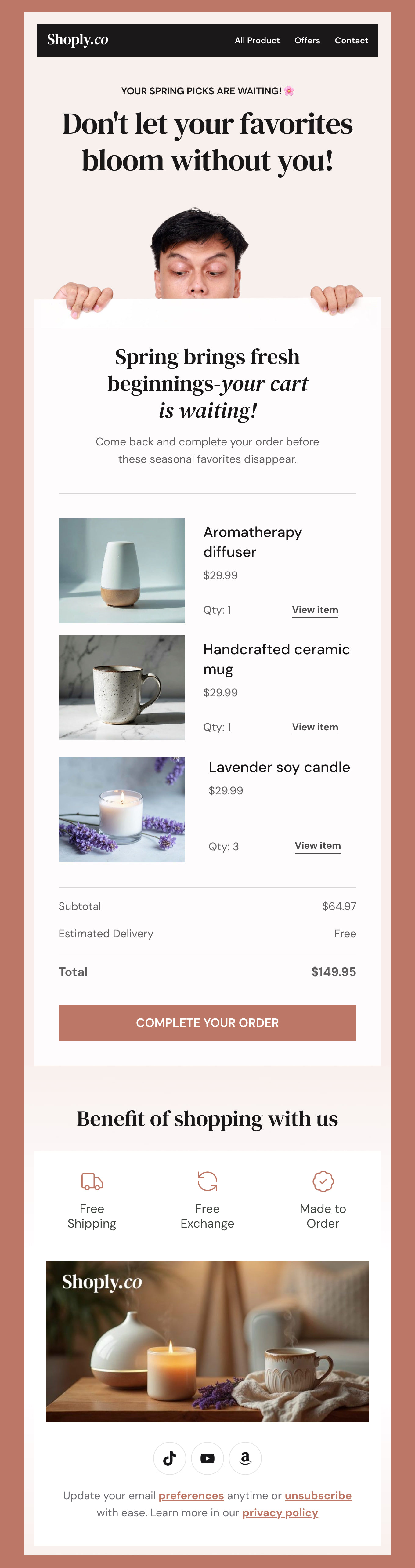
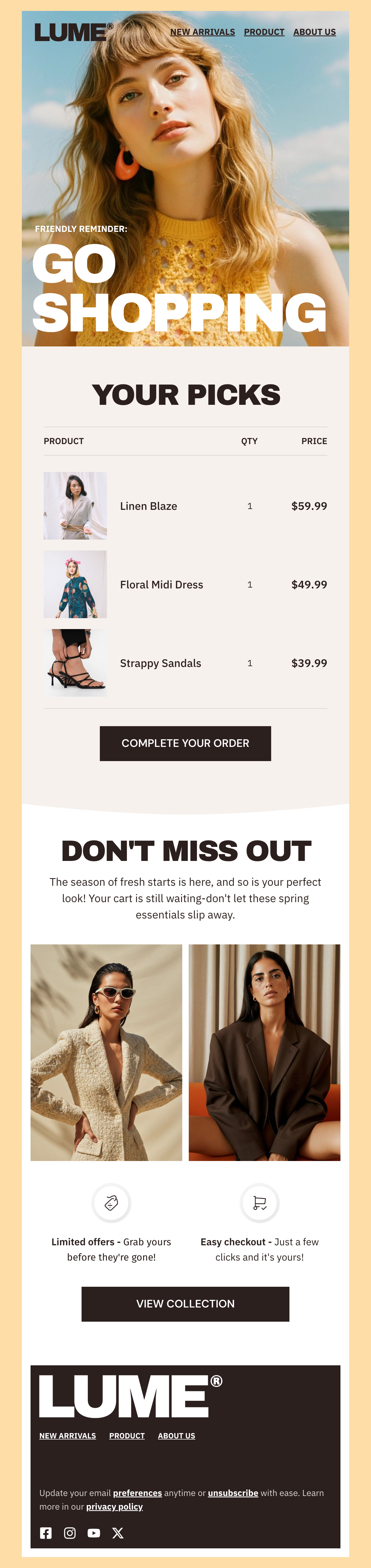
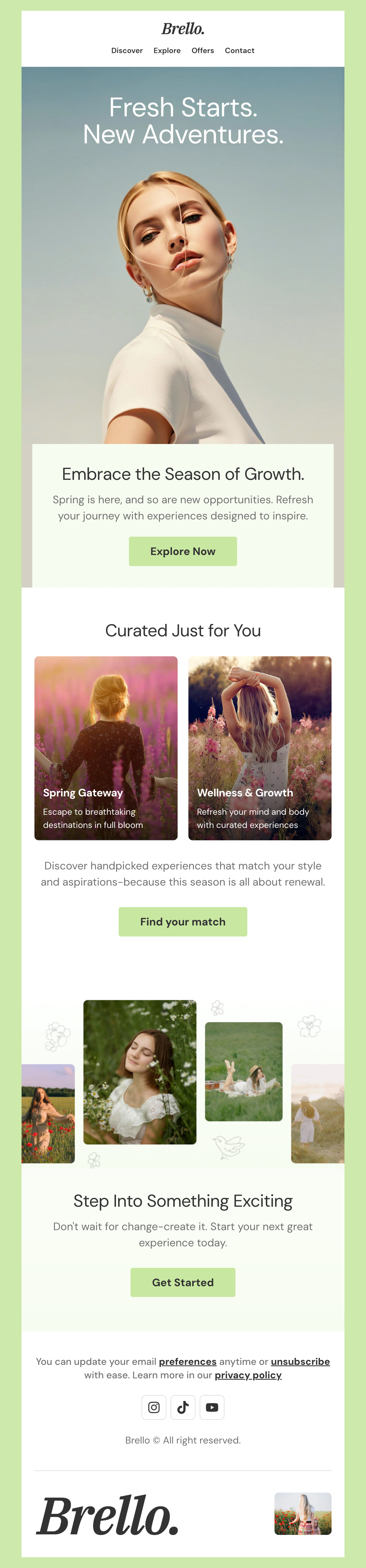
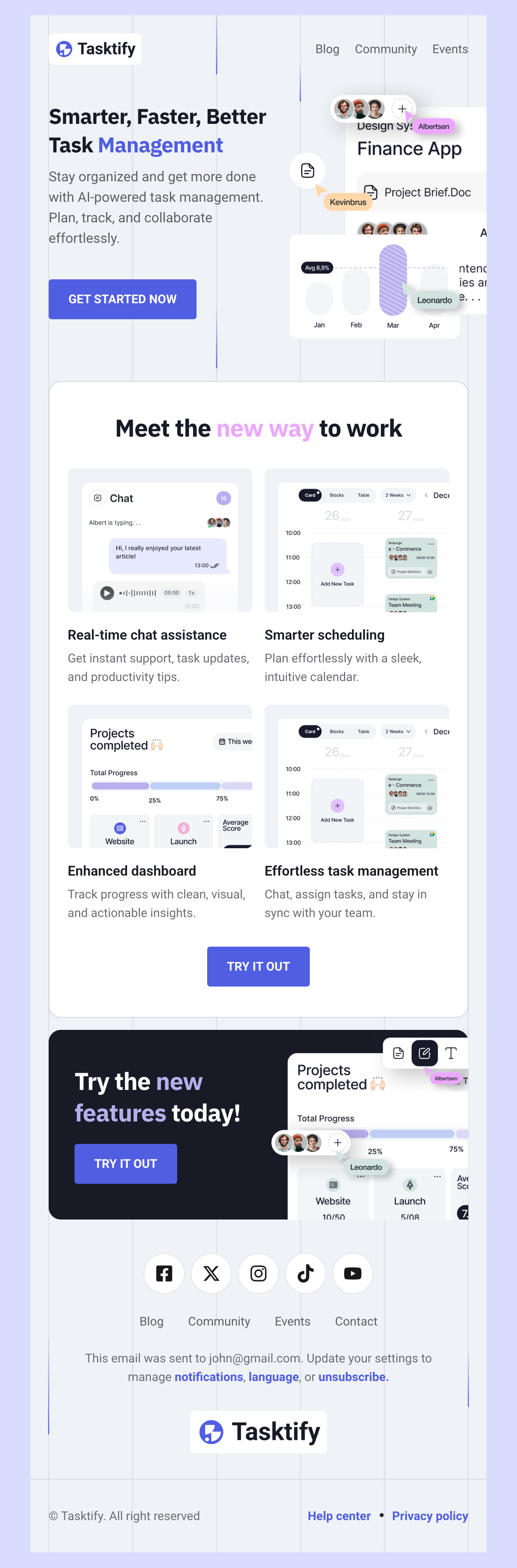
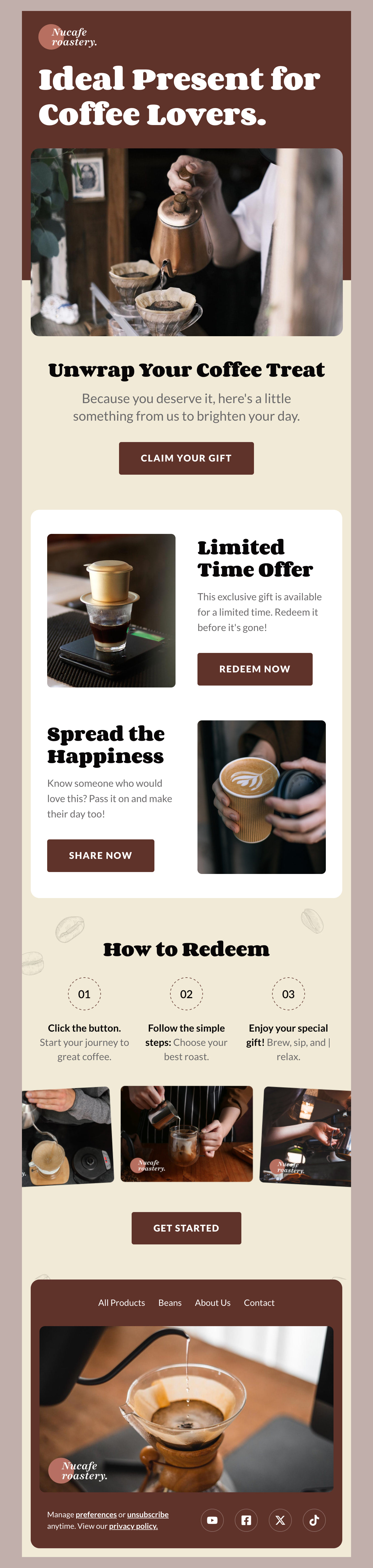
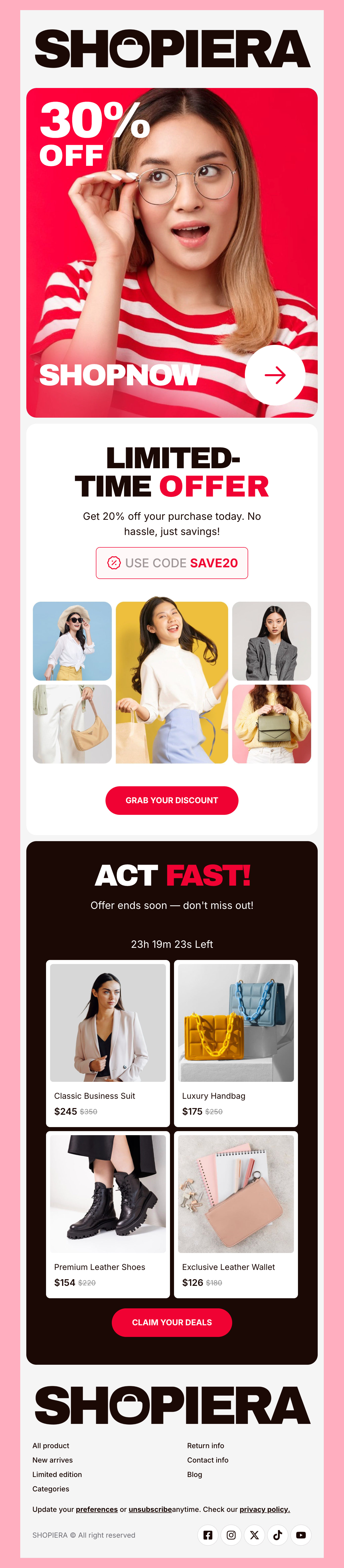
Browse hundreds of pre-built HTML email templates designed for Braze users and use them for free. Make it yours with a drag-and-drop editor, by customizing content blocks, and experience seamless Braze integration - without coding! Click on your preferred newsletter template to preview it and build impactful Braze emails right away!

Where to Edit Braze Email Templates?

Postcards gives you all the tools you need to start building and customize your Braze email template for free - from zero to the finished product in just a few minutes.

    • Start from a prompt

      Describe the email you want and AI Suite builds the whole template in seconds: layout, copy, and clean HTML.

    • Your brand, built in

      Import your logo, colors, and fonts straight from your website URL, so every template starts on-brand.

    • Translate, rewrite, restyle

      Ask AI Suite to translate the whole template into any language, or rewrite and restyle any part of it.

    • Export clean code anywhere

      Preview it in Gmail, Outlook, Apple Mail and Yahoo, then one-click export to your email platform or clean HTML.

  • Ready for action.

    Postcards works with Braze. We’ve tested all our email templates in Braze! Export in one click and save hours on HTML coding.

    Try It Now - It’s Free!

  • No-Code Email Design and Development

    Postcards is a fully no-code Braze email template builder. All tools within the Postcards editor are visually intuitive and easy to use.

  • Drag & Drop Online Email Editor

    We offer 100+ pre-made email modules and essential email components that you can drag and drop into your editor and modify.

  • Braze Responsive Email Templates

    We offer built-in and pre-made Braze responsive email templates, but if you want to customize how your email template appears on mobile devices, you can do this using our mobile controllers.

  • Build Emails 9x Faster

    Our Braze HTML email templates will accelerate your email design production by 9x. Postcards saves time, allowing you to focus on other email marketing tasks.

Why Choose Postcards for Your Braze Email Templates?

Design Braze email templates from start to finish with Postcards, Designmodo’s email builder tool, in just a few minutes - and all for free! You have complete control over your email, whether you’re building from scratch or customizing a pre-made email newsletter template.

Here’s why Postcards is an ideal fit for email designing Braze emails effortlessly:

  • You don’t need to have coding knowledge. Use Postcards’ no-code drag-and-drop email builder to customize email templates and make them yours in a few clicks.
  • All our email templates are tested for responsiveness. Whether your subscribers are on a phone or laptop, they’ll always see well-designed and functioning emails!
  • No need to build and customize different elements from scratch. Simply choose custom modules such as headers, footers, CTAs, interactive elements, and more as you wish to craft customized emails easily with the help of Postcards’ design capabilities.
  • Don’t worry about breaking the code while copying and pasting. Easily export your designs with one click to upload them in Braze and send them immediately!
  • Email designing should never be in isolation. Real-Time Collaboration, available on the Pro plan, lets your team build stunning emails together.

Here’s How to Make the Most of Your Braze Emails

Braze is one of the great customer engagement platforms that offers many useful features. This makes it a top choice for marketers who want to create data-driven emails that increase engagement and conversions.

To help you keep your subscribers engaged throughout the year, we’ve created a list of proven email marketing best practices for Braze users:

Spend time on your subject lines

Don’t write your email subject line as an afterthought. They help users decide whether to click and read or not. Brainstorm 4-6 variations, keep them between 4 to 10 words, and explain the email content briefly. Always be testing to see what resonates with your audience!

Optimize preheader

Your email’s preheader acts as a second subject line. Use it to build curiosity by giving a preview of what your email is about.

Use a reply-friendly email address

No-reply emails reduce engagement and often lead to increased unsubscribe rates. Always use your name or a reply-friendly email address to get more replies and improve email deliverability.

Hey there 👋 Friends from designmodo are here to help!