Free Mailchimp Email Templates

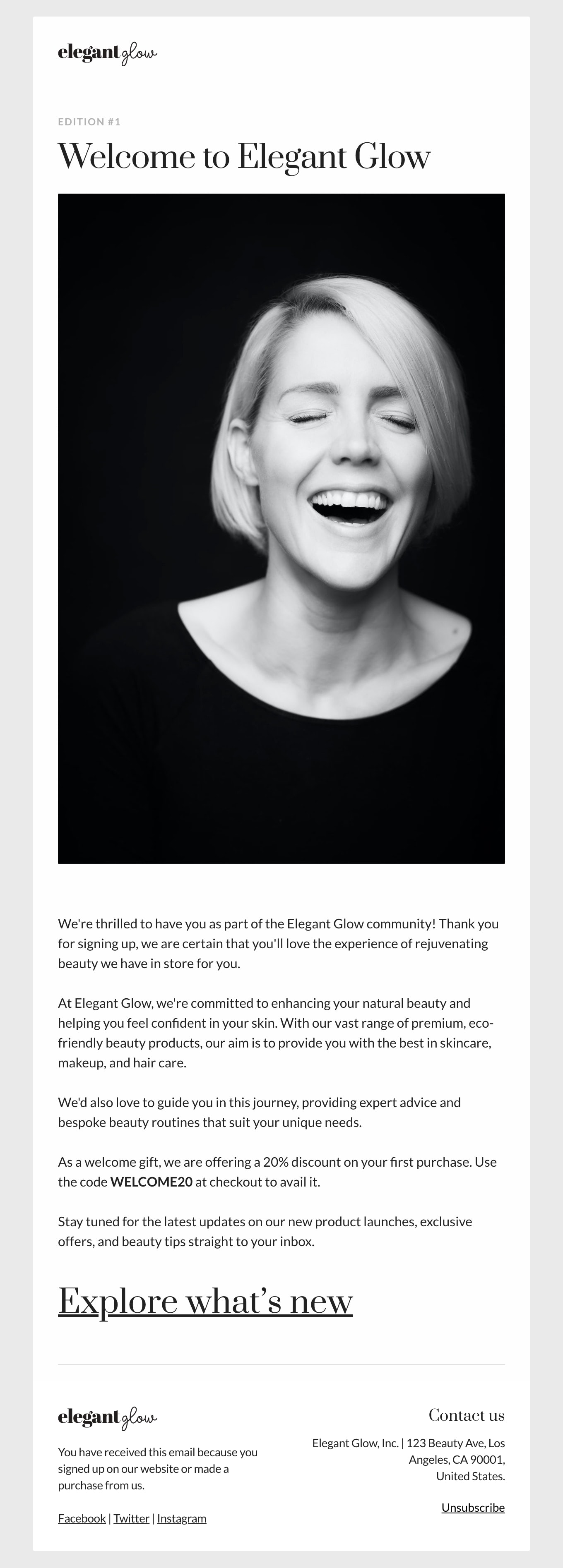
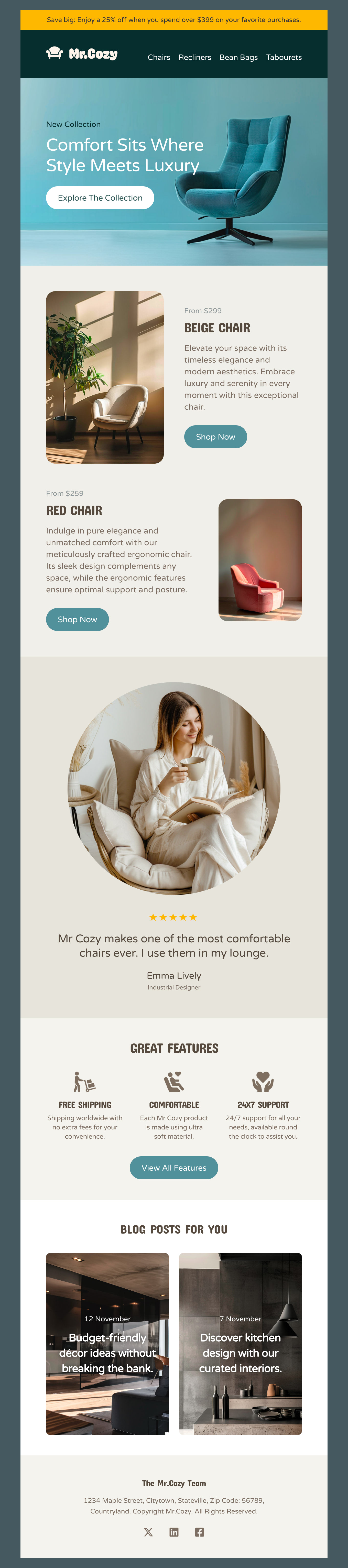
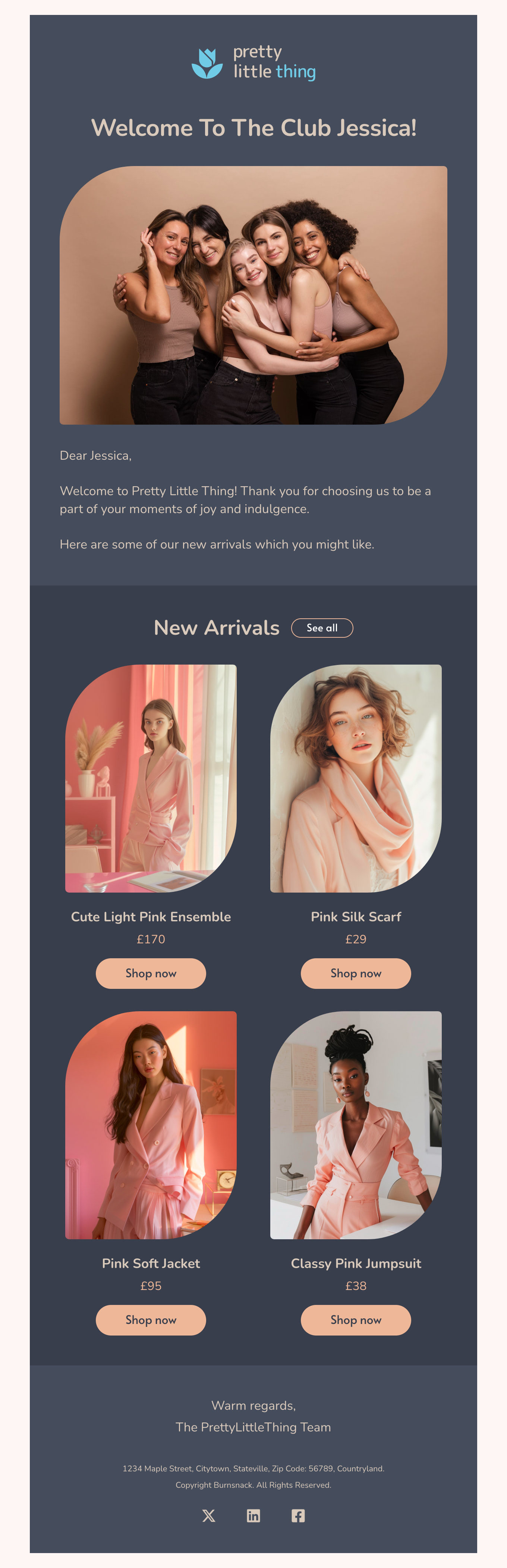
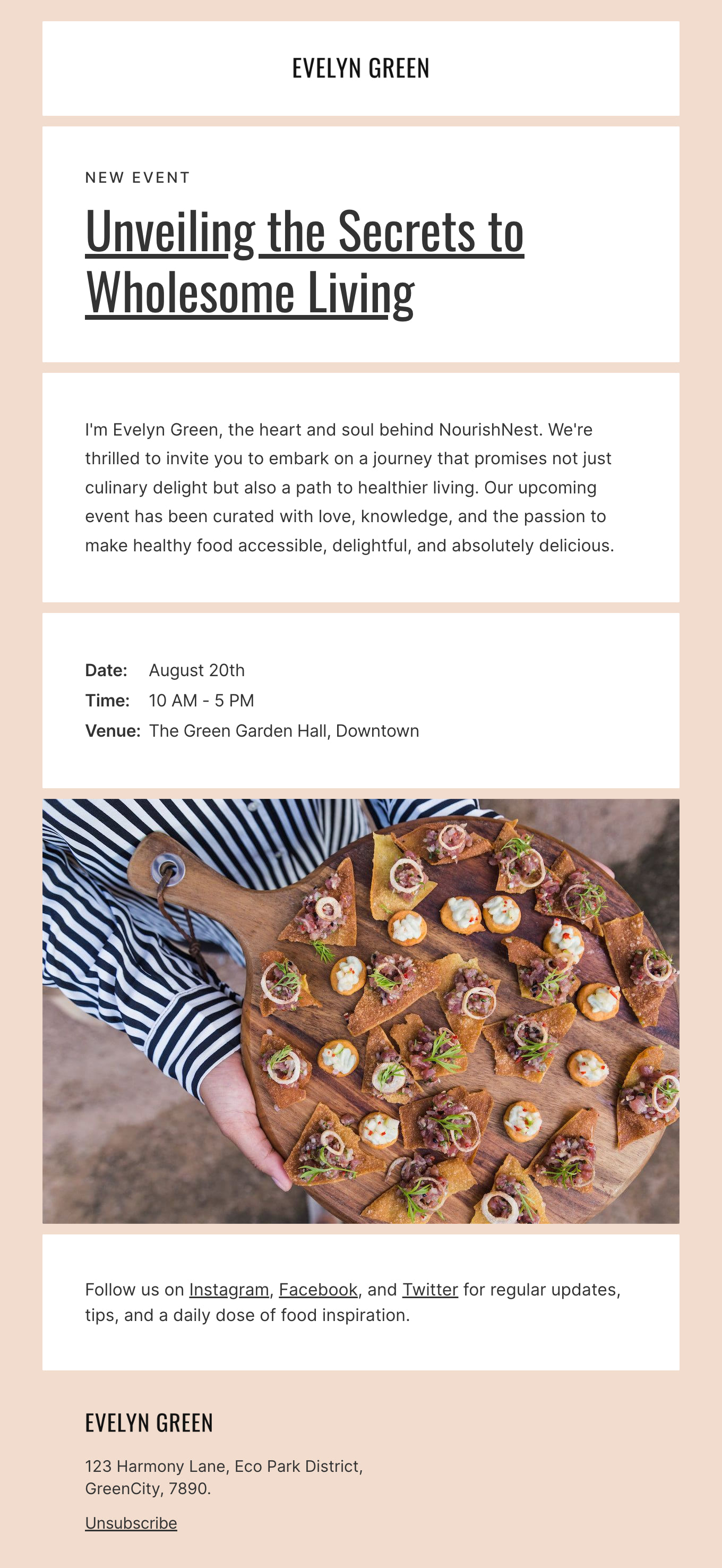
Mailchimp is famous for its intuitive, easy-to-use tools to build out email campaigns and newsletters. But even with these features, your campaigns can slow down the design process for each email. Now, you have even more professionally designed, free templates to empower your campaigns. To streamline your design process and enhance your email campaigns, you need the best Mailchimp newsletter templates free with Designmodo. The perfect Mailchimp email template for your next hit newsletter is right here.

Where to Edit Mailchimp Email Templates?

Postcards gives you all the tools you need to start building and customize your Mailchimp email template for free - from zero to the finished product in just a few minutes.

    • Start from a prompt

      Describe the email you want and AI Suite builds the whole template in seconds: layout, copy, and clean HTML.

    • Your brand, built in

      Import your logo, colors, and fonts straight from your website URL, so every template starts on-brand.

    • Translate, rewrite, restyle

      Ask AI Suite to translate the whole template into any language, or rewrite and restyle any part of it.

    • Export clean code anywhere

      Preview it in Gmail, Outlook, Apple Mail and Yahoo, then one-click export to your email platform or clean HTML.

  • Ready for action.

    Postcards works with Mailchimp. We’ve tested all our email templates in Mailchimp! Export in one click and save hours on HTML coding. Have a layout in mind that is not here? See how to put together a Mailchimp template and send it over ready to schedule.

    Try It Now - It’s Free!

  • No-Code Email Design and Development

    Postcards is a fully no-code Mailchimp email template builder. All tools within the Postcards editor are visually intuitive and easy to use.

  • Drag & Drop Online Email Editor

    We offer 100+ pre-made email modules and essential email components that you can drag and drop into your editor and modify.

  • Mailchimp Responsive Email Templates

    We offer built-in and pre-made Mailchimp responsive email templates, but if you want to customize how your email template appears on mobile devices, you can do this using our mobile controllers.

  • Speed-up Email Template Production

    Our Mailchimp HTML email templates will accelerate your email design production by 9x. Postcards saves time, allowing you to focus on other email marketing tasks.

Top Email Marketing Tips for the Mailchimp Platform

Mailchimp is one of the most popular email marketing platforms, offering a wide range of features and a user-friendly experience. Here are a few tips to ensure you get the most of Mailchimp’s essential features, plus some often-overlooked features not to miss.

Mailchimp Makes It Easy to Manage Your Email List

List management is a breeze with Mailchimp. Create audience segments ready for custom messaging based on demographics, interests, and behavior. For instance, you can create a message sequence for new customers while creating another for customers who haven’t purchased from you in a few months.

Keeping your list clean is an important step in list management, and Mailchimp has the tools to do this, too. First, you can regularly remove those inactive or bounced email addresses - this will go a long way in improving the deliverability of your campaigns.

We also recommend utilizing Mailchimp’s double opt-in feature requiring your customer to click and verify their email address. This can cut down on spam complaints which keeps your list healthy and improves deliverability.

Simple Campaign Creation Process

Mailchimp has a variety of pre-designed templates to choose from and you can also create your own from scratch. To save you even more time, check out our full library of Mailchimp templates that will look great on any device. You can quickly swap out branding colors, set your font, and add images.

We like that Mailchimp allows you to experiment with different subject lines, swap content, test templates, the call-to-action, or the subject line with their A/B testing. Of course, you’ll only want to test one element at a time. A/B testing can help you make data-informed decisions and take out the guesswork.

Mailchimp Newsletter Templates and Campaign Examples

The newsletter is the campaign most Mailchimp accounts send most often, which makes it the one most likely to drift - a little longer each month, a little less like the issue that worked.

What a newsletter template actually needs

Save it as a template rather than duplicating last month’s campaign. Mailchimp treats saved templates and sent campaigns as different things, and duplicating a campaign carries its scheduling, segment and subject line along with the layout - which is how a September issue goes out addressed to an August audience. Build the shape once: a header people recognise, one lead story, two or three shorter items, a single call to action. Our email newsletter templates are built around exactly that structure.

Examples worth borrowing from

The Mailchimp campaigns that keep working are repeatable rather than clever. A monthly update carrying one genuine piece of news instead of five thin ones. A welcome email triggered on signup that says what you send and how often, which does more for long-term open rates than any subject line test. A seasonal promotion tied to a real date rather than an invented one. A re-engagement send to the segment that has not opened in six months, before you pay to keep mailing them. Every template in the gallery above is a working example of one of these - open the closest match and make it yours rather than starting from a blank canvas.

Merge tags belong in the template, not the campaign

Put *|FNAME|* and your address block into the saved template and they survive every future issue. Add them per campaign and one of them will eventually go out raw, because the issue you build in a hurry is the issue nobody proofreads. Always send yourself a test with a real subscriber record rather than trusting the preview - an empty merge field renders as nothing, and nothing is easy to miss on screen.

Preview against the segment you will actually send to

Mailchimp will happily preview a campaign against your whole audience while you intend to send it to one segment. Check the recipient count before scheduling, not after. The most common Mailchimp mistake is not a broken layout - it is a perfectly good email that went to everybody.

Hey there 👋 Friends from designmodo are here to help!