Free HTML Email Templates for Mailwizz
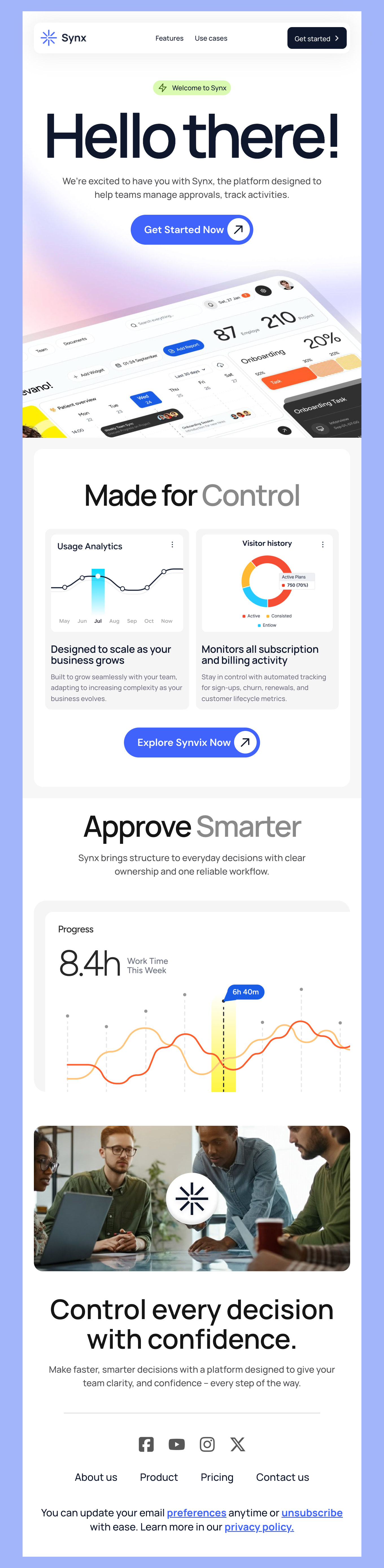
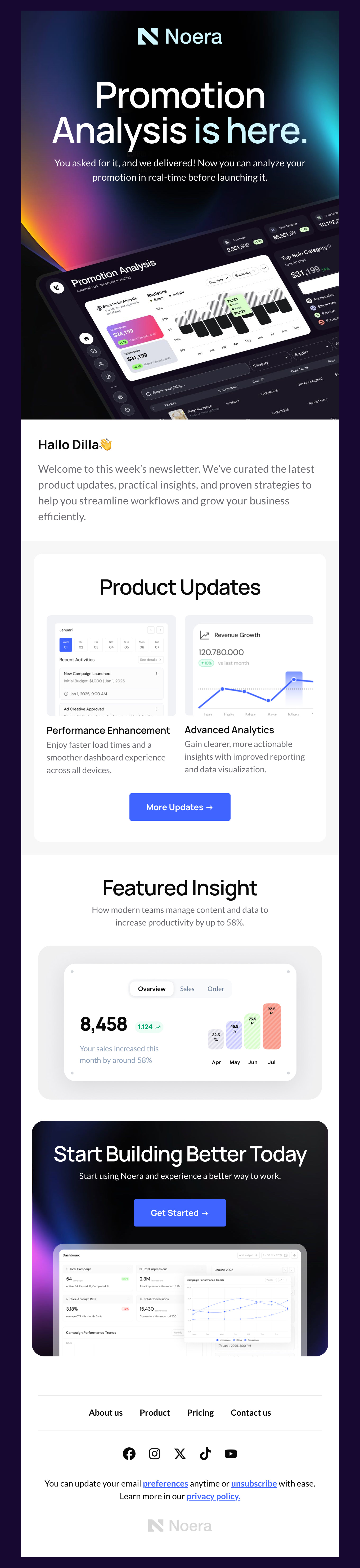
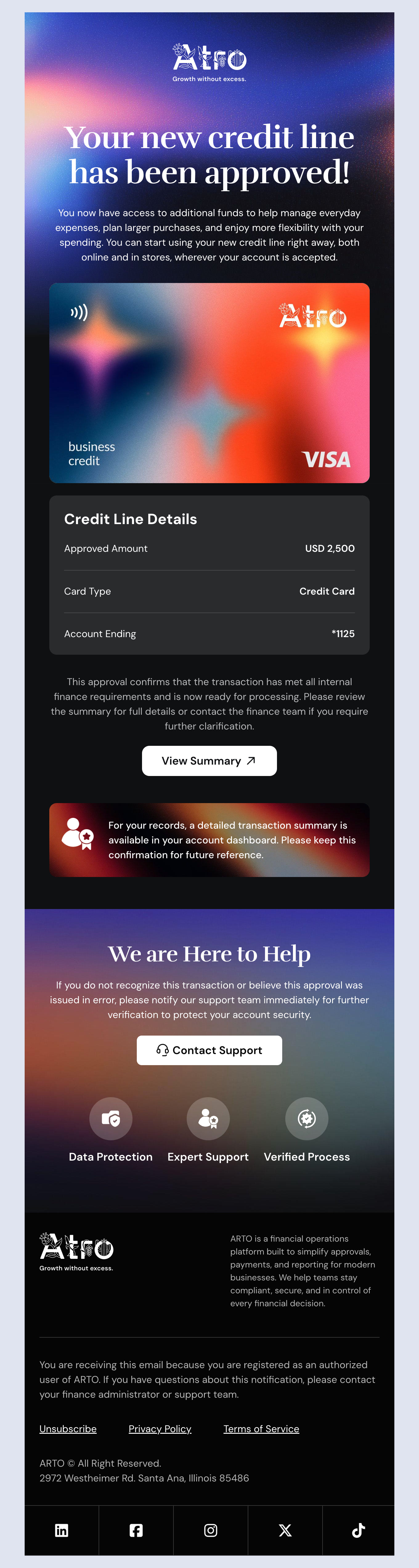
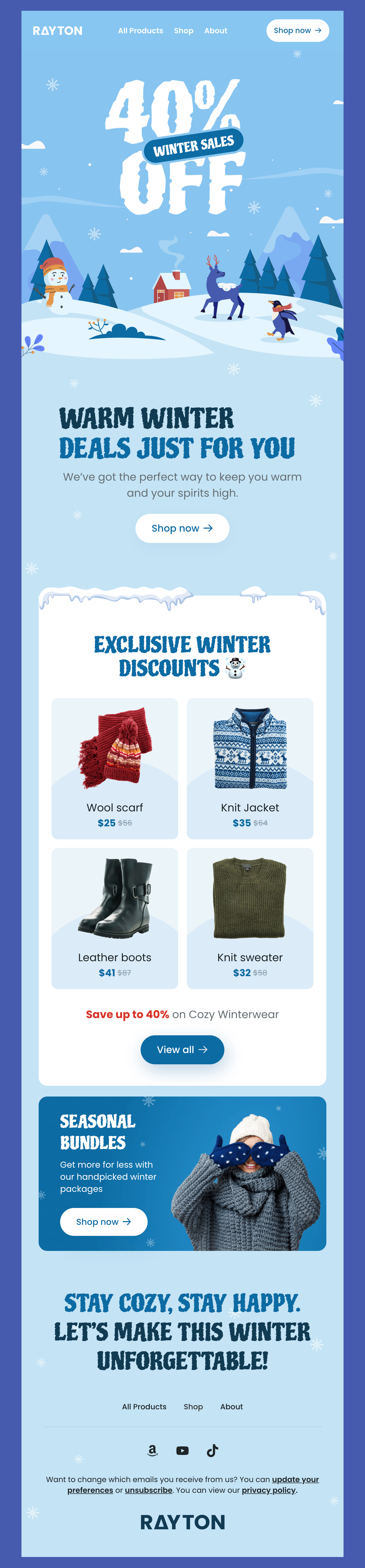
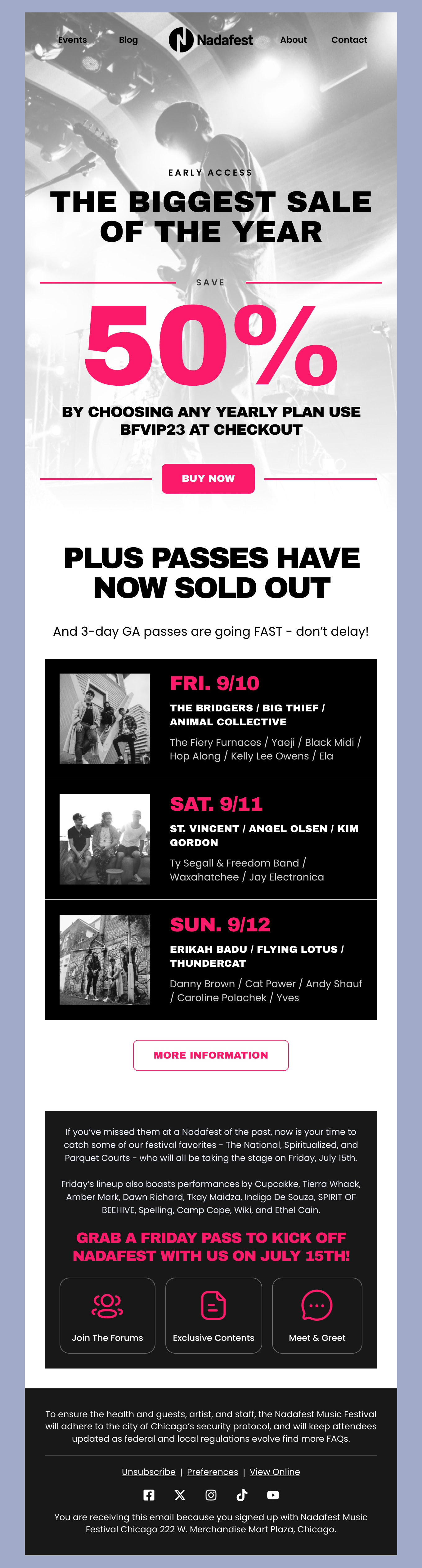
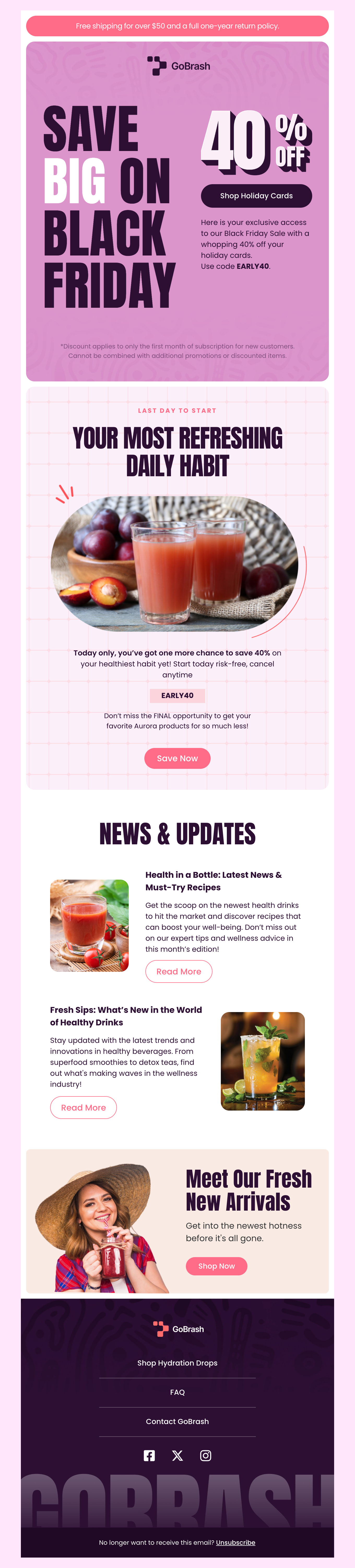
Browse through our free collection of HTML email templates, made specially for Mailwizz users. All of our templates are fully compatible with Mailwizz, optimized for deliverability, and mobile responsive. Whether you are sending a newsletter, promotional offers, or important updates, our templates cater to every need and look great on every device. Ensure your messages stand with bold, professional, and engaging designs. Our templates are the perfect fit for businesses and marketers looking to enhance their strategy with Mailwizz emails. All of this - without the extra cost.
-
MailwizzIndustryUsageSeasonBrand
- Create Your Email Template
- All Templates
- ActiveCampaign
- Amazon SES
- AWeber
- Braze
- Brevo
- Campaign Monitor
- Constant Contact
- GetResponse
- Gmail
- HubSpot
- iContact
- Intercom
- Kit
- Klaviyo
- Mailchimp
- Mailgun
- Mailjet
- MailUp
- Mailwizz
- Mandrill
- Marketo
- Mautic
- Moosend
- Ongage
- Ontraport
- Oracle Eloqua
- Outlook
- Pabbly
- Pepipost
- Postmark
- Salesforce Marketing
- SendGrid
- Sendloop
- SendPulse
- Sendy
- Shopify
- Zapier
- Zoho Campaigns
Where to Edit Mailwizz Email Templates?
Postcards gives you all the tools you need to start building and customize your Mailwizz email template for free - from zero to the finished product in just a few minutes.
-
-
-
-
Start from a prompt
Describe the email you want and AI Suite builds the whole template in seconds: layout, copy, and clean HTML.
-
Your brand, built in
Import your logo, colors, and fonts straight from your website URL, so every template starts on-brand.
-
Translate, rewrite, restyle
Ask AI Suite to translate the whole template into any language, or rewrite and restyle any part of it.
-
Export clean code anywhere
Preview it in Gmail, Outlook, Apple Mail and Yahoo, then one-click export to your email platform or clean HTML.
-
-
Ready for action.
Postcards works with Mailwizz. We’ve tested all our email templates in Mailwizz! Export in one click and save hours on HTML coding.
Try It Now - It’s Free! -
-
-
No-Code Email Design and Development
Postcards is a fully no-code Mailwizz email template builder. All tools within the Postcards editor are visually intuitive and easy to use.
-
Drag & Drop Online Email Editor
We offer 100+ pre-made email modules and essential email components that you can drag and drop into your editor and modify.
-
Mailwizz Responsive Email Templates
We offer built-in and pre-made Mailwizz responsive email templates, but if you want to customize how your email template appears on mobile devices, you can do this using our mobile controllers.
-
Speed-up Email Template Production
Our Mailwizz HTML email templates will accelerate your email design production by 9x. Postcards saves time, allowing you to focus on other email marketing tasks.
Essential Tips for Making the Most of Mailwizz
We’ve put together some essential tips so that you can maximize your email marketing success with Mailwizz. It doesn’t matter if you are just starting out or a seasoned marketer, these tips can guide your campaign and remind you of the best winning practices.
Start By Defining Your Goals
A great campaign always starts out by defining your goals. Ask yourself what you want to achieve with your email campaigns and make a list of everything you’d like to accomplish. That can include:
- Increasing sales
- Nurturing your leads
- Building brand awareness
- Increasing website traffic
- Cross-promoting with social
- Increasing attendees for an event
- Gaining insight into your customers
Each goal has a different approach, and once you define what these are, you can build a strategy. For instance, if you want to increase sales, you would create a campaign highlighting new product releases, promote a flash sale, or curate suggested shopping lists.
If you want to nurture your audience, however, you would build longer form content like blogs to share, newsletters, tips and tricks, a how-to video, or other helpful resources.
You can gain insights from customers by adding polls or asking them questions directly and starting a dialogue. With these tips, you’re off to a great start.
More Tips to Create the Best Email Campaigns with Mailwizz
Mailwizz is a highly rated email platform that we think is a great choice for new and seasoned marketers. Here are a few more tips and reminders to make sure your campaign sparkles more than the rest.
Write Engaging Content: Start with Your Audience
Writing engaging content may be easier said than done, but if you start with understanding your audience, everything else will fall into place. Keep your tone friendly, approachable, and conversational - maybe even playful depending on your industry.
Content that engages always provides value and points the reader to the next action. Whether that’s a clear CTA (call-to-action) on a bold button, or hyperlinks, make sure your readers know exactly where to go next.
Track Your Results
After your email campaigns run, check back to see how they did. Over time, you can get even better at spotting trends and identifying what content resonated best with your audience. Check open rates, bounce rates, engagement, and conversions to glean really important information.
Test Before Sending Because You Can’t Turn Back Time
Every marketer has felt the dread that comes with sending out an email or publishing content and then spotting an error. That’s why we always recommend sending a test to yourself and a few close buddies or colleagues to make sure that everything is ship-shape, looks good, and makes sense.
Nix Excessive Images or File Sizes
Large files and images can negatively impact your campaign in a few ways. First, many email platforms can block these types of files from being displayed, and they can also affect deliverability as a whole. Thankfully, you can stay on the right track by utilizing our pre-made templates that are optimized for the best deliverability, load times, and mobile-friendly viewing.
Test one of our templates out today and see what success you can build!
Designmodo Inc. 169 Madison Ave, #79627, New York, NY 10016, United States
Copyright © 2010-2026