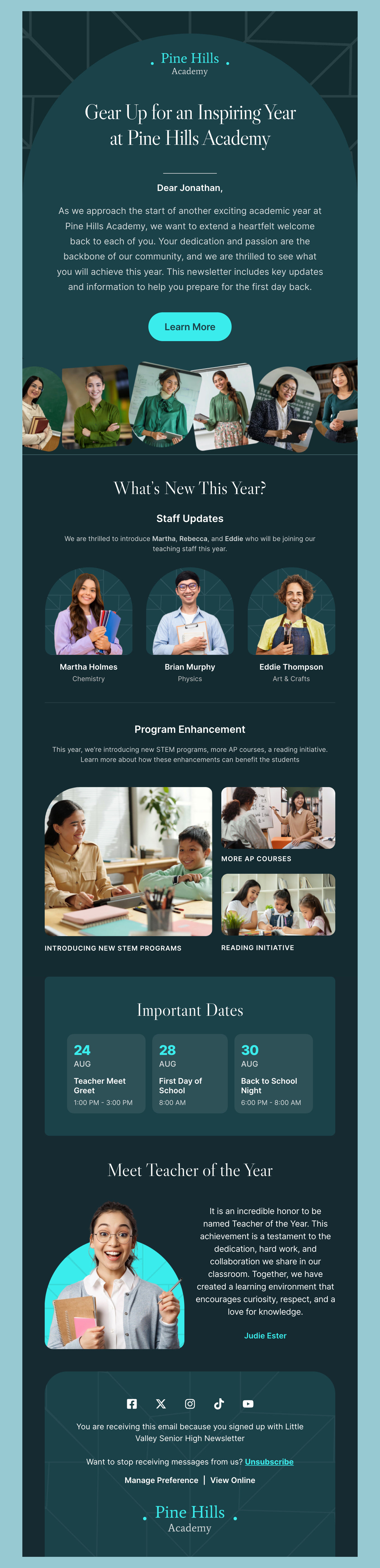
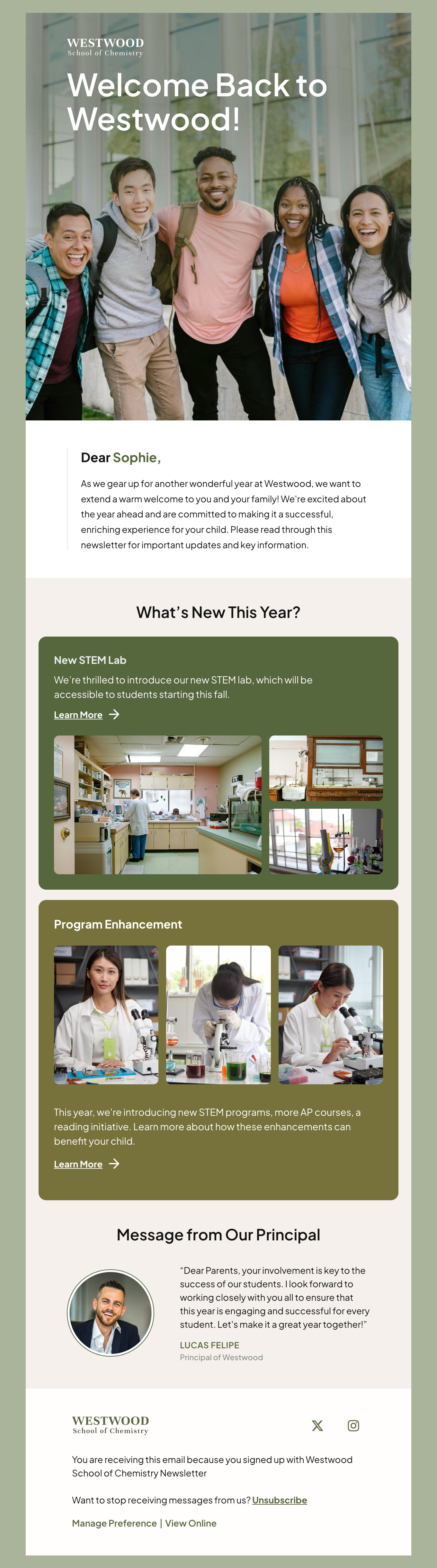
Free Update HTML Email Templates

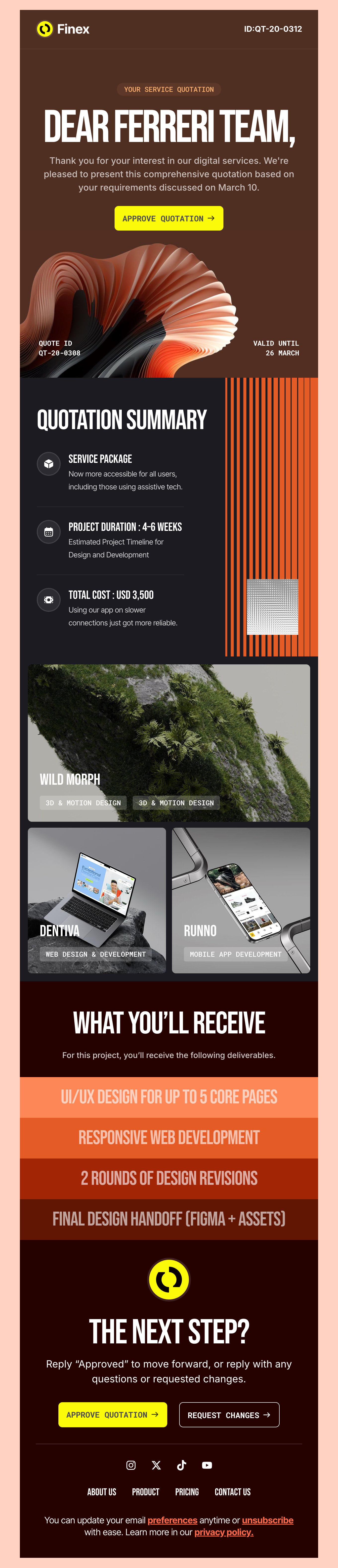
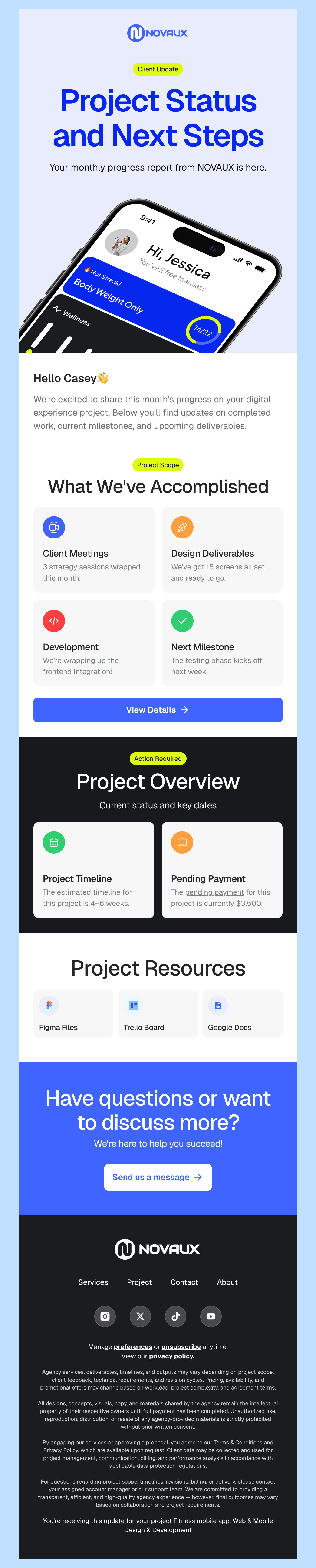
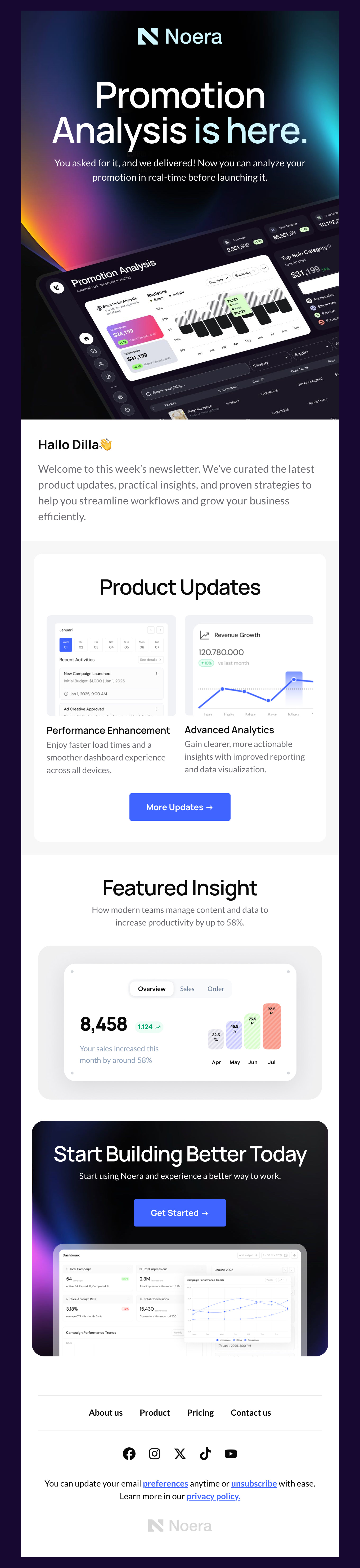
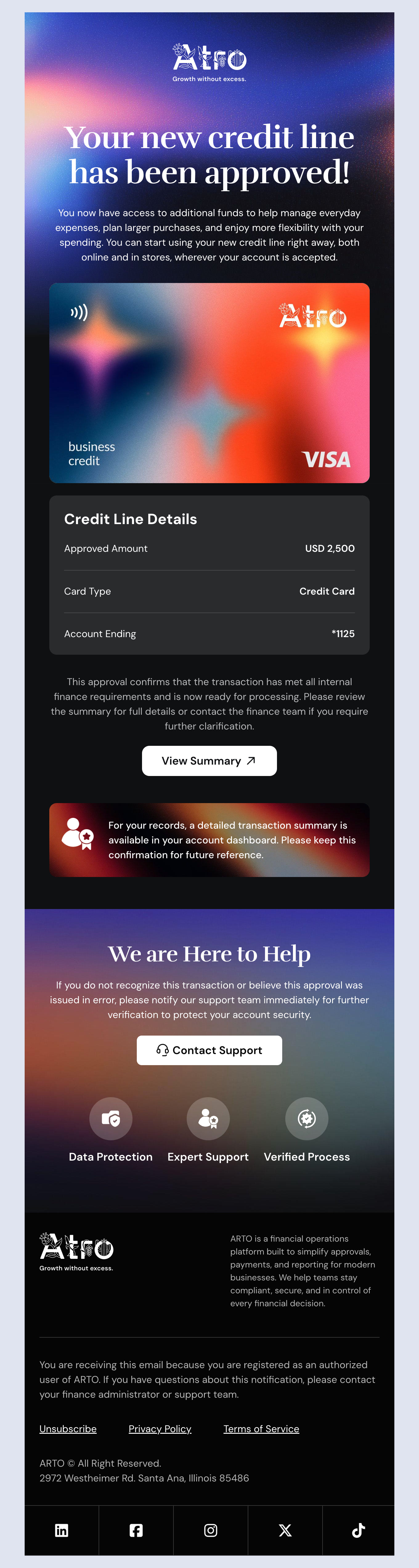
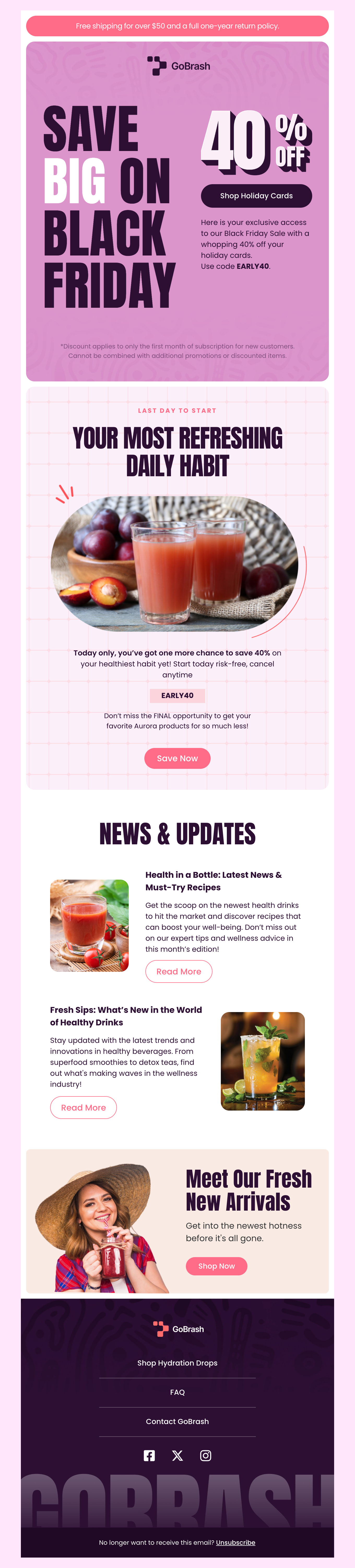
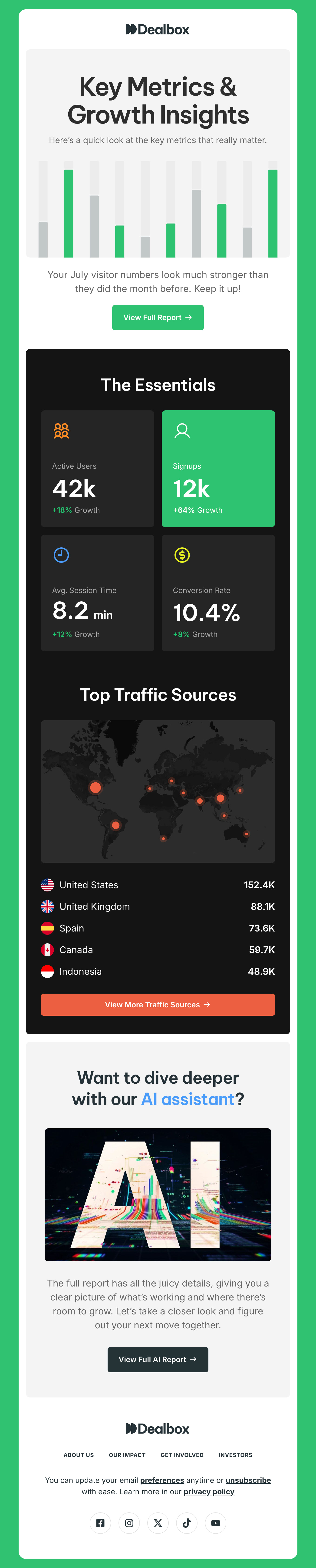
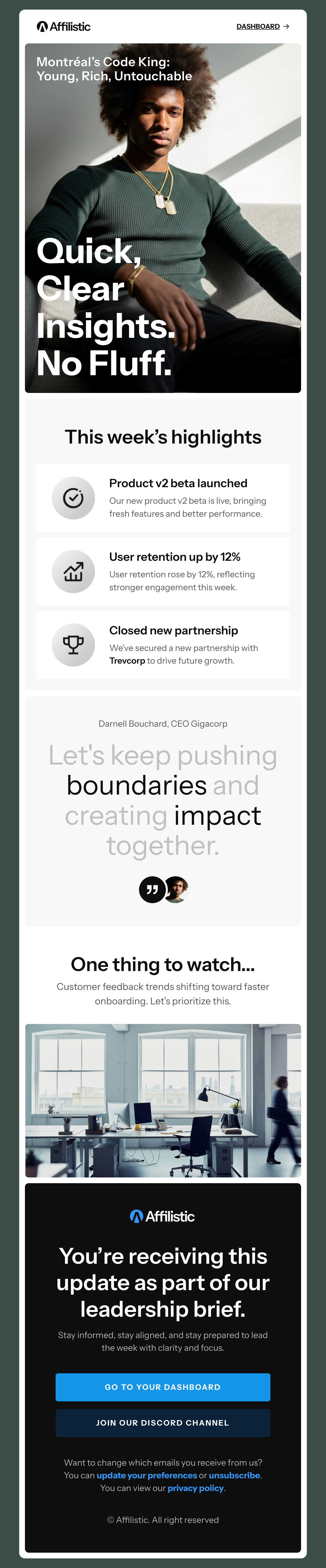
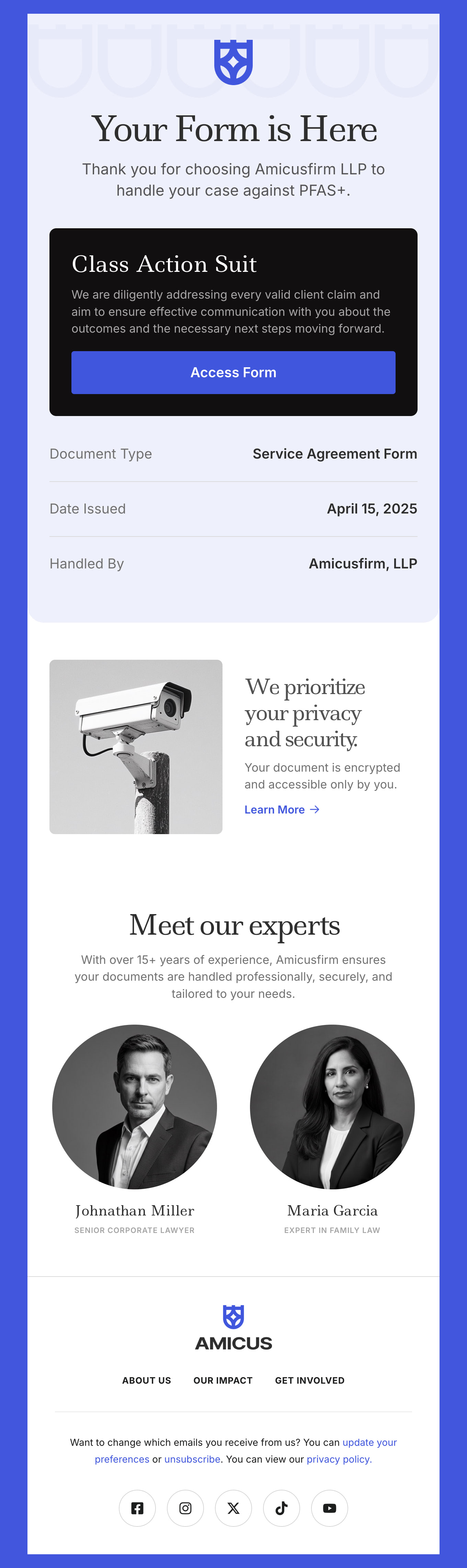
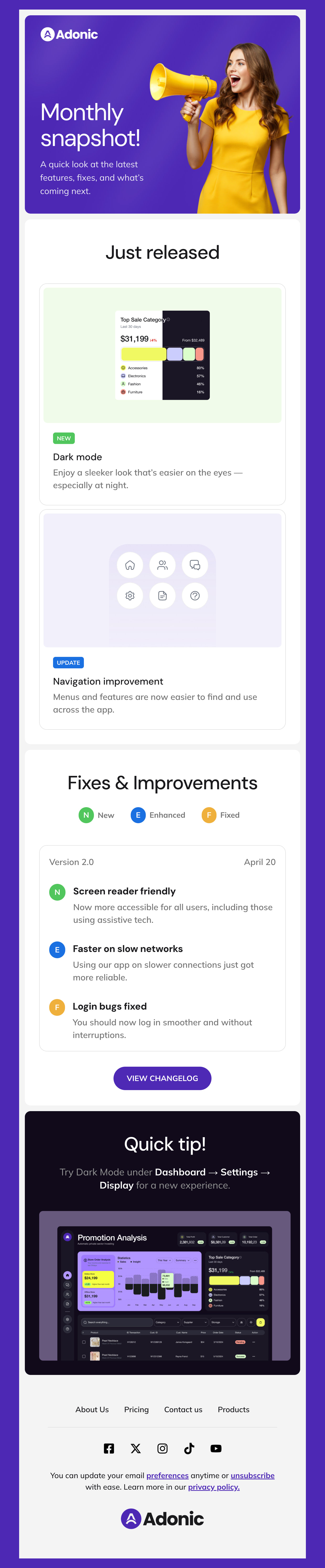
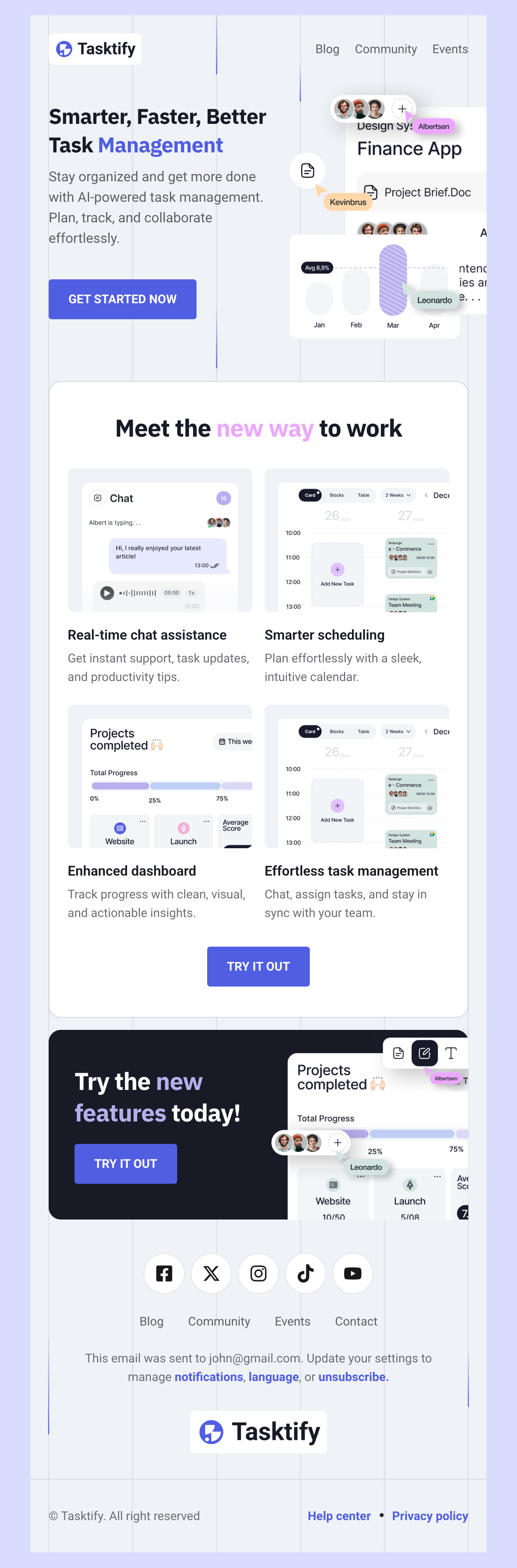
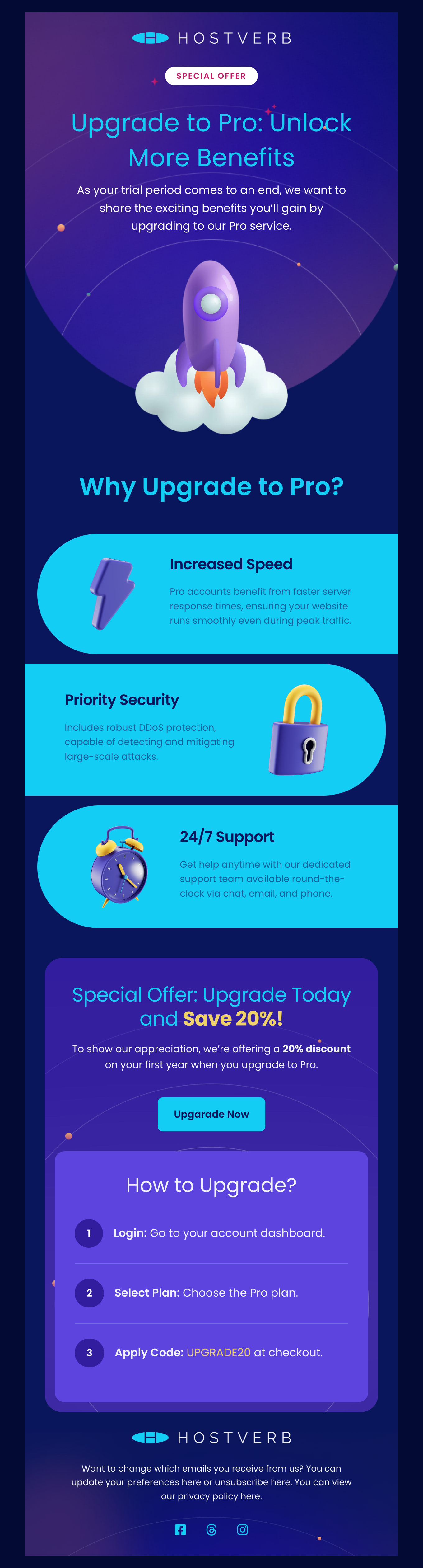
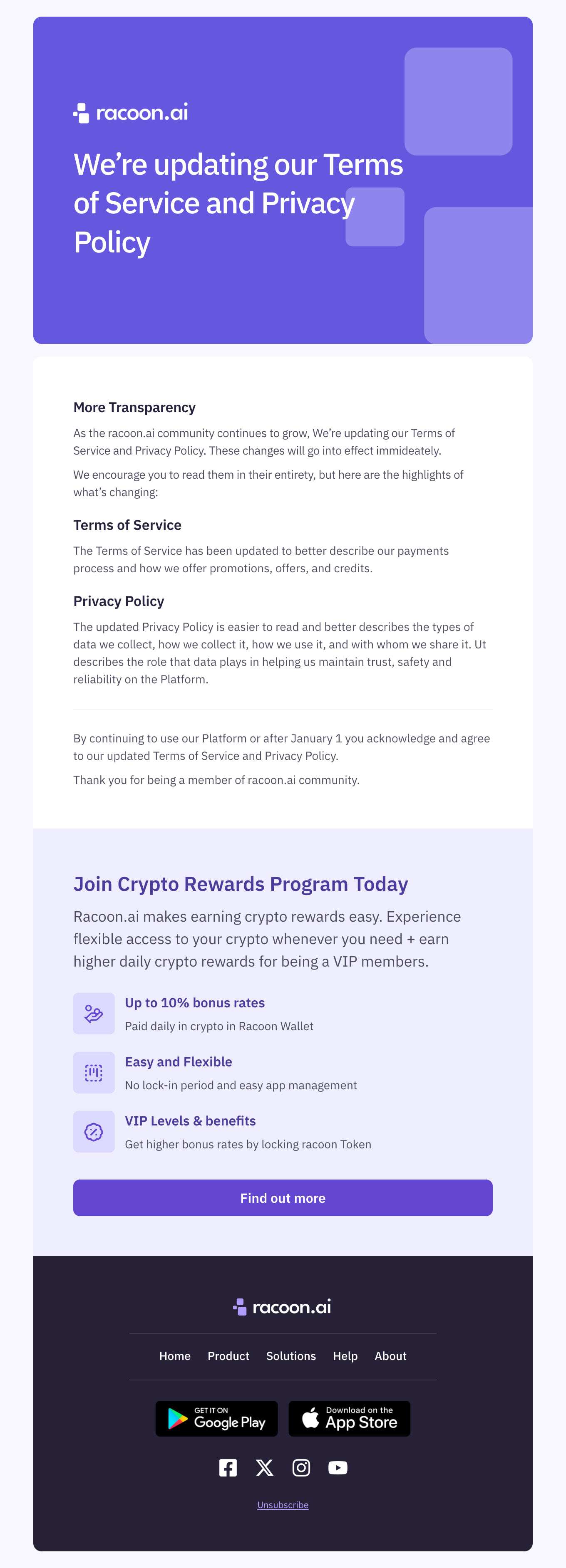
Explore our collection of free HTML email templates designed for you to easily update your customers efficiently. Whether you're sharing company news, product updates, or important announcements, our templates empower you to craft just the right message. Each template ensures your messages stand out and engage your audience effectively.

Where to Edit Update Email Templates?

Postcards gives you all the tools you need to start building and customize your Update email template for free - from zero to the finished product in just a few minutes.

    • Start from a prompt

      Describe the email you want and AI Suite builds the whole template in seconds: layout, copy, and clean HTML.

    • Your brand, built in

      Import your logo, colors, and fonts straight from your website URL, so every template starts on-brand.

    • Translate, rewrite, restyle

      Ask AI Suite to translate the whole template into any language, or rewrite and restyle any part of it.

    • Export clean code anywhere

      Preview it in Gmail, Outlook, Apple Mail and Yahoo, then one-click export to your email platform or clean HTML.

  • Ready for action.

    Postcards works with your email marketing platform. We’ve tested all our email templates! Export in one click and save hours on HTML coding.

    Try It Now - It’s Free!

  • No-Code Email Design and Development

    Postcards is a fully no-code email template builder. All tools within the Postcards editor are visually intuitive and easy to use.

  • Drag & Drop Online Email Editor

    We offer 100+ pre-made email modules and essential email components that you can drag and drop into your editor and modify.

  • Update Responsive Email Templates

    We offer built-in and pre-made Update responsive email templates, but if you want to customize how your email template appears on mobile devices, you can do this using our mobile controllers.

  • Speed-up Email Template Production

    Our HTML email templates will accelerate your email design production by 9x. Postcards saves time, allowing you to focus on other email marketing tasks.

Find the Sweet Spot: How Often Should You Update Customers?

We all know there is a delicate balance when it comes to sending updates and other timely email marketing messages. While there is no one-size-fits-all recommendation, here are a few things to think about when it comes to planning your updates with our email templates.

What’s Your Industry?

If you are in a fast-paced industry such as body care, for instance, you can get away with sending regular emails to showcase your new line. If you’re offering financial services, however, you may want to limit your messages. Offering a monthly newsletter may be more appropriate.

Consider Your Customer Lifecycle Stage

Your new customer could benefit from a series of update emails highlighting products you have released this year while your more established customers may not require as much attention. Consider what stage your customer is in when sending updates that will make the most impact.

What Value Are You Offering?

High-value content such as offering limited quantities or exclusive promotions certainly falls into the realm of appropriate email updates. You can also think of long-form content that provides exclusive insights into this category as well.

Did You Ask Your Customer?

You would be surprised how effective it is to offer customers a “keep me updated” option. Often, customers do want to get access to updates and exclusive offers. Try different options and see which offers resonate with your customers most.

So How Often Should I Send Update Emails?

A common approach to timing email updates to an email marketing list is sending content weekly for high-engagement industries and time-sensitive promotions. However, bi-weekly or monthly emails are a great starting point to gather information, build your brand, and avoid overstimulating your new subscribers.

Best Practices for Sending Email Updates

Building your list and increasing interest are great email marketing goals. But how can you know what’s best when it comes to sending email updates? Here are a few best practices to keep in mind. All of our templates are responsive and tested across the major email clients.

  1. Don’t overload your subscribers with messages. Aim for a balance by always providing relevant information or offers.
  2. Personalize email communications for even more impact through segmentation. Divide your audience into groups based on how they have interacted with you or simply ask them what they are interested in.
  3. Double opt-in means your list stays squeaky clean. A double opt-in is a strategy used by high-stakes marketers to ensure that the value or offer matches their interest.
  4. Subject lines should be clear, concise, and always match what’s inside the email. Avoid exclamation points and overly pushy messaging.
  5. Always include an unsubscribe option in the body of the email. This unsubscribe option isn’t only good practice, it’s the law. Make it easy for your customers to unsubscribe from all, or certain types of communications so you can still keep them on your list.
  6. Ensure you send clean and visually appealing emails for attention-grabbing results. All of our responsive templates are designed to hold up on desktop and mobile.
  7. Measure open and click-through rates so you get an accurate picture of your email success. Remember, open rates show if your text or your offer is irresistible in your subject line, while click-through rates help you track which call-to-action resonates most.

By taking care of the basics in these tips, you can create effective email updates and promotions for your list with our free email templates.

Hey there 👋 Friends from designmodo are here to help!