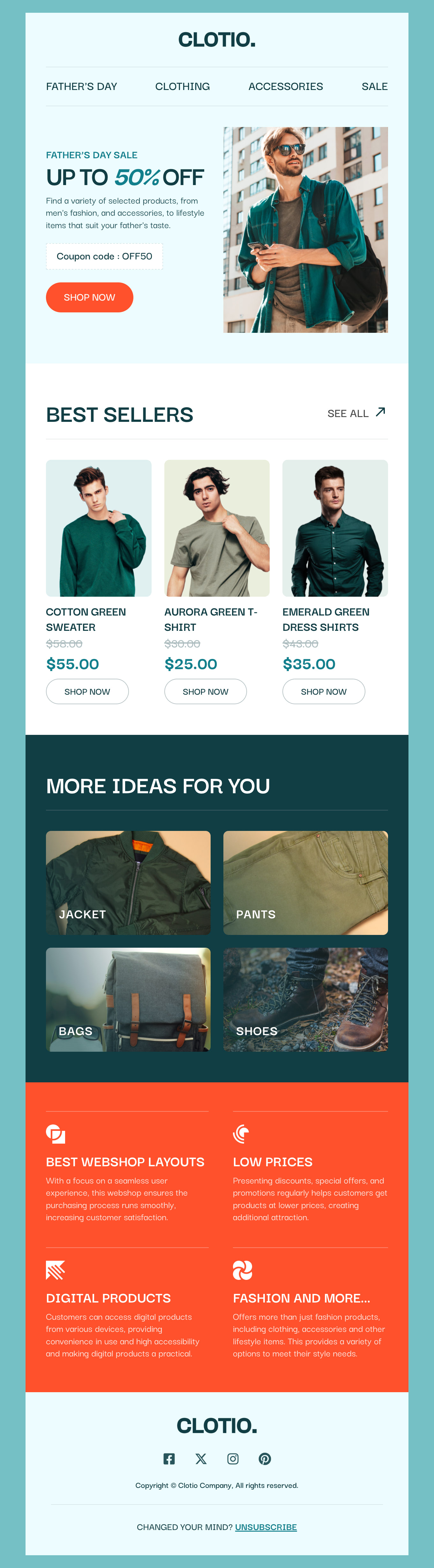
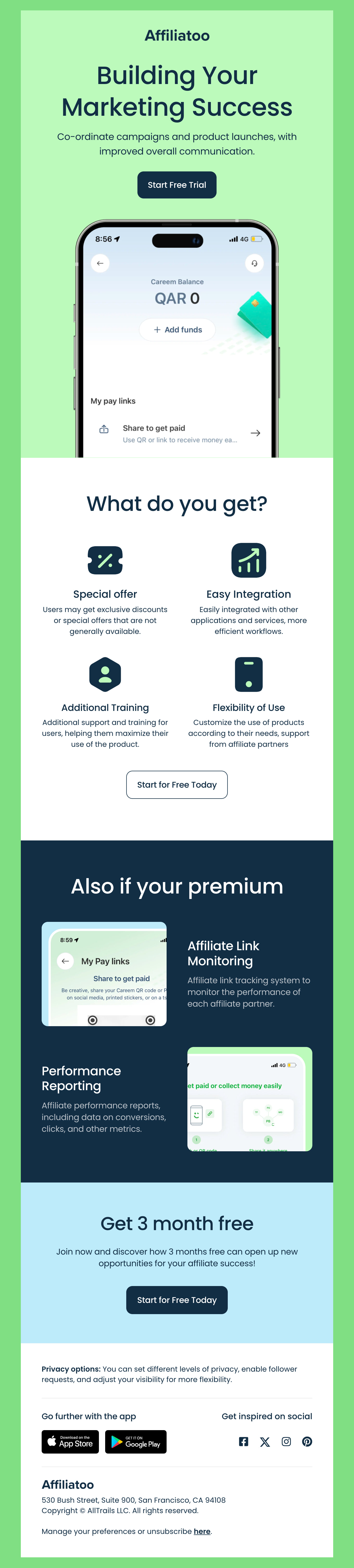
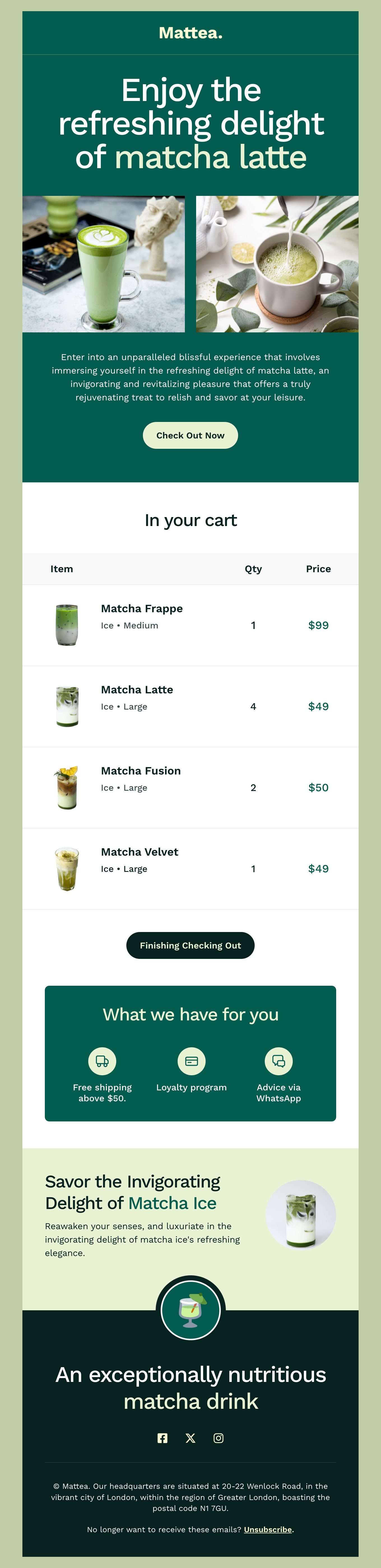
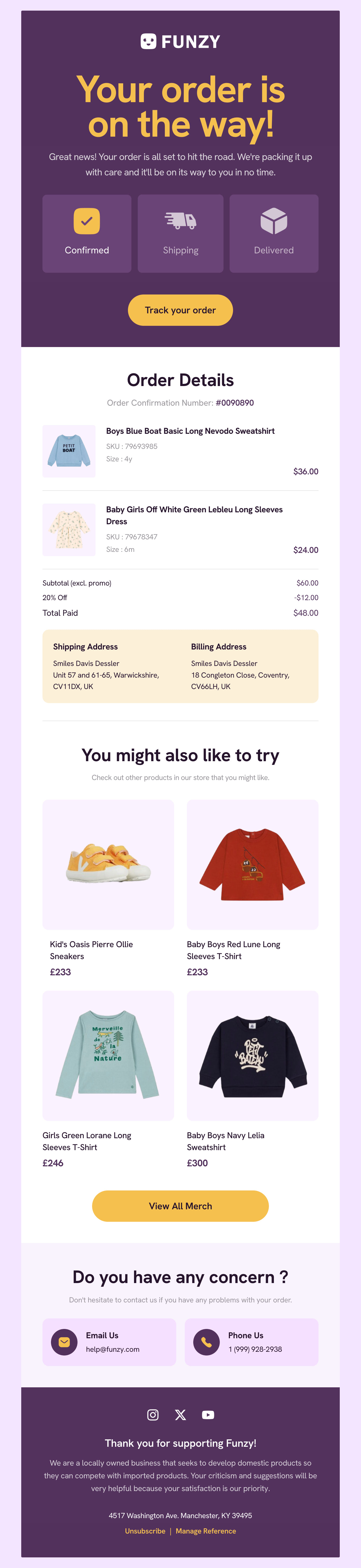
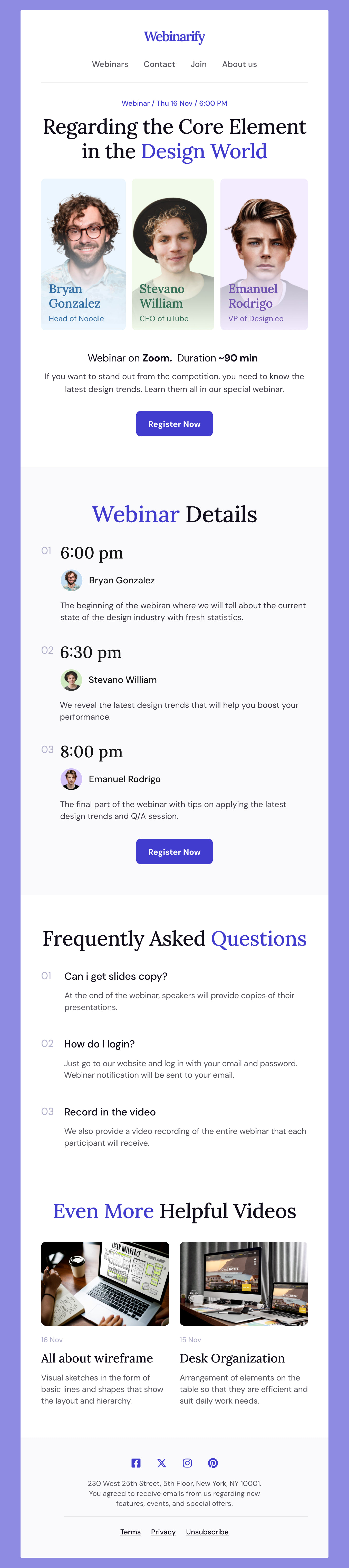
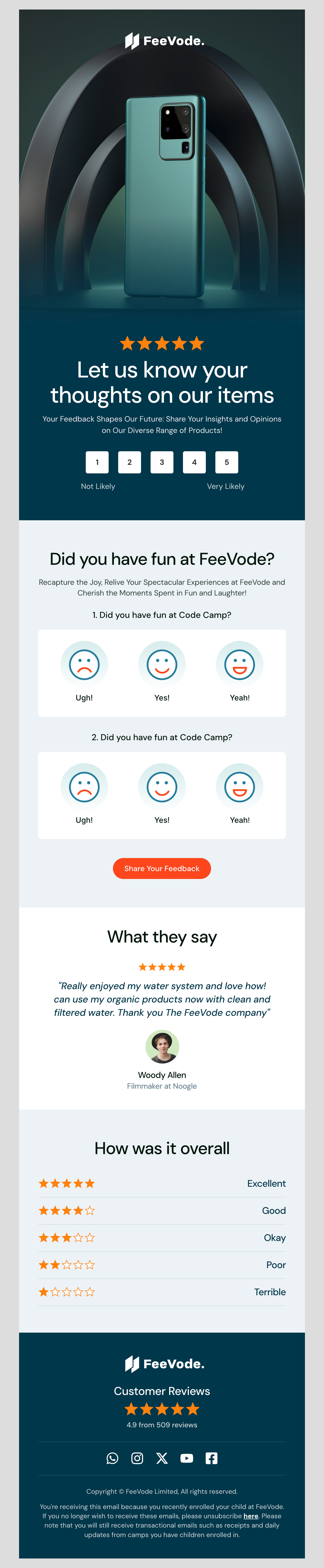
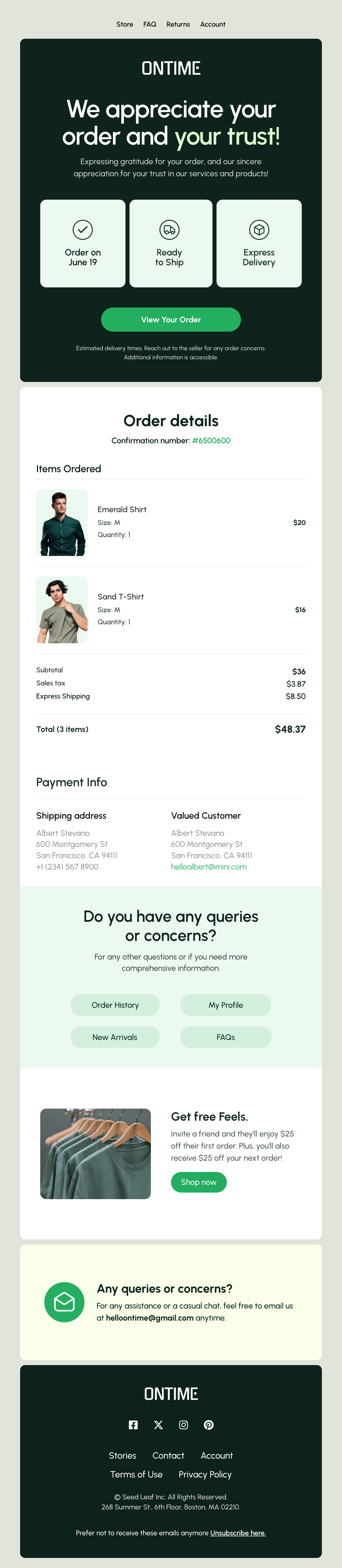
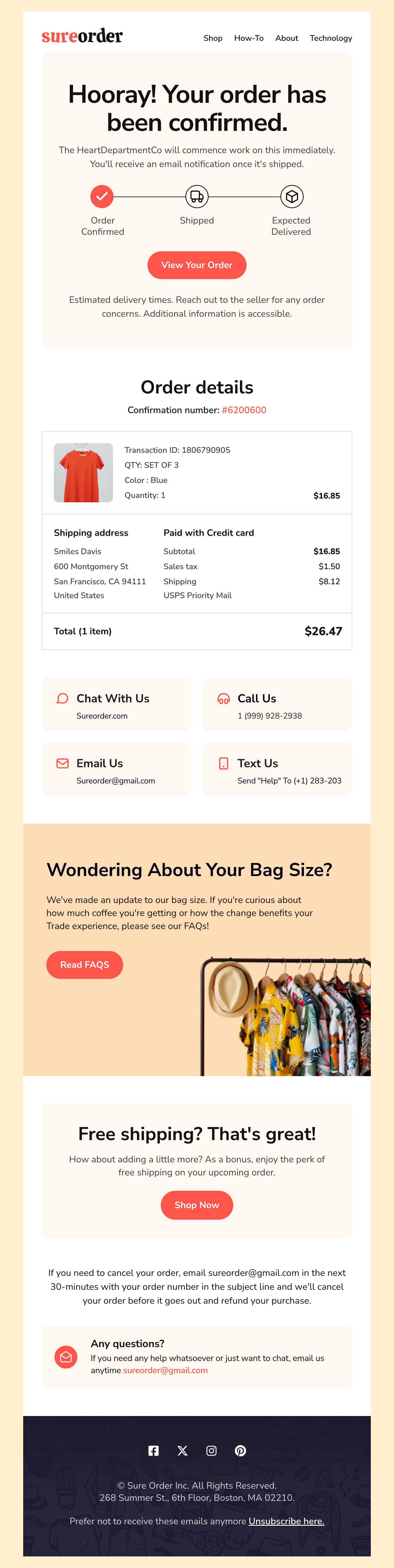
Where to Edit Zoho Campaigns Email Templates?

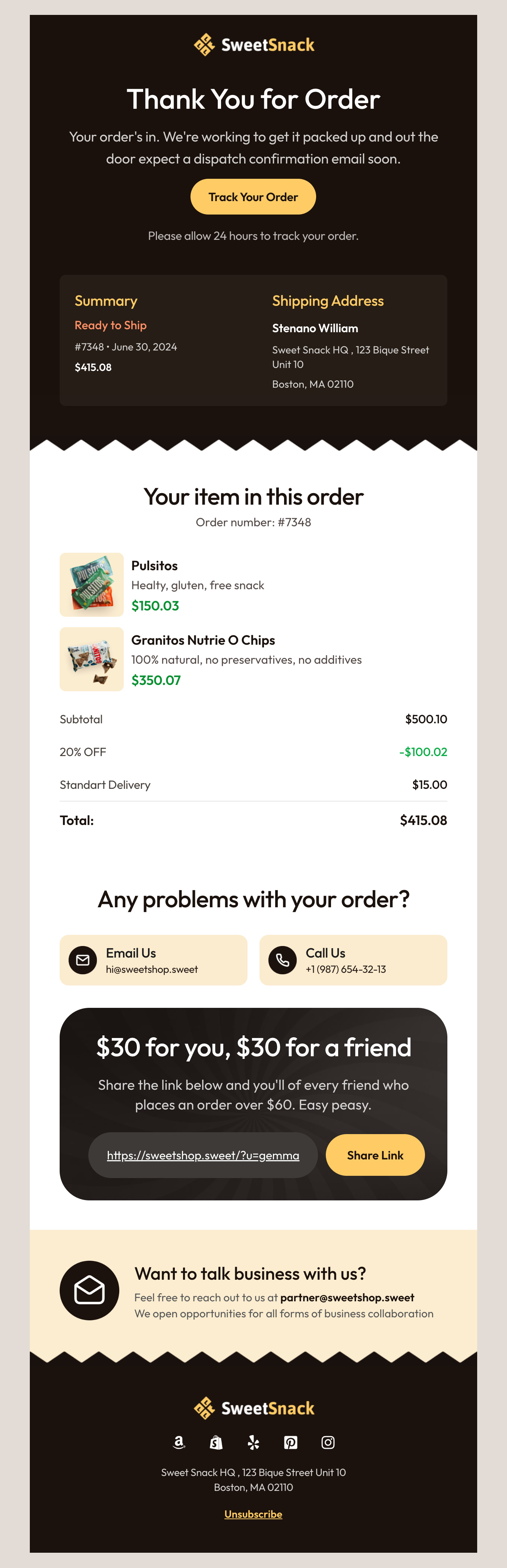
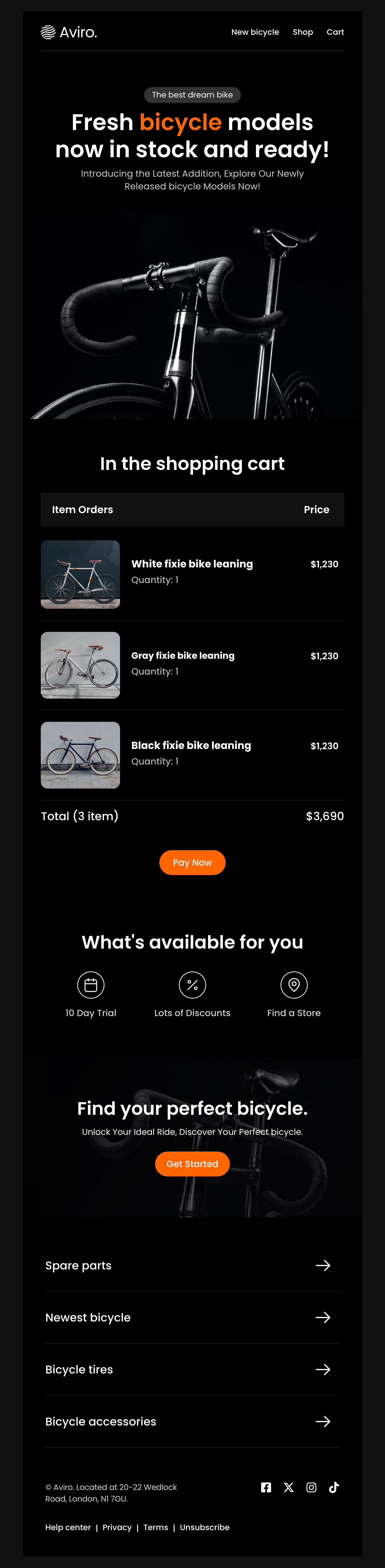
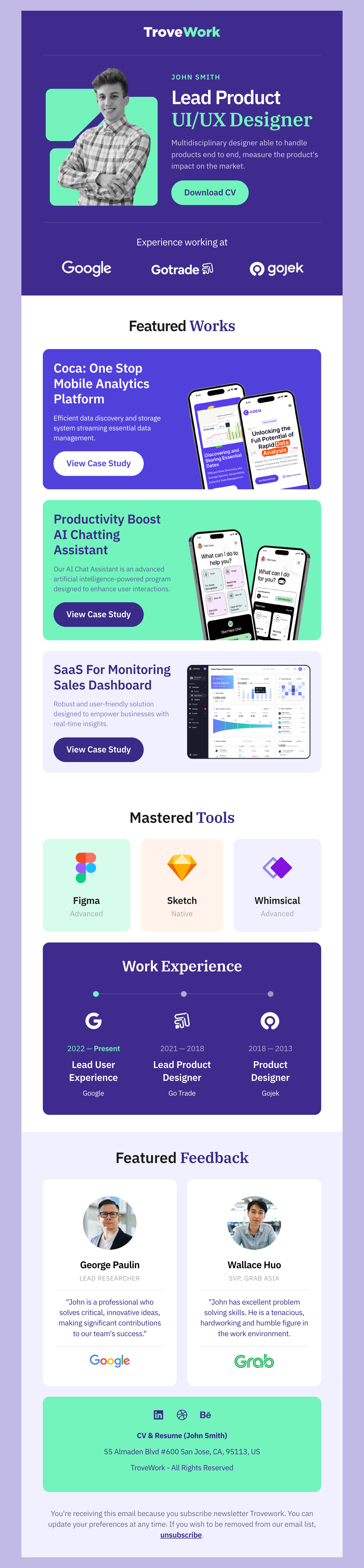
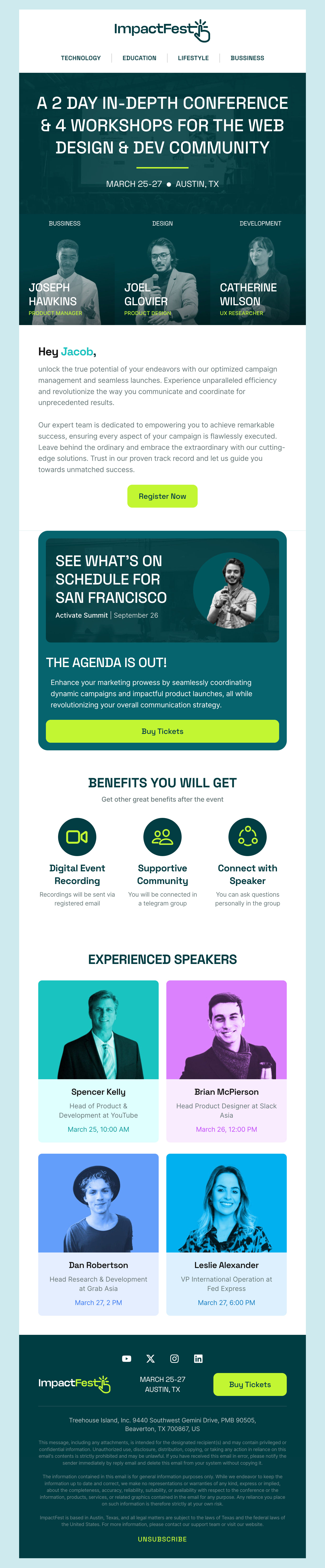
Postcards gives you all the tools you need to start building and customize your Zoho Campaigns email template for free - from zero to the finished product in just a few minutes.

    • Drag & drop email template builder

      Stack your modules together in order to create the template structure you want.

    • Customize your content with ease

      Add your images, texts and links using the intuitive no-code email editor.

    • Customize the mobile version of your email template

      Effortlessly manage and customize the mobile version of your email templates.

    • Simple export to your email marketing platform

      One-click export the template to Mailchimp, HubSpot or as plain HTML file to upload anywhere.

  • Ready for action.

    Postcards works with Zoho Campaigns. We’ve tested all our email templates in Zoho Campaigns! Export in one click and save hours on HTML coding.

    Try It Now - It’s Free!

  • No-Code Email Design and Development

    Postcards is a fully no-code Zoho Campaigns email template builder. All tools within the Postcards editor are visually intuitive and easy to use.

  • Drag & Drop Online Email Editor

    We offer hundreds of pre-made email modules and essential email components that you can drag and drop into your editor and modify.

  • Zoho Campaigns Responsive Email Templates

    We offer built-in and pre-made Zoho Campaigns responsive email templates, but if you want to customize how your email template appears on mobile devices, you can do this using our mobile controllers.

  • Speed-up Email Template Production

    Our Zoho Campaigns HTML email templates will accelerate your email design production by 20x. Postcards saves time, allowing you to focus on other email marketing tasks.

  • Why Choose Postcards for Customizing Your Zoho Campaigns

    Postcards is a drag-and-drop email editor that simplifies sending conversion-optimized Zoho campaigns to boost engagement. From visual editing and responsive email templates to Zoho Campaigns integration and collaboration features, you get everything you need to design and send stunning Zoho Campaigns without coding, all for free!

    Here’s why Postcards is perfect for designing Zoho Campaigns emails:

    • Postcards offers a drag-and-drop interface, reusable content blocks, branding features, and advanced customization options to create on-brand campaigns easily.
    • Our collection includes responsive email templates. Meaning, each Zoho Campaigns newsletter you design with Postcards will have a functioning and beautiful email template structure, whether you view it on a desktop or as a mobile version.
    • Collaborate with teams and partners in real-time to customize newsletter templates.
    • No more worrying about exporting created emails and breaking the code. Postcards integrate with Zoho Campaigns directly, so you can send emails with one click.
    • We’ve tested all our newsletter templates in Zoho Campaigns and different email clients, so rest assured that your emails will always look good whether your subscribers view them on Gmail, Outlook, or any other email client.
  • Here’s How to Make the Most of Your Zoho Campaigns

    Here’s how you can combine Postcards and Zoho Campaigns to make the most of your Zoho emails:

    Customize Zoho email templates in Postcards

    Create branded emails and save them for later use. This way, you can reuse them whenever needed without much effort.

    Invite team members

    Collaborate on email designs for quick approvals and fast delivery. Use cool features like testing desktop and mobile versions of emails in a click, reusable content blocks, and more.

    Apply A/B testing

    Zoho’s built-in A/B split testing features let you test everything from subject lines to senders' names, email addresses, and even entire content variations—use them.
    Tip: Test one element at a time, such as the subject line only, to get more accurate insights.

    Find the perfect time to send email newsletters

    Test different time slots to find the perfect time to send newsletters that work with your audience. Once activated, Zoho will send emails at the same time, regardless of their time zone.

    Create multi-channel campaigns

    Combine SMS, social media, and email marketing to create multi-channel targeting campaigns. Track exactly where your users converted in their journey to optimize future campaigns.

    Ensure accessibility

    Always check your emails for accessibility, readability, deliverability, and responsiveness before sending them. We’ve compiled a list of tools to test email content so you don’t have to.
Hey there 👋 Friends from designmodo are here to help!