Free HTML Email Templates for GetResponse
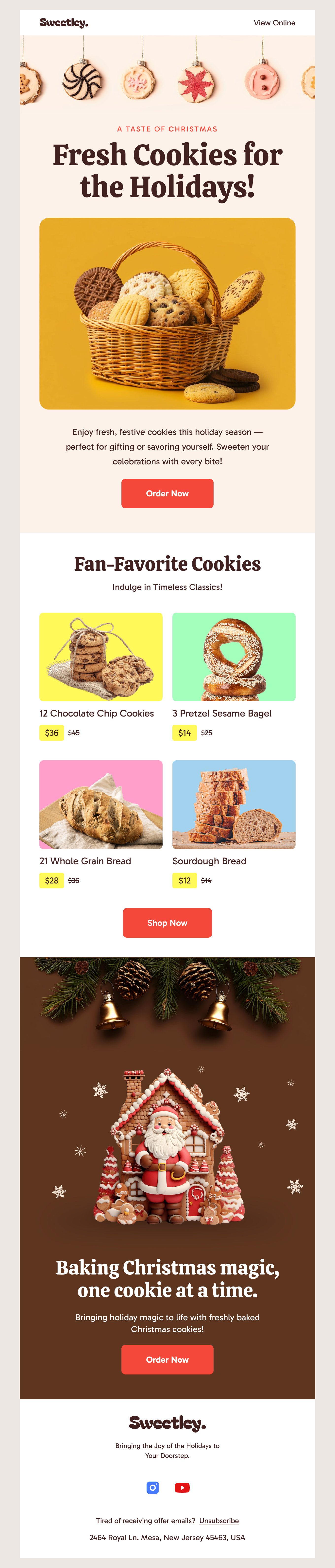
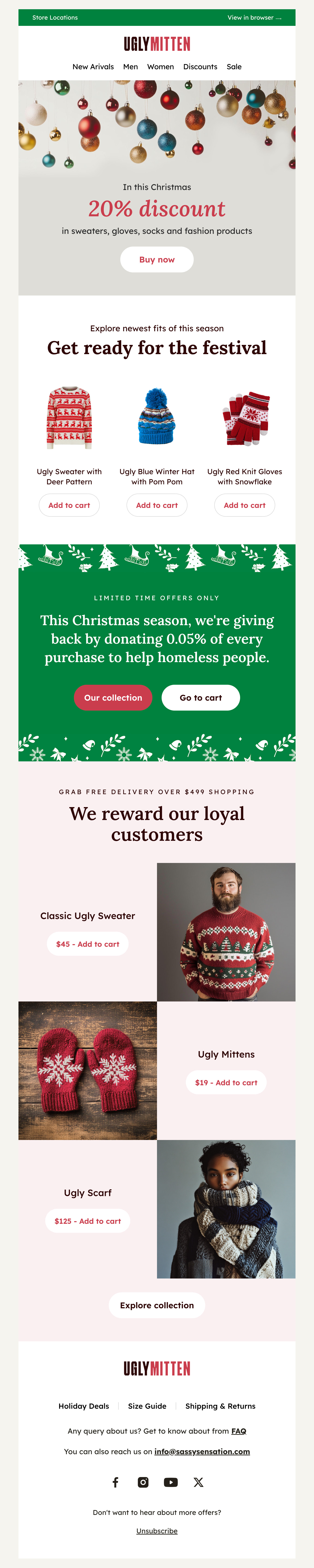
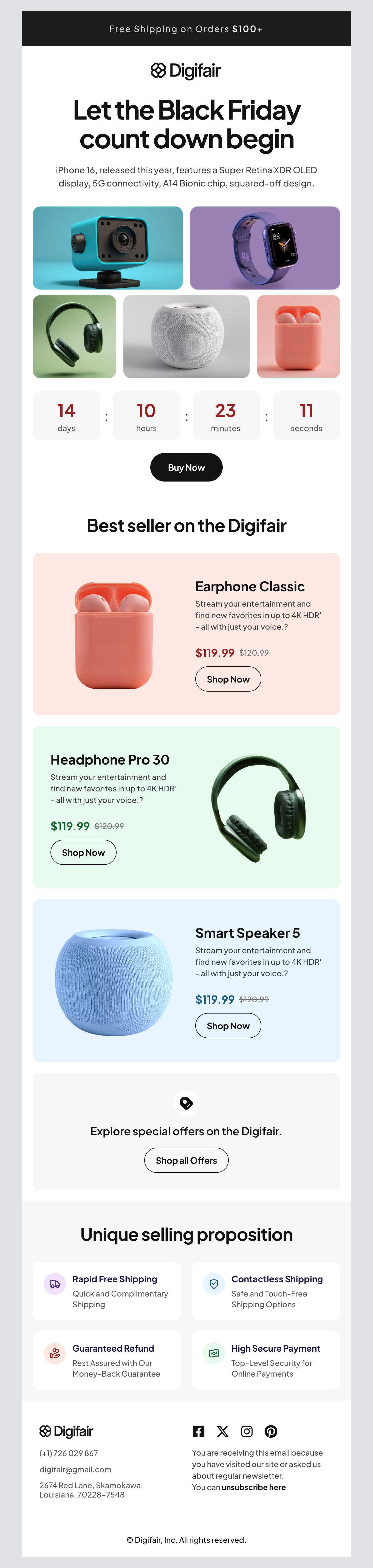
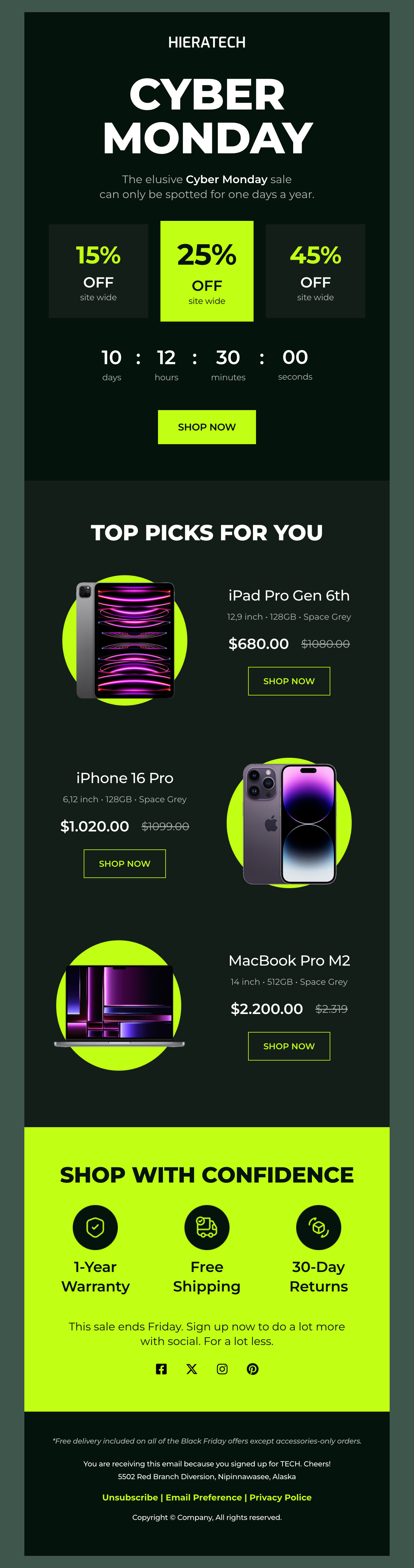
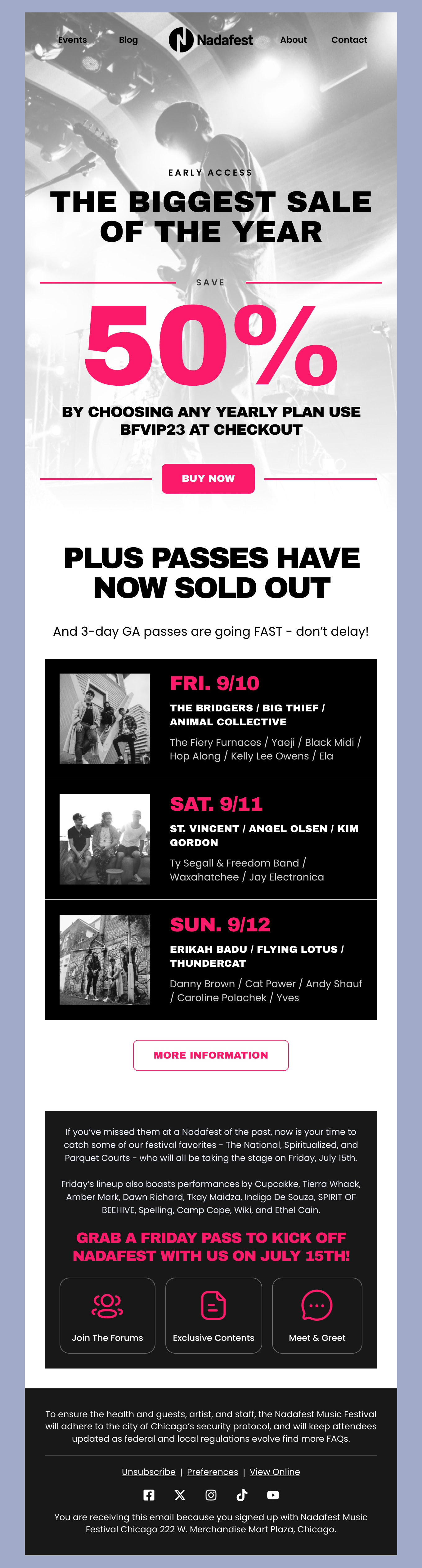
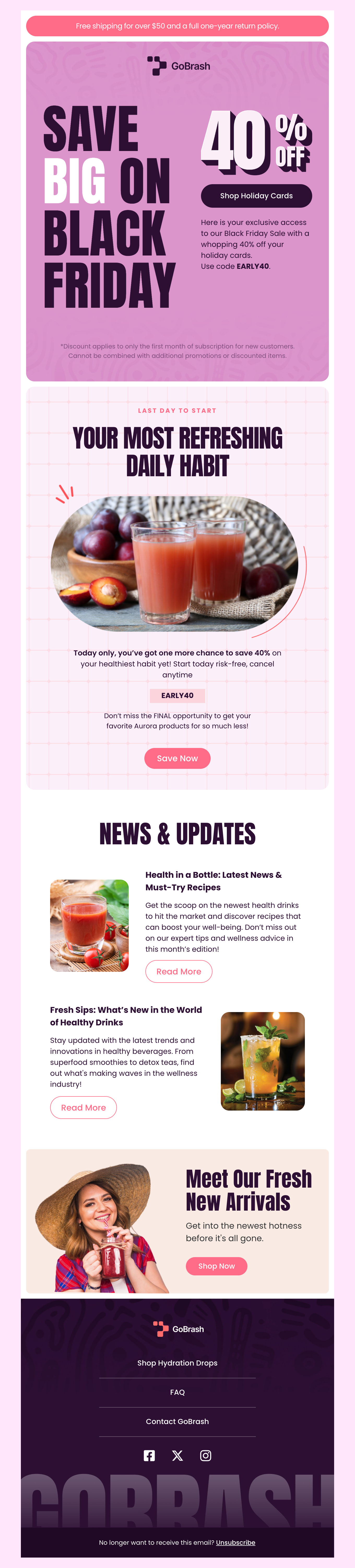
Explore our collection of free HTML email templates made for GetResponse users. They work with GetResponse services to help your emails gain maximum visibility and engage audiences effectively. Our templates will cover all your needs whether you're sending e-newsletters, promotional emails, or blasting out a new event. Pre-designed templates make it easy for you to create an email with every element you need from the start.
-
GetResponseIndustryUsageSeasonBrand
- Create Your Email Template
- All Templates
- ActiveCampaign
- Amazon SES
- AWeber
- Braze
- Brevo
- Campaign Monitor
- Constant Contact
- GetResponse
- Gmail
- HubSpot
- iContact
- Intercom
- Kit
- Klaviyo
- Mailchimp
- Mailgun
- Mailjet
- MailUp
- Mailwizz
- Mandrill
- Marketo
- Mautic
- Moosend
- Ongage
- Ontraport
- Oracle Eloqua
- Outlook
- Pabbly
- Pepipost
- Postmark
- Salesforce Marketing
- SendGrid
- Sendloop
- SendPulse
- Sendy
- Shopify
- Zapier
- Zoho Campaigns
Where to Edit GetResponse Email Templates?
Postcards gives you all the tools you need to start building and customize your GetResponse email template for free - from zero to the finished product in just a few minutes.
-
-
-
-
Start from a prompt
Describe the email you want and AI Suite builds the whole template in seconds: layout, copy, and clean HTML.
-
Your brand, built in
Import your logo, colors, and fonts straight from your website URL, so every template starts on-brand.
-
Translate, rewrite, restyle
Ask AI Suite to translate the whole template into any language, or rewrite and restyle any part of it.
-
Export clean code anywhere
Preview it in Gmail, Outlook, Apple Mail and Yahoo, then one-click export to your email platform or clean HTML.
-
-
Ready for action.
Postcards works with GetResponse. We’ve tested all our email templates in GetResponse! Export in one click and save hours on HTML coding.
Try It Now - It’s Free! -
-
-
No-Code Email Design and Development
Postcards is a fully no-code GetResponse email template builder. All tools within the Postcards editor are visually intuitive and easy to use.
-
Drag & Drop Online Email Editor
We offer 100+ pre-made email modules and essential email components that you can drag and drop into your editor and modify.
-
GetResponse Responsive Email Templates
We offer built-in and pre-made GetResponse responsive email templates, but if you want to customize how your email template appears on mobile devices, you can do this using our mobile controllers.
-
Speed-up Email Template Production
Our GetResponse HTML email templates will accelerate your email design production by 9x. Postcards saves time, allowing you to focus on other email marketing tasks.
How to Maximize GetResponse: Tips for Using Its Best Features
GetResponse is a powerful platform that offers a variety of features to empower your email marketing campaigns. We’ve reviewed the best features of GetResponse and created some tips to help you make the most of your campaigns when using our Designmodo email templates.
Automate Tasks Like a Pro
GetResponse has an email automation builder that makes it easy for you to send emails based on preset conditions. Send a new subscriber an onboarding series, or make sure you send out your weekly promotions every Sunday - it's all done right there in automated workflows.
You can also automate personalized campaigns based on user behavior. Send an abandoned cart email to woo back a customer to finish their purchase, add a post-purchase follow-up sequence, or send out a “win-them-back” campaign after a purchasing lapse.
Set Up Segmentation for Customer Journeys
Let your automation campaigns complement your customer segments. Segmentation lets you separate your audience into specific groups for further targeting. This way, you can tailor your campaigns based on demographics or other data, which can result in more engaged audiences and better sales conversions.
Test to See What Works Best
GetResponse offers A/B testing which you can utilize to experiment with subject lines, CTA offers, or even swap out our template designs and see which resonates best! Find the winner and optimize your next campaign with what you’ve learned.
More Tips for Winning GetResponse Campaigns
We have already gone through several of the most notable features for marketing professionals, but GetResponse has several more features worth mentioning. Ready to bring your marketing campaigns to the next level?
Convert New Leads with Landing Pages
GetResponse comes equipped with a landing page builder so that you can capture more leads with your offer. Ask for an email in exchange for a promo code or free offer, which works as a great lead magnet while you build your email list.
You can also test different types of offers and segment your list based on their interest. Next, send a sequence that follows up with these folks and offer them your other products or services. Track responses on your landing page and analyze metrics to see what offers resonate the most.
Try the Webinar Platform
One great notable feature of GetResponse is the webinar platform you can use to host online events and create buzz for your subscribers. First, create your concept and build valuable content that will engage them. Next, promote these events to your existing subscribers as well as social media. You have the potential to gain more subscribers as you capture emails from registration and those who attend. You can then repurpose your webinar recording to make reels or other on-demand content.
Bonus Tips - Optimize for Deliverability
Anyone who maintains an email list has to keep some general housekeeping in mind. You’ll want to regularly remove inactive or bounced emails. Additionally, avoid spam triggers by following best practices for email marketing. And lastly, authenticate your domain by using Sender Policy Framework (SPF) and DomainKeys Identified Mail (DKIM) to verify authenticity.
We like GetResponse for its unique features and efficient marketing tools. By using these features and following our tips, you can create targeted, effective, and engaging campaigns. Try out one of our latest designs and get started.
Designmodo Inc. 169 Madison Ave, #79627, New York, NY 10016, United States
Copyright © 2010-2026